

2026 suite: inbox, AI, accounting.Open app

Client work operating system

Run your client-work business in one place.

Create quotes and invoices, manage projects, requests, inbox, files, schedules, payments, AI workflows, and reporting without stitching together five separate platforms.

Start free trial
Workspace369 dashboard showing revenue, expenses, clients, paid invoices, and reporting
Metrics connectedRevenue, expenses, invoices, and client activity update together.
One viewSee the business without bouncing between reports.

Built around the way client work actually moves.

Workspace369 started from a simple frustration: service teams were running the same client relationship across a CRM, inbox, request forms, project boards, calendars, billing tools, files, and spreadsheets.

The current platform brings those pieces into one operating system. Teams can manage clients, requests, projects, schedules, shared inboxes, invoices, payments, expenses, accounting, storage, AI, and automations from one place.

Learn More
Workspace369 operators reviewing client work

Product layers

One workspace for the work, the conversation, and the money.

The current Workspace369 product is built around the full client lifecycle. Leads, schedules, messages, files, invoices, payments, expenses, AI, and accounting stay close to the same client record.

01

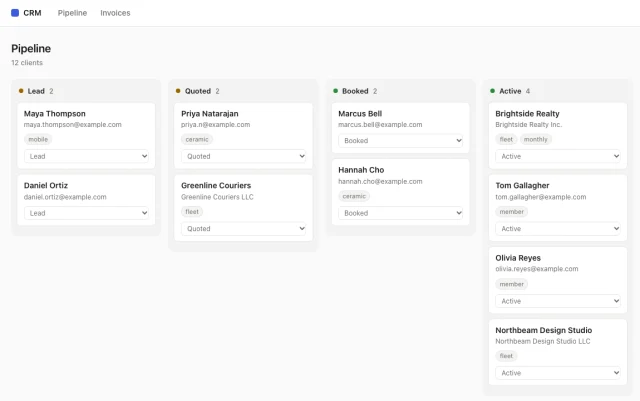
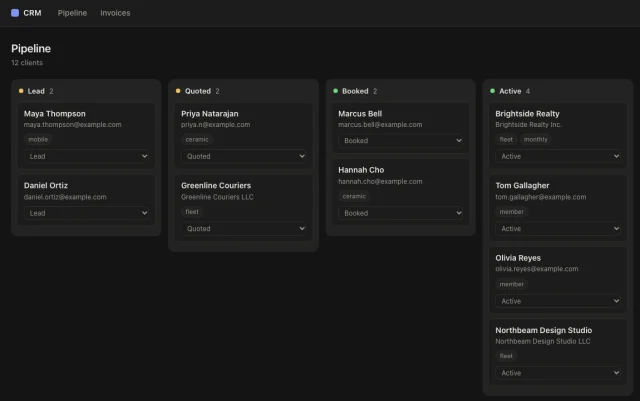
Capture and organize the client record

Bring requests, leads, client details, files, notes, and follow-up into the same place before work starts drifting across tabs.

  • CRM and request intake
  • Client history
  • Files and notes
Workspace369 dashboard with client work activity and business metrics
02

Schedule, assign, and deliver the work

Move from intake into calendars, projects, tasks, reminders, time tracking, and team ownership without recreating the job context.

  • Projects and tasks
  • Calendar scheduling
  • Time and reminders
Workspace369 calendar and scheduling screen
03

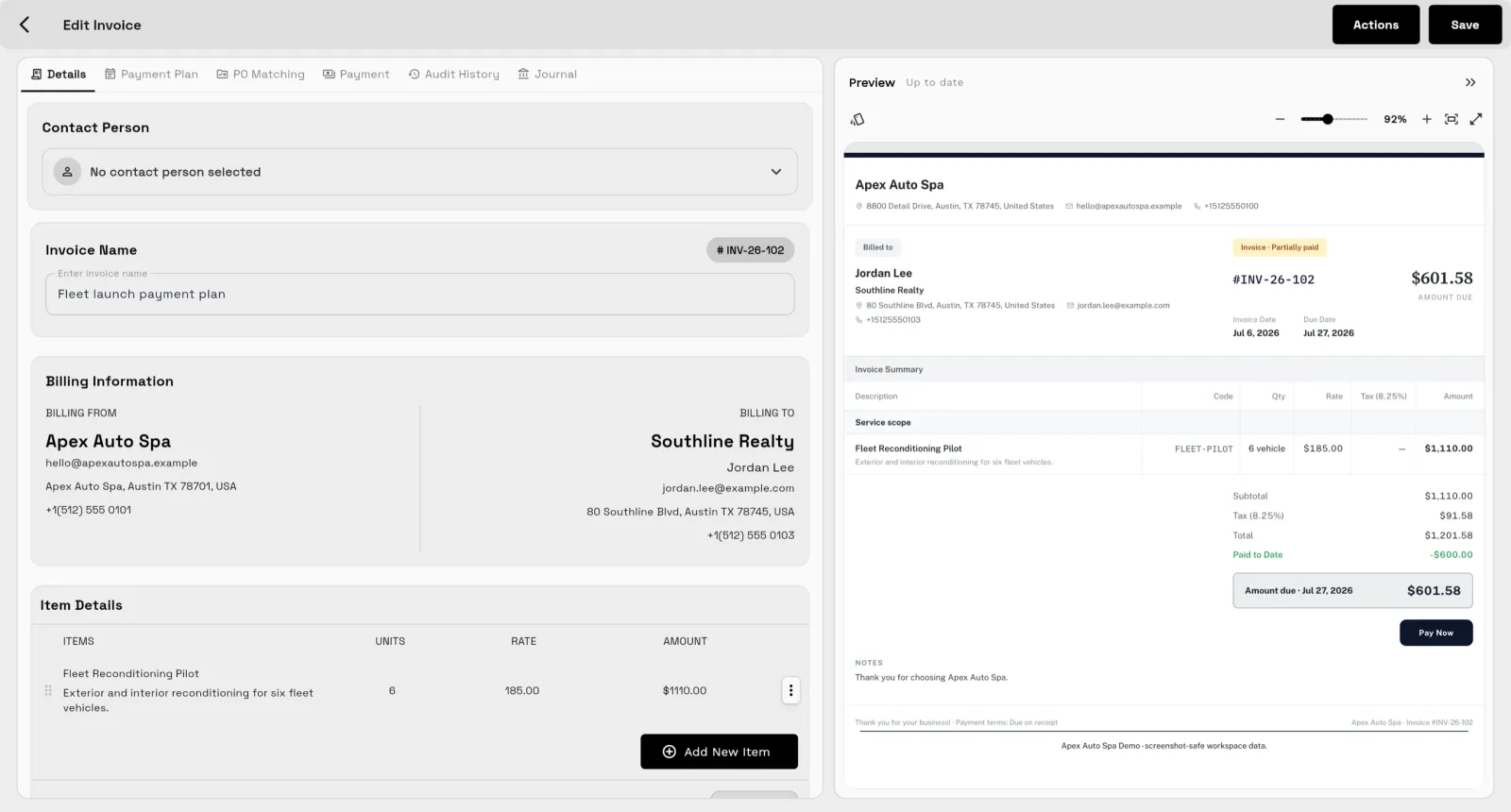
Quote, bill, collect, and report clearly

Use estimates, proposals, retainers, invoices, payment links, payment plans, expenses, inventory, and accounting workflows together.

  • Invoices and estimates
  • Stripe payments
  • Accounting reports
Workspace369 invoice management screen

Connected operations

The operational details are connected

Workspace369 is built around the full client lifecycle, not just one isolated workflow. Intake, delivery, communication, billing, files, and reporting stay in the same workspace.

Workspace369 dashboard details
Oneclient record
Livebilling context
Clearteam handoff

Client work lifecycle

From first request to final payment.

Workspace369 gives your team one connected path for the work that normally jumps across a CRM, form builder, inbox, project tool, calendar, billing app, payment processor, file drive, and spreadsheet.

Capture the request, schedule the work, keep conversations attached, deliver through projects and tasks, bill cleanly, collect payment, and report on the operation without rebuilding context at every step.

See the modules
Live workspaceAcme Field Services
On track
RequestNew client intake approved
2 min ago
ProjectCrew assigned and calendar synced
Today
InvoiceDeposit invoice sent with payment link
$1,250
ReportRevenue, expenses, and follow-up updated
Ready
12active jobs
$18.4kopen AR
93%on-time tasks
Step 1

Capture request

Bring leads, intake forms, client records, and request details into one shared starting point.

Step 2

Plan the work

Turn the request into scheduled projects, tasks, files, notes, and team ownership.

Step 3

Bill and collect

Send estimates, proposals, invoices, payment links, deposits, and payment plans from the same workspace.

Step 4

Report clearly

See clients, revenue, payments, expenses, project activity, and follow-up without stitching reports together.

Ready when you are

See where Workspace369 fits into your client-work flow.

Start with the modules you need today, then turn on AI, automations, accounting, inventory, requests, and reporting as the operation grows.