Release notes

What's new in Workspace369

New features for running client work: what each one does, where to find it in the app and which plans include it. Updated every time we ship something you can use.

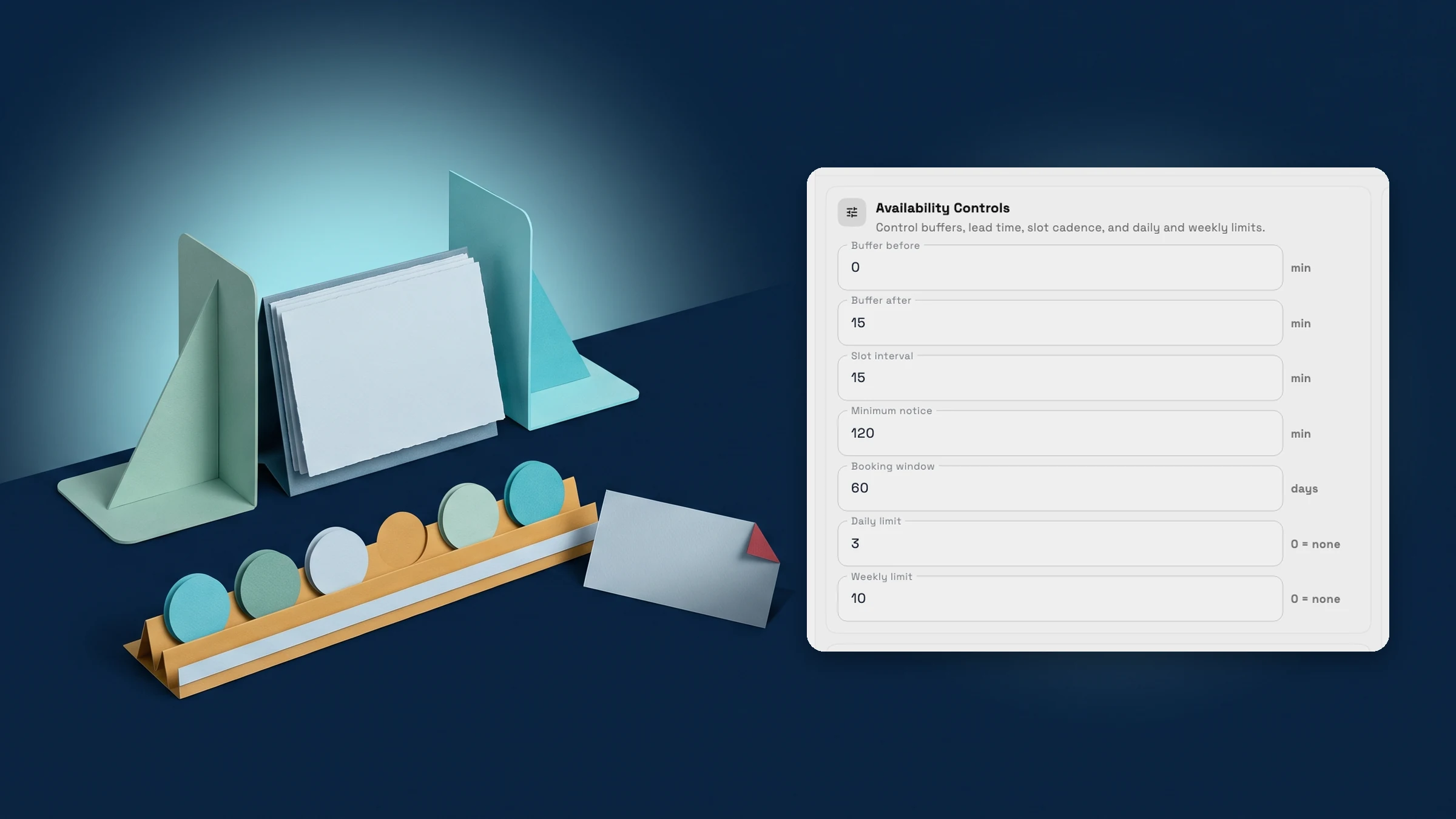
  1. Calendar & booking

    Choose which days of the week bookings need your approval

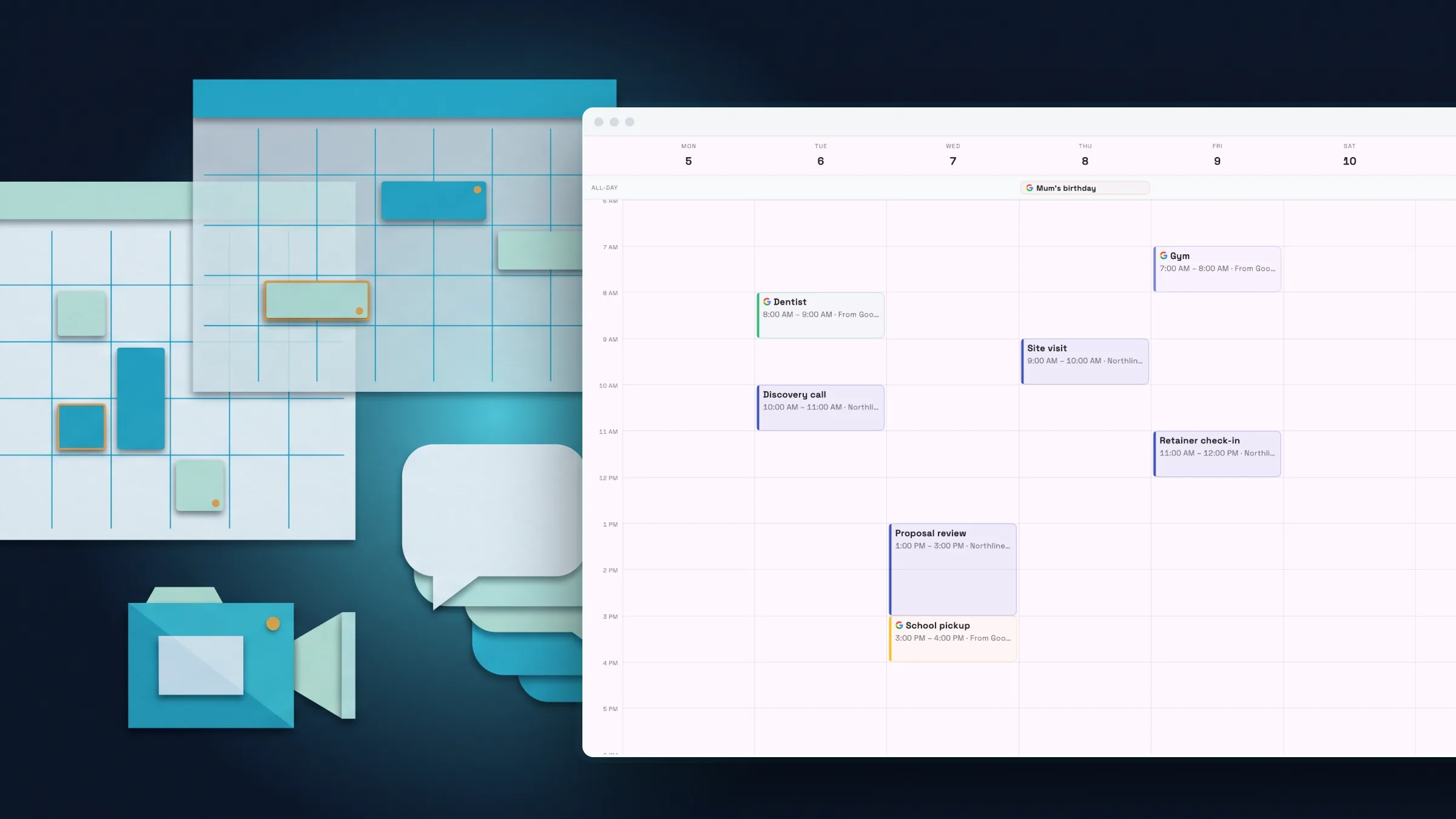
    Bookings can now need your approval only on the days you pick, booking pages tag times Instant or Request, and embedded booking can record where new clients came from.

    • Approval on the days you pick
    • Clients see which times book instantly
    • See where a client booked through your website came from
    • A link to every booking page setting
    Read the release notes
  2. Billing & paymentsProposals & contractsCalendar & booking

    Clients see your own thank-you page after they pay

    After a client pays an invoice, pay link, proposal or booking, they now see your note and next-step buttons under the confirmation, with an optional redirect to your site.

    • A note and next steps for clients right after they pay
    • Set it once for the workspace, change it per document
    Read the release notes
  3. Workspace & teamBilling & payments

    Locked features now show what they do, and unsaved work is easier to recover

    Locked features now show a preview and the plan that includes them, plan limits show your real usage and the next plan, and unsaved work is easier to recover.

    • Every locked feature explains itself before you upgrade
    • Locked reports and actions now say which plan has them
    • Hitting a plan limit shows your usage and the next step
    • Unsaved work stays quiet until it needs you
    Read the release notes
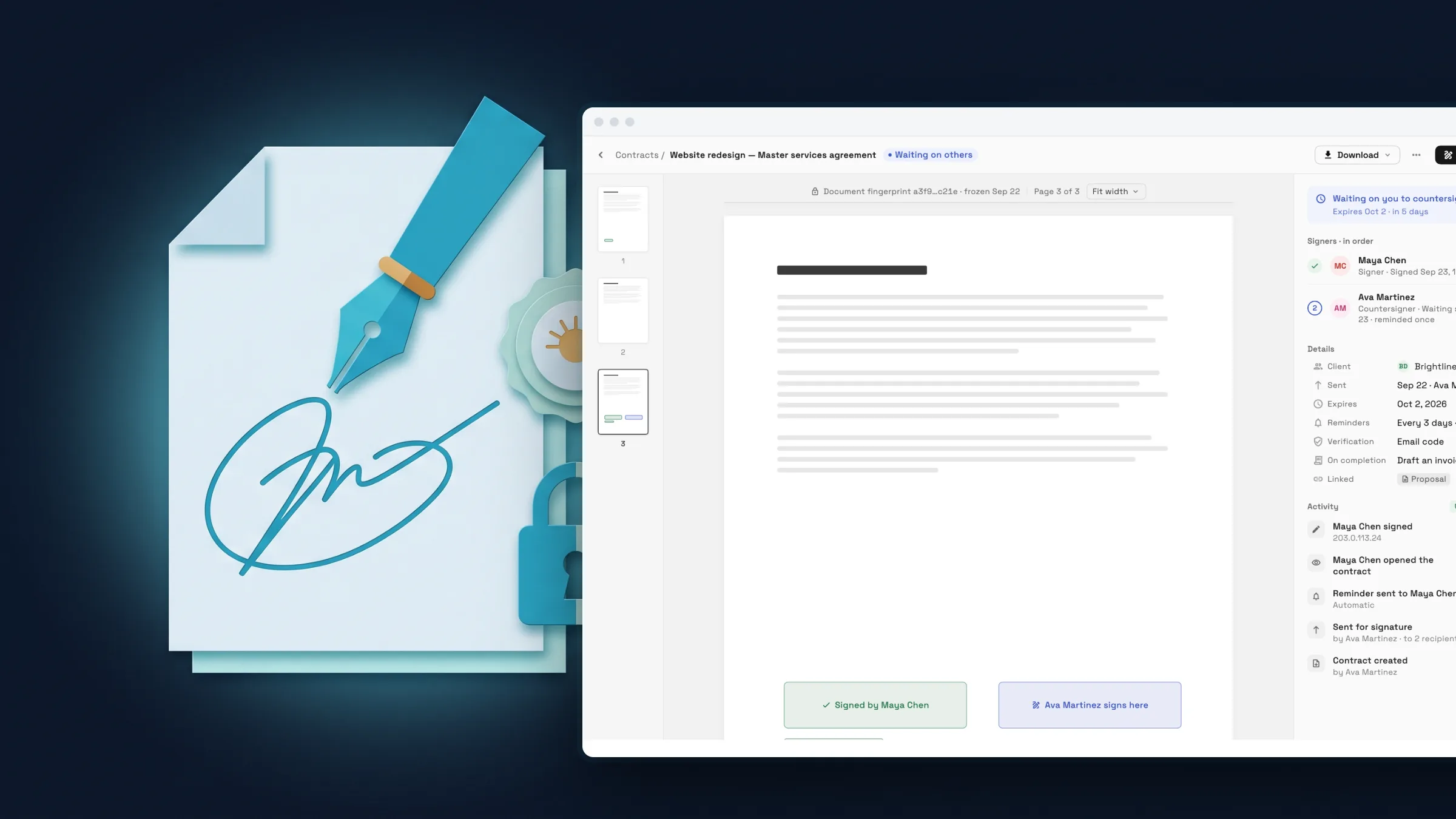
  4. Billing & paymentsInbox & callsProposals & contracts

    Client emails now arrive in your brand, and signatures get a proper editor

    Invoice reminders, proposals, receipts and e-signature emails go out in your workspace's look from your mailbox, with a richer signature editor and a clearer reply box.

    • Client emails in your own look, from your own mailbox
    • Choose your email layout and signature card
    • A signature editor that does the work for you
    • A reply box with a real Send button and shortcuts
    Read the release notes
  5. Workspace AIProjects, tasks & timeInbox & callsWorkflowsClients & CRM

    August 2026: connect Claude and ChatGPT, review AI changes first, and a Gantt view

    Connect Claude, ChatGPT or any MCP client with approvals on every send, let AI AutoPilot confirm before it changes anything, and plan work on a Gantt timeline.

    • Connect Claude, ChatGPT or any AI app to your workspace
    • AI AutoPilot chat shows what it will change before it changes it
    • A Gantt timeline and your own task order
    • Better email in the inbox: several recipients, quoted replies and forwards
    • Workflows that stop when the job is done
    • Give team members access to specific projects
    • Richer client profiles, and an archive instead of delete
    Read the release notes
  6. Calendar & bookingWorkflowsBilling & paymentsProjects, tasks & timeClients & CRM

    July 2026: a rebuilt calendar, funnels, inventory tracking and workflows with test runs

    A rebuilt calendar, funnels that capture leads into your CRM, inventory with low-stock alerts, workflows that create tasks, and invoices with a live preview.

    • A rebuilt calendar with week, month, day and team views
    • Workflows that create tasks and reminders, with test runs and logs
    • Build and publish funnels that capture leads into your CRM
    • Track stock with adjustments, low-stock alerts and a movement history
    • Invoices and proposals that look the part, with a live preview
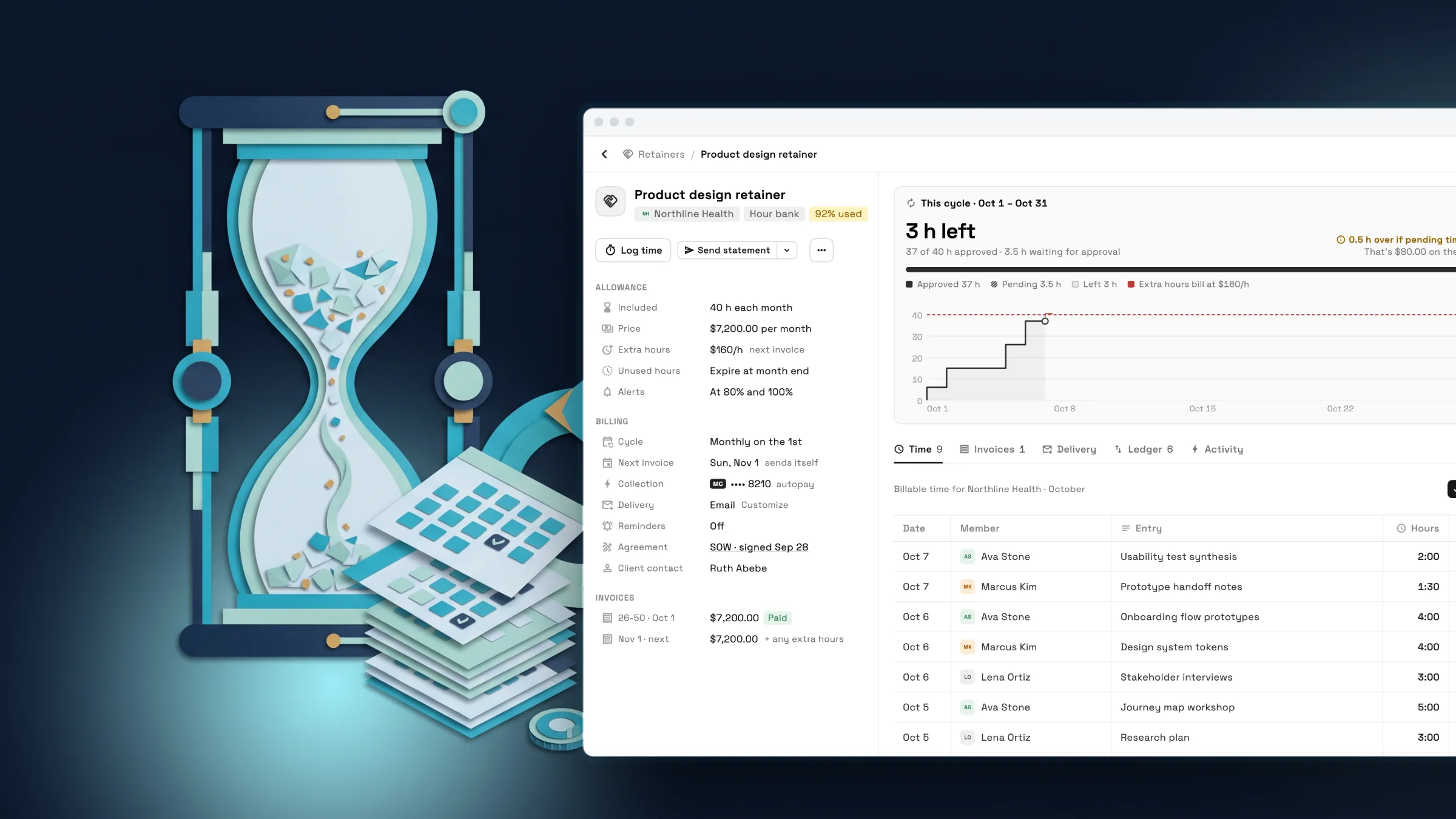
    • Weekly timesheets with approvals
    Read the release notes
  7. Workspace & teamBilling & paymentsProjects, tasks & timeProposals & contractsClients & CRM

    June 2026: fine-grained team access, receipt scanning and notes that work like documents

    Limit teammates to their own clients, bill tracked time in one step, scan receipts into expenses, and write notes with rich text, sharing and AI.

    • Invite teammates quickly and limit them to their own clients
    • Bill tracked time on an invoice in one step
    • Scan a receipt and get the expense filled in
    • Proposals get their own home
    • Notes with rich text, images and AI on the page
    • Share notes with teammates or publish one as a public link
    Read the release notes
  8. Inbox & callsWorkspace & team

    May 2026: email in your inbox, multiple phone numbers and clearer team permissions

    Write and preview email from the inbox, run several email addresses and phone numbers, delete and block safely, and set team permissions with role presets.

    • Write, preview and send email without leaving your inbox
    • Several email addresses, each with its own auto-reply
    • Delete, mute and block without losing anything by accident
    • Use more than one phone number for texts and calls
    • Set what each team member can do with role presets
    Read the release notes
  9. Proposals & contractsClients & CRMBilling & paymentsInbox & callsWorkspace AIProjects, tasks & time

    March and April 2026: a new proposal builder, intake forms and project profitability

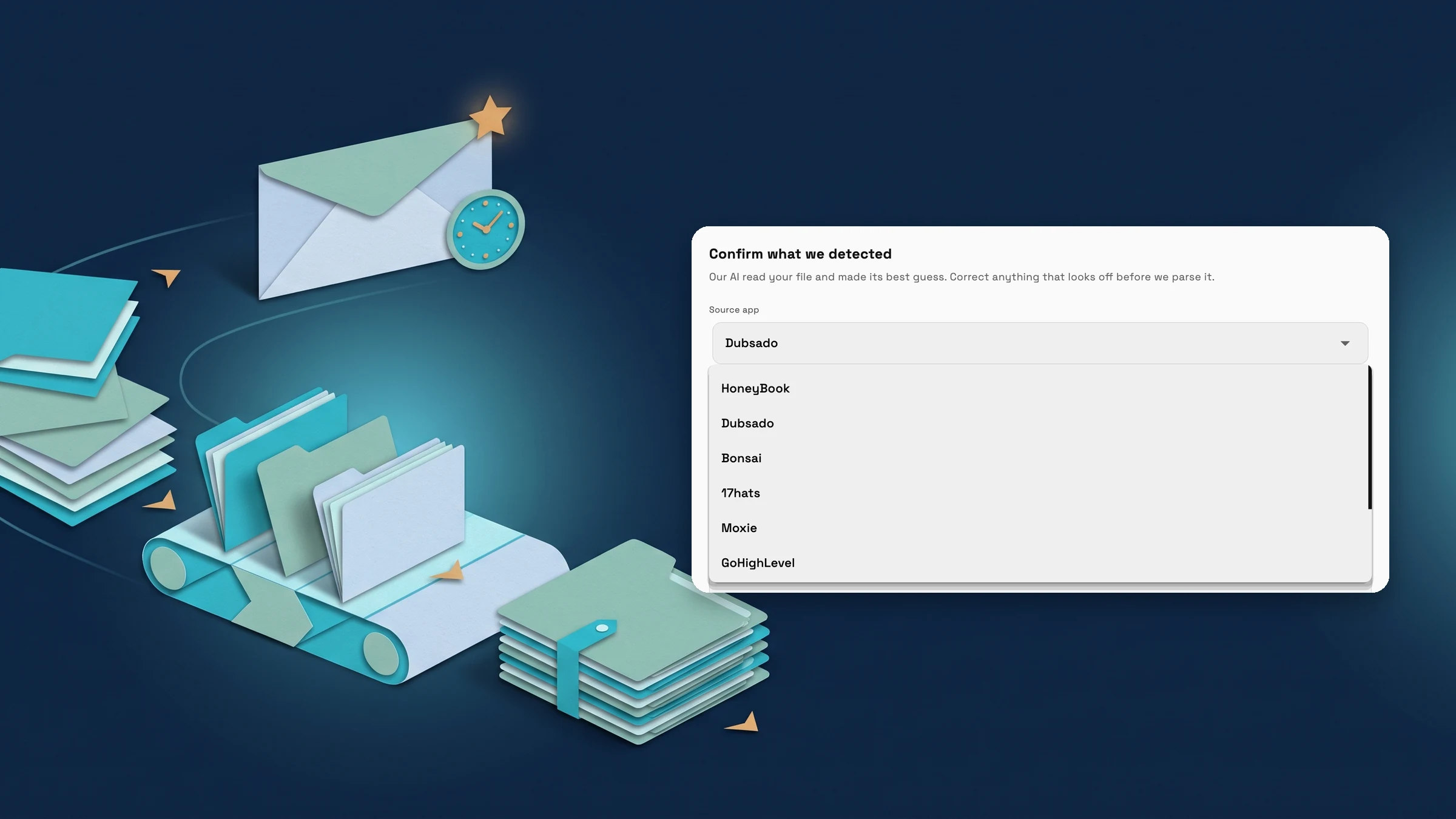
    A visual proposal builder with deposits and tracking, several intake forms with an inbound API, profitability and AR aging reports, calls, and an AI knowledge base.

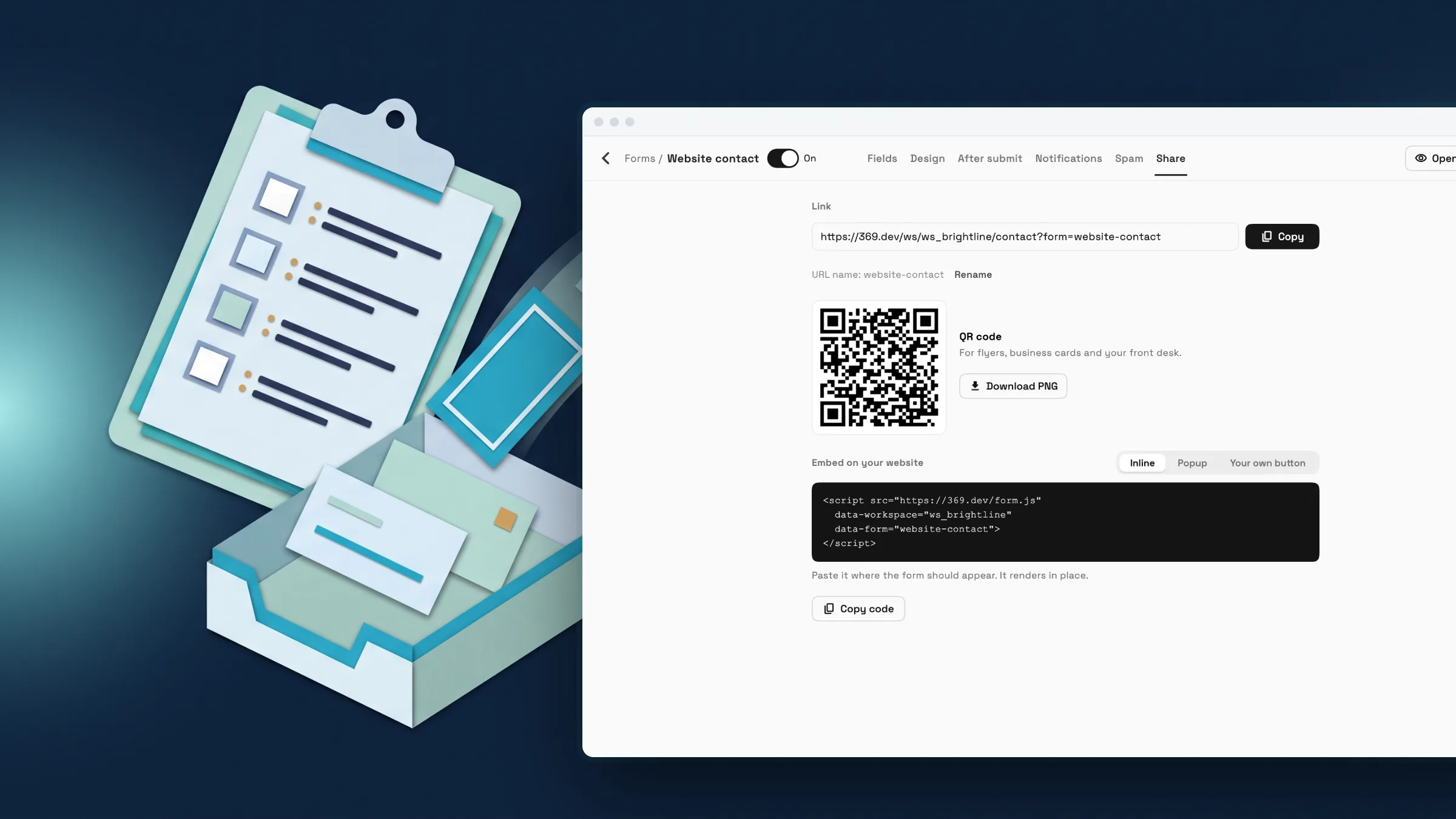
    • Build several intake forms, each with its own design and follow-up
    • A visual proposal builder with themes, deposits and tracking
    • See what each project earns and who owes you, by how late they are
    • Texts, calls and voicemail next to your email, with transfer and analytics
    • Teach Workspace AI about your business with a knowledge base
    • A rebuilt products and services catalog
    • Faster task boards: filter chips, search and kanban zoom
    Read the release notes

Looking for something older? The features overview covers everything Workspace369 does today, and the documentation explains each setting.

See where Workspace369 fits into your client-work flow.

Start with the modules you need today, then turn on AI, automations, accounting, inventory, requests, and reporting as the operation grows.

14-day free trial. Card required. After the trial: from $29/month. Renews automatically every month until you cancel. Cancel anytime in Settings → Billing.