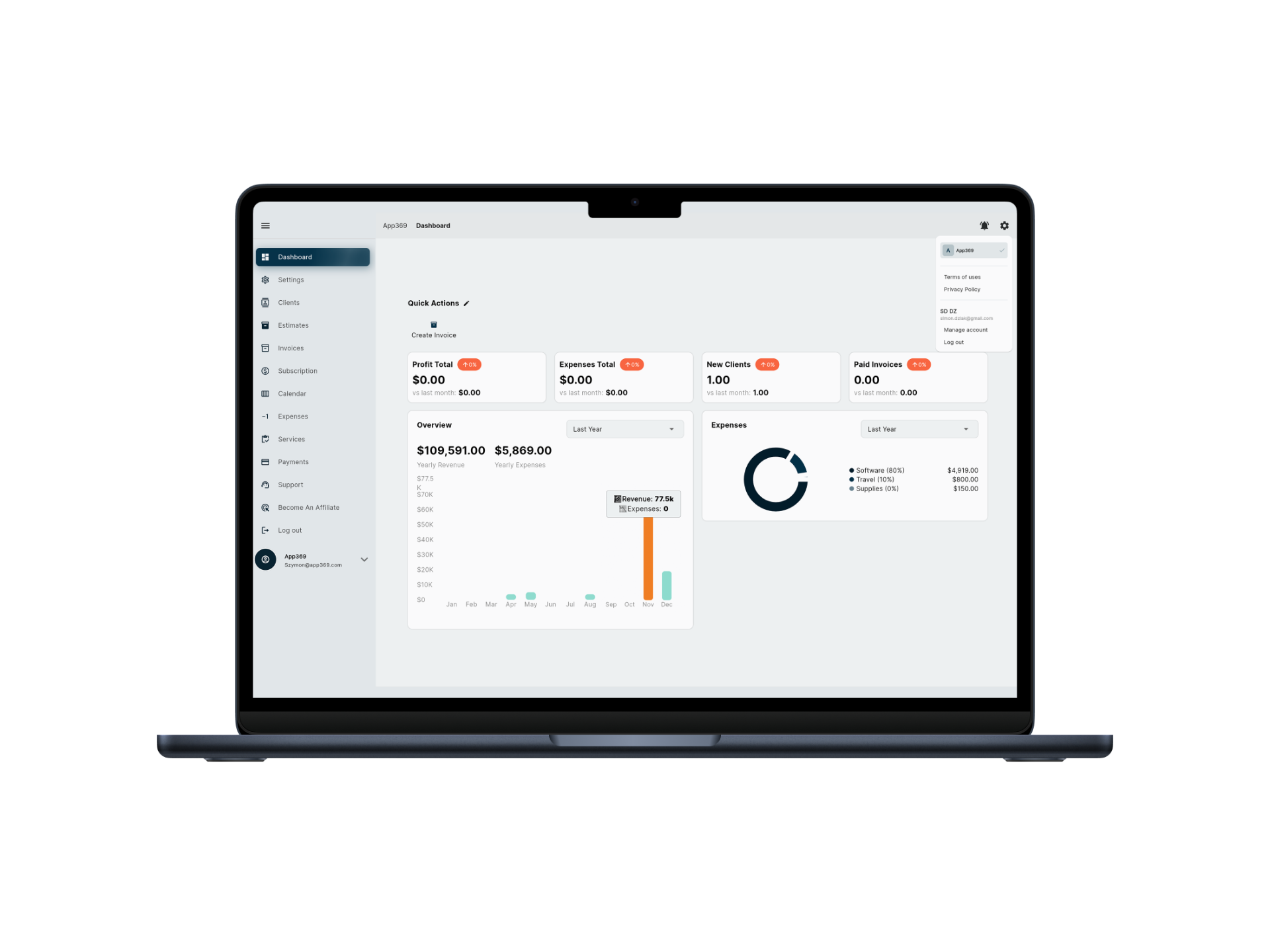
The team knows the work, but the system does not
Context lives in messages, calls, notes, files, spreadsheets, and billing tools instead of one client timeline.
Client work operating system
Client work has a rhythm: intake, scope, schedule, deliver, communicate, bill, collect, report, repeat. Workspace369 gives that rhythm one place to live.
Search fit
Context lives in messages, calls, notes, files, spreadsheets, and billing tools instead of one client timeline.
Sales, delivery, support, and finance keep asking each other for status because the workflow is not visible end to end.
Generic AI tools can help with writing, but they do not sit beside the client, project, inbox, invoice, and knowledge history.
Workflow
Profiles, tags, notes, custom fields, interaction history, and lifetime value keep the relationship visible.
Projects, tasks, subtasks, kanban, calendar views, dependencies, templates, and workload tools make delivery legible.
Email, SMS, calls, voicemail, snippets, signatures, AI rewrite, translate, and summaries reduce communication drag.
Invoices, payments, expenses, reports, AR aging, project profitability, and accounting keep the business side clear.
Product coverage
FAQ
A client work operating system is software that brings the key parts of client service delivery into one workspace: CRM, intake, projects, communication, files, billing, payments, automation, AI, and reporting.
Project management apps usually focus on tasks and delivery. Workspace369 also includes CRM, requests, inbox, invoices, payments, accounting, inventory, AI, automations, and reporting.
Yes. Workspace369 is useful for client-work teams such as service businesses, agencies, consultants, support-heavy teams, and operators that need client, delivery, and financial context together.
Ready when you are
Start with the modules you need today, then turn on AI, automations, accounting, inventory, requests, and reporting as the operation grows.