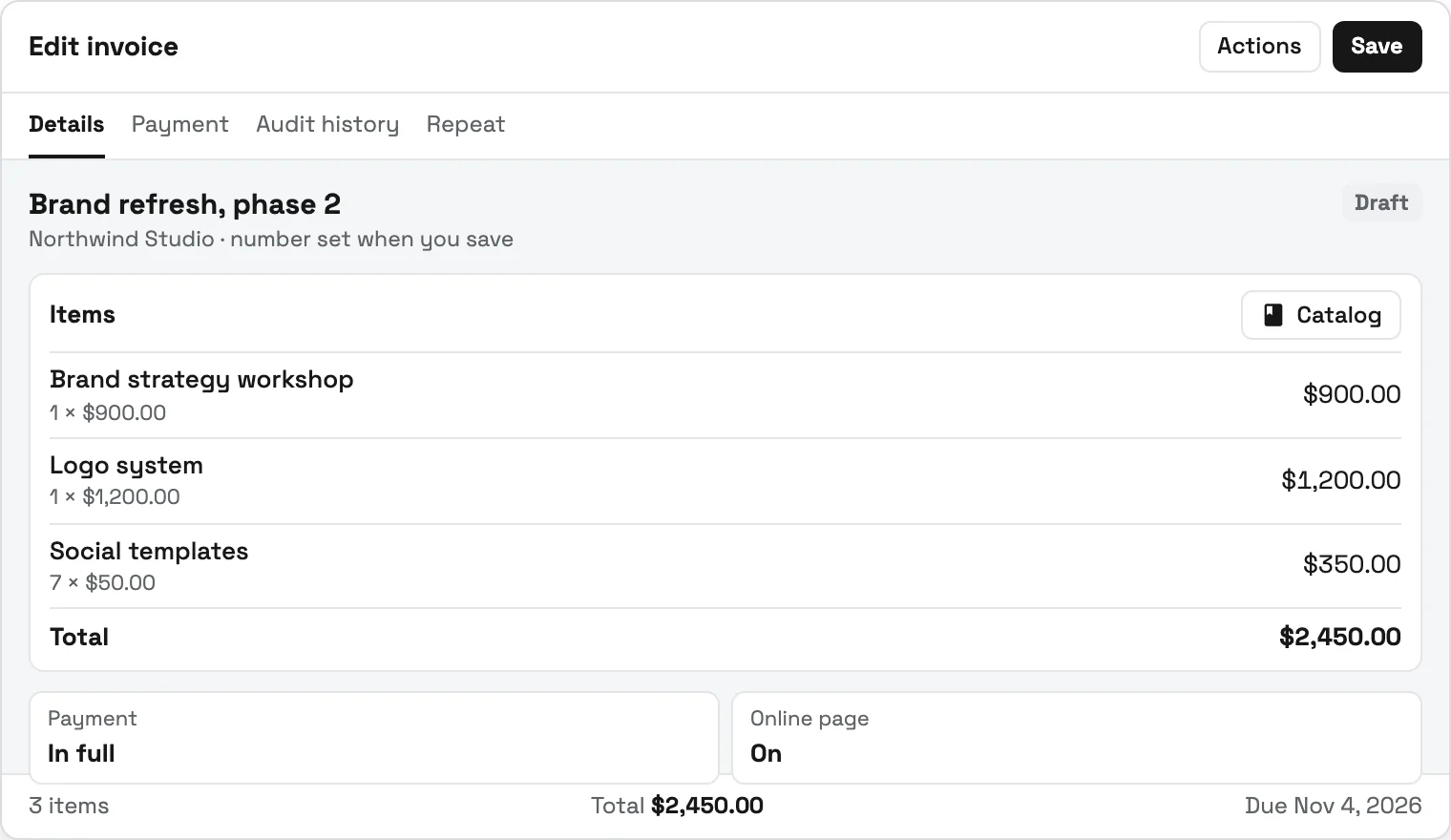
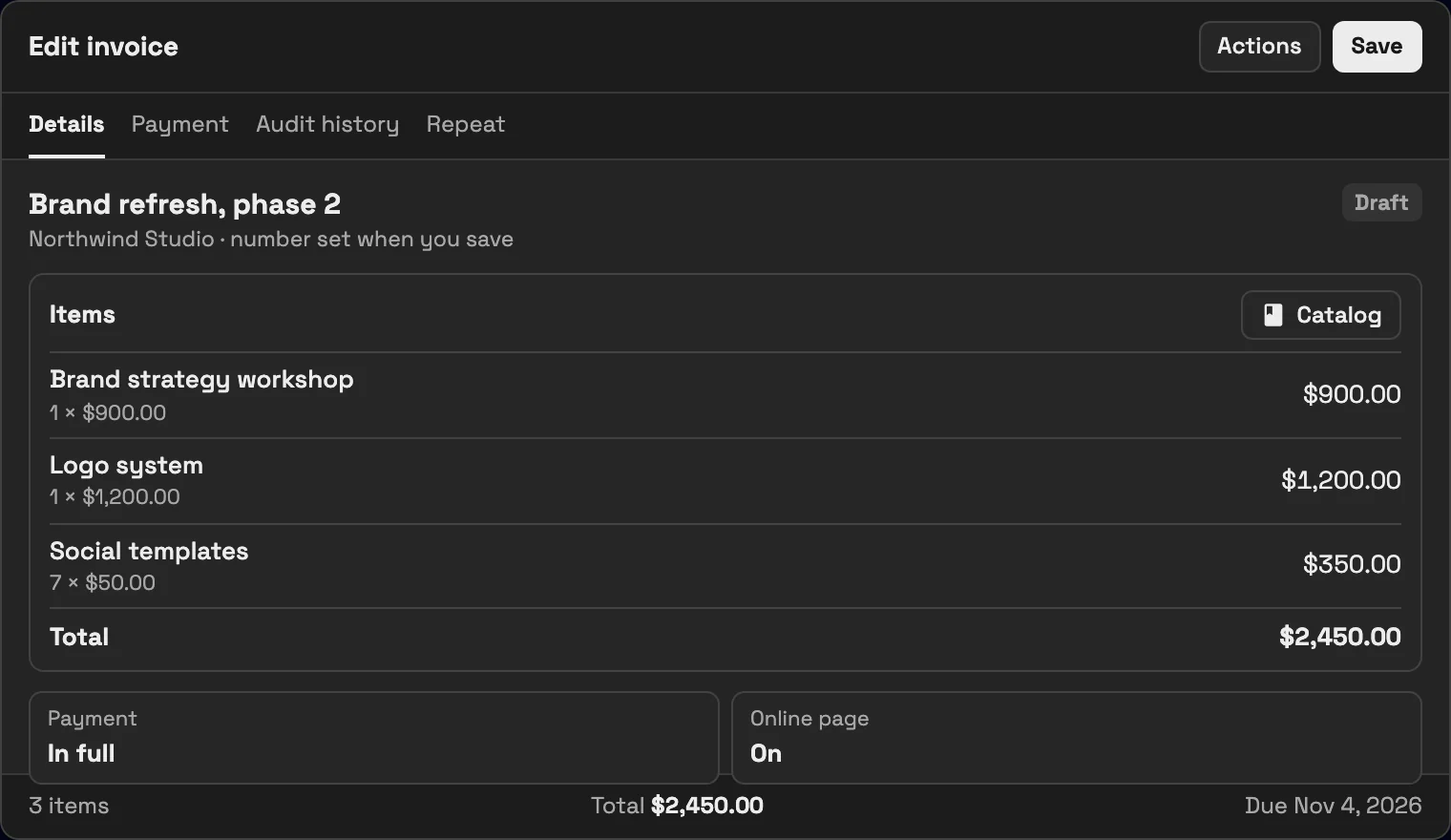
Scope lives outside the project
The proposal says one thing while calls, messages, and tasks quietly expand the delivery burden.
Workspace369 shows project and client profitability beside the scope, time, expenses, invoices, and payments behind it; profitability reporting, expenses, and AR aging start on Specialist ($149 a month, 10 seats).
14-day free trial. Card required. After the trial: from $29/month. Renews automatically every month until you cancel. Cancel anytime in Settings → Billing.
See team pricing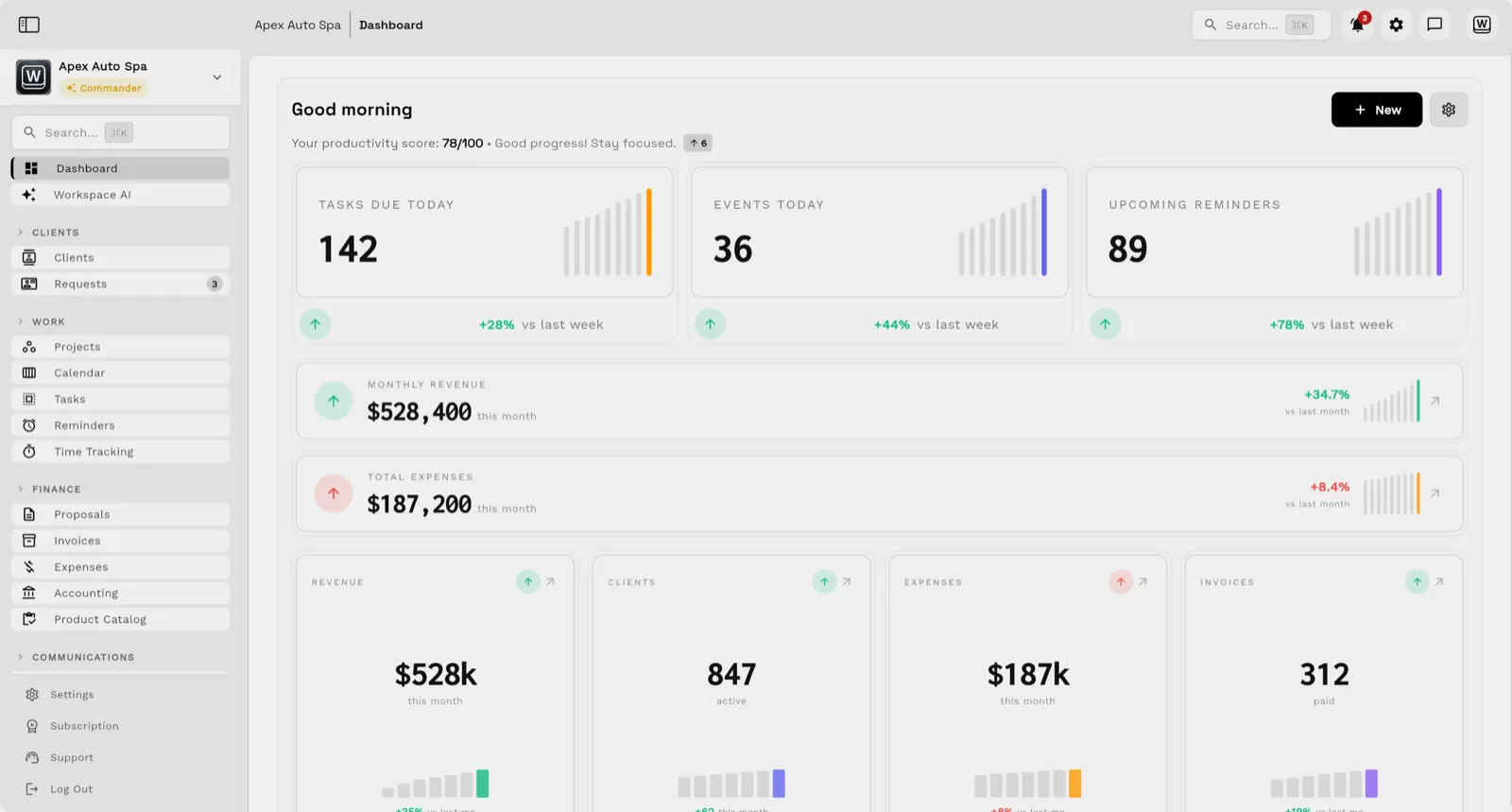
Understand whether client work is actually healthy by keeping scope, time, expenses, delivery status, invoices, payments, and client history in one operating record.
Key facts
Agency project profitability at Workspace369 covers 10 areas, including scopes, budgets, projects.
The workflow runs in 6 steps, from "set the commercial baseline" to "compare projects and clients".
Workspace369 starts at $29/mo for 1 seat, and the Commander plan includes 20 seats and 120,000 Tokens a month at $299/mo.
Additional seats cost $10 each; full pricing is public on the Workspace369 pricing page.
The proposal says one thing while calls, messages, and tasks quietly expand the delivery burden.
A busy team can still lose money when rates, write-offs, contractor costs, and unpaid invoices are ignored.
The warning appears only after exports from time, project, invoice, and expense tools are reconciled.
Without an internal cost rate for each person, every margin figure is a guess based on billable rates or salaries kept somewhere else.
Hours over the estimate never appear on the invoice, so a fixed-fee project can lose money while the client is perfectly happy.
A project can look profitable on invoices while the final payment is 60 days late and the cash has already been spent on the next job.
Email lands beside the client record on every plan; texts, calls and voicemail join it from Voyager, with AI call summaries from Specialist.
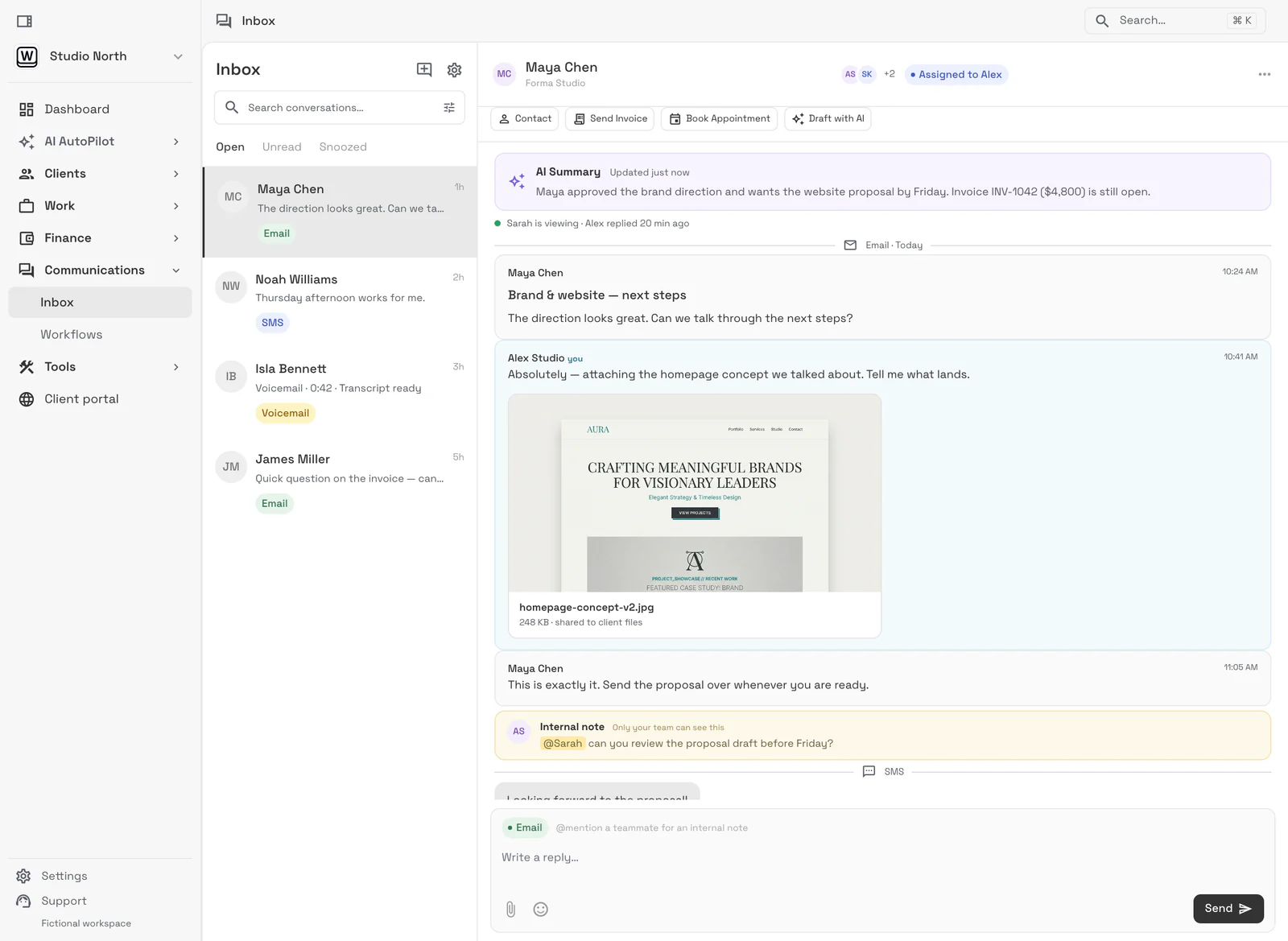
Tasks, files, and status for every engagement — visible to the team and, through the client portal, to the client.
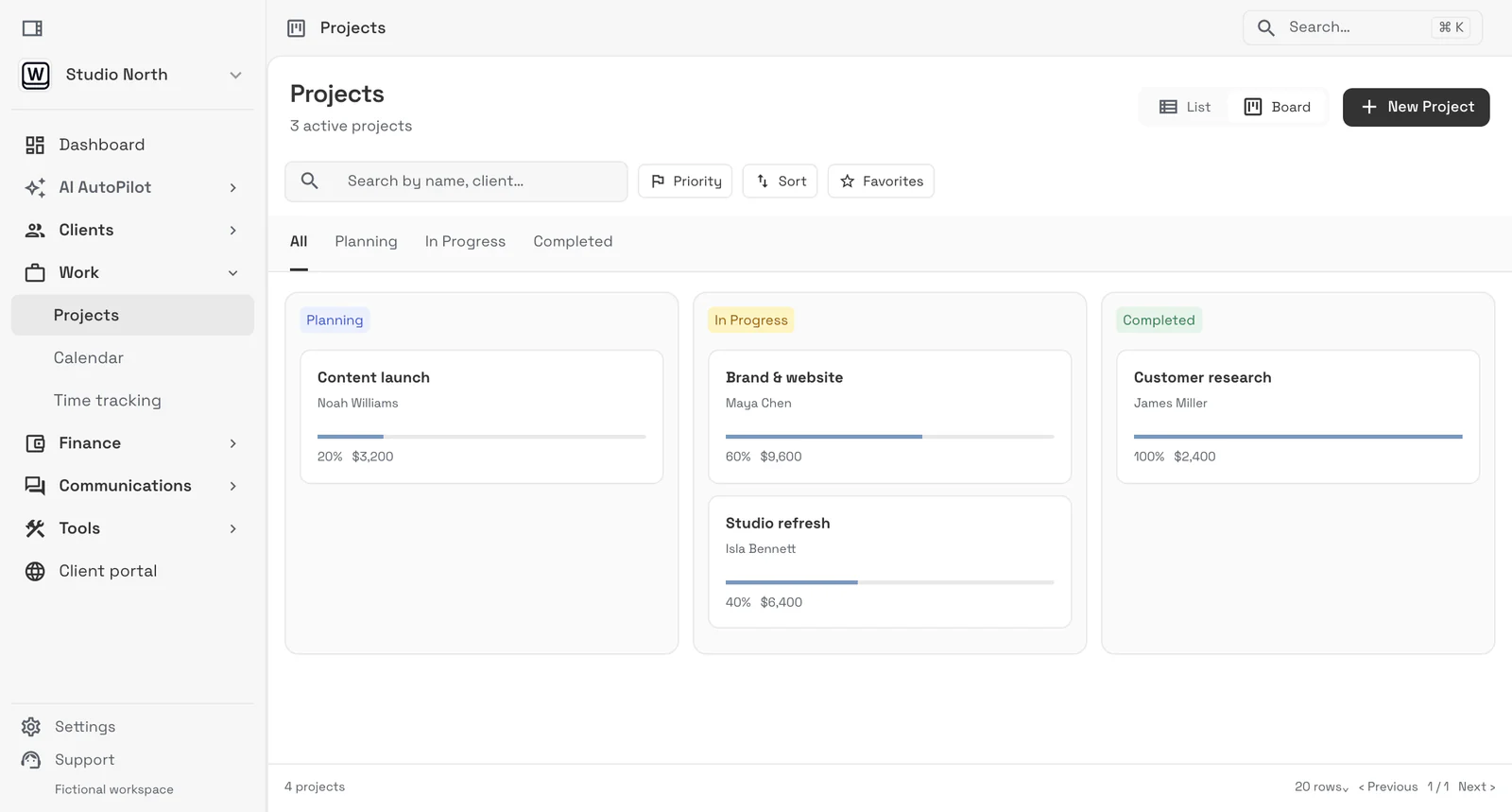
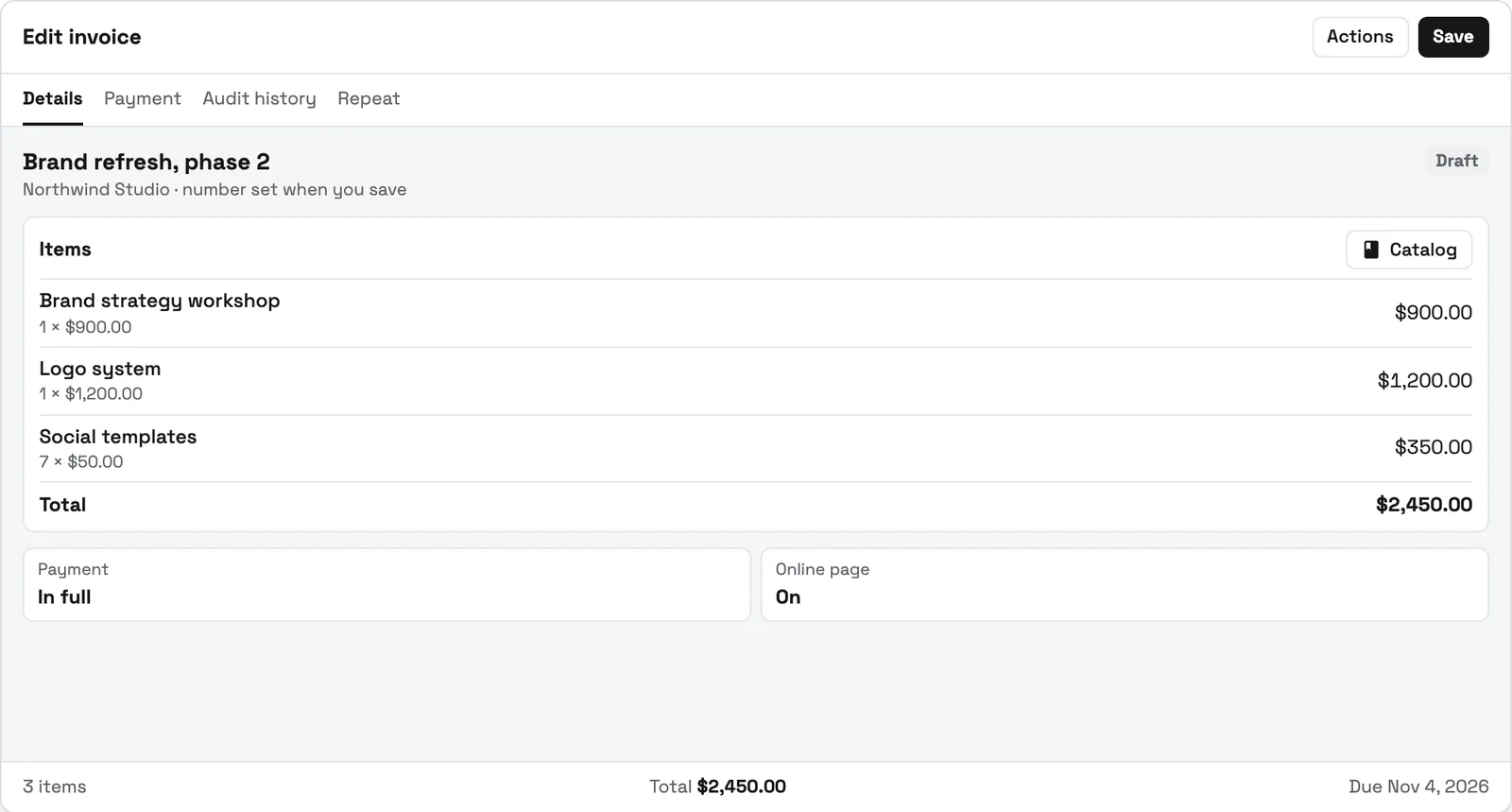
Send quotes, bill milestones or retainers, and let automated reminders chase anything outstanding.
Clients watch progress, files, and invoices in a branded portal instead of asking your team for updates.
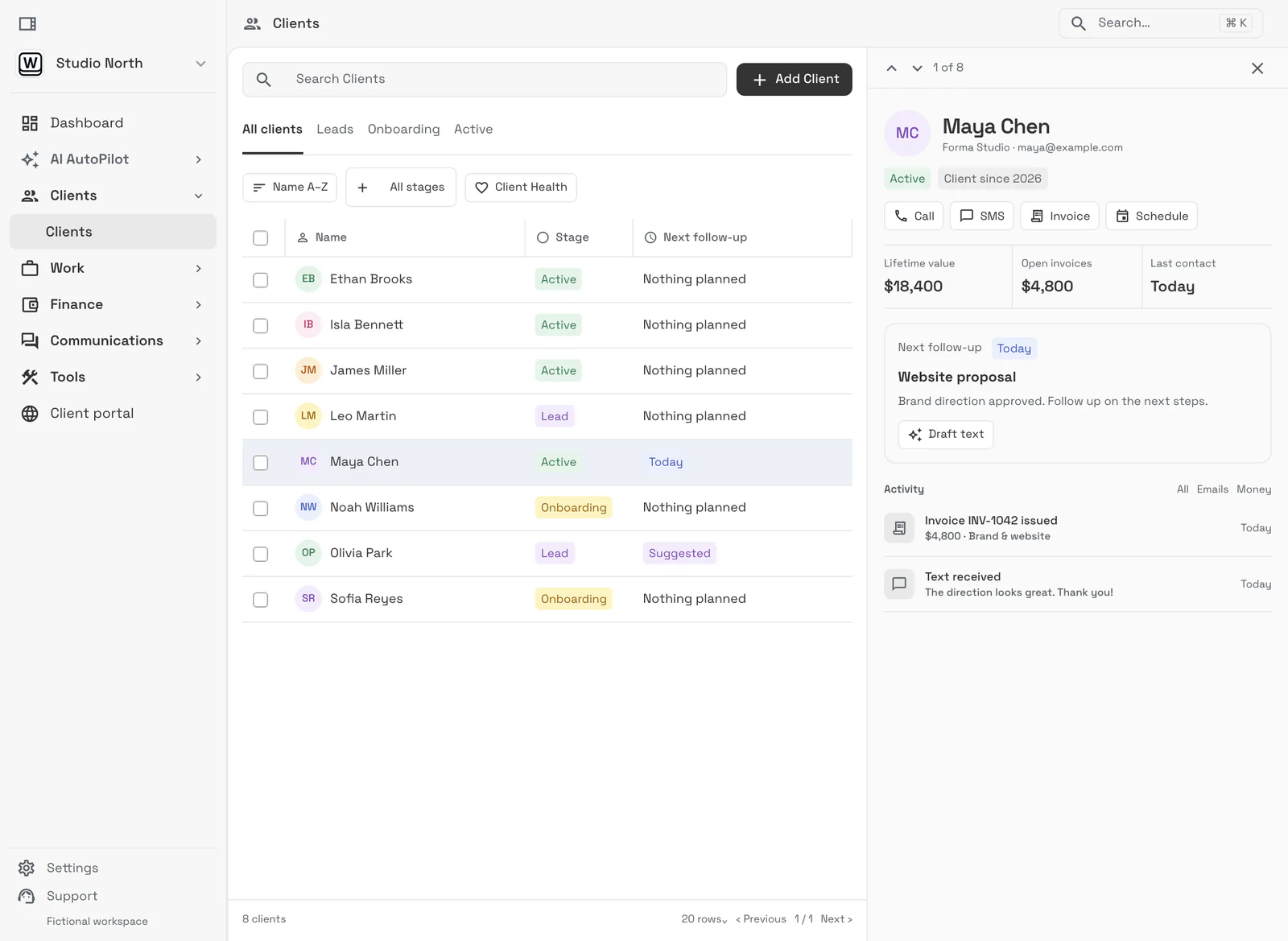
Keep the proposal, scope, rate, retainer, budget, and payment terms attached to the client.
Review projects, tasks, the team workload view (Commander), time, expenses, changes, messages, and files as work progresses.
See invoices, payment plans (from Specialist), payment status, and receivables beside the work.
Use project, client, revenue, expense, and operational reports to adjust scope, staffing, pricing, or follow-up.
Give each teammate an internal cost rate, which never appears on invoices, and a billable rate clients are charged, so tracked time carries both numbers.
Read margin by project and by client (from Specialist) to see which work to sell more of, reprice, or stop offering; budget vs actual is on Commander.
$74 / month
2 seats included
Start Voyager trial14-day free trial. Card required. After the trial: $74/month for Voyager. Renews automatically every month until you cancel. Cancel anytime in Settings → Billing.
$149 / month
10 seats included
Start Specialist trial14-day free trial. Card required. After the trial: $149/month for Specialist. Renews automatically every month until you cancel. Cancel anytime in Settings → Billing.
$299 / month
20 seats included
Start Commander trial14-day free trial. Card required. After the trial: $299/month for Commander. Renews automatically every month until you cancel. Cancel anytime in Settings → Billing.
USD monthly billing. Compare all plans. Prefer a guided walkthrough first? Book a demo.
Our team sets up your workspace with you and helps move your clients and invoices from the tools you use now.
Export your data as a spreadsheet and AI Import maps the columns for you. Support can help with anything unusual.
Offer ends .
14 days free · card required · then $29/mo · cancel anytime
After signup, claim free setup in your workspace.
SMB ModernizationGreat tool for modernizing small businesses. Ability to leverage AI without technical background.
True all-in-one systemIt beautifully combined my CRM, team calendar, and billing tools so I could finally stop paying for a bunch of separate software subscriptions
Best app for my construction businessGreat app. This app solved all my needs! Not only did it help, but it is cheaper than other apps. I highly recommend this app if you want to start organizing and automating your business on another level. Also love the design
Quoted exactly as written, in the reviewer’s own language. This is a selection of reviews, not all of them. Reviews from our own team are left out of the selection, but the overall rating includes their ratings.
14-day free trial. Card required. After the trial: from $29/month. Renews automatically every month until you cancel. Cancel anytime in Settings → Billing.
Book a demoA practical calculation compares recognized project revenue with direct labor, contractor, software, travel, product, and other delivery costs, then reviews margin against scope and collected cash.#
Workspace369 connects projects, time, expenses, invoices, payments, clients, workload, receivables, and reporting to support project and client profitability analysis. Project profitability, expenses, and AR aging start on Specialist; the team workload view and budget vs actual are on Commander.#
No. Utilization measures how time is used. Profitability also depends on pricing, scope, costs, write-offs, invoicing, and collection.#
The cost rate is what an hour of a teammate's time costs the business, and it is used for profitability. The billable rate is what clients are charged for that hour. In Workspace369 the cost rate is internal and never shown on invoices.#
Compare the fee with the cost of the time tracked on the project at each person's cost rate, plus the expenses linked to it. The hours still need tracking even when the client never sees them, or an overrun stays invisible.#
Project and customer profitability, expenses, and AR aging start on Specialist, at $149 a month with 10 seats. Budget vs actual and the team workload view are on Commander, at $299 a month with 20 seats. Time tracking, billable time, and time-to-invoice are on every plan.#
Start with the modules you need today, then turn on AI, automations, accounting, inventory, requests, and reporting as the operation grows.
14-day free trial. Card required. After the trial: from $29/month. Renews automatically every month until you cancel. Cancel anytime in Settings → Billing.