2026 suite: inbox, AI, accounting.Open app

Comparison — CRM and growth platform

Workspace369 vs HubSpot

HubSpot is a powerful customer platform for CRM, marketing, sales, service, content, operations, and commerce workflows. Workspace369 is built for teams that need the client record connected to the actual work: requests, projects, inbox, files, proposals, invoices, payments, accounting, AI, automations, and reporting.

Reviewed June 3, 2026 using public product pages, pricing pages, and Workspace369's current product scope.

At a glance

Workspace369 vs HubSpot: the short version

HubSpot Workspace369
Best forHubSpot Growth-focused companies that want a full CRM platform across marketing, sales, service, content, and customer data.Workspace369 Agencies, consultants, operators, and service teams that want one connected home for clients, work, communication, and money.
Pricing modelHubSpot HubSpot Sales Hub lists Free, Starter, Professional, and Enterprise tiers. The broader Customer Platform can start much higher when multiple hubs are bundled.Workspace369 Flat plans by seats — $29/mo for 1 seat up to $299/mo for 10 seats, all modules included.
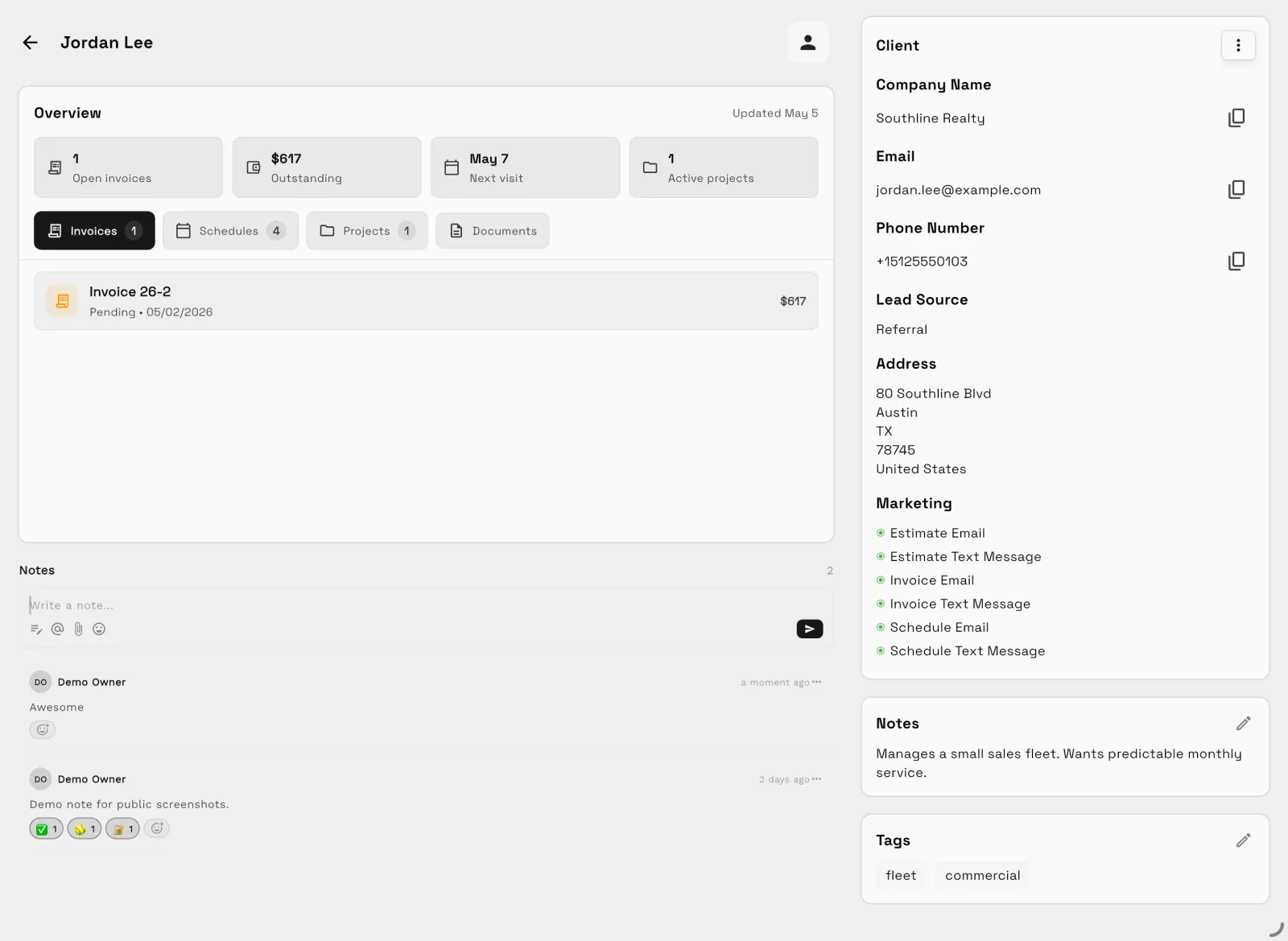
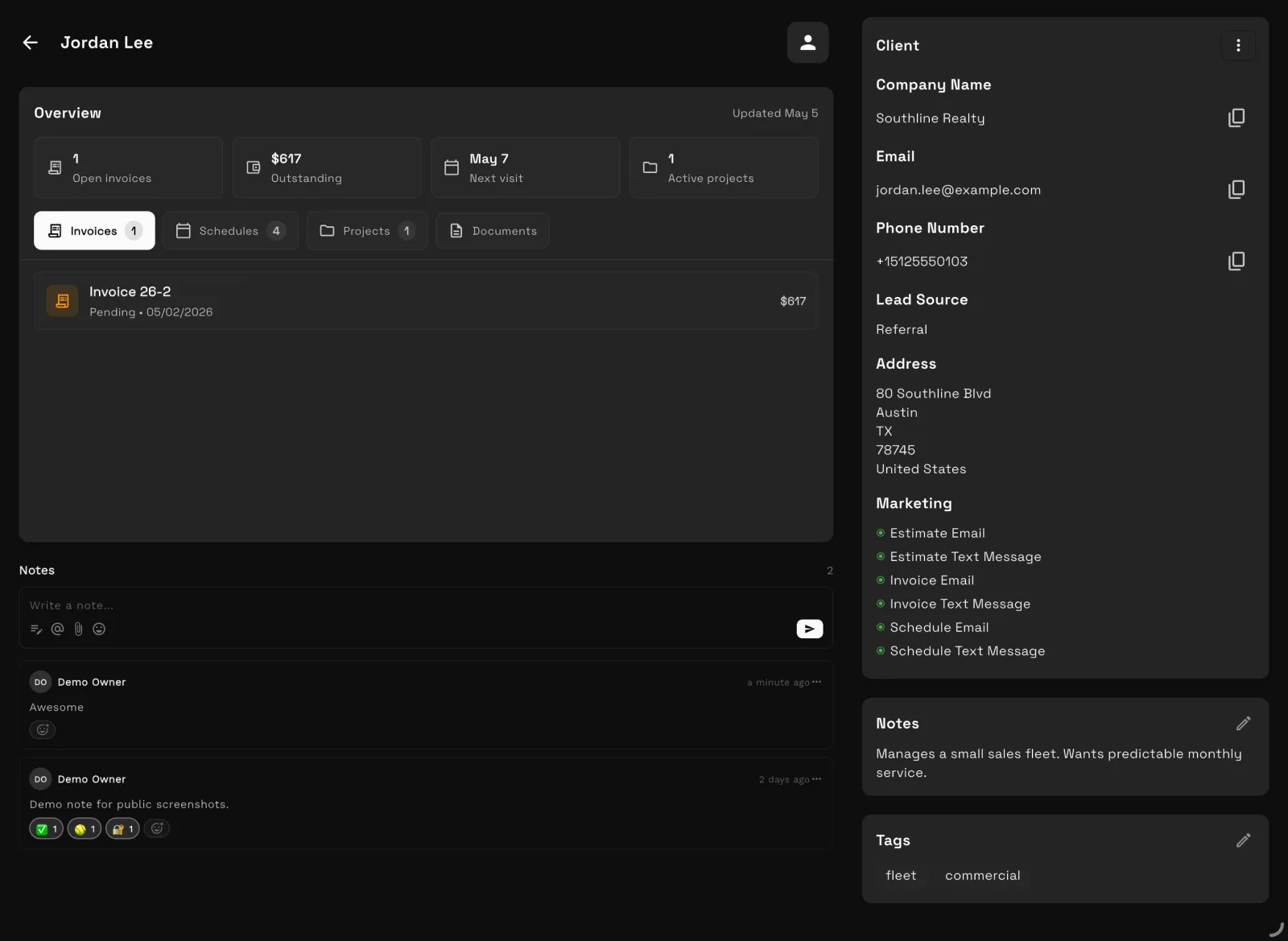
Client layerHubSpotWorkspace369 CRM, client portal, proposals, invoices, payment plans, and reporting in one record.
AutomationsHubSpotWorkspace369 No-code workflow automations for emails, SMS, tasks, reminders, and internal notifications.

The two products

Who is HubSpot? Who is Workspace369?

HubSpot

HubSpot is a strong fit when sales pipeline, marketing automation, customer service, website, content, and CRM growth workflows are the center of the business.

Category: CRM and growth platform · hubspot.com ↗

Workspace369

Workspace369 is a strong fit when the CRM needs to stay tied to client delivery, billing, payments, files, inbox context, operations, and financial reporting., plus customizable boards, Kanban and Gantt views, and no-code workflow automations for the teams delivering the work.

Client work operating system · see all features →

Feature comparison

Core operations, side by side

AreaHubSpot Workspace369
Primary fitHubSpot Growth-focused companies that want a full CRM platform across marketing, sales, service, content, and customer data.Workspace369 Agencies, consultants, operators, and service teams that want one connected home for clients, work, communication, and money.

Client work and pricing

Sales and marketingHubSpot Strong CRM, pipeline, email, forms, marketing, live chat, content, and automation ecosystem.Workspace369 Lead sources, CRM, forms, requests, campaigns, templates, inbox workflows, proposals, and client conversion paths.
Delivery after the dealHubSpot Can support service workflows, but setup often depends on connected hubs, objects, integrations, and process design.Workspace369 Projects, tasks, subtasks, kanban, calendar, dependencies, templates, workload, and client delivery history.
Billing and operationsHubSpot CRM-powered payments and commerce options, usually alongside a broader finance or accounting stack.Workspace369 Proposals, quotes, invoices, payment plans, retainers, expenses, accounting, inventory, AR aging, and profitability reports.
Best reason to choose Workspace369HubSpot You want a mature CRM and marketing platform with a large ecosystem.Workspace369 You want CRM, delivery, inbox, billing, AI, automations, and finance in one client-work operating system.

Comparison based on public product positioning and Workspace369's current feature set, reviewed June 3, 2026. Exact fit depends on your workflow, team size, and implementation needs.

Pricing and value

Compare the subscription, then compare the stack

HubSpot source ↗
Free$0/mo — Basic CRM, deals, live chat, and meeting scheduling.
Sales Hub StarterStarts at $15/seat/mo — Sales tools with paid-seat pricing.
Sales Hub ProfessionalStarts at $100/seat/mo — Automation, forecasting, and reporting.
Sales Hub EnterpriseStarts at $150/seat/mo — Custom objects, AI scoring, and advanced controls.
Workspace369 all plans →
Cadet$29/mo — 1 seat, 5 GB storage, invoices, proposals, clients, projects, tasks, notes, calendar, and starter inbox tools.
Voyager$74/mo — 2 seats, 50 GB storage, shared inbox workflows, SMS, time tracking, unlimited projects, and team operations.
Specialist$149/mo — 5 seats, 100 GB storage, full CRM, voice, voicemail, proposals, expenses, marketing, payment plans, and basic accounting.
Commander$299/mo — 10 seats, 500 GB storage, full accounting, email and SMS automations, advanced AI, and dedicated support.

A 5-person team on Sales Hub Professional lists at about $500/mo before other hubs, onboarding, implementation, docs, project delivery, accounting, or phone tools. Workspace369 Voyager is $74/mo for 2 seats; Specialist is $149/mo for 5 seats.

What the stack costs separately

WorkflowSeparate stack Workspace369
CRM and client recordsSeparate stack CRM, spreadsheets, lead formsWorkspace369 Built in
Projects, tasks, and calendarSeparate stack Project management app, scheduler, task boardWorkspace369 Built in
Inbox, SMS, voice, voicemailSeparate stack Email helpdesk, phone system, SMS toolWorkspace369 Built in by plan
Proposals, invoices, and paymentsSeparate stack Proposal tool, invoicing app, payment processorWorkspace369 Built in
Files, notes, and client contextSeparate stack Docs, cloud drive, client portalWorkspace369 Built in
AI, automations, and reportingSeparate stack AI assistant, automation tool, dashboard/reporting layerWorkspace369 Built in by plan
Expenses, accounting, and inventorySeparate stack Accounting app, expense tracker, inventory systemWorkspace369 Built in by plan

Reviewed June 3, 2026. Pricing and packaging can change — verify current details with each vendor before deciding. The goal is a buyer-useful comparison, not a pretend scorecard.

Decision

Workspace369 vs HubSpot: which should you choose?

Choose HubSpot if…

  • You want a mature CRM and marketing platform with a large ecosystem.
  • Marketing, sales, service, and content tooling are the center of the business.
  • Billing and finance already run in a broader accounting stack you are happy with.

Choose Workspace369 if…

  • Your CRM is valuable, but delivery and billing still happen somewhere else.
  • You want the client, project, invoice, payment, file, and inbox history to stay attached.
  • You care more about operating the client lifecycle than managing a large marketing stack.

Switching

Switching to Workspace369 takes four steps

  1. 01

    Start your free trial

    Your workspace is ready in minutes — pick a plan later, no migration call required.

  2. 02

    Import your clients

    Bring clients, contacts, and open invoices in with CSV import instead of retyping anything.

  3. 03

    Connect your tools

    Hook up Google Calendar, your inbox, and Stripe so schedules, conversations, and payments land in one place.

  4. 04

    Invite the team and go live

    Run your next client project end-to-end — request to proposal to invoice — and cancel the old stack when it sticks.

Product tour

See the client-work loop inside Workspace369

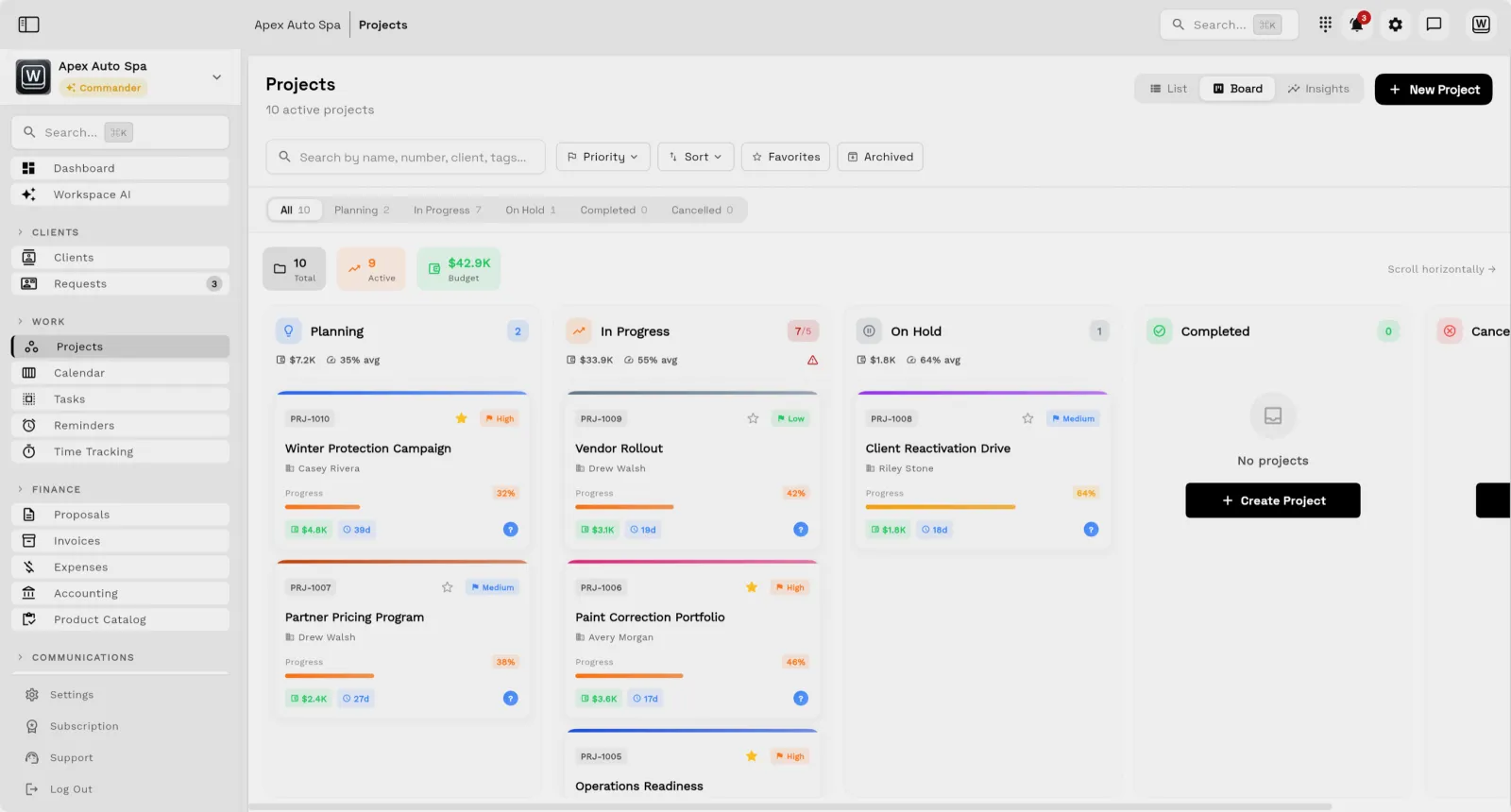
Workspace369 project board with Kanban columns attached to client work
Project boards with Kanban and Gantt views — attached to the client record, not a separate tool.
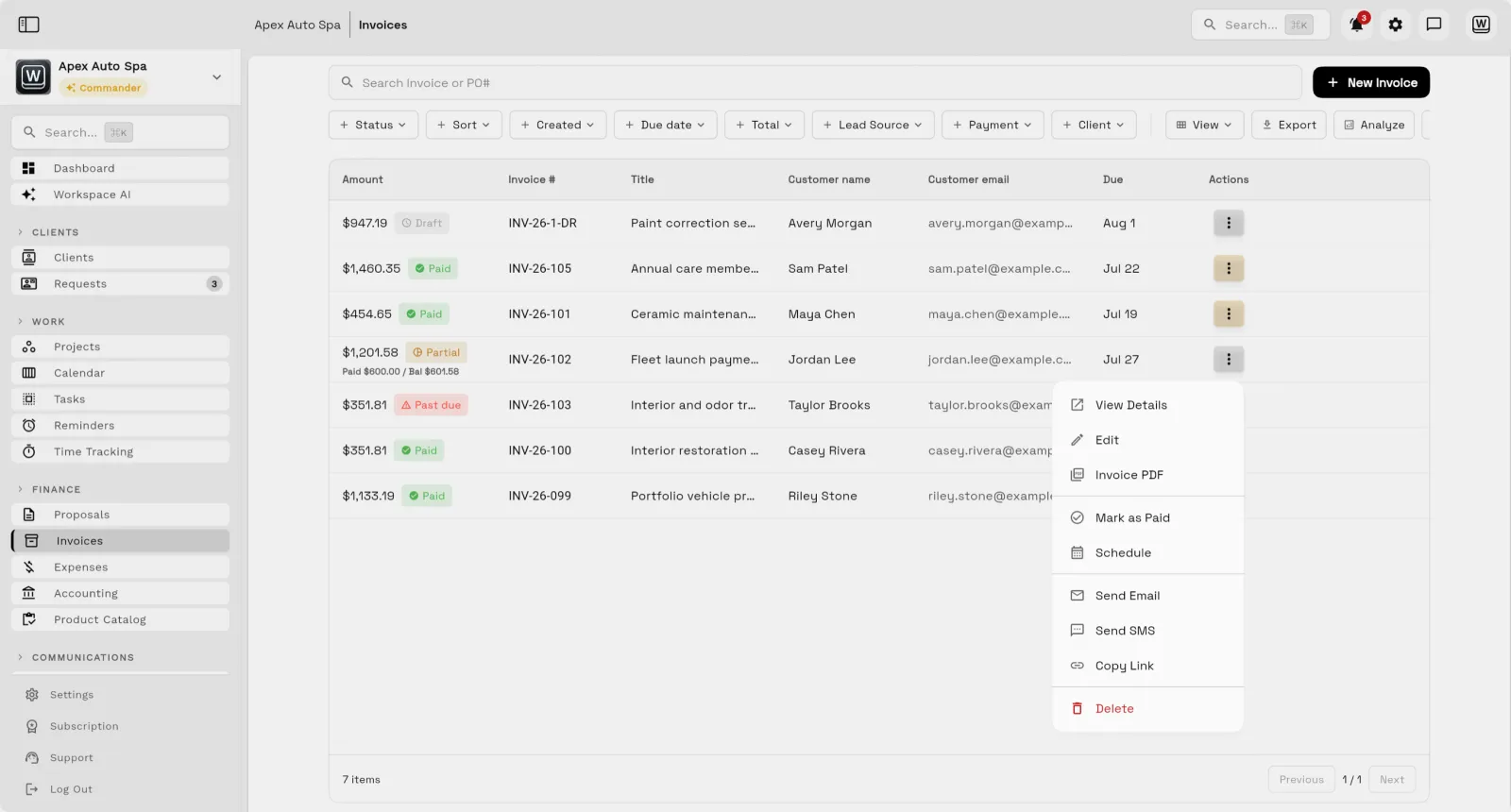
Workspace369 invoice list showing invoice status beside client names
Invoices, payment plans, and payment status beside every client — no separate billing app.
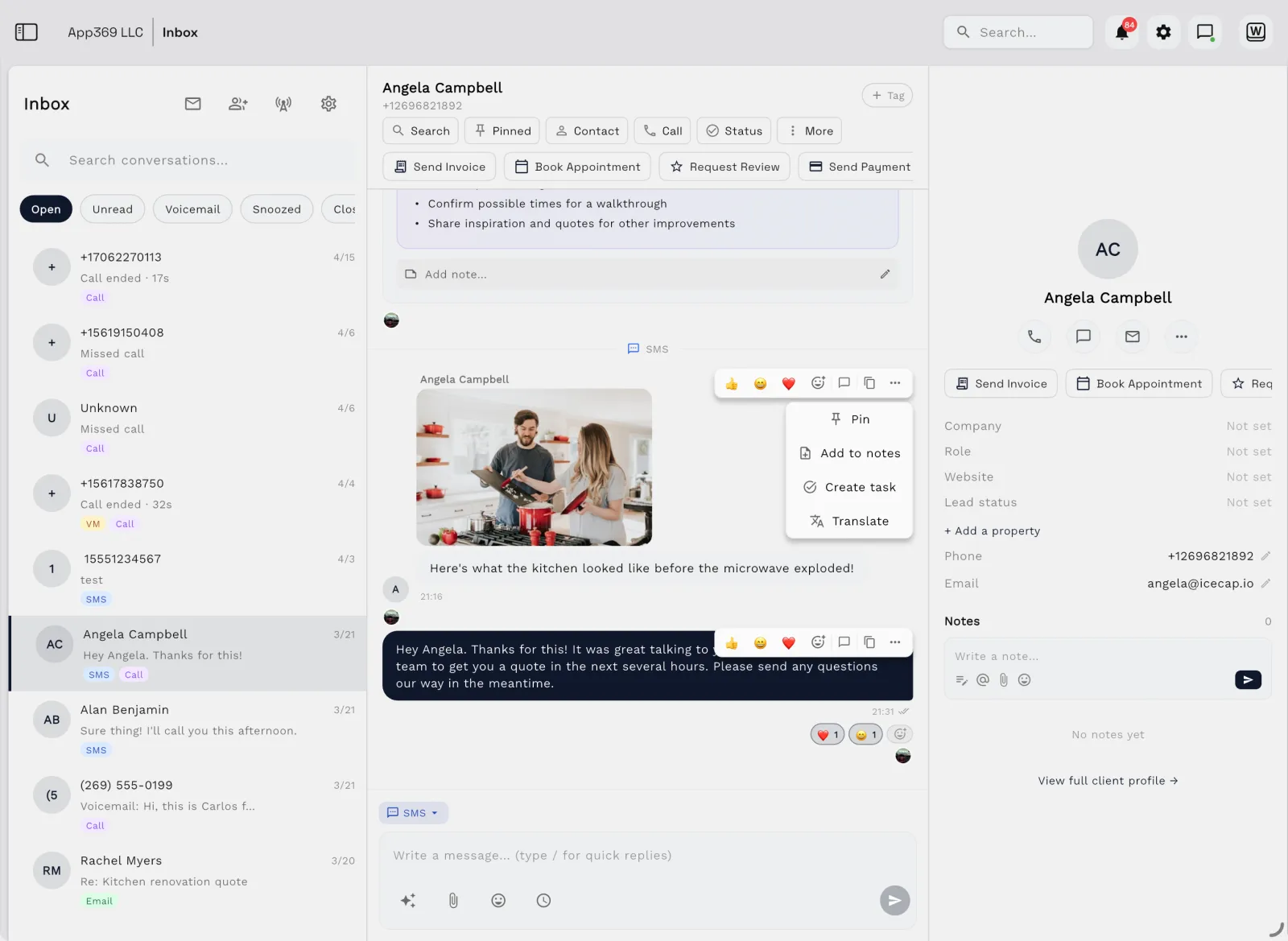
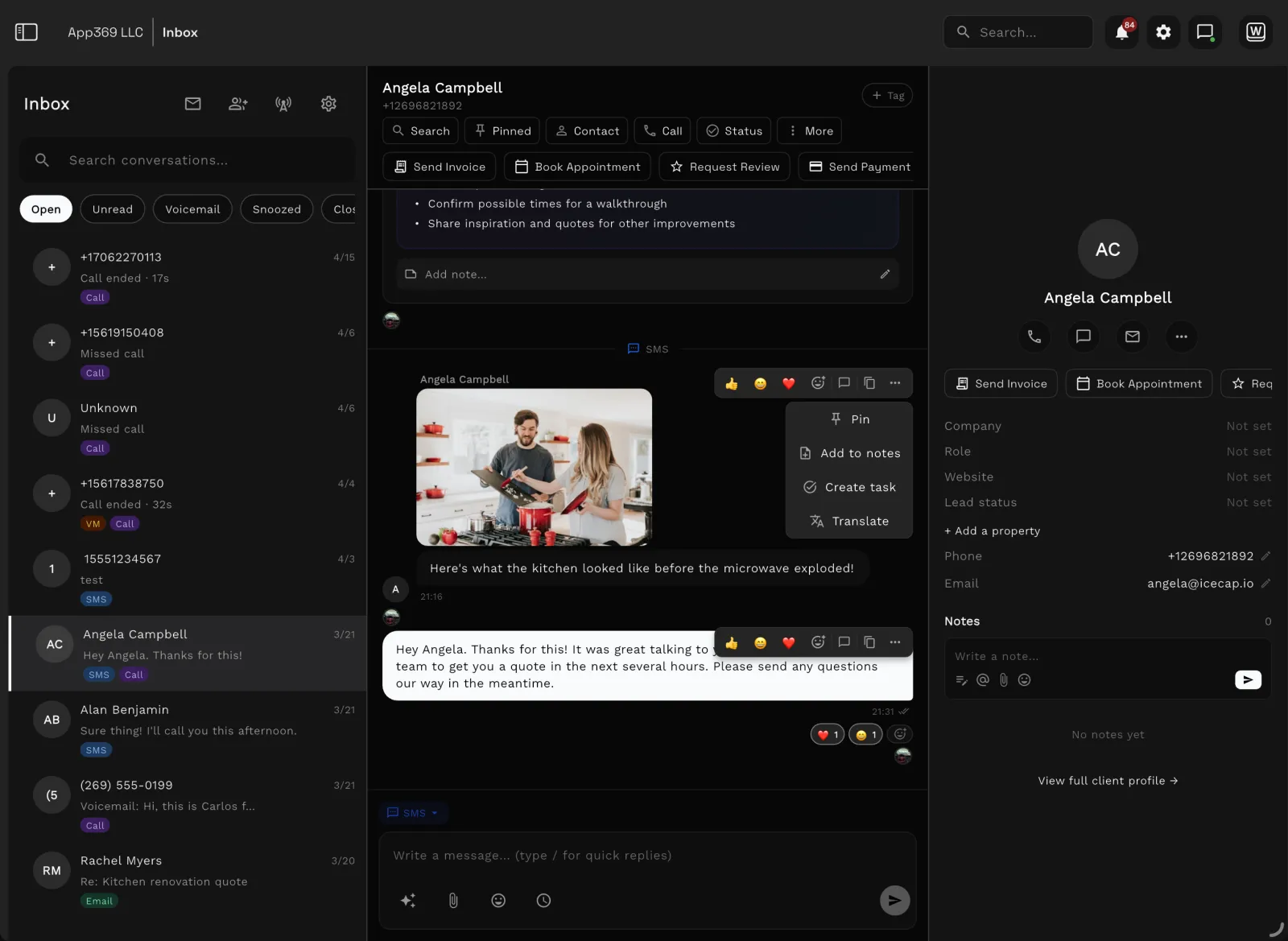
Workspace369 shared inbox with client conversations and AI summaries
Shared inbox, SMS, and call history with AI summaries — the conversation lives beside the work.

FAQ

Frequently asked questions

Is Workspace369 an alternative to HubSpot?
Workspace369 can be an alternative for teams that want CRM connected to client work, projects, inbox, billing, payments, files, AI, automations, accounting, and reporting. HubSpot may still be a better fit when marketing and sales automation are the main priority.
When should a team choose HubSpot instead?
HubSpot may be the better fit when the business needs a mature CRM platform with deep marketing, sales, service, content, and customer-data tooling.
Why choose Workspace369 over HubSpot?
Choose Workspace369 when client delivery, invoices, payments, files, communication, reporting, and operations need to live beside the CRM without building a large connected stack.

Run the comparison with your own client work.

The switch is strongest when HubSpot became the CRM, then everything else became another tab.

Ready when you are

See where Workspace369 fits into your client-work flow.

Start with the modules you need today, then turn on AI, automations, accounting, inventory, requests, and reporting as the operation grows.

Workspace369 vs HubSpotClient records, projects, invoices — one workspace.
Start free trial