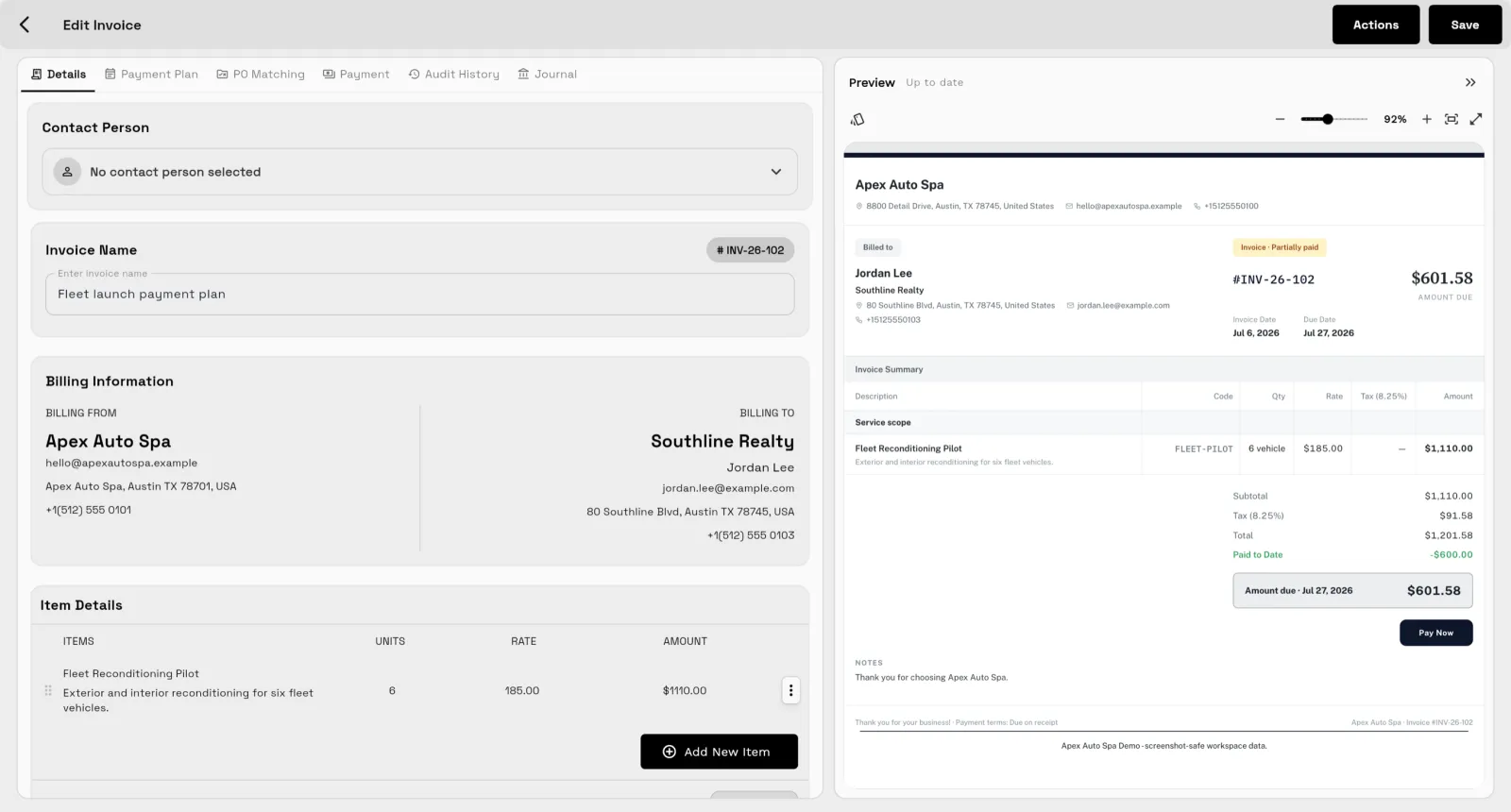
CRM & client records
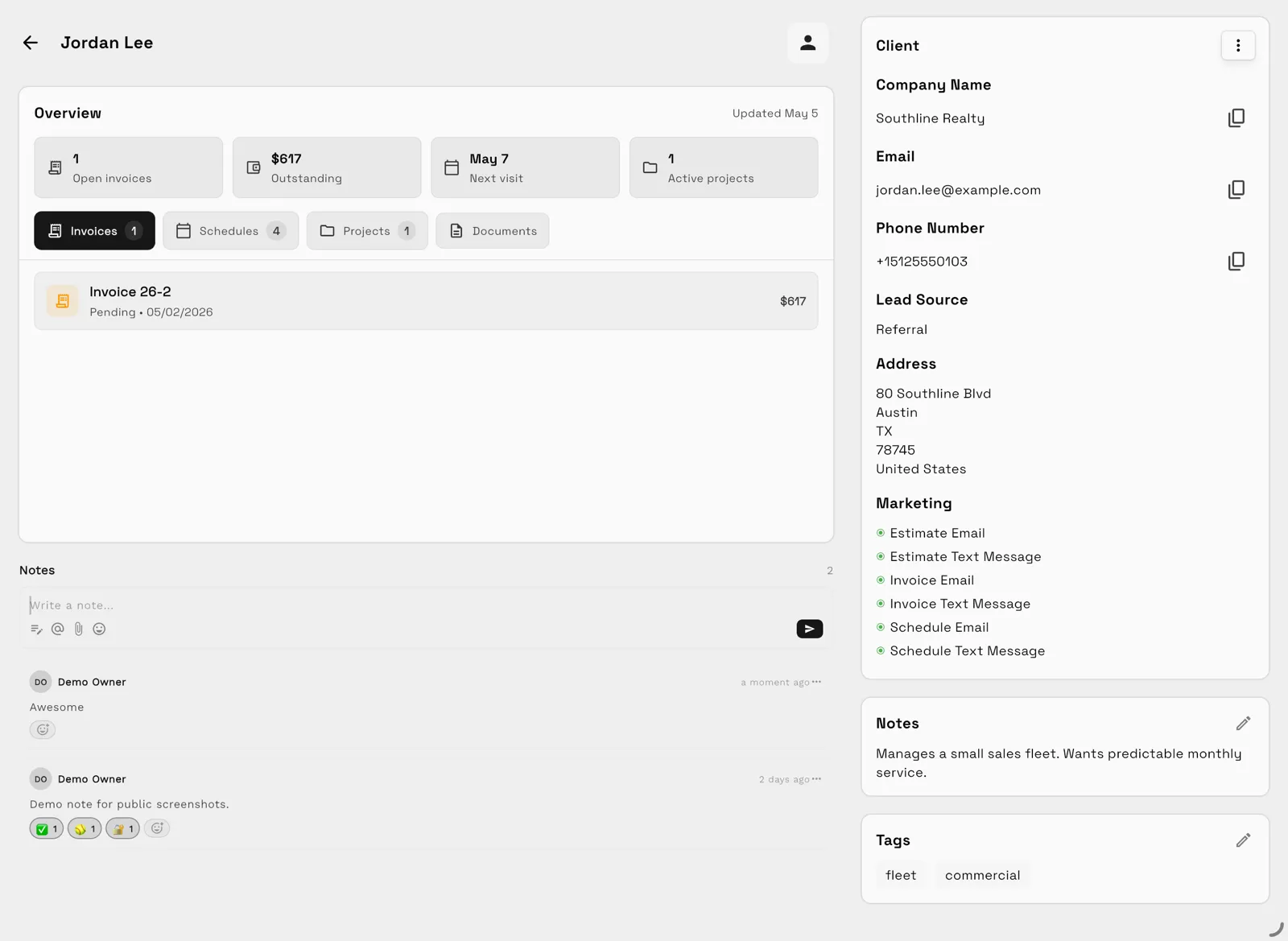
Every client, contact, history, and record in one searchable profile.
Workspace369 for iOS and the web puts clients, inbox, calls, calendar, proposals, invoices, and payments in one connected workspace — at your desk, between appointments, or after hours.
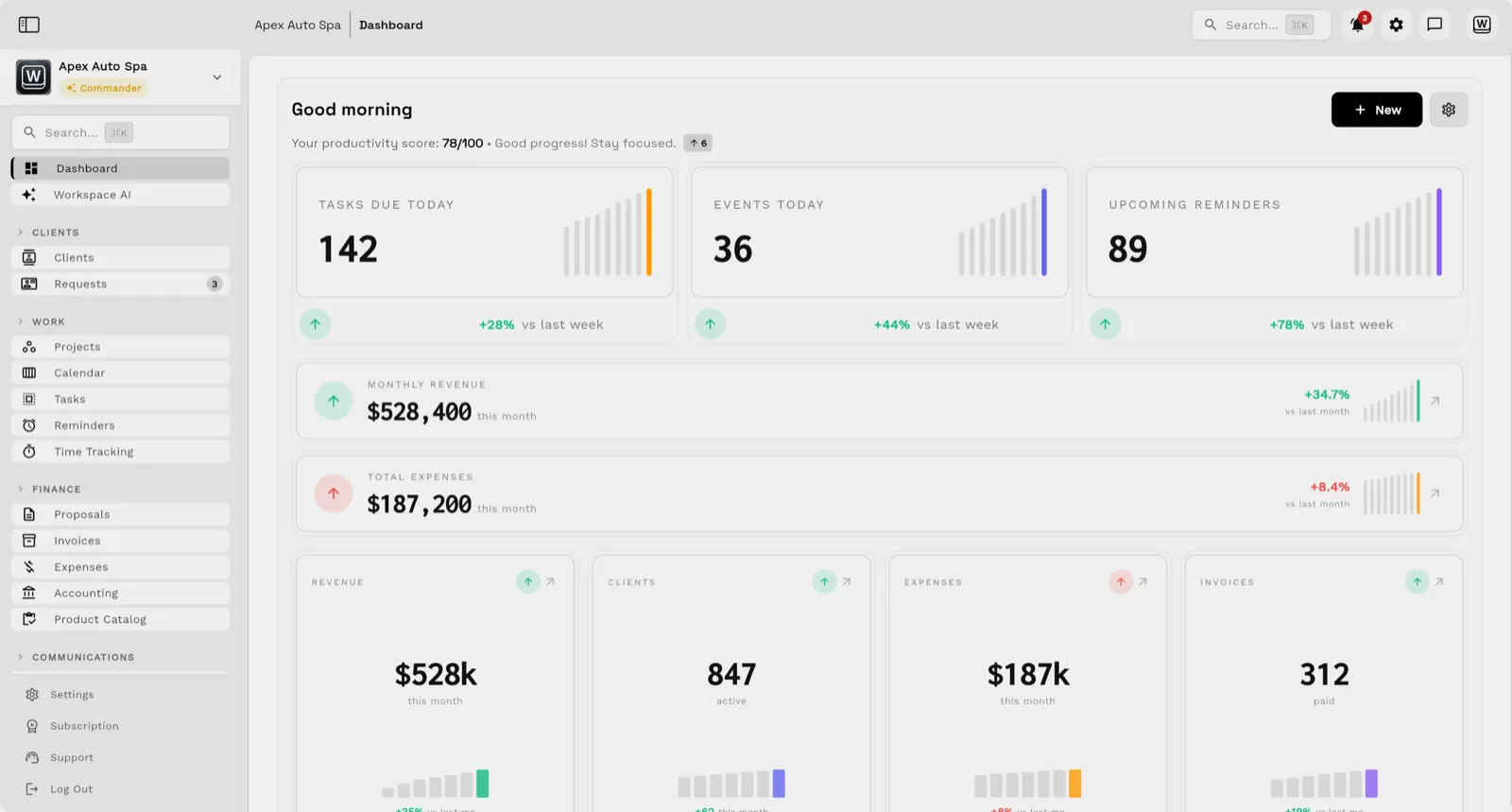
Every capability below is part of the same Workspace369 workspace on iOS and the web — no separate apps to reconcile.
Every client, contact, history, and record in one searchable profile.
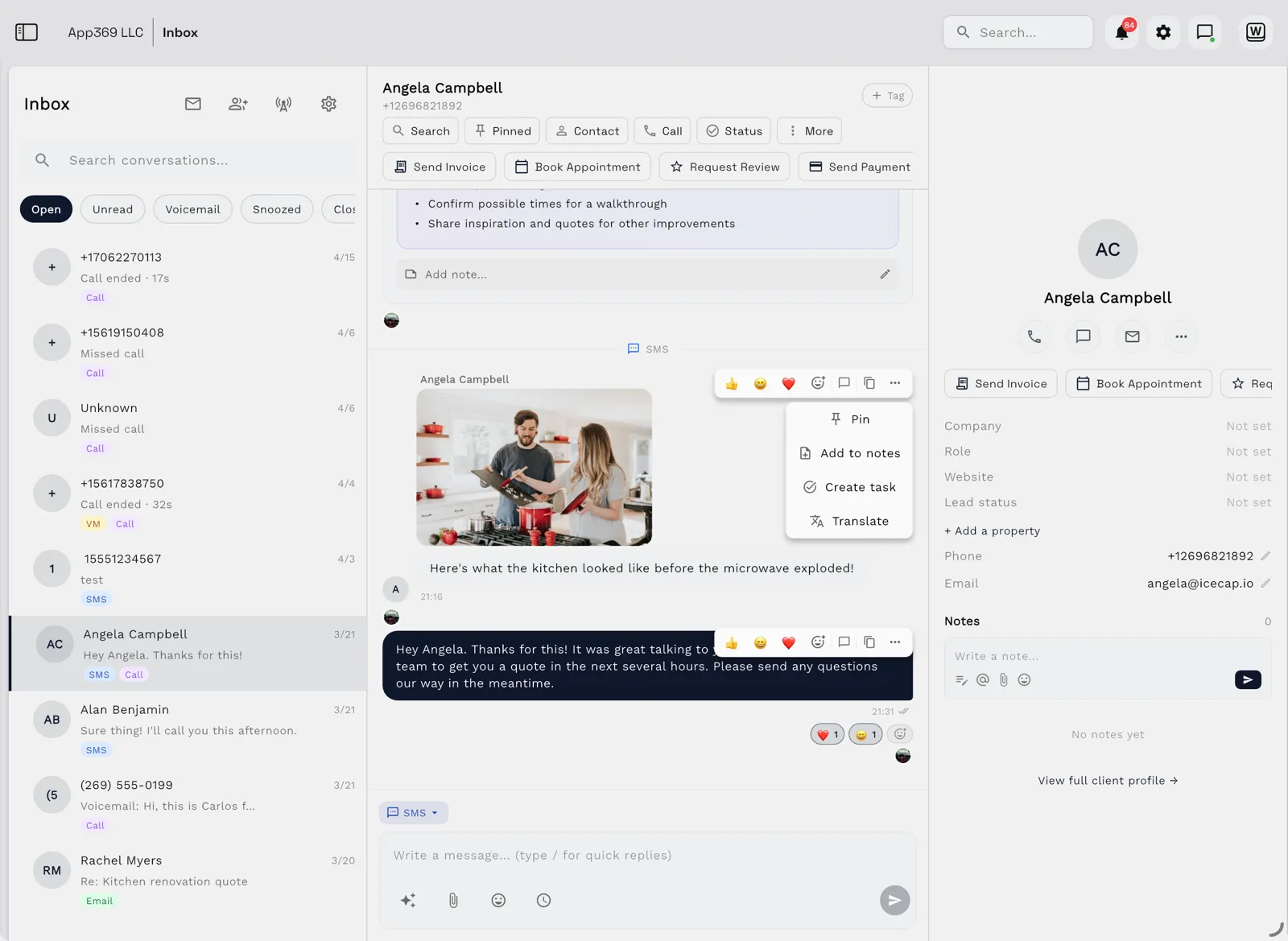
Email, SMS, MMS, and call history in one shared inbox, beside the client record it belongs to. Email is on every plan; texts and the shared inbox start on Voyager.
Business calling and voicemail from Voyager, with IVR menus, call queues, call recording, voicemail transcription, and AI call summaries from Specialist.
Schedule client work, appointments, and reminders on every plan, with online booking on the same calendar from Specialist.
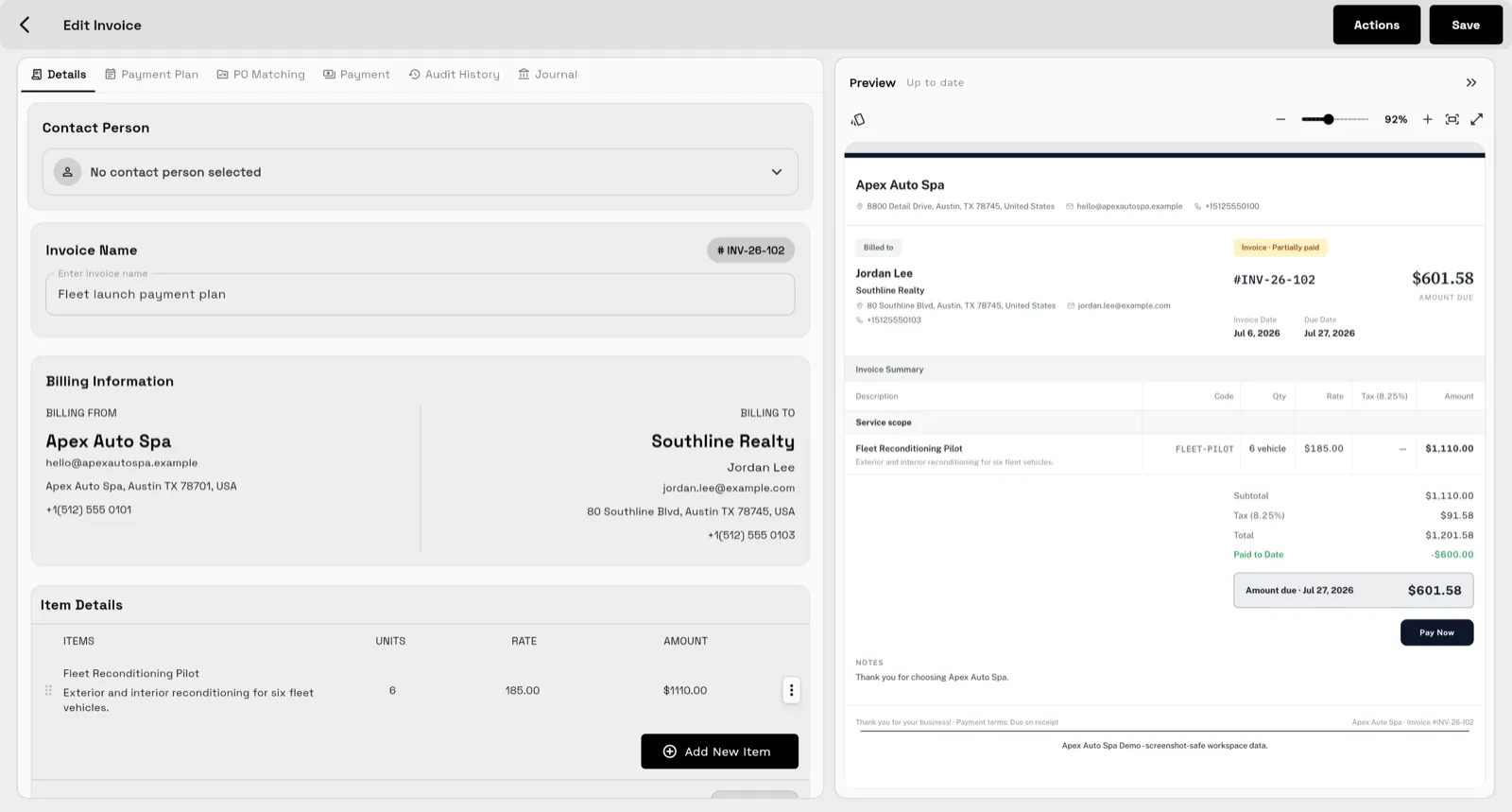
Send proposals and quotes, turn accepted work into invoices, and collect payments online.
Share files, proposals, and invoices with clients through a portal backed by the same workspace.
Summaries, compose and rewrite, translate, and Ask AI included in every workspace.
Email automations on every plan and SMS steps from Voyager, with task creation, reminders, and internal notifications — plus dashboards and reports.
The iOS app opens the same workspace as the web, so what you change on your phone is there when you get back to your desk.
Native app for iPhone and iPad, with iPad in every orientation.
Same workspace as the web app at app.workspace369.com.
Send invoices and proposals, track time, and share payment links.
Read the inbox and open any client record from the same app.
See your calendar and what is coming up for the day.
Share a receipt to Workspace369 to start an expense. Expense tracking and receipt capture start at Specialist.
iPhone: Requires iOS 15.0 or later. iPad: Requires iPadOS 15.0 or later. Checked on the App Store on October 26, 2026. More about the mobile app
Three steps from download to your first client.
Download Workspace369 from the App Store for iPhone or iPad, or open app.workspace369.com in a browser on any computer.
Sign in with the same email on every device, and the app opens the same workspace everywhere.
Add a client, then send a proposal or an invoice from their record. Everything you send stays on that record, on the phone and on the web.
Client records, conversations, and billing share one workspace, so nothing gets lost between tools.
Cadet through Commander start with a 14-day free trial; Enterprise starts with Talk to sales. A card is required for the trial, and the plan renews automatically, every month or every year depending on how you bill, until you cancel.
1 seat included
2 seats included
10 seats included
20 seats included
50 seats included
Workspace369 is a service-business and client-work workspace that combines CRM, requests, projects, calendar, a shared inbox with SMS, Workspace Voice calling, proposals, invoices, payments, files, Workspace AI, workflow automations, and reporting. The app puts that workspace in your pocket so you can run client work from anywhere.
Workspace369 runs on the web at app.workspace369.com and as an iOS app from the App Store. Both connect to the same workspace, so clients, conversations, invoices, and schedules stay in sync wherever you work.
Cadet through Commander start with a 14-day free trial; Enterprise starts with Talk to sales. A card is required for the trial, and the plan renews automatically, every month or every year depending on how you bill, until you cancel. Plans start at $29 per month for solo operators, with team plans scaling up to 50 seats.
Yes. Workspace369 is a native app for iPhone and iPad, with iPad in every orientation. It needs iOS 15.0 or later on iPhone and iPadOS 15.0 or later on iPad, as listed on the App Store.
Yes. From the app you can send invoices and proposals, track time, and share payment links. Timers need an internet connection to start, pause, or resume.
Calls, texts, and voicemail start on Voyager, at $74 a month with 2 seats. The phone system, with IVR menus, call queues, and call recording, starts on Specialist.
Start with the modules you need today, then turn on AI, automations, accounting, inventory, requests, and reporting as the operation grows.
14-day free trial. Card required. After the trial: from $29/month. Renews automatically every month until you cancel. Cancel anytime in Settings → Billing.