Workspace369 Video Tutorials
These short videos show you how to use Workspace369, the all-in-one app for running a business. Start with the full tour to see where everything lives. Then set up your business, add your clients, and follow one job from a proposal to a paid invoice. The next videos cover everything a proposal and an invoice can do, automatic payment reminders, your product catalog, tracking your expenses, planning your schedule in the calendar, setting up your online booking page, running your projects, organizing your tasks on boards, tracking your time and billing it, setting up reminders, replying to clients from one inbox, connecting your email, handling calls and voicemail, getting leads from your website, building funnels, automating your follow-ups, asking Workspace AI about your business, inviting your team, sharing a client portal, setting up retainers and recurring invoices, sending contracts for e-signature, and catching up on your client follow-ups. Each tutorial page has the video, its chapters, common questions and the full transcript. Workspace369 runs on the web and on iPhone, and these videos show the web app.
Start here, in order
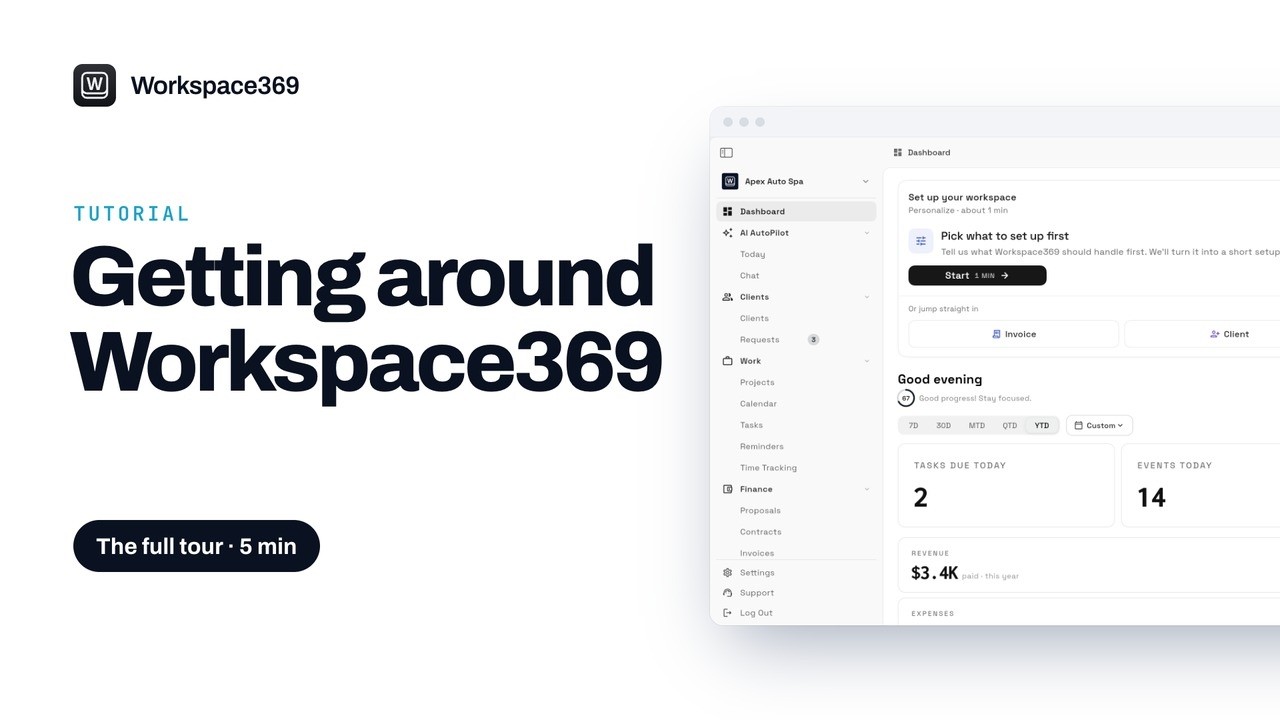 Workspace369: the full tourA walk through every page in the Workspace369 menu, from the dashboard and AI AutoPilot to clients, projects, proposals, invoices and the inbox, so you know where everything lives.
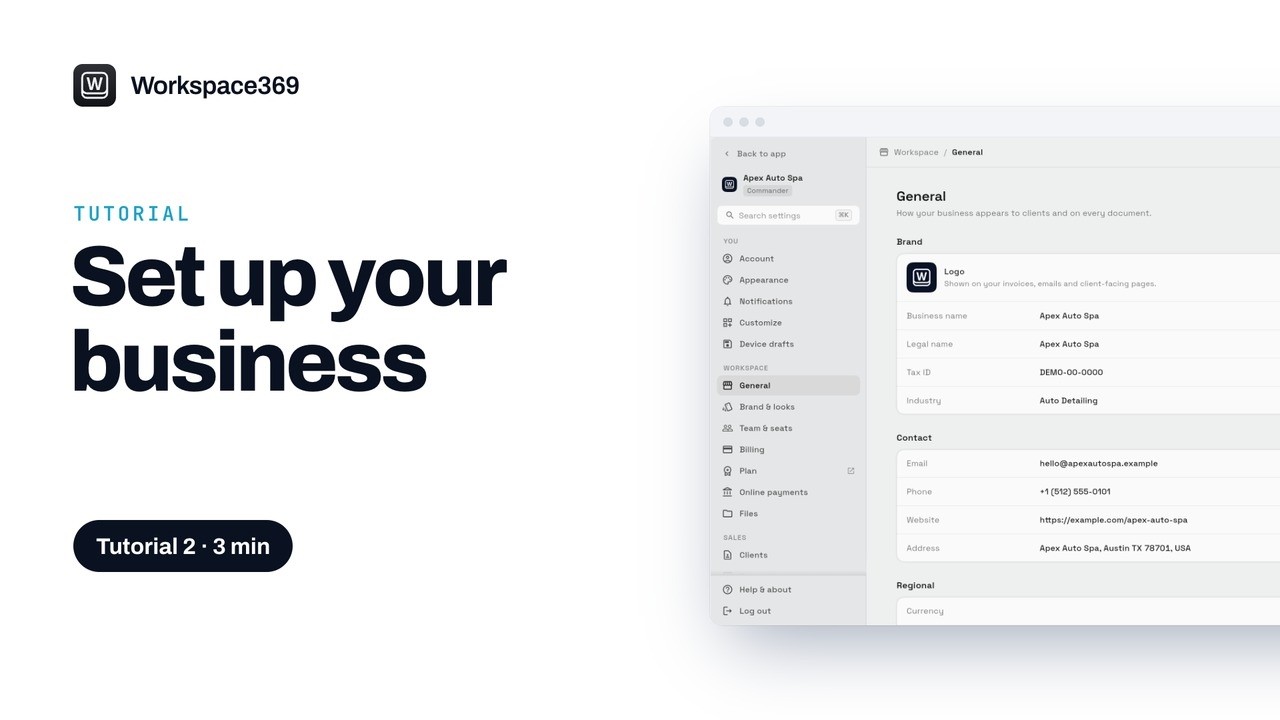 Set up your business in Workspace369Add your business details and logo, set your currency, time zone and tax codes, and choose how your invoices and proposals look.
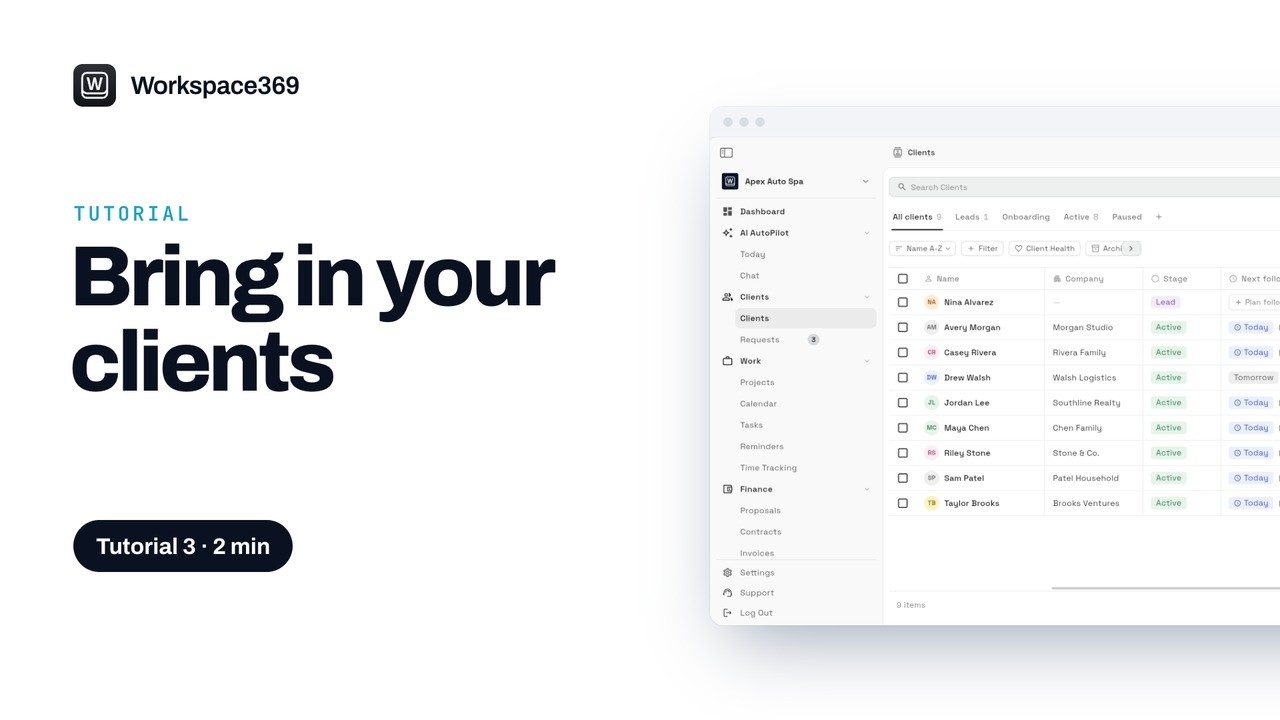 Add your clients to Workspace369Import clients from a CSV or Excel file, or add them one at a time, then sort them by stage and lead source.
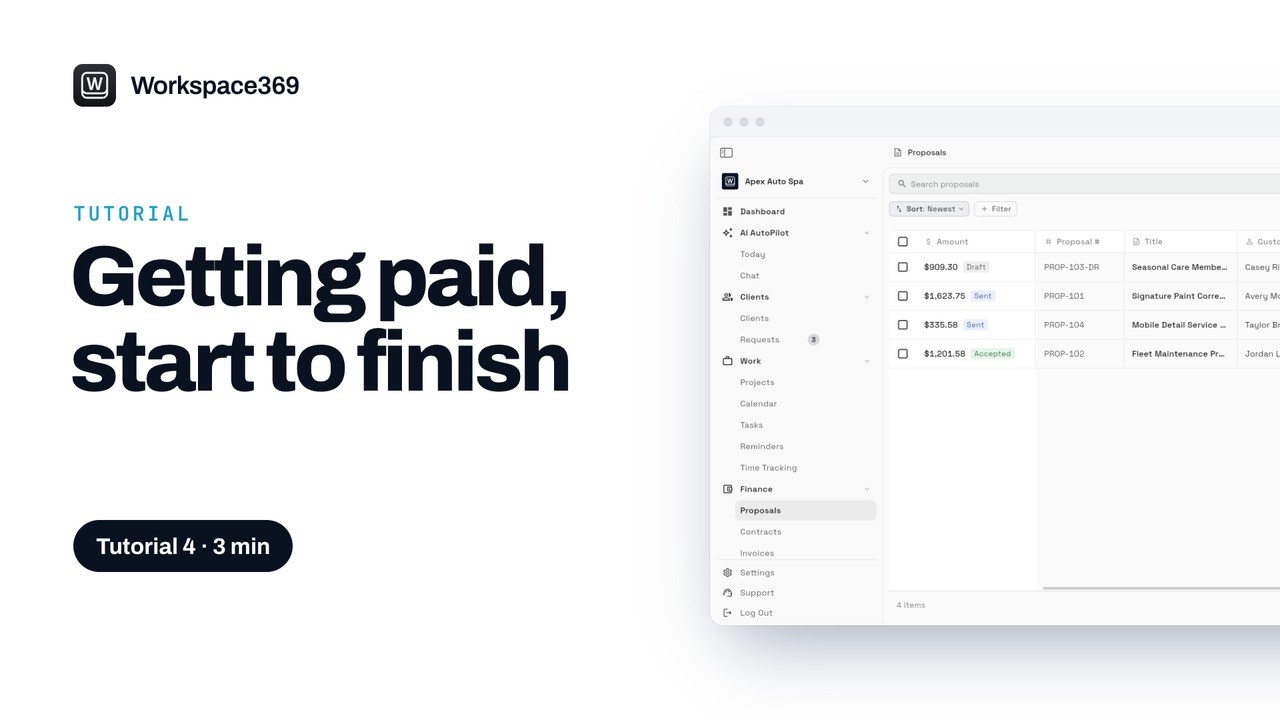 From proposal to paid in Workspace369Follow one job from start to finish: build a proposal, have the client accept and sign it, convert it to an invoice, and get paid.
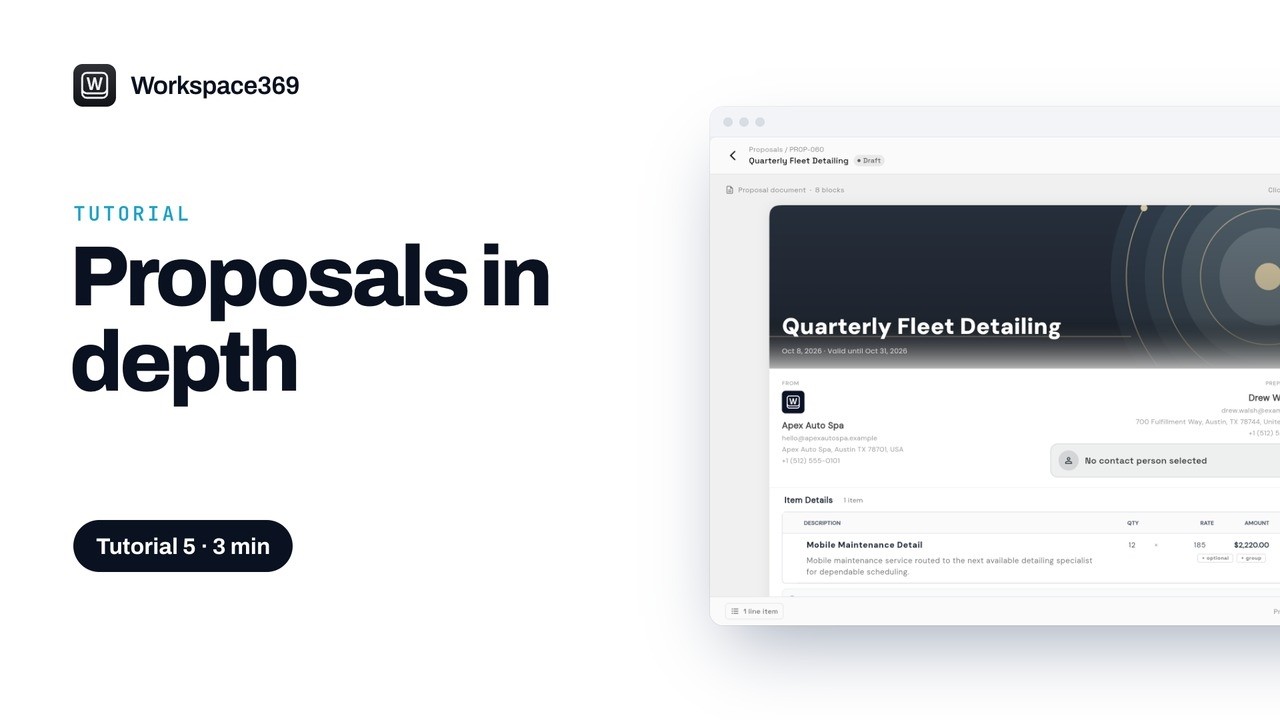 Workspace369 proposals, step by stepEverything a proposal can do: themes and covers, sections and timelines, signatures, expiry dates, deposits, follow-up reminders, templates and change orders.
 Workspace369 invoices, step by stepBuild an invoice from your catalog, split it into a payment plan, set up a repeat invoice, send it by email or text, and record payments as they come in.
 Automatic payment reminders in Workspace369Turn on automatic reminders for overdue invoices: a gentle email, a firmer one after a week and a final notice, which stop as soon as the client pays.
 Set up your product catalog in Workspace369Add your services and products once, with prices, tax and the supplies they use, so proposals and invoices fill in and your stock stays up to date.
 Track your expenses in Workspace369Scan a receipt and let AI fill in the expense, link it to a project, and see what you spend by type and how it shows up in your net income.
 Plan your schedule in the Workspace369 calendarSee every job, call and appointment, switch to the Team view, and add a job for a client and your team at a time when everyone is free, repeating every week.
 Set up your online booking page in Workspace369Make a booking page in Settings, pick a look and a brand color, choose which services clients can book, set your booking rules, and share the link or QR code.
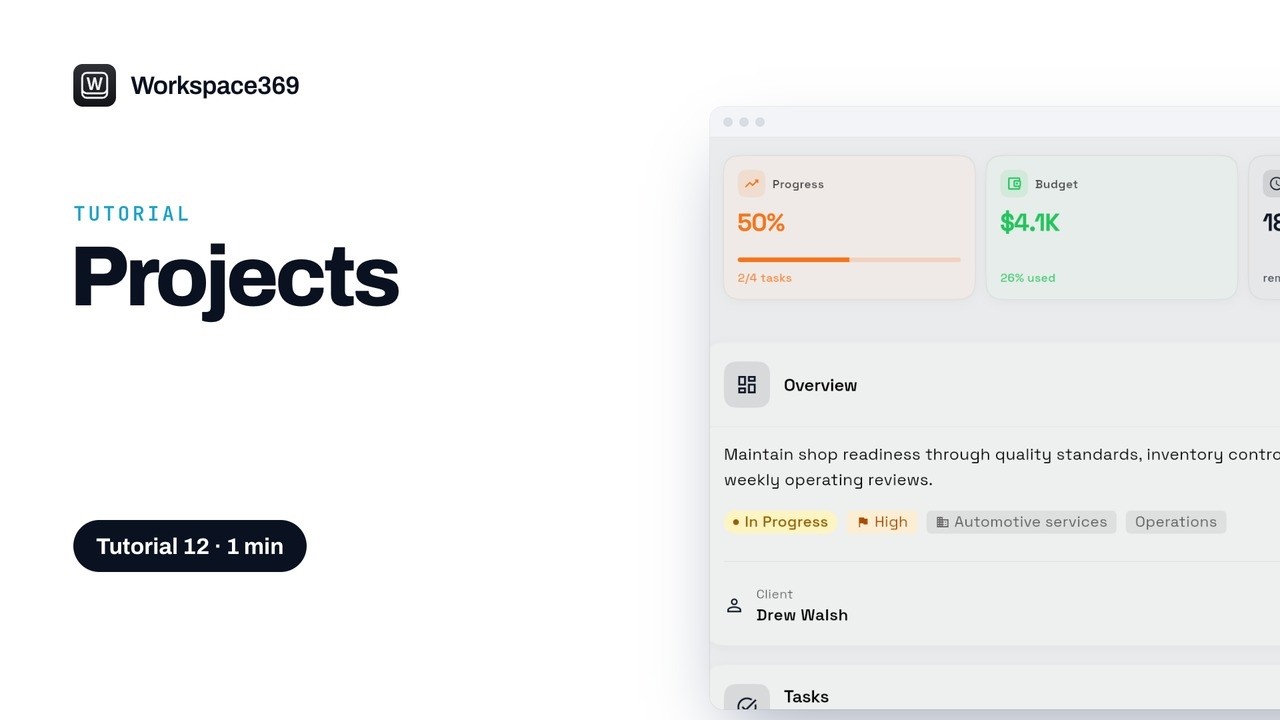 Run your projects in Workspace369See every project with its client, status and progress, check a project's budget, spending and tracked hours, and link its proposal and invoice to see what it earns.
 Organize your tasks in Workspace369See every task on a board by stage, with its due date, tags and assignee, add a task and assign it with a due date, then drag it along and tick it off when it's done.
 Track your time and bill it in Workspace369See each time entry with its project, client, duration and amount, start a timer or log the time you forgot, then bill a client's unbilled time to their draft invoice.
 Set up reminders in Workspace369See what's upcoming, overdue and done, keep reminders to yourself or share them with your team, then add a reminder with a time, priority and assignee, and mark it done.
 Reply to clients from one inbox in Workspace369See client emails, texts and voicemails in one list, reply to an email with the subject already filled in, pull in a saved quick response, and snooze a text for later.
 Connect your email address to Workspace369Use the email address every workspace gets automatically, add your own domain to send from addresses like hello@ and billing@, and connect another mailbox over SMTP with an app password.
 Calls and voicemail in Workspace369See just your voicemails in Inbox, read one without playing it and call the client back, then set up how calls ring, forward and reach your team, and the voicemail greeting callers hear.
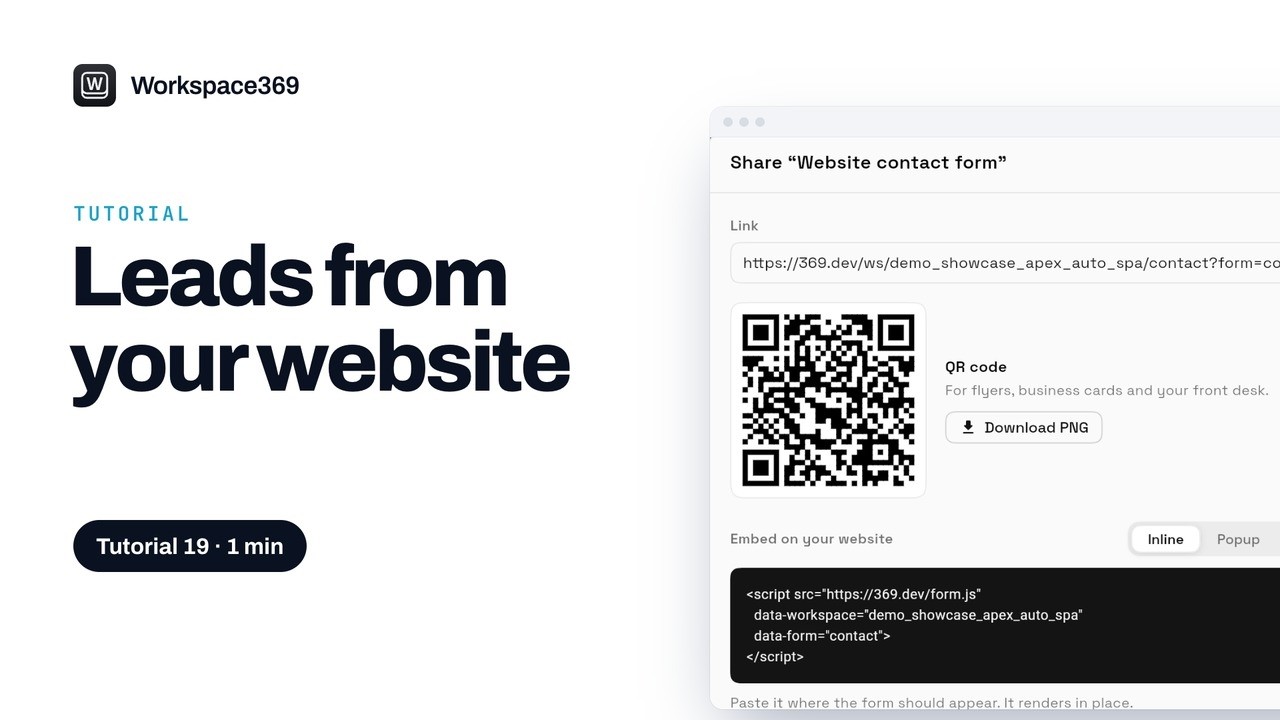 Get leads from your website with Workspace369See the requests your website forms bring in, open one to reply, call or convert it to a client, then share your form with a link, a QR code or an embed code.
 Build a lead funnel in Workspace369Start a funnel from a template, edit each step and block in the phone preview, go through it like a visitor, then publish it and share the link.
 Automate your follow-ups in Workspace369See which workflows are active and how often each one ran, open one to follow its trigger and steps, test it safely, and start your own from a template.
 Ask Workspace AI about your business in Workspace369Open Chat, under AI AutoPilot, to plan your day, get answers from your own numbers, have it write a follow-up for you, and let it do the work when you ask.
 Invite your team to Workspace369See everyone who can sign in to your workspace, invite someone with a role, choose which clients and prices they can see, and change a role later.
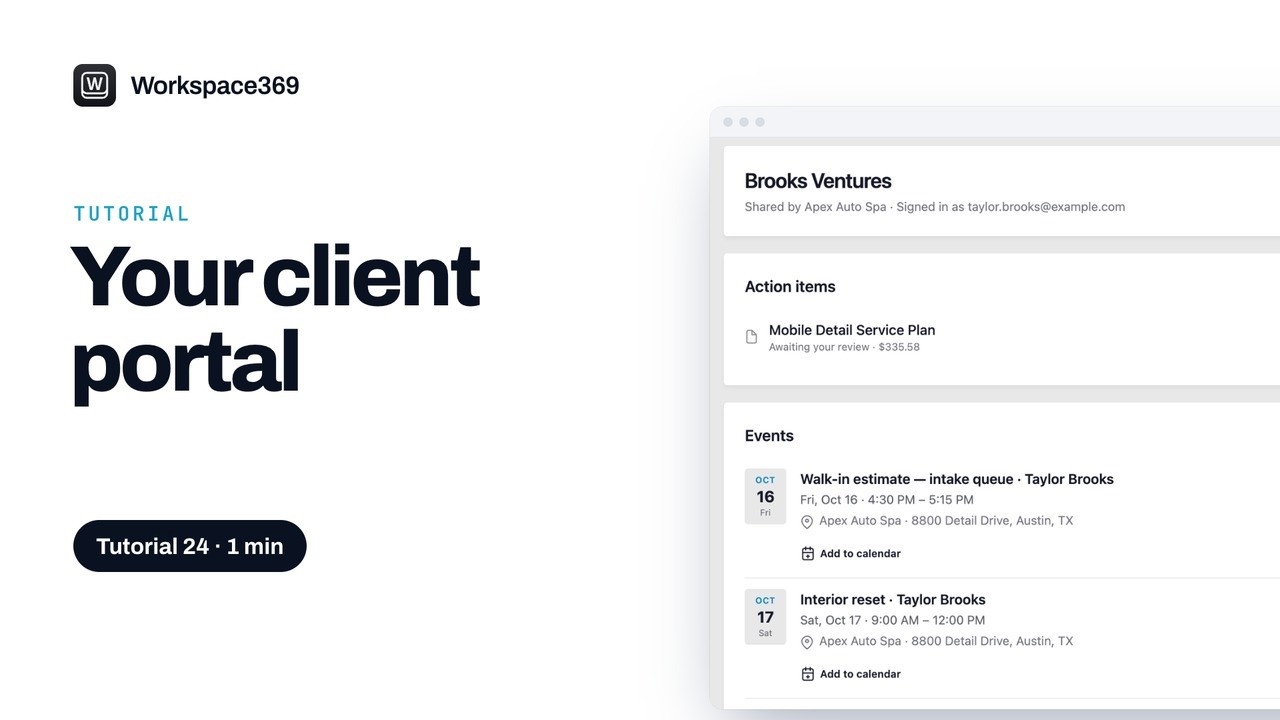 Share a client portal in Workspace369Open Client portal on a client's profile, copy the private link and send it, then see how your client signs in with an email code and what they see.
 Set up retainers and recurring invoices in Workspace369Bill a client every cycle with a retainer, as an hour bank, a fixed monthly scope or a prepaid deposit, or repeat a set amount with a recurring invoice.
 Send a contract for e-signature in Workspace369Prepare a contract in four steps, choose who signs and in what order, place the signature fields, then send it and follow it until everyone has signed.
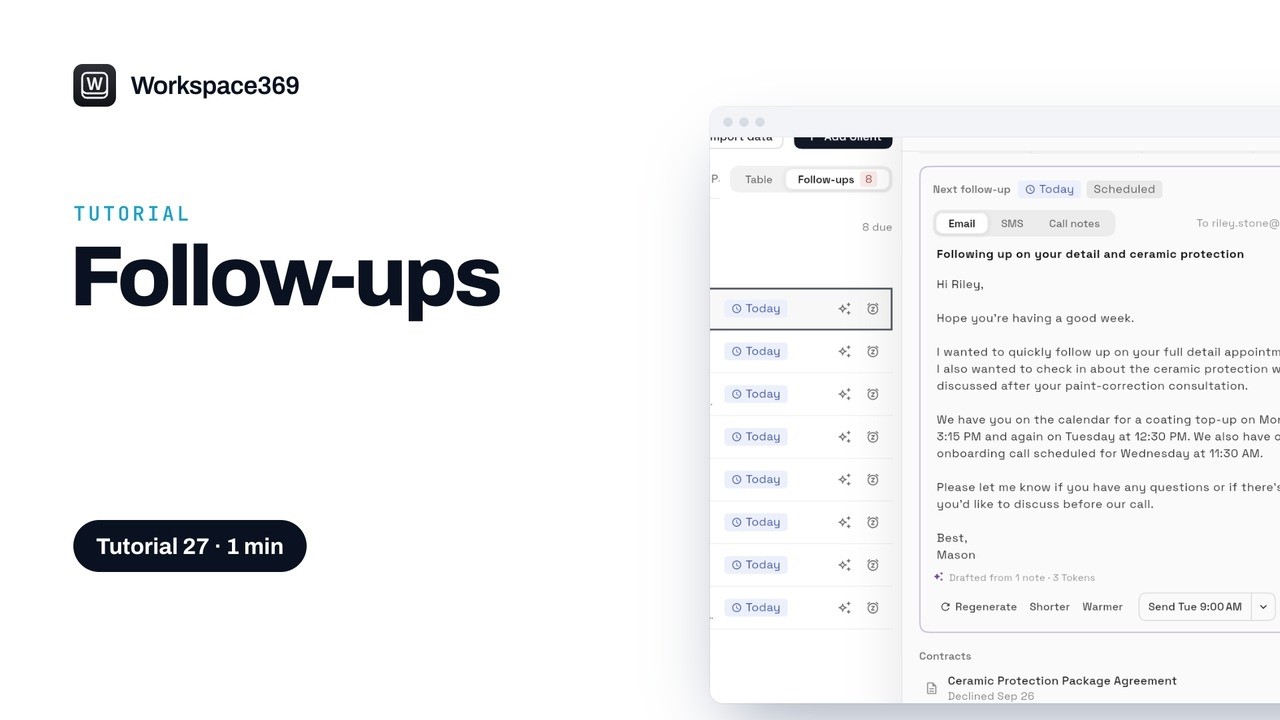 Catch up on your client follow-ups in Workspace369See which clients need you today and why, filter by owner and type, draft the email from their notes, then send it, snooze it or mark it done.
Want to read instead?
See where Workspace369 fits into your client-work flow.
Start with the modules you need today, then turn on AI, automations, accounting, inventory, requests, and reporting as the operation grows.
14-day free trial. Card required. After the trial: from $29/month. Renews automatically every month until you cancel. Cancel anytime in Settings → Billing.
