Workspace & team
Continue with Google on login and sign-up
Sign up or log in with your Google account in one step, and use Google with the account you already have.
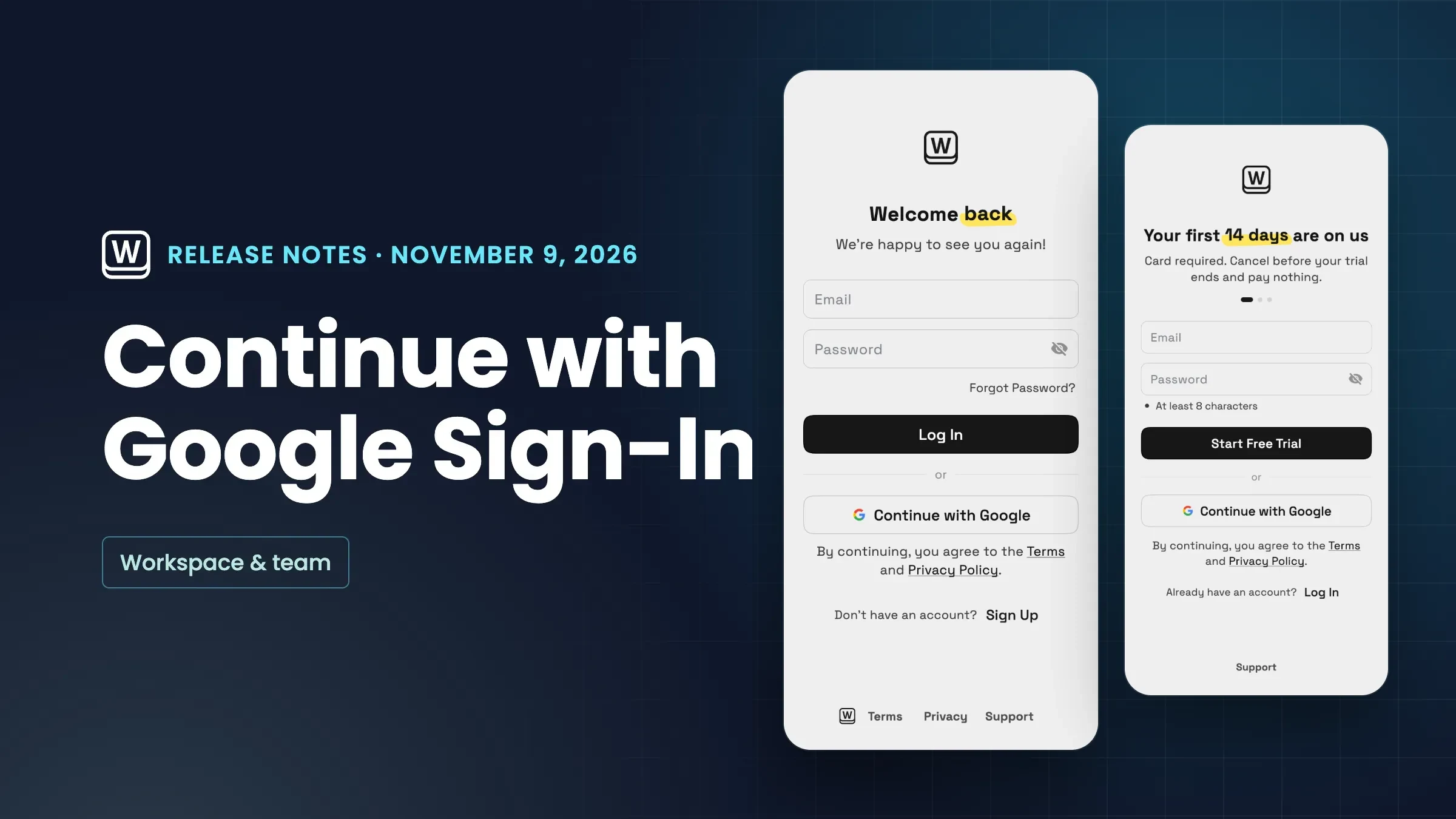
Continue with Google
The login and sign-up screens now have a Continue with Google button, under Log In on the login screen and under Start Free Trial when you sign up. If you're new, it creates your account with your Google address and takes you through the same setup as signing up with email. If you already have an account, it logs you in.
If you first signed up with an email and password, Google is added to that same account, so you never end up with two. For some addresses we ask for your password once to confirm it's you. Workspace369 only asks Google for your name, email address and basic profile. If someone invited you to their workspace, continue with the address they invited and you'll join it.
It's in the web app now.
- Sign up or log in with Google in one step
- Works with the account you already have
- Only your name, email and basic profile
- Join a workspace invite with Google
- Where to find it
- The login and sign-up screens
- Continue with Google
- Plans
- Every plan
- Learn more
- Workspace setup guide
Quick answers
- Where is Continue with Google in Workspace369?
- On the login and sign-up screens in the web app. On the login screen it sits under Log In, and on sign-up it sits under Start Free Trial.#
- What if I already signed up with an email and password?
- Google is added to that same account, so you never end up with two. For some addresses Workspace369 asks for your password once to confirm it's you.#
- What does Workspace369 ask Google for?
- Only your name, email address and basic profile.#
- Can I join a workspace I was invited to with Google?
- Yes. Continue with Google using the address you were invited with and you join that workspace.#
Related updates
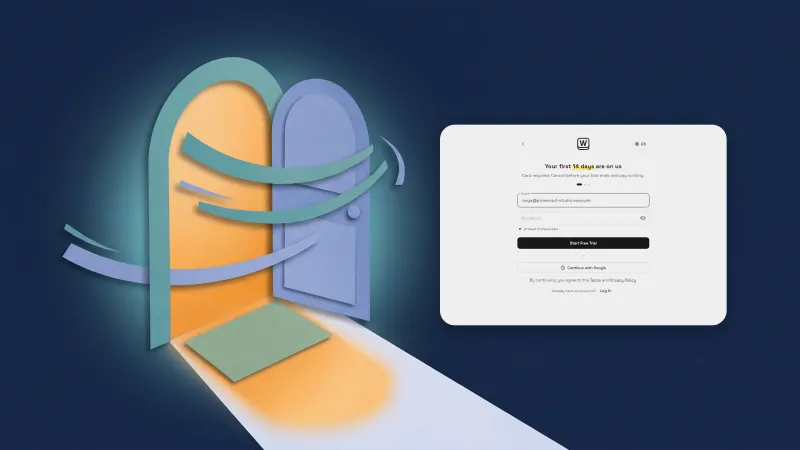 The web app opens faster: sign-in is there almost at once
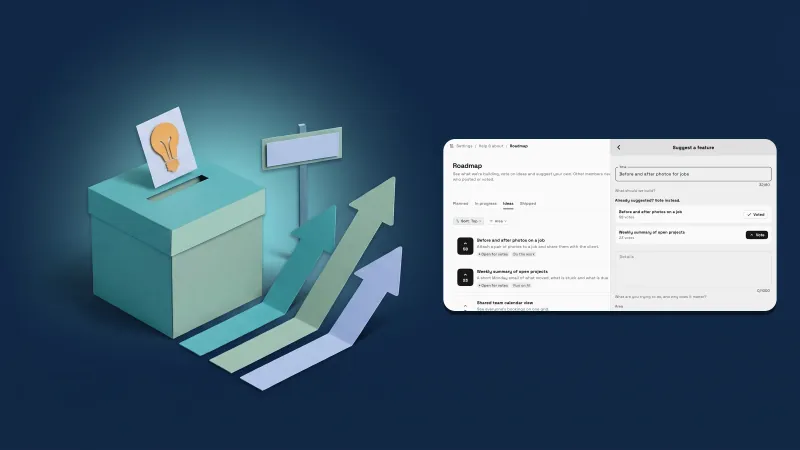 Vote on what we build next, and suggest your own, in the Roadmap
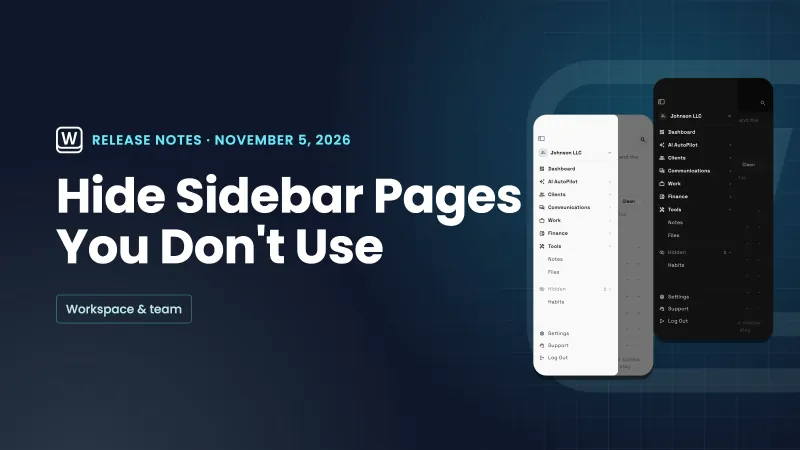 Hide sidebar pages you don't use
Continue with Google on login and sign-up, in your own workspace
Start your free trial, then find it under The login and sign-up screens.
14-day free trial. Card required. After the trial: from $29/month. Renews automatically every month until you cancel. Cancel anytime in Settings → Billing.