QuickBooks Solopreneur
QuickBooks Solopreneur is a strong fit for one-person businesses that want income and expense organization, receipt capture, mileage, estimates, invoices, payments, goals, reports, and Schedule C-oriented tax readiness.
Which should you pick?
Choose QuickBooks Solopreneur if you plan to stay a business of one and tax-ready organization, receipts and mileage come first. Choose Workspace369 if your daily work is client delivery, communication and projects as well as invoicing, and you want one record that can grow into a team. QuickBooks lists Lite at $20 a month (checked October 25, 2026); Workspace369 Cadet is $29 a month for 1 seat, and Voyager adds a second seat at $74.
QuickBooks Solopreneur organizes finance and tax readiness for a business of one. Workspace369 organizes the full client lifecycle and can grow from solo work into a connected team operation.
14-day free trial. Card required. After the trial: from $29/month. Renews automatically every month until you cancel. Cancel anytime in Settings → Billing.
Reviewed October 25, 2026 using public product pages, pricing pages, and Workspace369's current product scope.
Facts last verified October 25, 2026 from QuickBooks Solopreneur's public pages. QuickBooks Solopreneur is a trademark of its owner; Workspace369 isn't affiliated with or endorsed by it. Spot an error? Tell us at support@workspace369.com and we'll fix it.
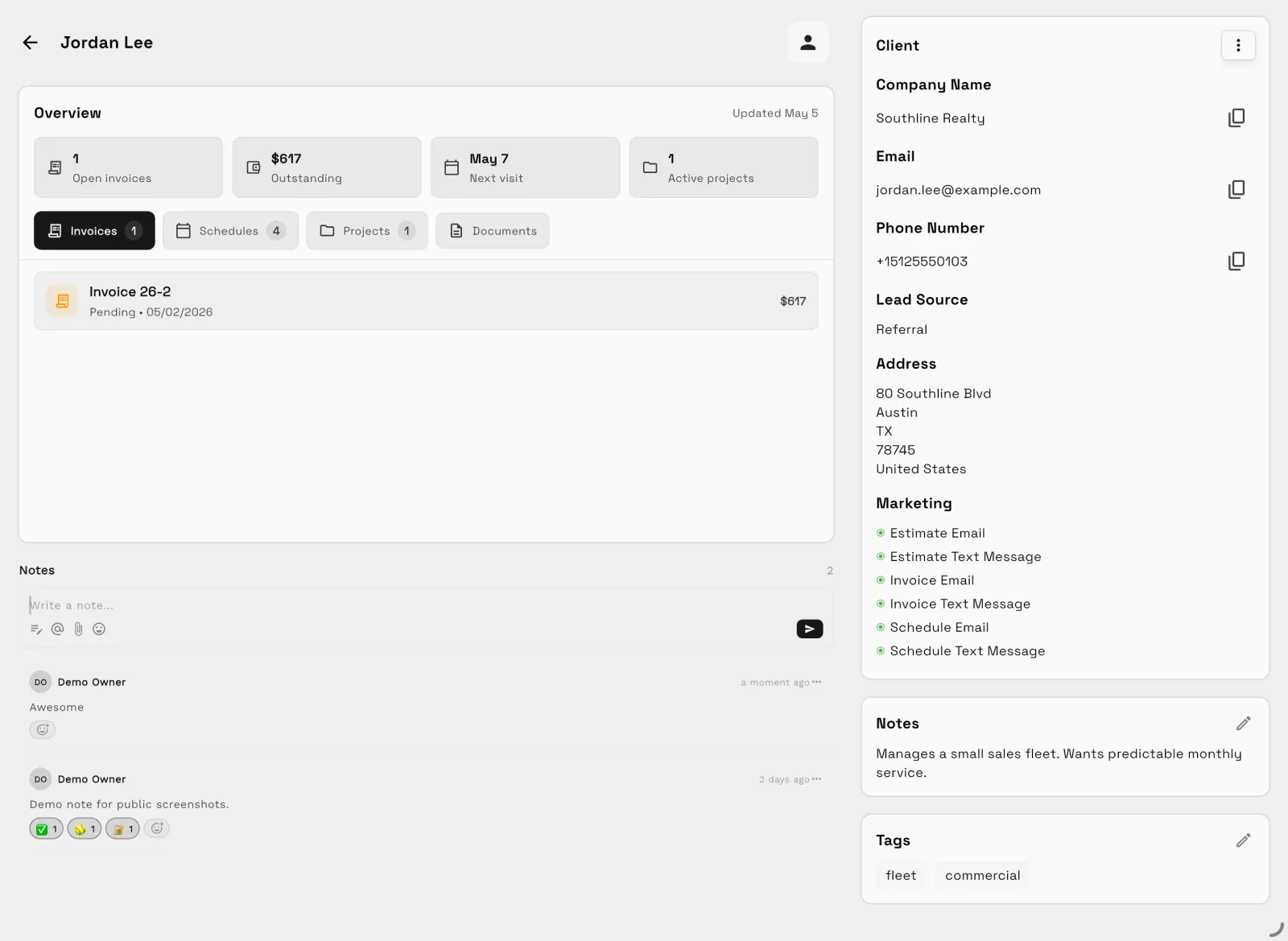
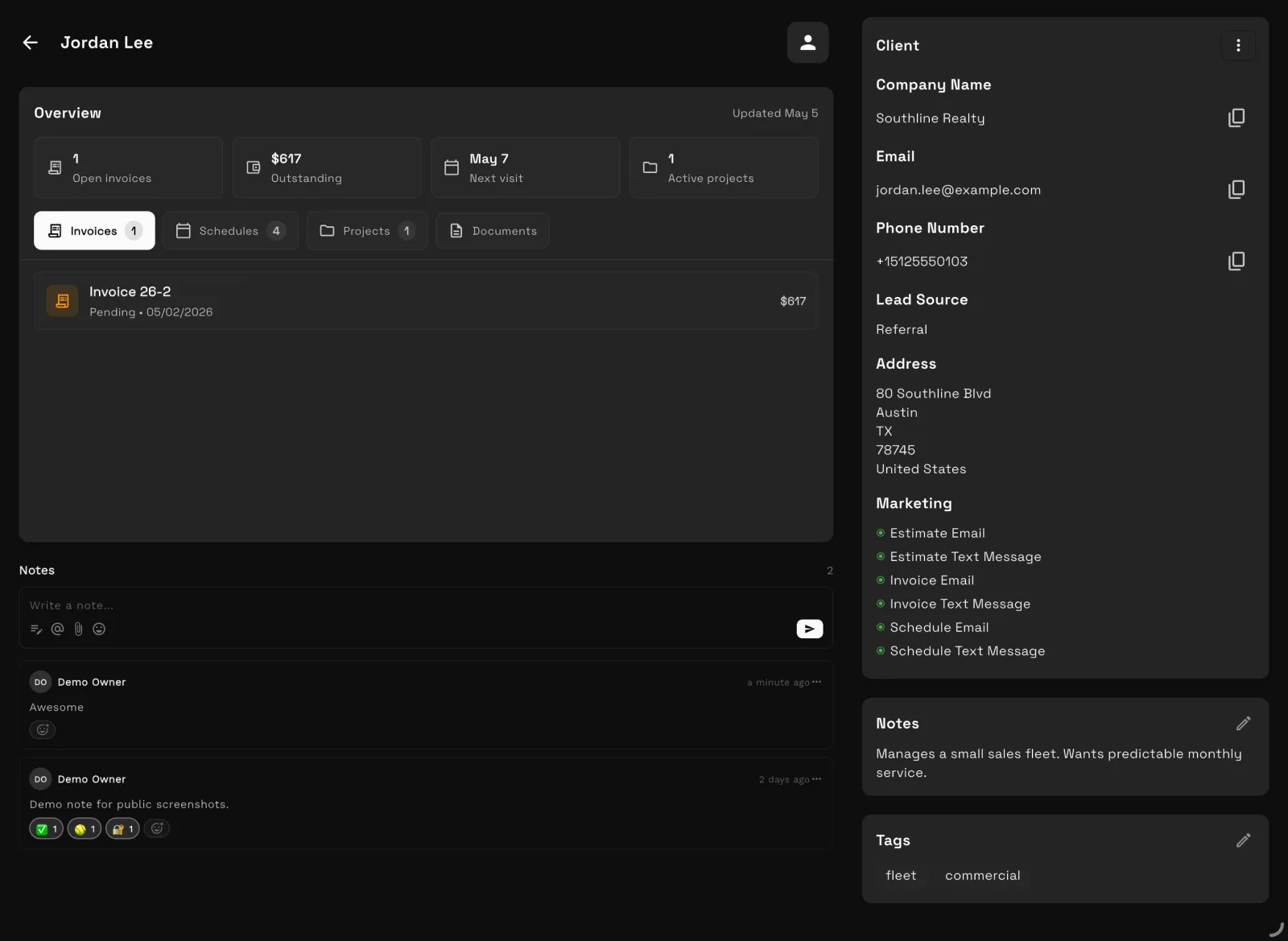
Our team sets up your workspace with you and helps move your clients and invoices from the tools you use now.
Export your data as a spreadsheet and AI Import maps the columns for you. Support can help with anything unusual.
Offer ends .
14 days free · card required · then $29/mo · cancel anytime
After signup, claim free setup in your workspace.
At a glance
| QuickBooks Solopreneur | Workspace369 | |
|---|---|---|
| Best for | QuickBooks Solopreneur One-person business finance, bookkeeping organization, tax readiness, estimates, invoices, payments, mileage, and goals. | Workspace369 Solo and team client-work operations from intake and delivery through communication, billing, payments, and reporting. |
| Pricing model | QuickBooks Solopreneur QuickBooks Solopreneur is built for one-person businesses and now lists Free, Lite, and Simple Start tiers. Regular monthly prices are shown (checked October 25, 2026); on that date the paid tiers were 50% off for the first 3 months. | Workspace369 Plans per workspace with seats included: $29/mo for 1 seat up to $699/mo for 50 seats, with texts and calls from Voyager and IVR and call queues from Specialist. |
| Client layer | QuickBooks Solopreneur Customers, estimates, invoices, reminders, payments, and finance-centered business management. | Workspace369 CRM, client portal, proposals, invoices, and reporting in one record, with payment plans from Specialist. |
The two products
QuickBooks Solopreneur
QuickBooks Solopreneur is a strong fit for one-person businesses that want income and expense organization, receipt capture, mileage, estimates, invoices, payments, goals, reports, and Schedule C-oriented tax readiness.
Workspace369
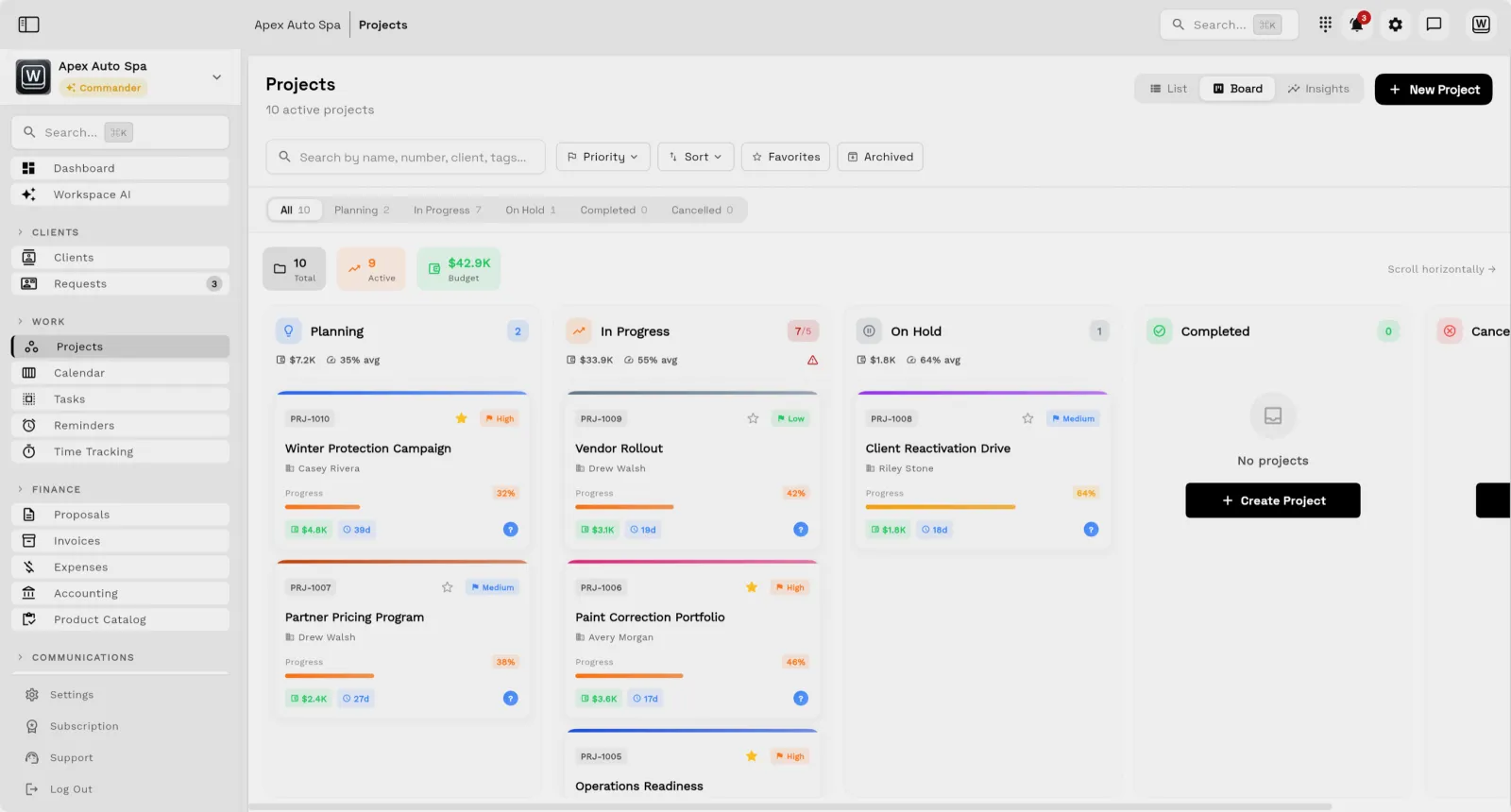
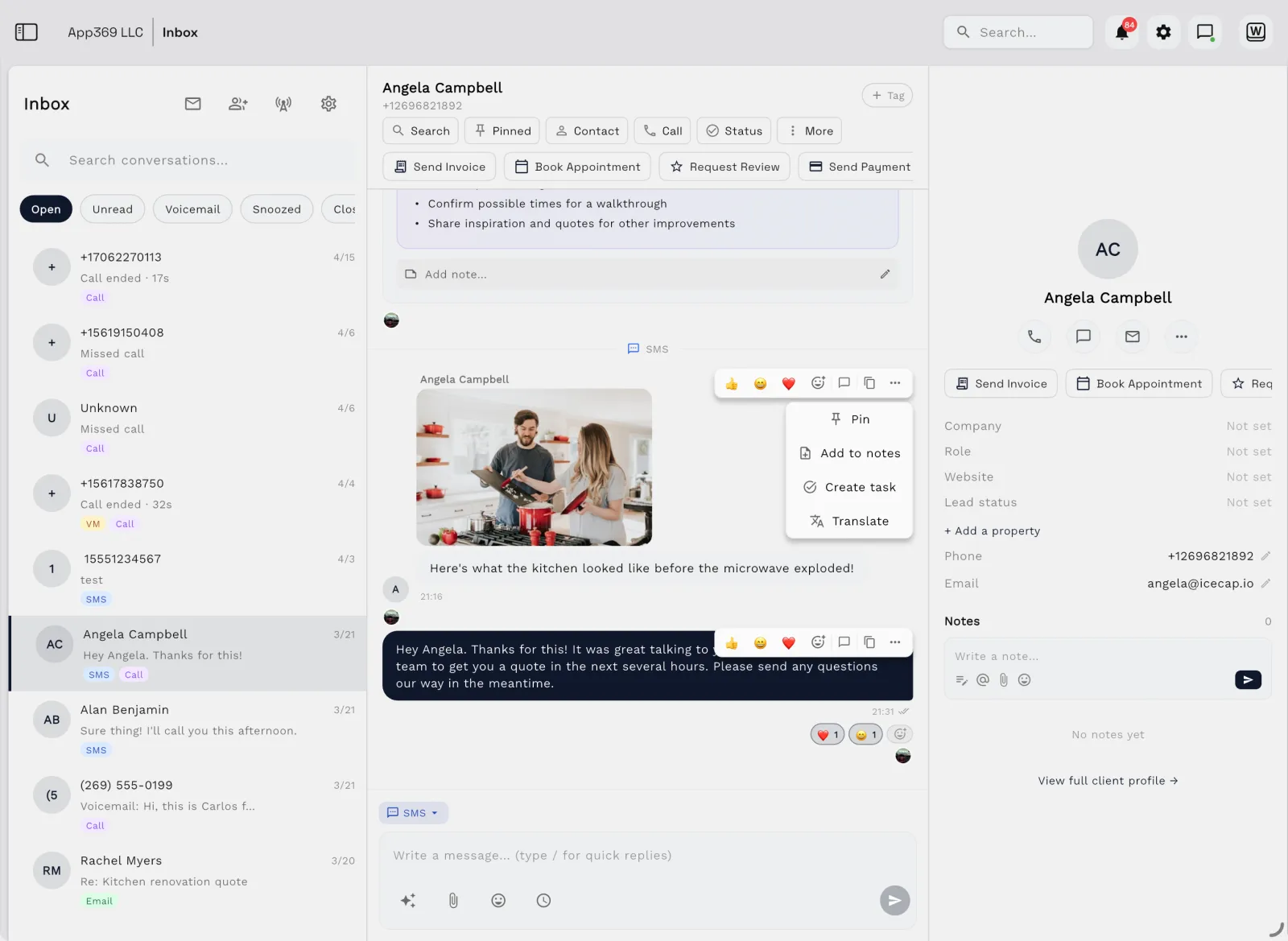
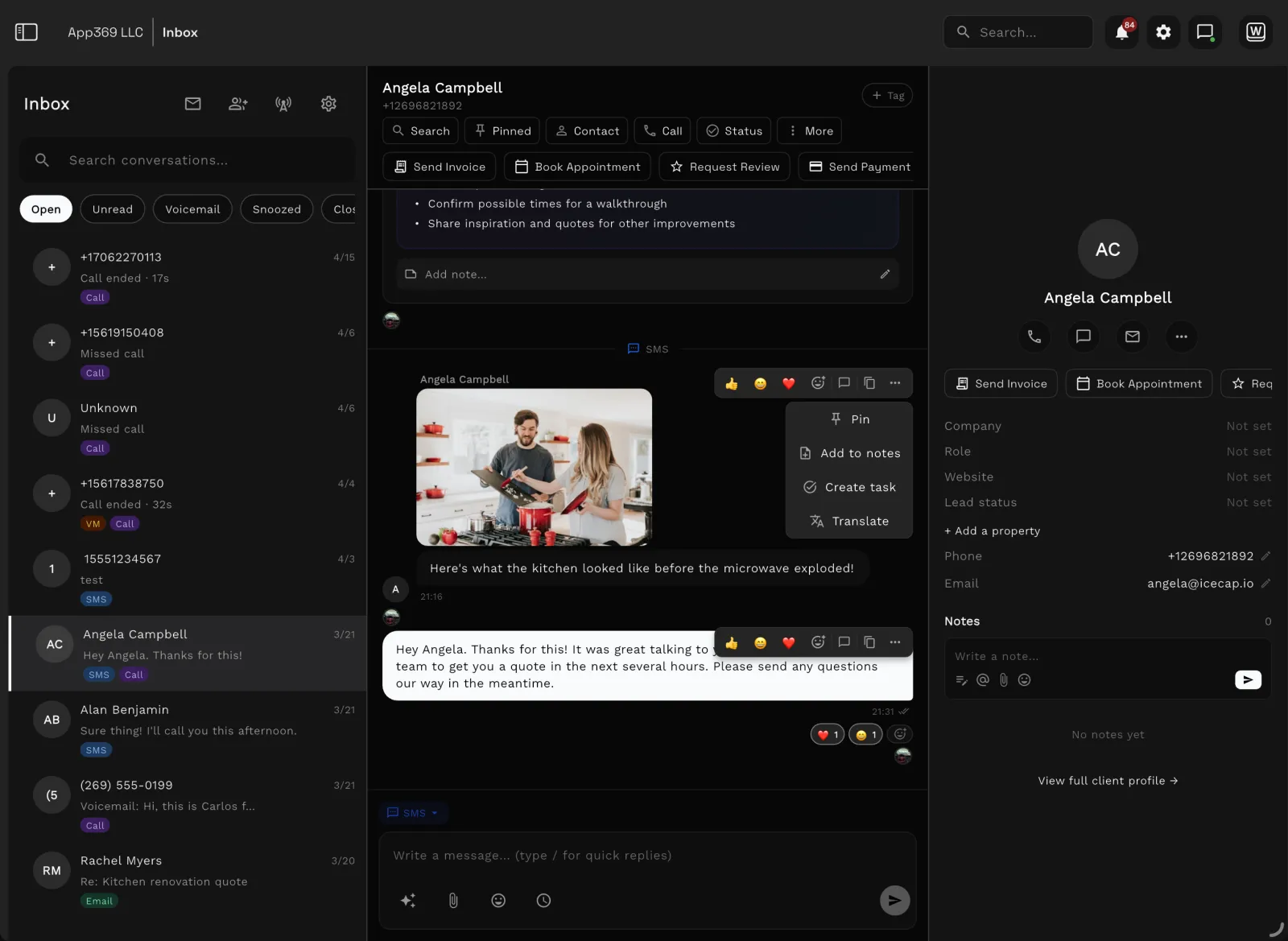
Workspace369 is a strong fit when the solo operator needs client CRM, requests, projects, tasks, communication, files, proposals, invoices, payments, expenses, AI, and a path into team operations.
Feature comparison
| Area | QuickBooks Solopreneur | Workspace369 |
|---|---|---|
| Primary fit | QuickBooks Solopreneur One-person business finance, bookkeeping organization, tax readiness, estimates, invoices, payments, mileage, and goals. | Workspace369 Solo and team client-work operations from intake and delivery through communication, billing, payments, and reporting. |
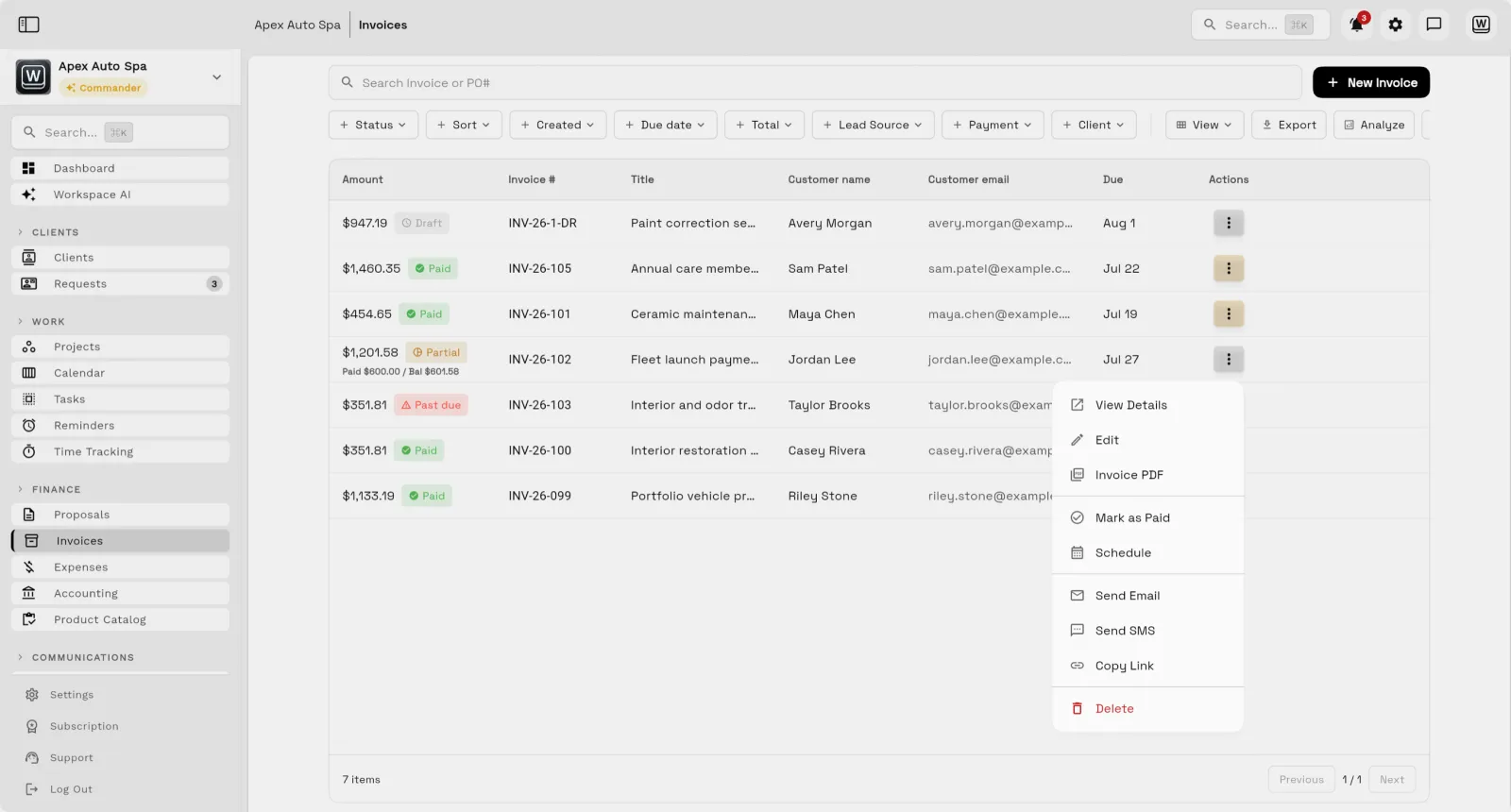
| Finance | QuickBooks Solopreneur Business and personal transaction organization, receipts, mileage, deductions, reports, sales tax, and tax-oriented workflows. | Workspace369 Invoices, payments, expenses, accounting context, products, inventory, AR, and operational reports by plan. |
|---|---|---|
| Client work | QuickBooks Solopreneur Customers, estimates, invoices, reminders, payments, and finance-centered business management. | Workspace369 CRM, requests, projects, tasks, schedules, files, inbox, SMS, voice, proposals, invoices, payments, and AI. |
| Growth path | QuickBooks Solopreneur Purpose-built for a business of one; Intuit offers separate products as needs expand. | Workspace369 Starts with solo operations and expands into team seats, shared inbox, voice, automation, finance, and multi-workspace controls. |
| Choose based on | QuickBooks Solopreneur You want tax-ready financial organization for a one-person business. | Workspace369 You want to run the complete client relationship and preserve a direct path to team operations. |
Comparison based on public product positioning and Workspace369's current feature set, reviewed October 25, 2026. Exact fit depends on your workflow, team size, and implementation needs.
Pricing and value
| QuickBooks Solopreneur source ↗ | |
|---|---|
| Free | $0/mo — 2 invoices and 2 receipts a month, 5 mileage trips, 1 contractor. |
| Lite | $20/mo — Unlimited invoices, receipts, and mileage; 3 contractors; expert-assisted tax via TurboTax (pay only when you file). |
| Simple Start | $38/mo — Adds accountant access, general reports, cash flow history, and unlimited contractors. |
| Workspace369 all plans → | |
|---|---|
| Cadet | $29/mo — 1 seat, invoices, proposals, clients, projects, tasks, notes, calendar, and starter inbox tools. |
| Voyager | $74/mo — 2 seats, a business number for calls and texts, shared inbox, missed-call text back, and unlimited projects. |
| Specialist | $149/mo — 10 seats, IVR, call queues and call recording, AI call summaries, expenses, payment plans, and basic accounting. |
| Commander | $299/mo — 20 seats, full accounting, unlimited and AI-drafted workflows, advanced AI, and dedicated support. |
QuickBooks Solopreneur is compelling for a one-person, Schedule C-oriented finance workflow. Workspace369 is broader when the solo business needs client CRM, projects, communication, files, proposals, billing, payments, AI, and a path into team operations.
| Workflow | Separate stack | Workspace369 |
|---|---|---|
| CRM and client records | Separate stack CRM, spreadsheets, lead forms | Workspace369 Built in |
| Projects, tasks, and calendar | Separate stack Project management app, scheduler, task board | Workspace369 Built in |
| Inbox, SMS, voice, voicemail | Separate stack Email helpdesk, phone system, SMS tool | Workspace369 Built in by plan |
| Proposals, invoices, and payments | Separate stack Proposal tool, invoicing app, payment processor | Workspace369 Built in |
| Files, notes, and client context | Separate stack Docs, cloud drive, client portal | Workspace369 Built in |
| AI, automations, and reporting | Separate stack AI assistant, automation tool, dashboard/reporting layer | Workspace369 Built in by plan |
| Expenses, accounting, and inventory | Separate stack Accounting app, expense tracker, inventory system | Workspace369 Built in by plan |
Reviewed October 25, 2026. Pricing and packaging can change — verify current details with each vendor before deciding. The goal is a buyer-useful comparison, not a pretend scorecard.
Decision
Switching
Your workspace is ready in minutes — pick a plan later, no migration call required.
Bring clients, contacts, and open invoices in with CSV import instead of retyping anything.
Hook up Google Calendar, your inbox, and Stripe so schedules, conversations, and payments land in one place.
Run your next client project end-to-end — request to proposal to invoice — and cancel the old stack when it sticks.
Product tour
FAQ
The deciding question is tax-ready solo finance versus a broader client-work operating system.
14-day free trial. Card required. After the trial: from $29/month. Renews automatically every month until you cancel. Cancel anytime in Settings → Billing.
Start with the modules you need today, then turn on AI, automations, accounting, inventory, requests, and reporting as the operation grows.
14-day free trial. Card required. After the trial: from $29/month. Renews automatically every month until you cancel. Cancel anytime in Settings → Billing.
