Forty weekly slots, renegotiated every term
School timetables change in September and January, and every family wants the same 5 o'clock piano slot. Rebuilding the week by text takes longer than teaching it.
A music school's week is a grid of teachers, rooms and half-hour slots that barely changes between September and June, and its money is tuition that should arrive on the 1st without anyone asking.
14-day free trial. Card required. After the trial: from $29/month. Renews automatically every month until you cancel. Cancel anytime in Settings → Billing.
Talk to sales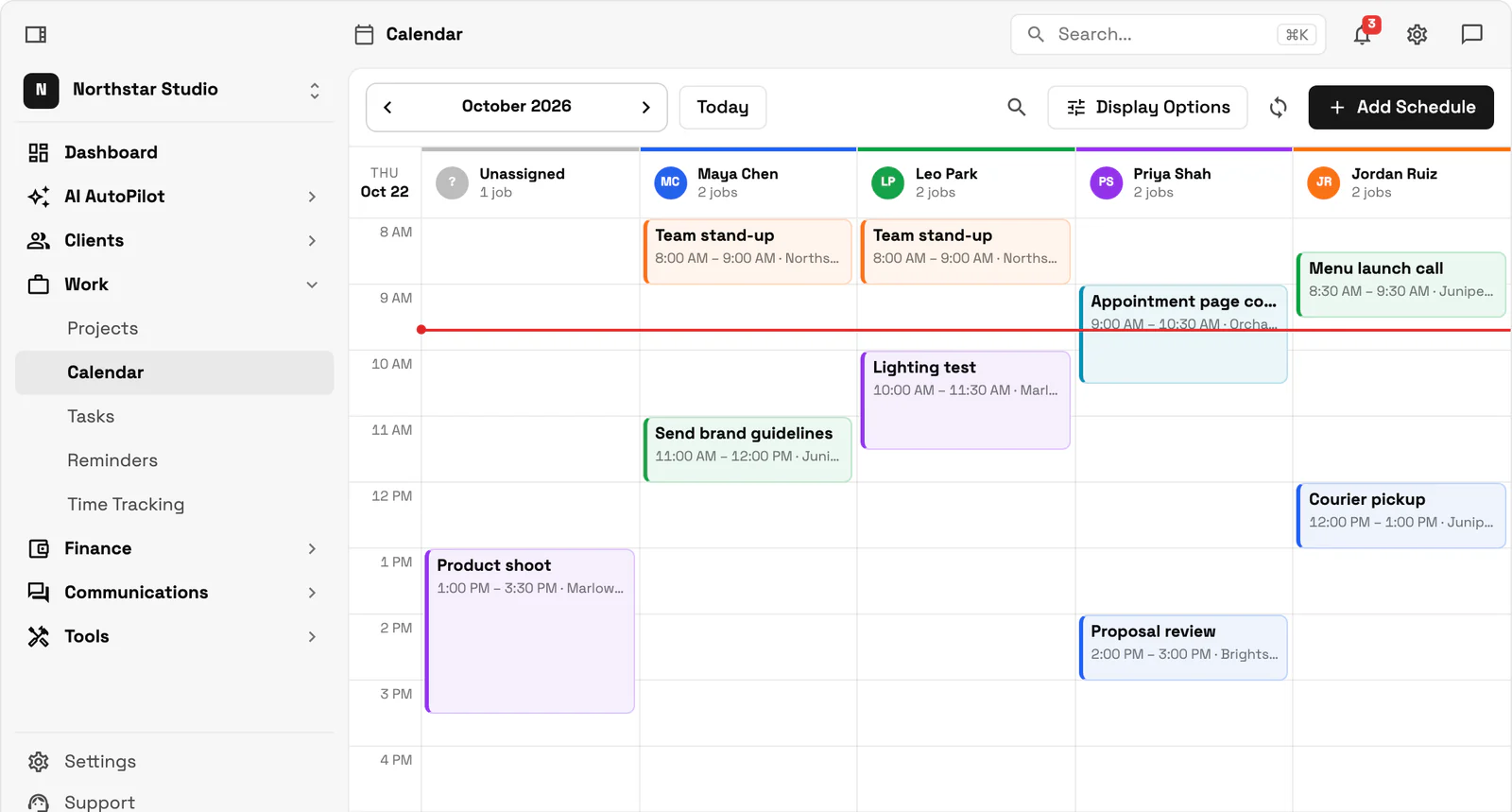
Workspace369 is built around exactly that: every student's lesson as a recurring event assigned to their teacher, tuition as a membership or lesson pack charged to the parent's saved card through Stripe or Square, and recital night as a calendar event with every family invited. A private teacher can run all of it on Cadet ($29 a month, one seat). Once a second teacher joins, Voyager ($74 a month, 2 seats, extra seats $10) adds shared family memberships for siblings, group texts when a teacher is off sick (texting needs a dedicated number, $50 one-time carrier setup) and SMS lesson reminders. Specialist ($149 a month, 10 seats) lets parents book trial lessons online, with a Google Meet link for online students. Practice logs, makeup-lesson credits and teacher payroll stay in a dedicated music school tool.
Key facts
Music school software at Workspace369 covers 10 areas, including trial-lesson intake form, instrument and grade in custom fields, recurring lessons per teacher.
The workflow runs in 4 steps, from "match the student to the right teacher" to "run recital night from the calendar".
Workspace369 starts at $29/mo for 1 seat, and the Commander plan includes 20 seats and 120,000 Tokens a month at $299/mo.
Additional seats cost $10 each; full pricing is public on the Workspace369 pricing page.
If practice logs, makeup credits or teacher payroll matter most, start with a music or lesson tool. Teachworks Starter is $16.49 a month plus $0.35 per student lesson, with a 21-day trial. My Music Staff and Opus1 show prices on their own sites; My Music Staff lists a 30-day free trial. Workspace369 ($29 a month, Cadet) fits schools that want inquiries, recurring lessons by teacher, tuition billing, a parent portal and recital invites on one record.
| Tool | Lowest monthly price | Billing | Parent access | Trial |
|---|---|---|---|---|
| Teachworks | $16.49 plus $0.35 per student lesson (Starter) | See site | See site | 21 days |
| My Music Staff | See site | See site | See site | 30 days |
| Opus1 | See site | See site | See site | See site |
| Workspace369 | $29 (Cadet) | Memberships, lesson packs and recurring invoices | Client portal with files and invoices | 14 days, card required |
Prices and features from each vendor's official pricing page, checked November 8, 2026, in USD. My Music Staff and Opus1 load their pricing in the browser, so cells we could not confirm read See site. Read the tutoring and lesson software comparison.
School timetables change in September and January, and every family wants the same 5 o'clock piano slot. Rebuilding the week by text takes longer than teaching it.
Some families pay by the month, some by the term, some forget. Without a card on file, the first week of every month goes on reminders instead of lessons.
Each recital means a venue, a running order, invitations to every family and reminders the day before, assembled from a spreadsheet and a reply-all thread.
Appointments, shoots, sessions, and follow-ups tied to the client record — with automated reminders arriving on time.
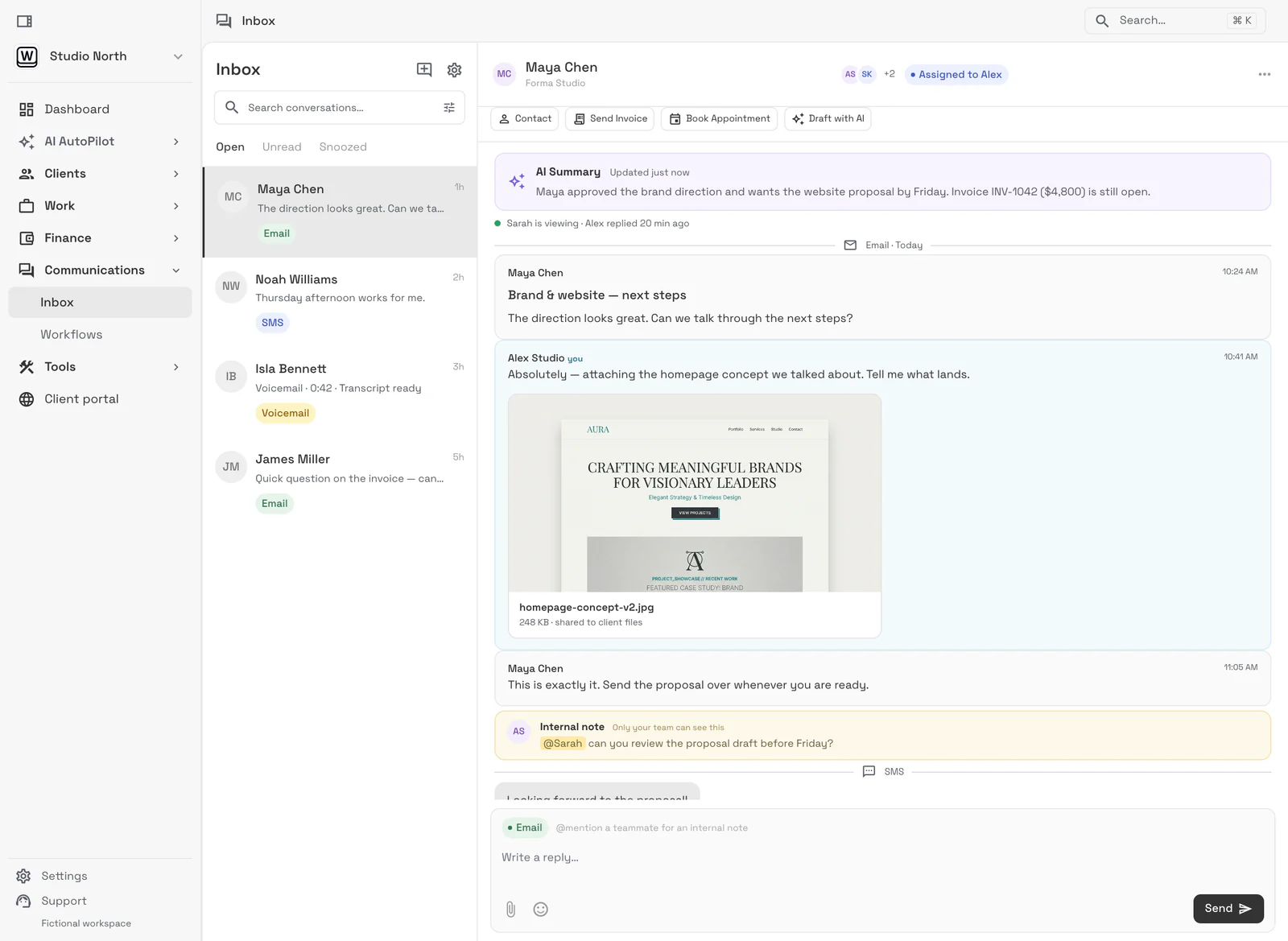
Email lands beside the client record on every plan; texts, calls and voicemail join it from Voyager, with AI call summaries from Specialist.
Tasks, files, and status for every engagement — visible to the team and, through the client portal, to the client.
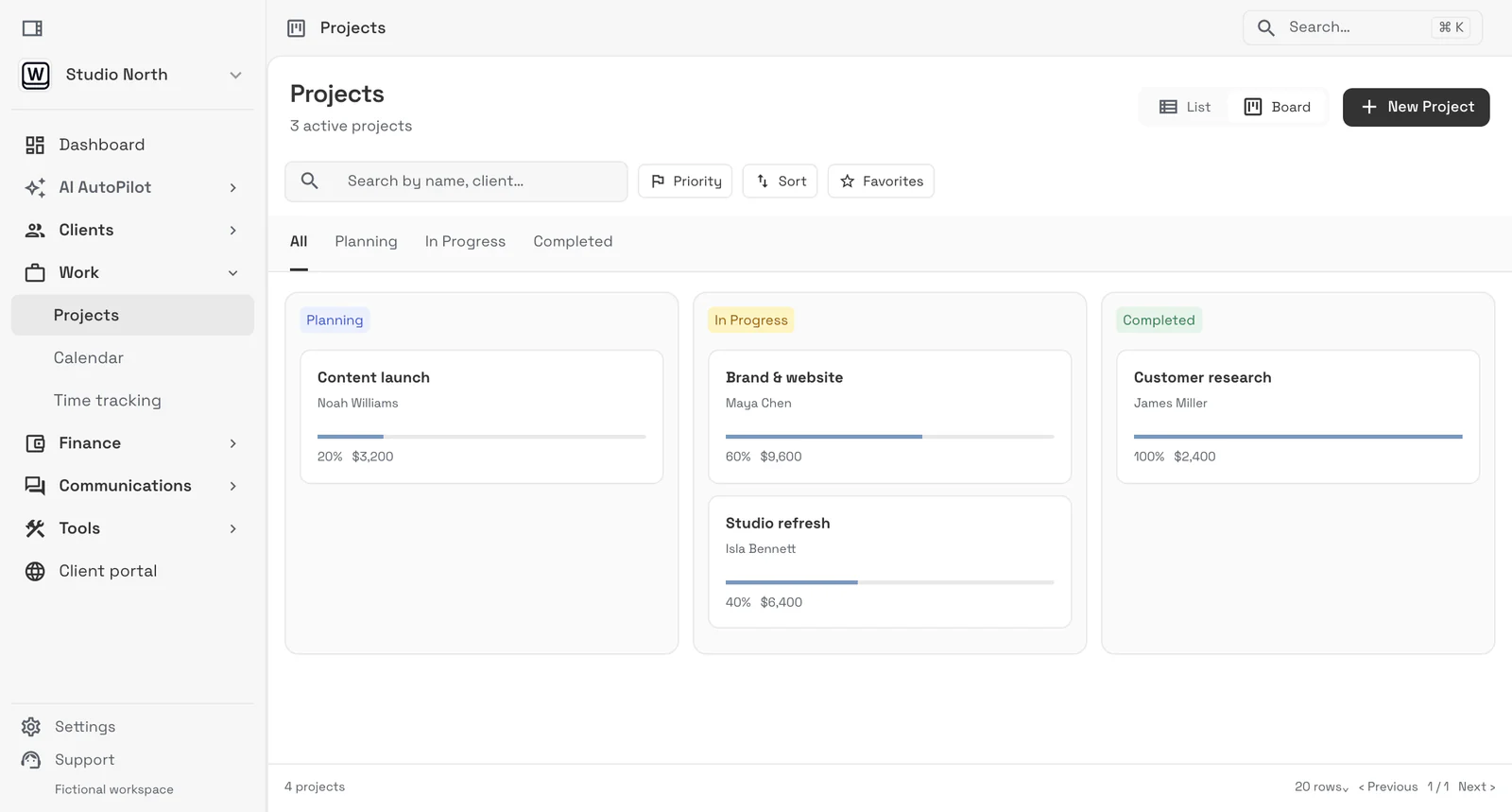
Send quotes, bill milestones or retainers, and let automated reminders chase anything outstanding.
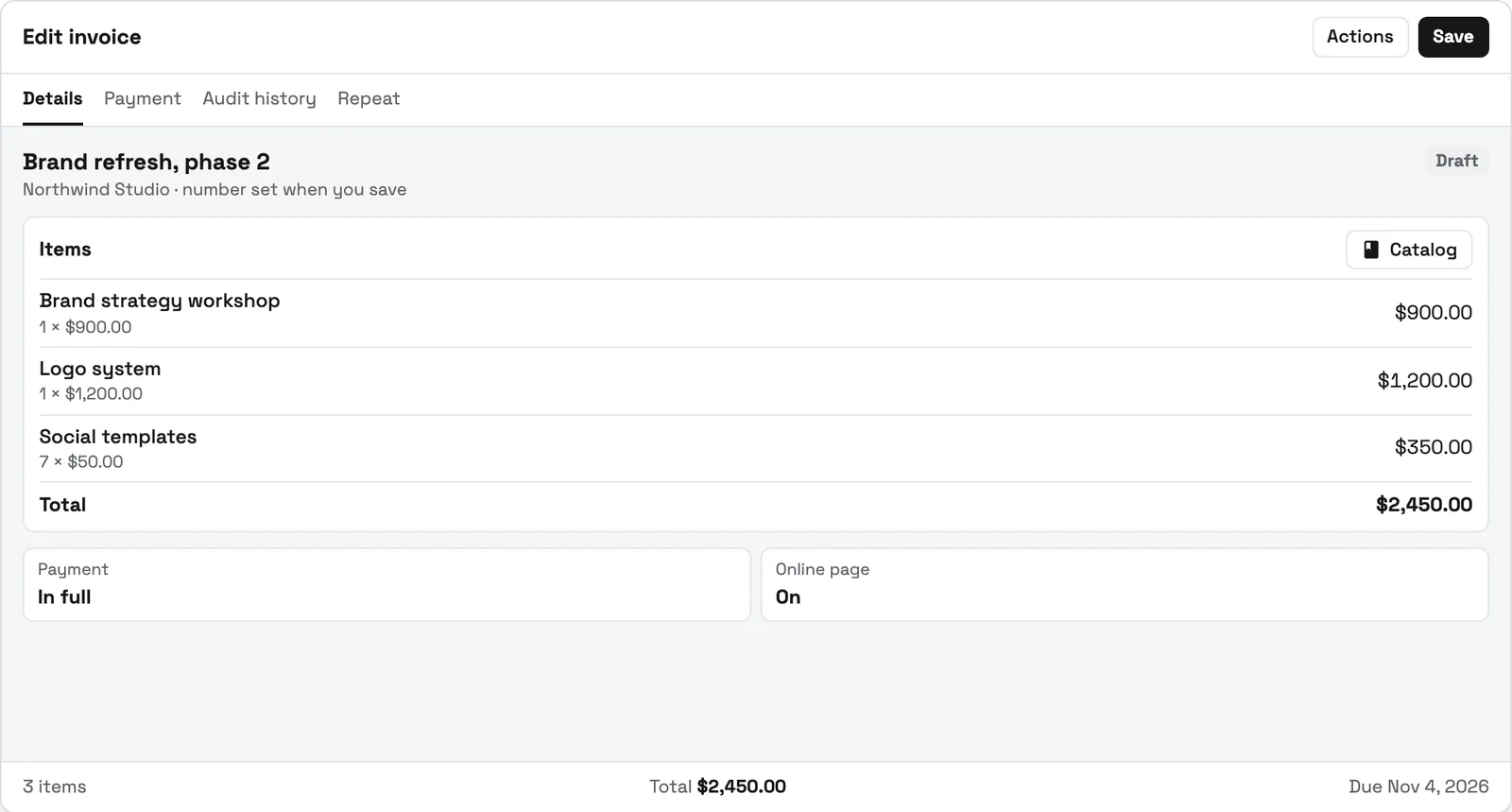
Piano at grade 3 and beginner guitar need different teachers, so the website form asks for instrument, current grade or exam board, and the evenings that work. Those answers sit on the new record (instrument and grade as custom fields), and the trial lesson goes straight onto the right teacher's calendar.
A recurring event holds the lesson on the shared team calendar, assigned to the teacher, with email reminders on every plan and SMS reminders from Voyager. From Specialist, parents book or move lessons inside the availability you set, and a lesson booked as a Google Meet session gets its meeting link from the teacher's Google account.
Most families pay monthly, a few prepay a term: set up one membership type for each, charged through your own Stripe or Square account. Monthly tuition renews on the saved card, and you decide on the membership type what a declined card should trigger. Two siblings learning different instruments can share one family membership from Voyager.
Put the dress rehearsal and the recital on the calendar as events and invite every family as attendees, so the date, time and venue reach everyone from one place. From Voyager, a group text the afternoon before reminds families of the call time. Each family's invoices sit in their client portal, so tuition questions don't need a separate email thread.
SMB ModernizationGreat tool for modernizing small businesses. Ability to leverage AI without technical background.
True all-in-one systemIt beautifully combined my CRM, team calendar, and billing tools so I could finally stop paying for a bunch of separate software subscriptions
Best app for my construction businessGreat app. This app solved all my needs! Not only did it help, but it is cheaper than other apps. I highly recommend this app if you want to start organizing and automating your business on another level. Also love the design
Quoted exactly as written, in the reviewer’s own language. This is a selection of reviews, not all of them. Reviews from our own team are left out of the selection, but the overall rating includes their ratings.
14-day free trial. Card required. After the trial: from $29/month. Renews automatically every month until you cancel. Cancel anytime in Settings → Billing.
Talk to salesIt handles the office around lessons: inquiries, student and parent records, the weekly schedule by teacher, reminders, tuition billing and parent communication. Workspace369 covers that from $29 a month; practice logs, makeup credits and teacher payroll stay in a dedicated music school tool.#
Yes. Each lesson is a recurring event on the shared team calendar, assigned to its teacher, with email reminders on every plan. Cadet has one seat, Voyager two, and Specialist ten, so a school with several teachers usually starts on Voyager or Specialist.#
Yes. Monthly tuition sold as a membership through your own Stripe or Square account renews on the parent's saved card, and lesson packs suit families who prepay a block of lessons.#
Yes, on every plan: add the recital to the calendar as an event and invite families as attendees. From Voyager you can also send a group text reminder to every family.#
No. You can move a missed lesson on the calendar, but practice logs and makeup-lesson credits are features of dedicated music school tools.#
Start with the modules you need today, then turn on AI, automations, accounting, inventory, requests, and reporting as the operation grows.
14-day free trial. Card required. After the trial: from $29/month. Renews automatically every month until you cancel. Cancel anytime in Settings → Billing.