Workspace & team
The new Home is now the default on the web
On the web, everyone now opens to the new Home: what’s overdue, what needs you and today’s plan in one place. Switch back to Classic Home any time.
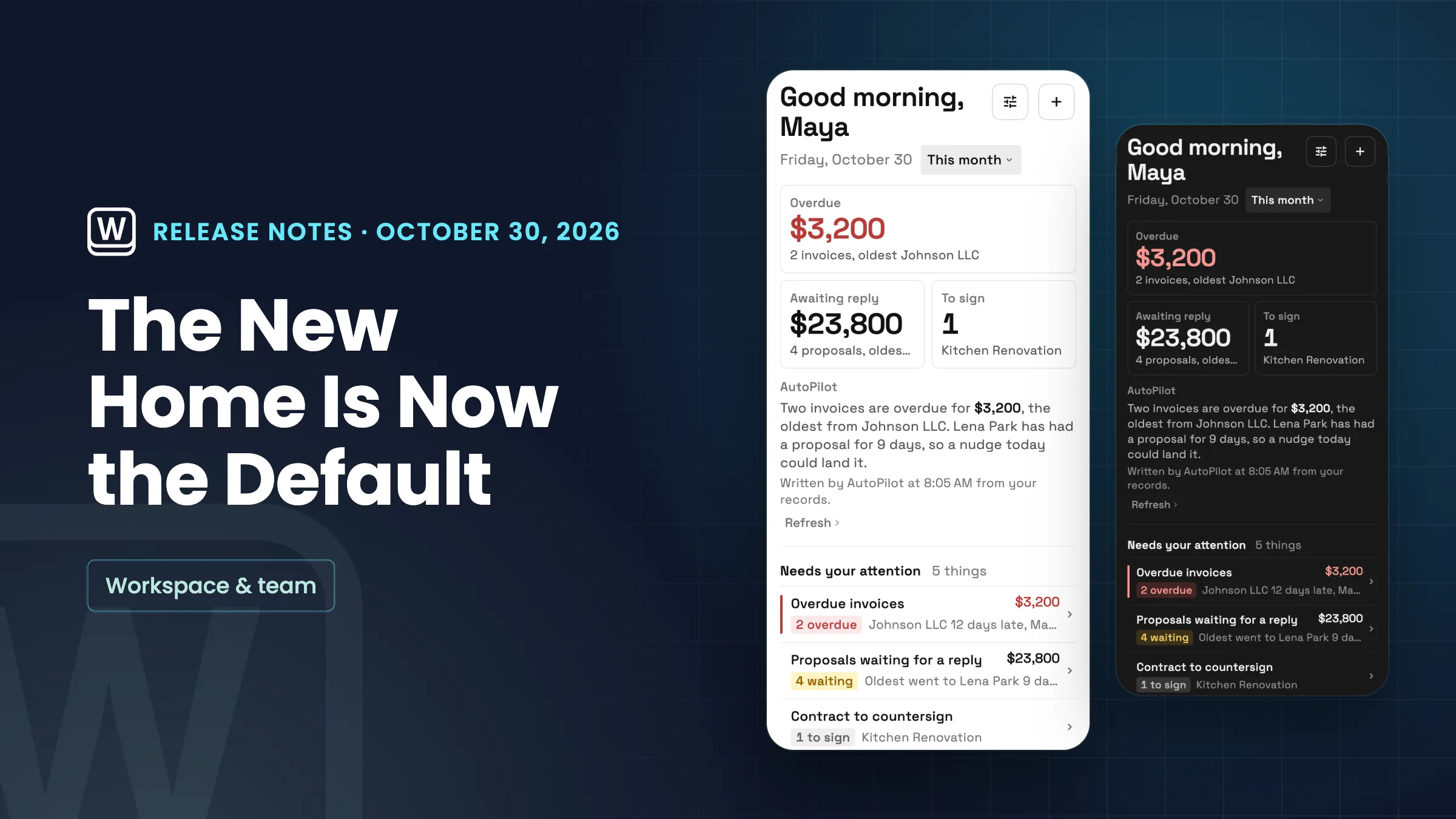
The new Home opens for everyone
The new Home is now the default for everyone, including people who already used the classic Home. It puts overdue, waiting and to-sign figures at the top, with an Ask bar for AutoPilot, a list of what needs your attention and today’s plan underneath.
You can still use the classic Home: open Settings → Appearance, find Home and choose Classic Home. The same switch is in the Home Customize menu, and your choice syncs across your devices. It’s live on the web now, and the iPhone and Android apps get it with their next update.
- The new Home is the default on the web
- Existing members get it too
- Switch back to Classic Home in Settings → Appearance or the Customize menu
- In the iPhone and Android apps with their next update

- Where to find it
- Home; switch between New Home and Classic Home in Settings
- Appearance
- Home, or in the Home Customize menu
- Plans
- Every plan
- Learn more
- Dashboards and reportsAI chat
Quick answers
- Is the new Home on every Workspace369 plan?
- Yes. The new Home is the default for everyone on the web, whatever the plan.
- Can I go back to the classic Home?
- Yes. Open Settings → Appearance and, under Home, choose Classic Home. You can also switch from the Customize menu on Home. Your choice syncs across devices.
- I already used the classic Home. Will I see the new one?
- Yes. On the web, the new Home is now the default for everyone, including people who already used the classic Home. You can switch back in Settings → Appearance. The phone apps get it with their next update.
- What does the new Home show?
- Overdue, waiting and to-sign figures at the top, an Ask bar for AutoPilot, a list of what needs your attention and today’s plan.
- When do the iPhone and Android apps get the new Home?
- It’s live on the web now. The iPhone and Android apps get it with their next update.
Related updates
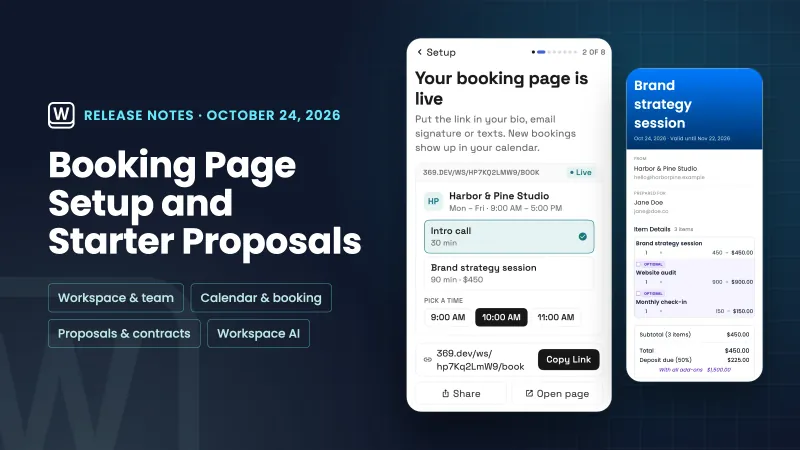 Setup now builds your booking page and starts your first proposal from your services
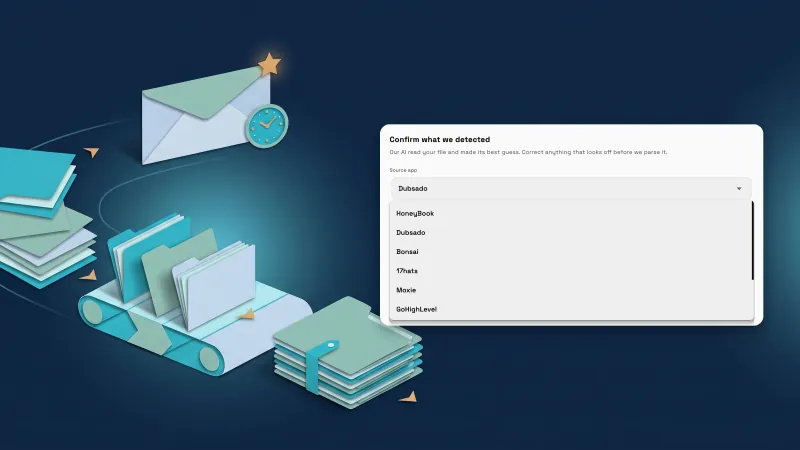 Ask clients for reviews automatically, and import from five more tools
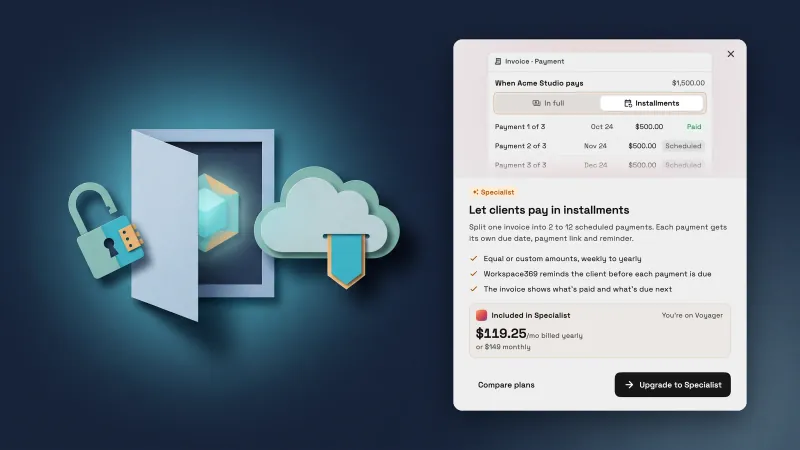 Locked features now show what they do, and unsaved work is easier to recover
The new Home is now the default on the web, in your own workspace
Start your free trial, then find it under Home; switch between New Home and Classic Home in Settings.
14-day free trial. Card required. After the trial: from $29/month. Renews automatically every month until you cancel. Cancel anytime in Settings → Billing.