WorkflowsProposals & contractsCalendar & booking
Workflows can send a proposal, and booking setup is easier to scan
A workflow can now make a proposal from a template and email it to the client, and a service’s booking settings are regrouped so the essentials come first.
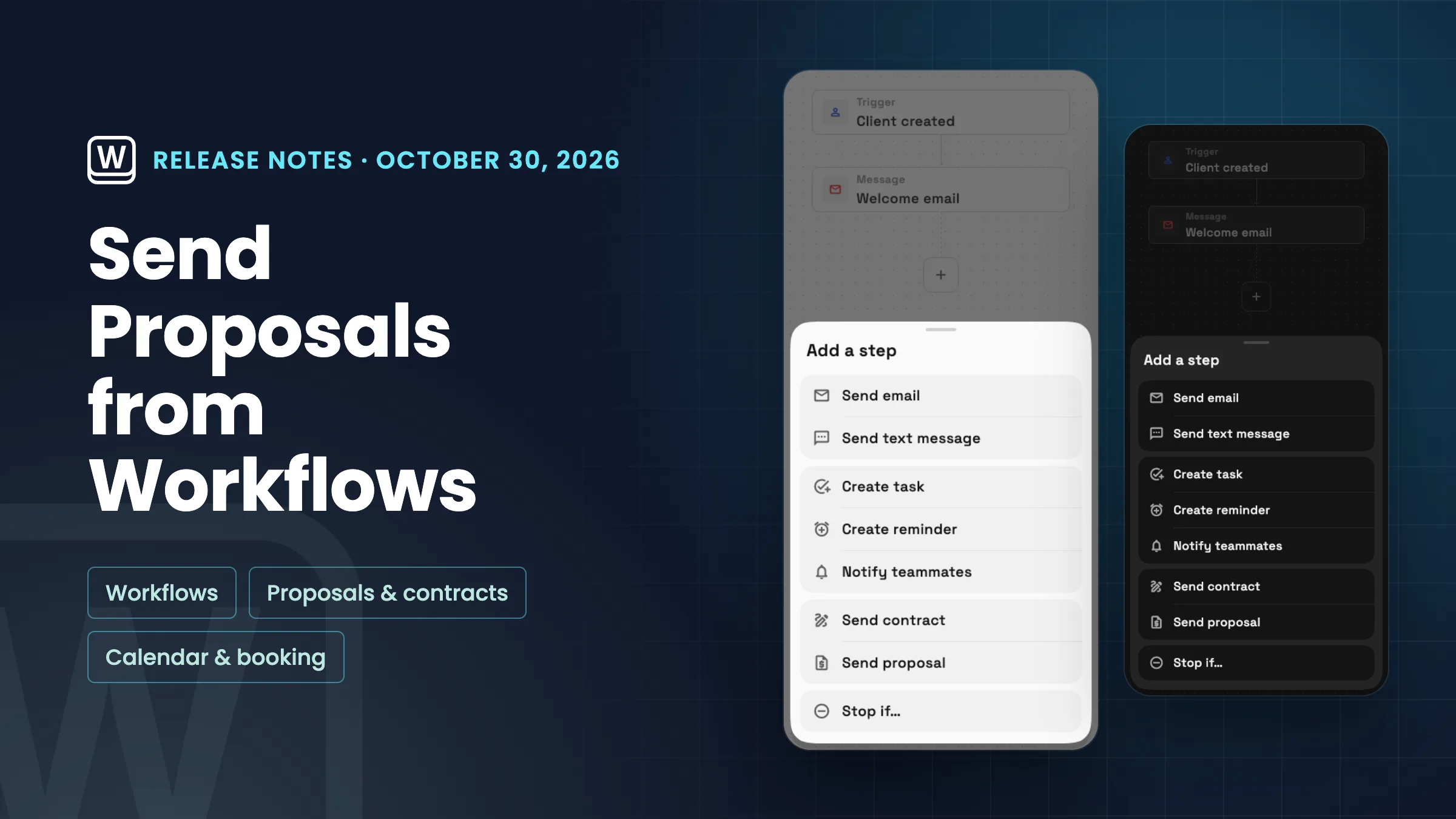
Send proposal step in workflows
Add a Send proposal step to a workflow and it makes a proposal from the template you pick for the run’s client, then emails it to them. It’s in the Document group of the add-step menu on triggers that have a client. The New lead trigger doesn’t offer it.
- Makes a proposal from your template
- Emails it to the run’s client
- On triggers that have a client

- Where to find it
- Workflows
- open a workflow
- add a step
- Document
- Send proposal
- Plans
- Every plan
- Learn more
- Workflow automationProposals and quotes
A clearer Configure booking page
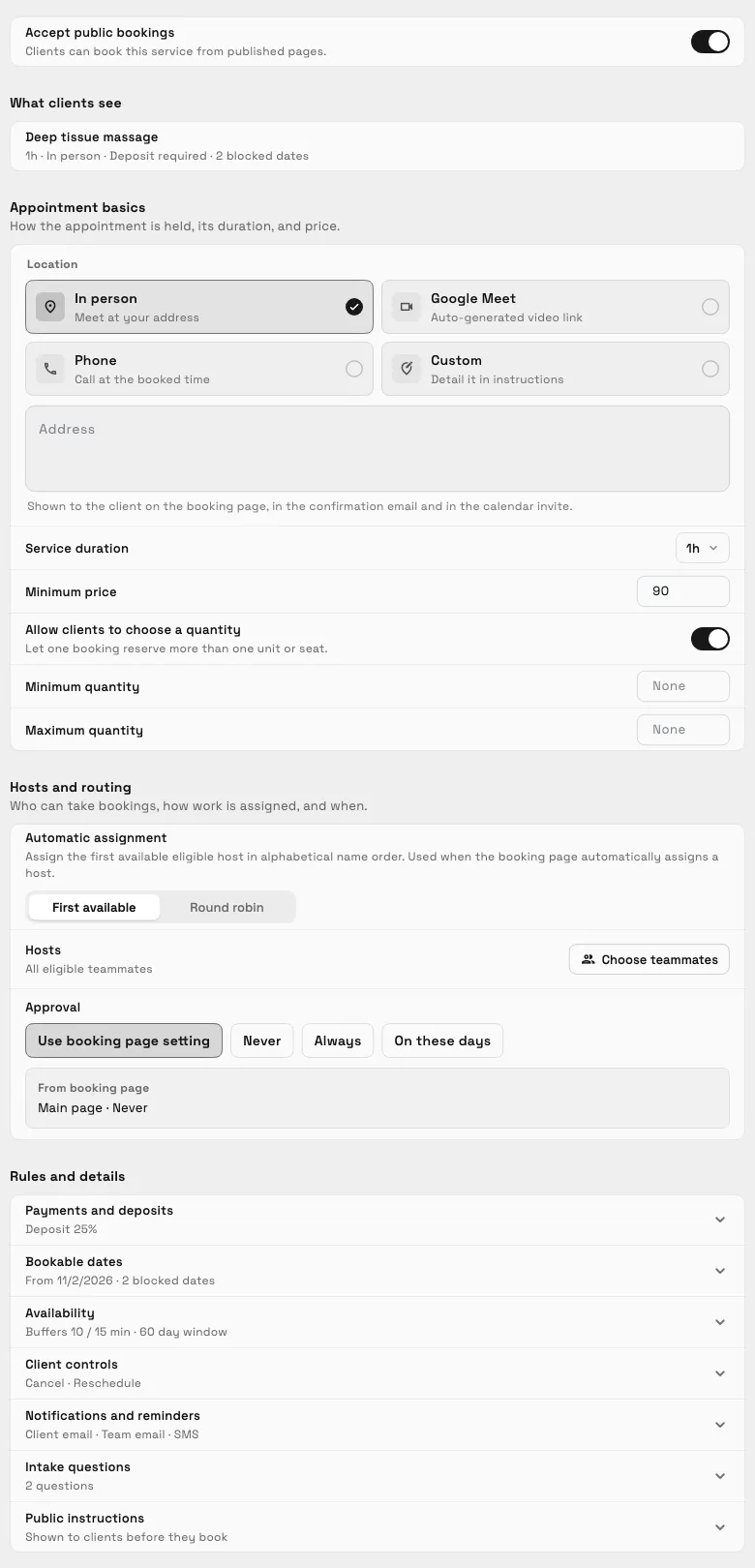
A service’s Configure booking page has a cleaner layout. A What clients see line sums up the booking under the main switch, and Appointment basics and Hosts and routing stay open. Payments and deposits, bookable dates, availability, client controls, notifications and reminders, intake questions and public instructions sit under Rules and details, each folded into one row that shows its current setting.
Every setting works as before, and nothing about your existing bookings changes.
- The essentials stay open
- Each section shows its current setting
- What clients see in one line
- Where to find it
- Catalog
- open a service
- Online booking
- Configure booking
- Plans
- Specialist and up
Quick answers
- Can a Workspace369 workflow send a proposal automatically?
- Yes. Add a Send proposal step and the workflow makes a proposal from the template you pick for the run’s client and emails it to them.
- Which workflow triggers offer the Send proposal step?
- Triggers that have a client, under Document in the add-step menu. The New lead trigger doesn’t offer it.
- Which plans have the Send proposal step?
- Every plan. Workflows and proposals are on all Workspace369 plans.
- Did the booking settings change when the Configure booking page was redesigned?
- No. Every setting works as before. The page is regrouped so Appointment basics and Hosts and routing stay open and the other sections sit under Rules and details, each showing its current setting.
Related updates
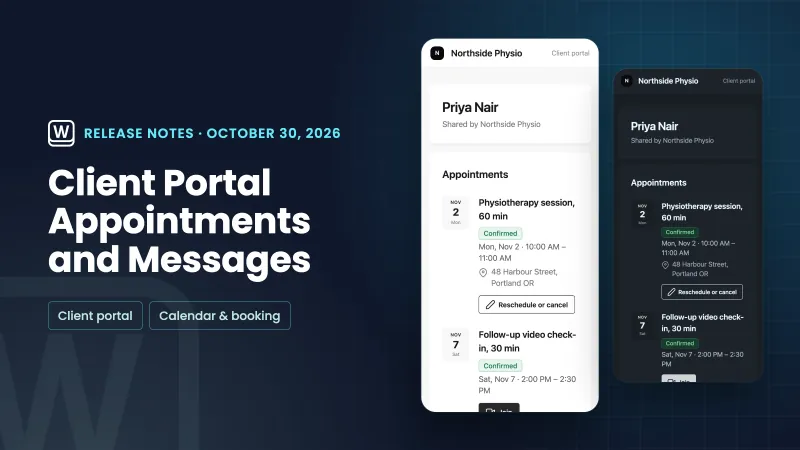 Appointments and messages on the client portal, and hide the Powered by credit
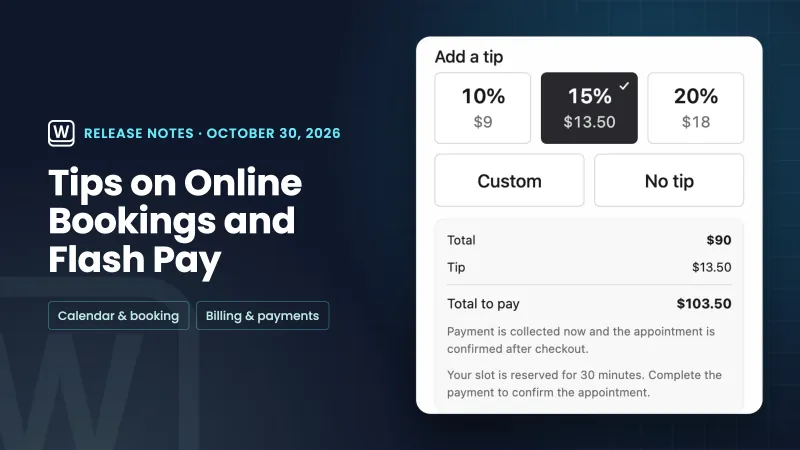 Tips on online bookings and Flash Pay card payments
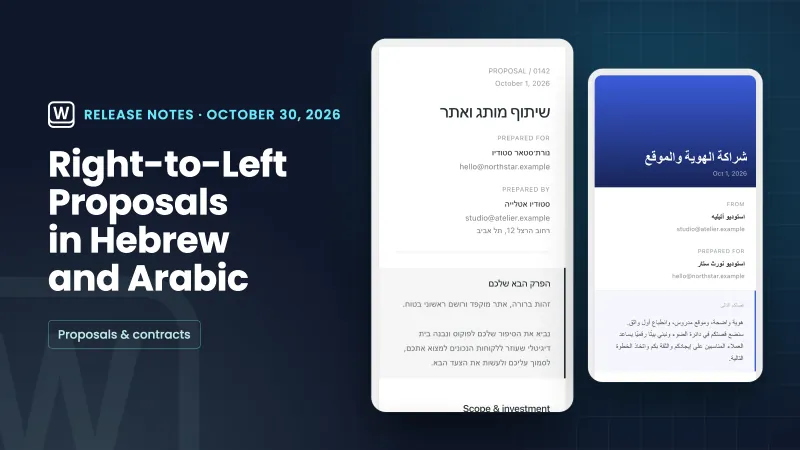 Proposals in Hebrew and Arabic now read right to left
Workflows can send a proposal, and booking setup is easier to scan, in your own workspace
Start your free trial on Specialist, then find it under Workflows.
14-day free trial. Card required. After the trial: $149/month for Specialist. Renews automatically every month until you cancel. Cancel anytime in Settings → Billing.