Calendar & bookingBilling & payments
Tips on online bookings and Flash Pay card payments
Clients can add a tip when they pay for a booking online, and tips on in-person Flash Pay card payments are now kept with the payment.
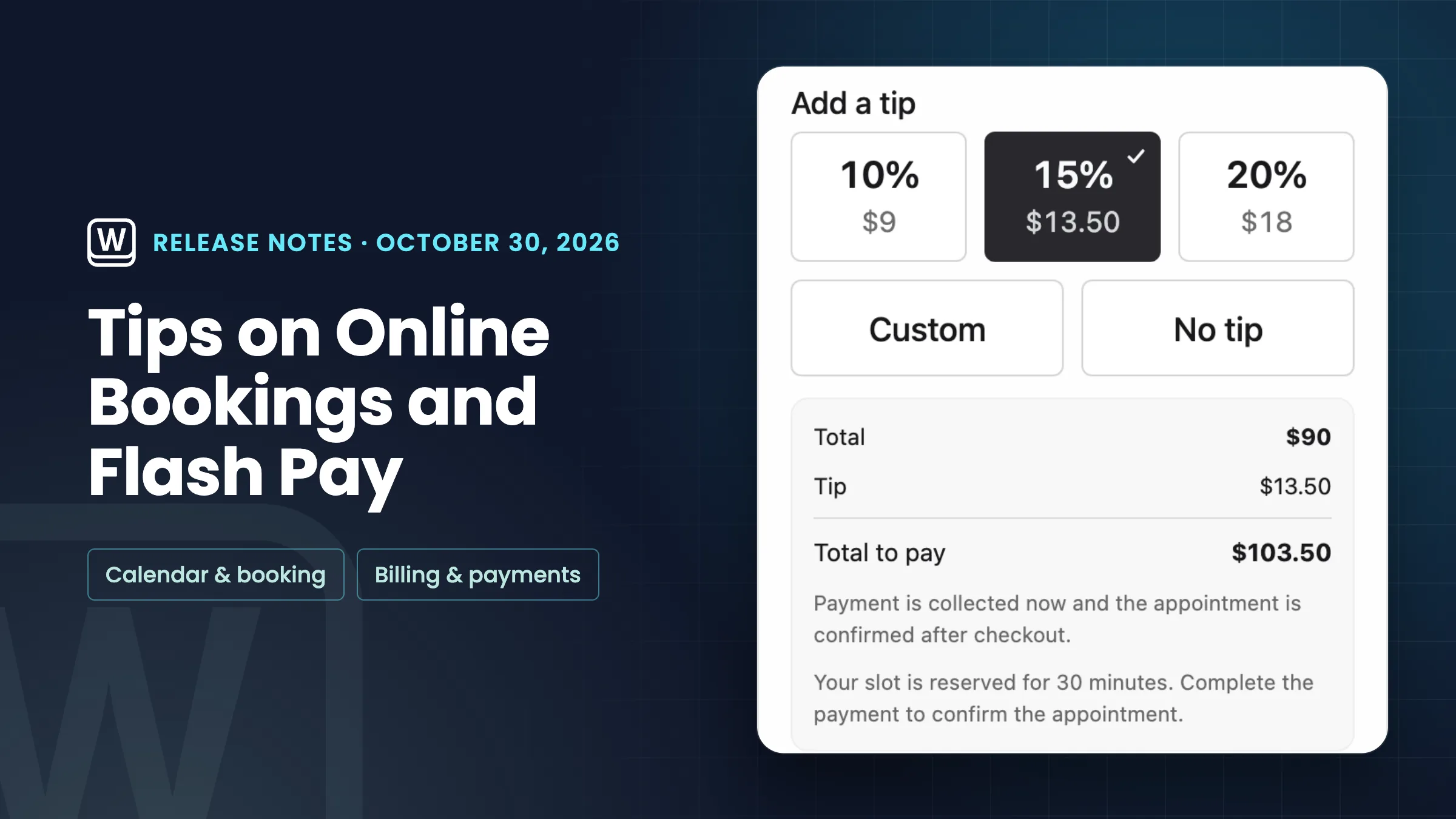
Tips on online bookings
Clients can now add a tip when they pay for a booking online. The tip shows when you have turned on Tips at checkout, the same switch that offers tips on invoices, and only on services that take the full price online. Bookings that take a deposit don’t offer a tip.
The tip is its own Tip line in the payment summary and goes to your tips income, so the service price and the booking total don’t change.
- Clients add a tip when they pay online
- Uses the same Tips at checkout switch as invoices
- Only on services paid in full online
- The tip is its own line
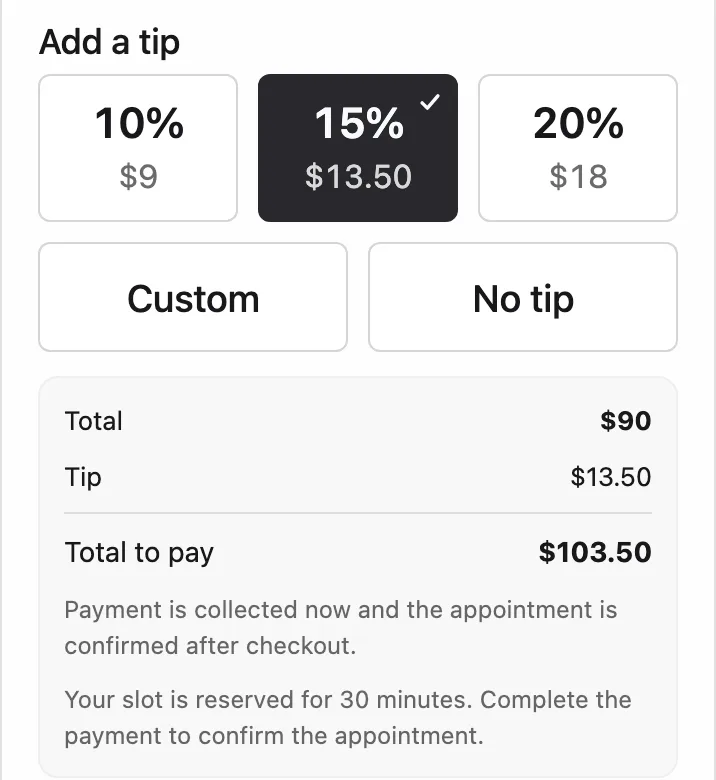
- Where to find it
- Settings
- Online payments
- Payment methods
- Invoices
- Tips at checkout
- Plans
- Specialist and up
- Learn more
- Online bookingPayments
Flash Pay card payments keep the tip
When a customer adds a tip to a card payment you take in person with Flash Pay, the tip is now kept with the payment. Payments taken before this update aren’t changed. Flash Pay is on every plan.
- Tips on in-person card payments are kept
- Earlier payments stay as they were
- Where to find it
- Settings
- Invoices
- Flash Pay
- Plans
- Every plan
Quick answers
- Which Workspace369 plans have tips on online bookings?
- Specialist, Commander and Enterprise, the plans with online booking. Flash Pay tips are on every plan.
- How do I let clients tip when they book online?
- Turn on Tips at checkout in Settings → Online payments → Payment methods → Invoices. It’s the same switch that offers tips on invoices. Tips show only on services that take the full price online.
- Can clients tip on a booking that takes a deposit?
- No. Bookings that take a deposit don’t offer a tip.
- Does a tip change the price of the booking?
- No. The tip is its own Tip line and goes to your tips income, so the service price and the booking total don’t change.
- Are tips on Flash Pay card payments kept?
- Yes. A tip a customer adds to an in-person Flash Pay card payment is now kept with the payment. Earlier payments aren’t changed.
Related updates
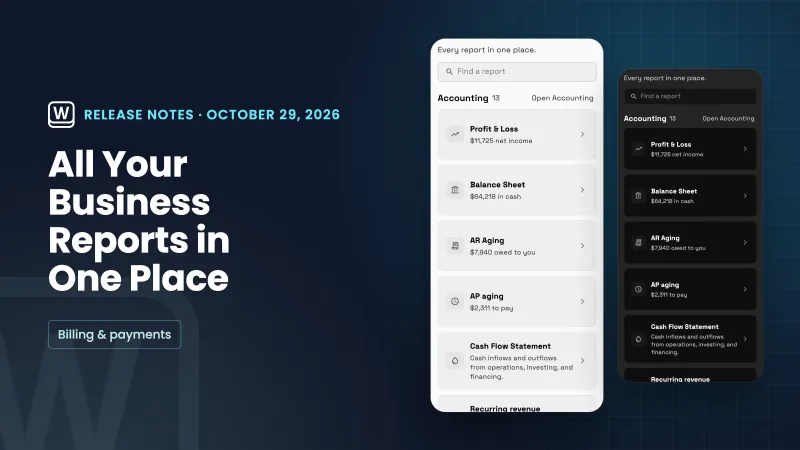 One Reports home for every report
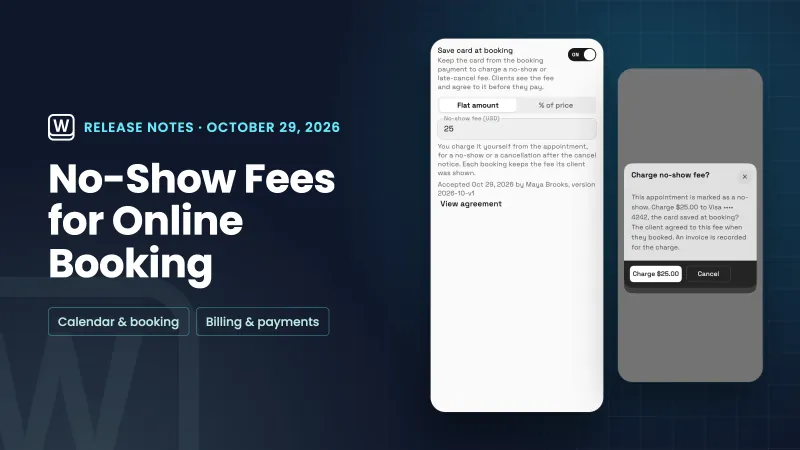 No-show fees for online bookings
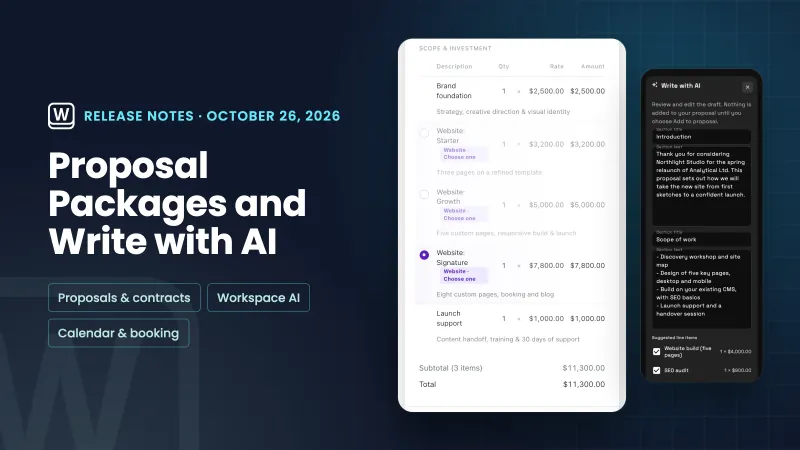 Pick-one proposal packages, Write with AI for proposals and services on calendar events
Tips on online bookings and Flash Pay card payments, in your own workspace
Start your free trial on Specialist, then find it under Settings.
14-day free trial. Card required. After the trial: $149/month for Specialist. Renews automatically every month until you cancel. Cancel anytime in Settings → Billing.