Billing & payments
Save your terms once and edit them right from the invoice
Keep your payment, cancellation and warranty terms in Settings, attach them to invoices and proposals, and edit them without leaving the invoice.
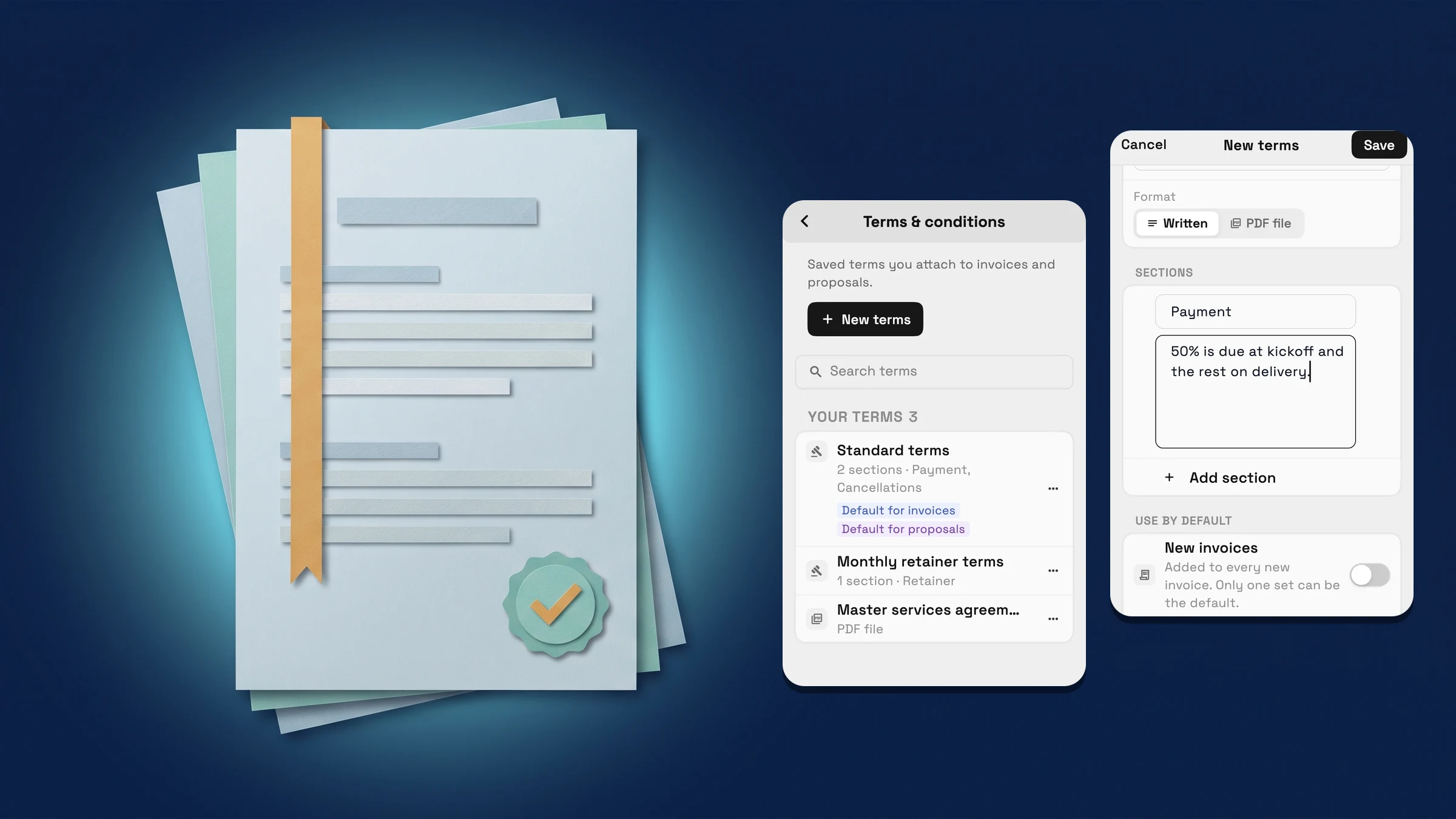
Keep your terms in one place
Open Settings → Sales → Invoices → Terms & conditions and choose New terms. Give the terms a name and add sections: each shows as a heading with its text, and you can drag the sections to reorder them. If your terms already live in a document, set Format to PDF file and attach the PDF instead.
Under Use by default you can make a set the default for new invoices, and another the default for new proposals. Only one set can be the default for each, and you can still change the terms on every document. Changes show on every invoice and proposal that uses those terms. Terms are on every plan. They are on the web app now and come to the iPhone app with its next update.
- Written sections you can reorder, or a PDF file
- One default for new invoices and one for new proposals
- A change shows on every invoice and proposal that uses the terms
- Where to find it
- Settings
- Sales
- Invoices
- Terms & conditions
- Plans
- Every plan
Edit your terms from the invoice
On an invoice, open More and pick your terms in the Terms row. The menu now has Edit followed by the name of the terms you picked. It opens the terms beside the invoice (a sheet on a phone), so you can fix a clause without leaving the invoice. Save, and the invoice shows the new text.
The same menu has New terms and Manage in Settings. Terms are on every plan. They are on the web app now and come to the iPhone app with its next update.
- Edit opens the terms beside the invoice
- New terms and Manage in Settings are in the same menu
- The invoice shows the changed text after you save
- Where to find it
- Invoices
- an invoice
- More
- Terms
- Edit
- Plans
- Every plan
Quick answers
- Which plans include saved terms and conditions?
- Every plan: Cadet, Voyager, Specialist, Commander and Enterprise.
- Where do I find my saved terms?
- Settings → Sales → Invoices → Terms & conditions. You can also open them from an invoice: More → Terms → Manage in Settings.
- Can my terms be a PDF file?
- Yes. Set Format to PDF file and attach one PDF, or write the terms as sections that show as headings with their text.
- What happens to my invoices when I change or delete terms?
- A change shows on every invoice and proposal that uses those terms. If you delete terms, the invoices and proposals that use them stop showing them.
- Can I choose which terms new invoices start with?
- Yes. One set can be the default for new invoices and one for new proposals. You can still change the terms on each document.
Related updates
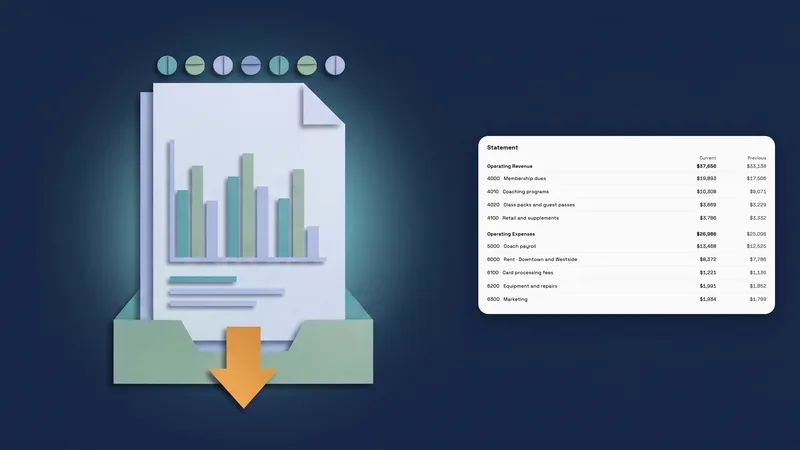 Accounting reports move to one clear report page
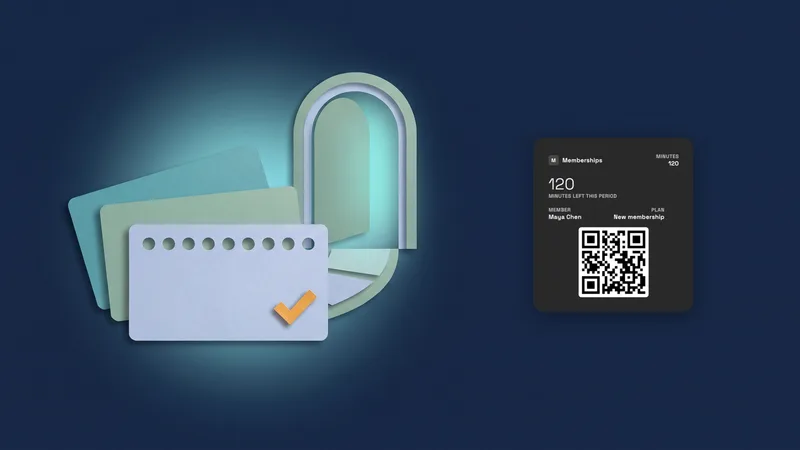 Sell memberships and check members in
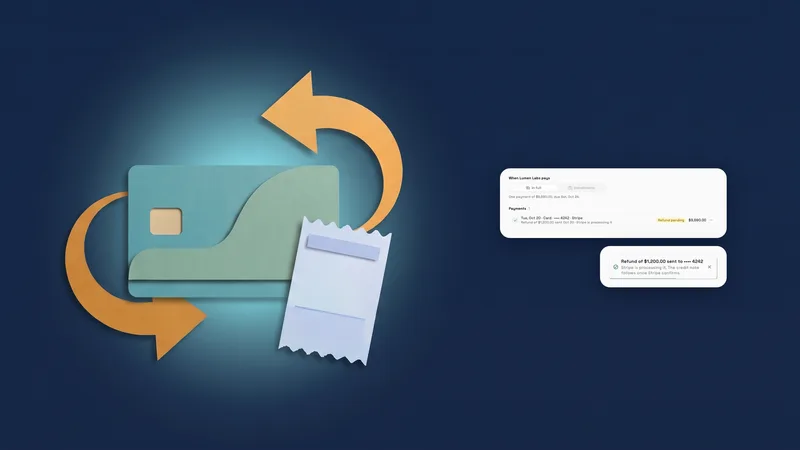 Refund a card payment straight from the invoice
Save your terms once and edit them right from the invoice, in your own workspace
Start your free trial, then find it under Settings.
14-day free trial. Card required. After the trial: from $29/month. Renews automatically every month until you cancel. Cancel anytime in Settings → Billing.