Clients & CRMBilling & paymentsCalendar & booking
Set up a yacht management CRM in one step and price by the foot
Set up a boat pipeline, vessel fields and lead sources in one step, then bill services by the foot on invoices and your booking page.
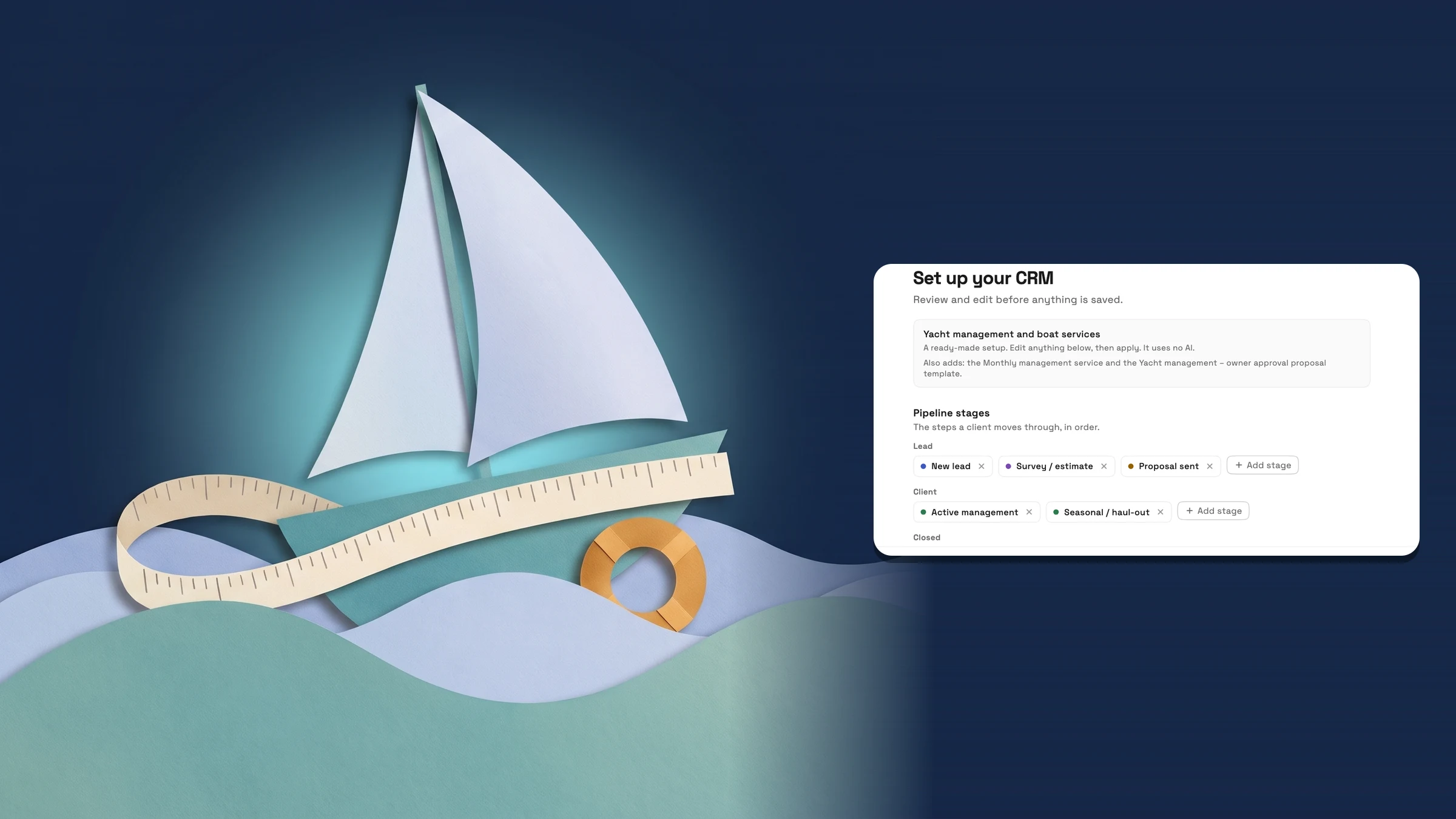
Set up a yacht management CRM in one step
If you run a yacht management or boat services business, Workspace369 now has a ready-made setup for it. Open Settings → Clients → Stages and follow-ups, choose Set up your whole CRM with AI, then pick Yacht management and boat services under Or use a ready-made setup. You review everything first, and nothing is saved until you choose Apply to my CRM. It shows for members who can manage client stages.
The setup gives you a boat pipeline: New lead, Survey / estimate, Proposal sent, Active management, Seasonal / haul-out and Lost. It adds 13 vessel fields to your clients: vessel name, make, model, year, length (ft), beam (ft), hull ID (HIN), engine make and model, engine hours, fuel type, home marina, slip number and insurance renewal. It also adds five lead sources: Referral, Marina referral, Yacht broker, Boat show and Website.
This ready-made setup uses no AI and none of your AI usage. Stages, fields and lead sources you already have are kept and skipped, nothing is changed or deleted, and the boat stages go in after your existing ones. The same step adds a service called Monthly management and a proposal template called Yacht management – owner approval, with a Monthly management line and a Management per foot line that the boat owner approves by signing. Prices start at 0 for you to set, and monthly is only part of the service name: it does not turn on recurring billing. It is on every paid plan, from Cadet up, and on the web app now.
- A boat pipeline, 13 vessel fields and 5 lead sources in one step
- Uses no AI and none of your AI usage
- Your existing stages, fields and sources are kept
- Where to find it
- Settings
- Clients
- Stages and follow-ups
- Set up your whole CRM with AI
- Yacht management and boat services
- Plans
- Cadet and up
Price boat services by the foot
Services now have a Foot billing unit, shown as ft. In Products, open a service, set its Price, then pick Foot under Billing unit. On an invoice, the line shows its quantity with the unit, such as 42 ft, beside the rate. Enter the boat's length as the quantity.
On your online booking page, a service priced by the foot shows its price as, for example, $15 / ft. When the service is set to Allow clients to choose a quantity, the quantity field reads Quantity (ft). The invoice made from the booking keeps the unit, so 42 ft at $15 shows as 42 ft. The Management per foot line in the Yacht management – owner approval template uses the same unit. Per-foot pricing on services and invoices is on every plan, and online booking starts on Specialist. Both are on the web app now.
- Foot is a new Billing unit on services, shown as ft
- The booking page reads $15 / ft and Quantity (ft)
- The unit carries onto the invoice line

- Where to find it
- Products
- open a service
- Pricing
- Billing unit
- Foot
- Plans
- Every plan
Quick answers
- Where is the yacht management setup in Workspace369?
- Open Settings → Clients → Stages and follow-ups, choose Set up your whole CRM with AI, then pick Yacht management and boat services under Or use a ready-made setup. Review it and choose Apply to my CRM.#
- What does the yacht management setup add?
- A boat pipeline of six stages, 13 vessel fields such as length (ft), hull ID (HIN) and slip number, five lead sources, a Monthly management service and a Yacht management – owner approval proposal template.#
- Does the ready-made setup use AI or AI usage?
- No. The ready-made yacht management setup uses no AI and none of your AI usage. Nothing is saved until you choose Apply to my CRM.#
- Will it overwrite my existing stages, fields or lead sources?
- No. Items you already have are marked as already in your CRM and skipped. Nothing is changed or deleted, and the boat stages go in after your existing ones.#
- Which plans include the yacht management setup?
- Cadet, Voyager, Specialist, Commander and Enterprise. It is on every paid plan.#
- How do I price a service by the foot?
- In Products, open a service, set its Price and pick Foot under Billing unit. The booking page then shows the price as, for example, $15 / ft, and the invoice line shows the quantity with ft.#
Related updates
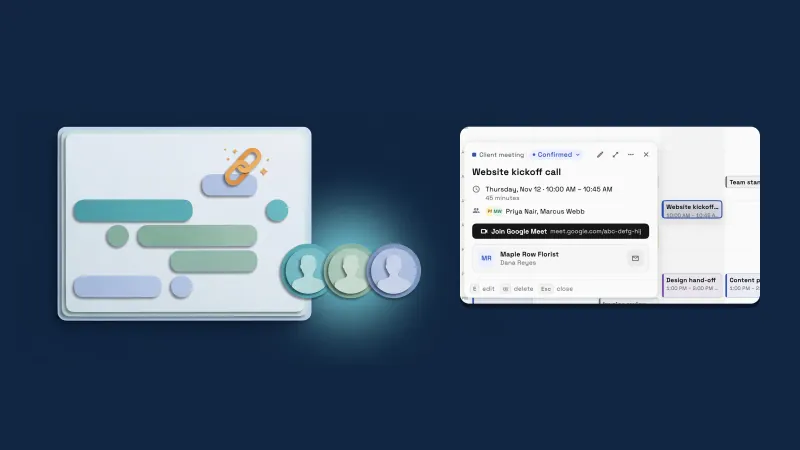 The Google Meet link appears on your event live, and the Team picker shows photos
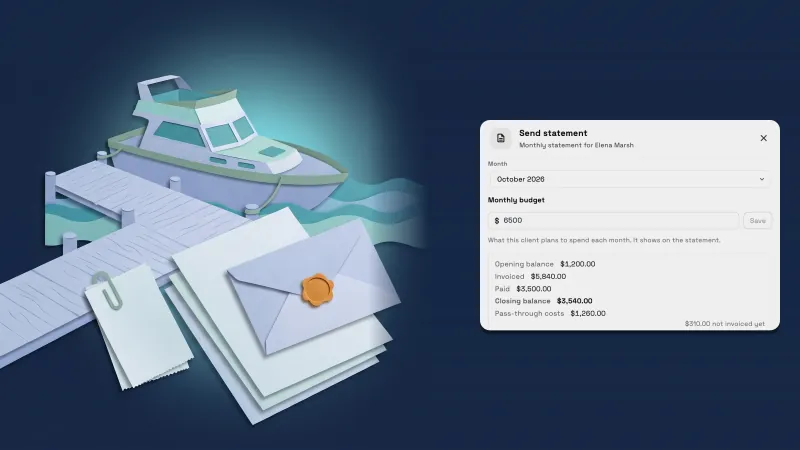 Send each client a monthly statement with their invoices, payments and costs
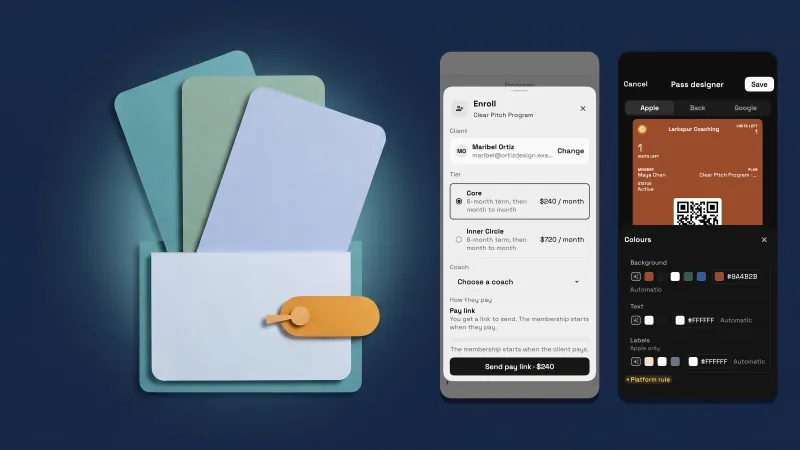 Programs and memberships now fit a phone
Set up a yacht management CRM in one step and price by the foot, in your own workspace
Start your free trial on Cadet, then find it under Settings.
14-day free trial. Card required. After the trial: $29/month for Cadet. Renews automatically every month until you cancel. Cancel anytime in Settings → Billing.