Workspace & team
Hide sidebar pages you don't use
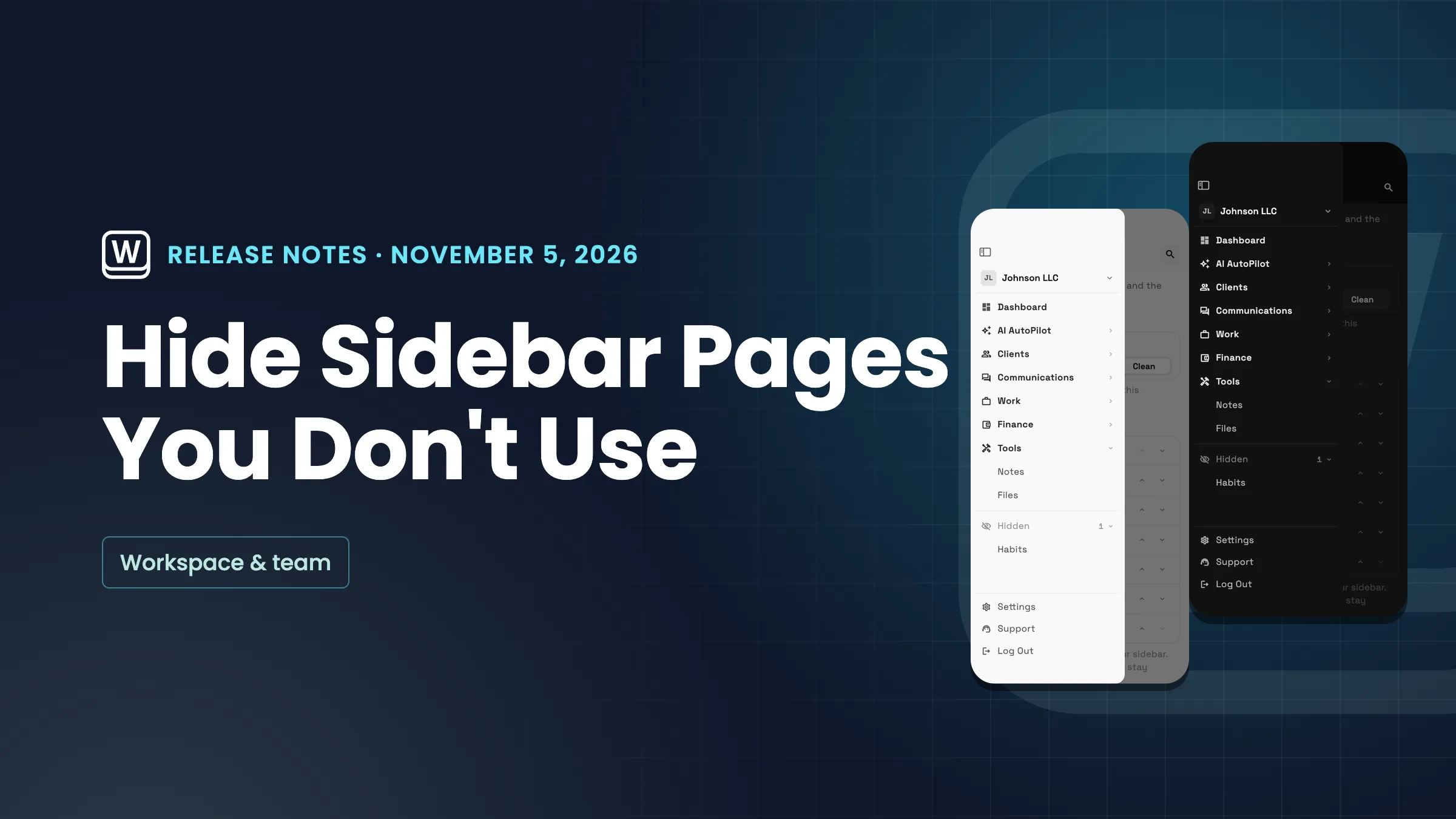
Hide any page from the sidebar with a right-click or long-press. Hidden pages wait in a collapsed Hidden group and still open, and your choice follows you across devices.
Quick answers
- On a computer, right-click the page and choose Hide from sidebar. On a phone, press and hold the page. You can also switch pages off in Settings → Customize → Sidebar layout → Pages and choose Save.#
- Into a Hidden group at the bottom of the sidebar. It starts collapsed, shows a count and appears only when something is hidden. Pages in it open as usual, and links, notifications and search still open a hidden page.#
- Can I hide Dashboard or Settings?
- No. Dashboard and Settings always stay in the sidebar.#
- Yes. They are saved for you in each workspace and follow you across the web app, iPad and iPhone.#
- How do I bring every page back?
- Choose Reset to default in Settings → Customize → Sidebar layout. To bring back one page, choose Show in sidebar in its menu.#
- Every plan. Hiding pages works the same on Cadet, Voyager, Specialist, Commander and Enterprise.#
Related updates
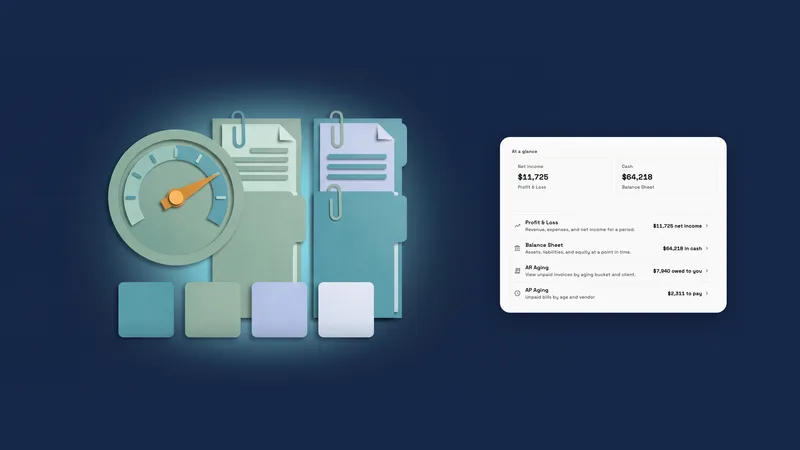 Reports now opens with your key figures
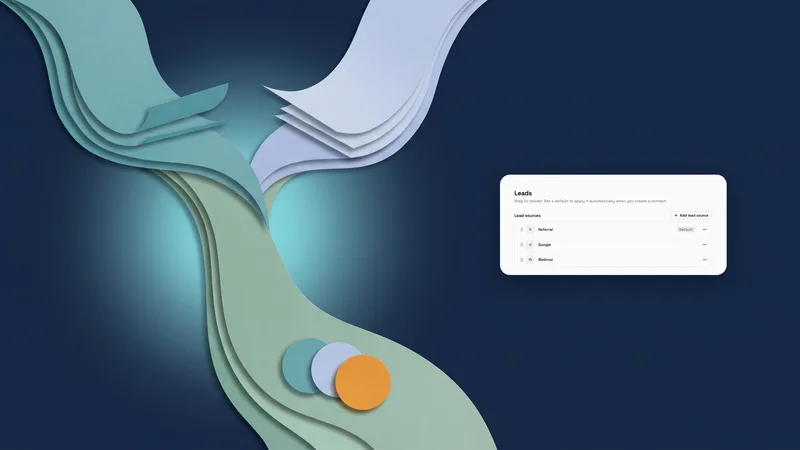 Merge lead sources, pick any accent color, and see when a portal can't open
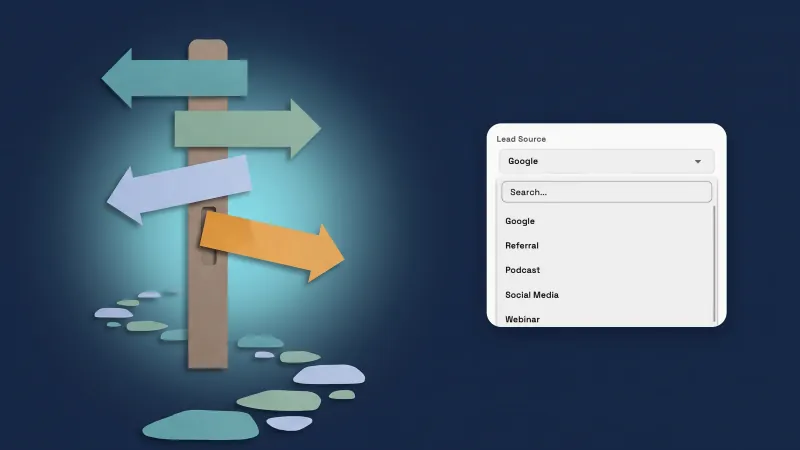 Add a lead source while you create a client, and see your current plan
Hide sidebar pages you don't use, in your own workspace
Start your free trial, then find it under Settings.
14-day free trial. Card required. After the trial: from $29/month. Renews automatically every month until you cancel. Cancel anytime in Settings → Billing.