Inbox & callsClients & CRM
Link a sender to a client and their other conversations come too
Link an unknown sender to a client in your Inbox and their other conversations from the same email address are linked too, so the client's inbox history shows them all.
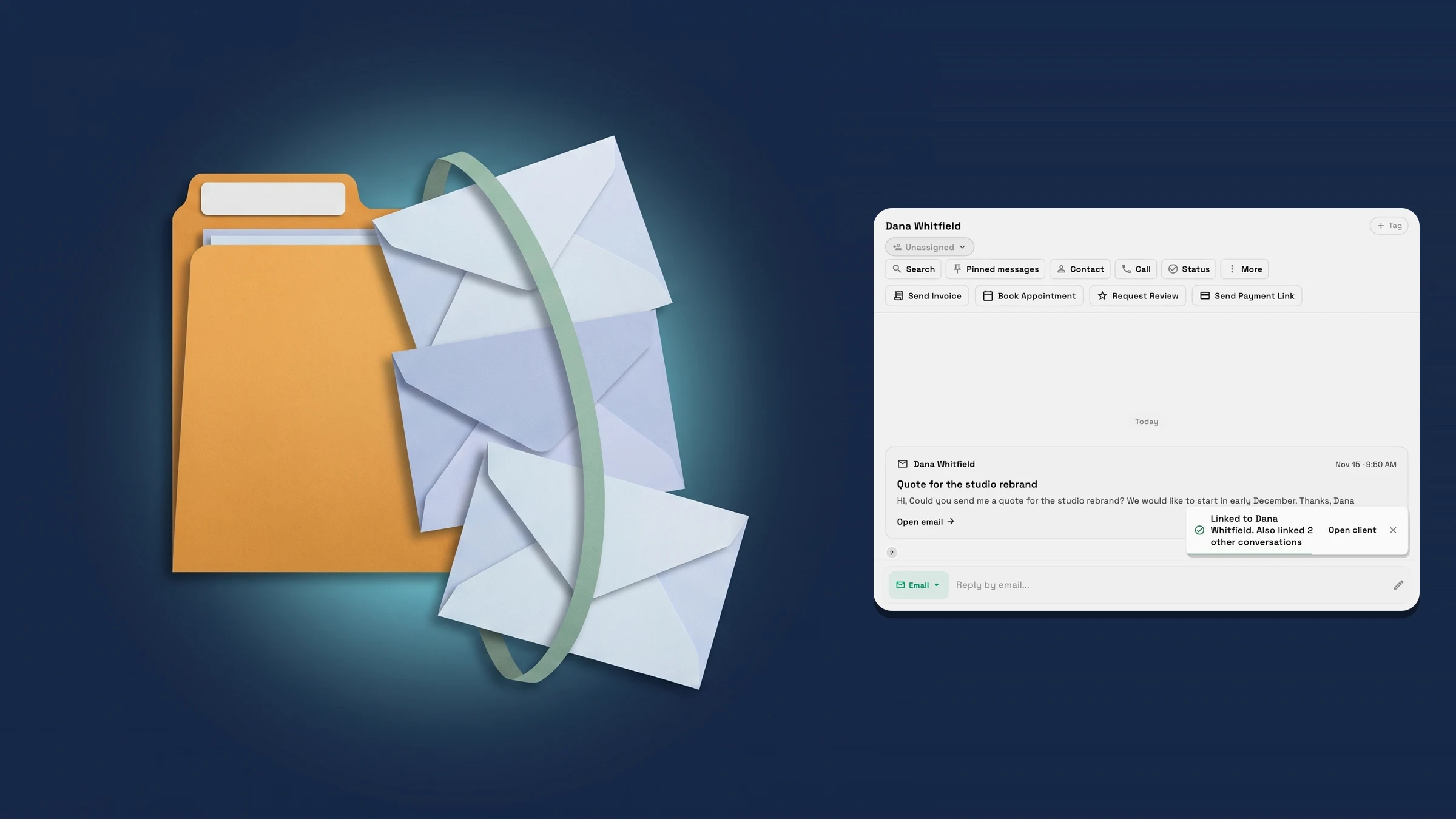
Link one conversation and the sender's others come with it
Open a conversation from an unknown sender in Communications → Inbox. If a client already has the sender's email, the banner above the thread suggests them with a button that carries their name, for example Link to Dana Whitfield; otherwise choose Link to client and pick one. The contact panel offers the same. Workspace369 now links the sender's other conversations from the same email address to that client at the same time, and the confirmation says how many, for example “Linked to Dana Whitfield. Also linked 2 other conversations”.
Only conversations that are not linked to a client yet come along. A conversation that already belongs to another client stays with that client, and so does one you can't open. The conversations are not merged: each keeps its own messages and its own reply address, and they are simply linked to the same client.
To see them together, open the client and choose Inbox history. The conversations you just linked are listed there with the rest. It is on the web app now.
- Other conversations from the same email address are linked too
- A conversation already linked to another client stays where it is
- The confirmation says how many were also linked
- Where to find it
- Communications
- Inbox
- a conversation from an unknown sender
- Link to client
- Plans
- Every plan
Quick answers
- What happens to a sender's other conversations when I link one to a client?
- The sender's other conversations from the same email address that are not linked to a client yet are linked to that client too. The confirmation says how many.#
- Does Workspace369 merge the conversations?
- No. Each conversation keeps its own messages and reply address. They are only linked to the same client.#
- Which conversations are not linked?
- A conversation that already belongs to another client, and one you can't open.#
- Where do I see all of a client's conversations?
- Open the client and choose Inbox history. The conversations you linked are listed with the rest.#
Related updates
 Select and copy client details and email recipients
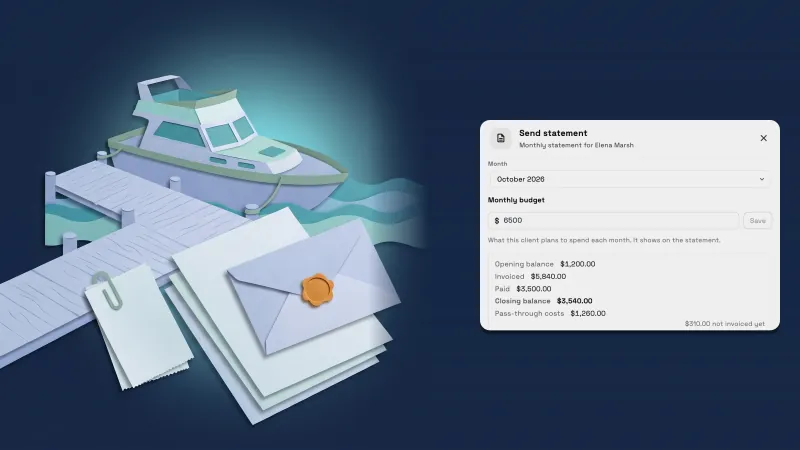 Send each client a monthly statement with their invoices, payments and costs
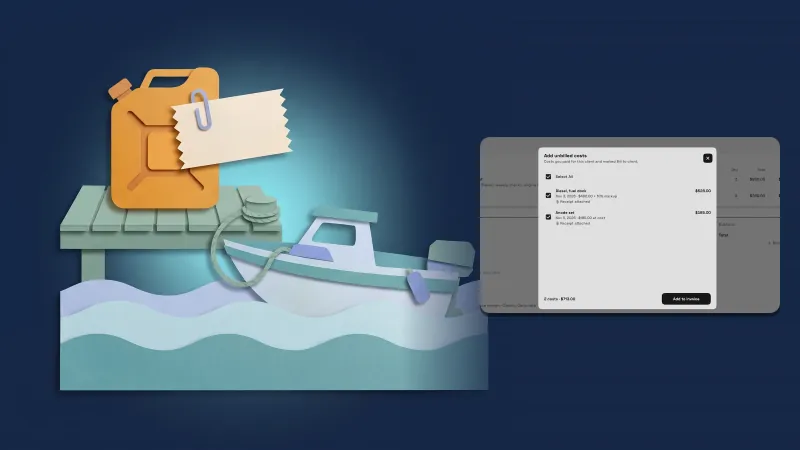 Bill costs to clients with a markup and a receipt they can open
Link a sender to a client and their other conversations come too, in your own workspace
Start your free trial, then find it under Communications.
14-day free trial. Card required. After the trial: from $29/month. Renews automatically every month until you cancel. Cancel anytime in Settings → Billing.