Bigin by Zoho
Bigin is a strong fit when the buyer needs a simple sales CRM for contacts, deals, activities, pipelines, and follow-up.
Which should you pick?
Choose Bigin if a lightweight, low-cost pipeline for contacts and deals is all you need and delivery runs elsewhere: five people cost $75 a month on Premier, billed monthly ($15 a user). Choose Workspace369 if the sale has to carry on into delivery, with CRM, projects, inbox, calls, invoices and payments on one record: $104 a month for five on Voyager. Bigin prices checked October 23, 2026.
Bigin by Zoho is a lightweight CRM for small teams that want pipeline management without a heavy sales platform. Workspace369 is built for the whole client-work loop, connecting CRM to requests, projects, inbox, voice/SMS, proposals, invoices, payments, files, AI, accounting, inventory, and reporting.
14-day free trial. Card required. After the trial: from $29/month. Renews automatically every month until you cancel. Cancel anytime in Settings → Billing.
Reviewed October 23, 2026 using public product pages, pricing pages, and Workspace369's current product scope.
Facts last verified October 23, 2026 from Bigin by Zoho's public pages. Bigin by Zoho is a trademark of its owner; Workspace369 isn't affiliated with or endorsed by it. Spot an error? Tell us at support@workspace369.com and we'll fix it.
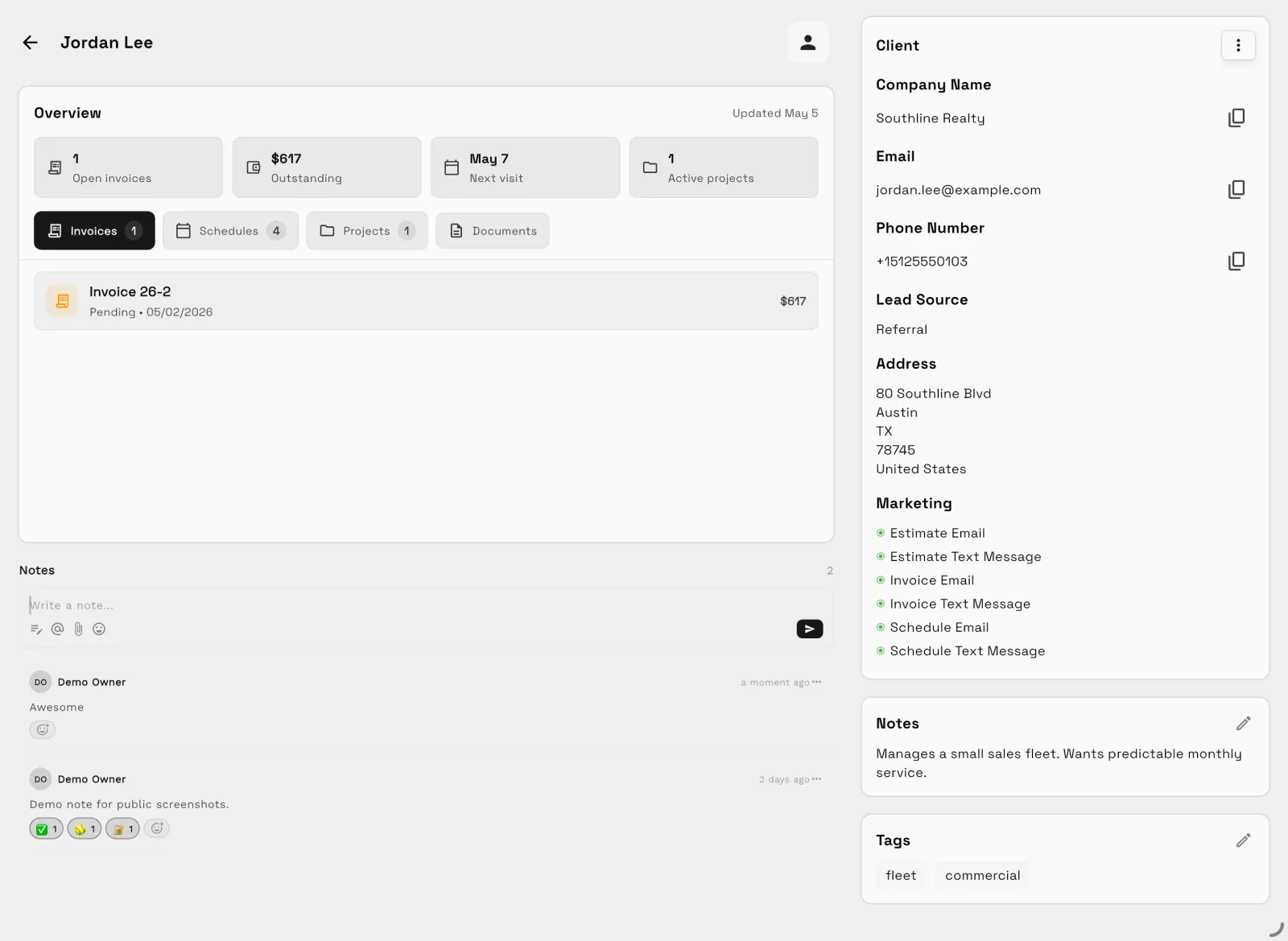
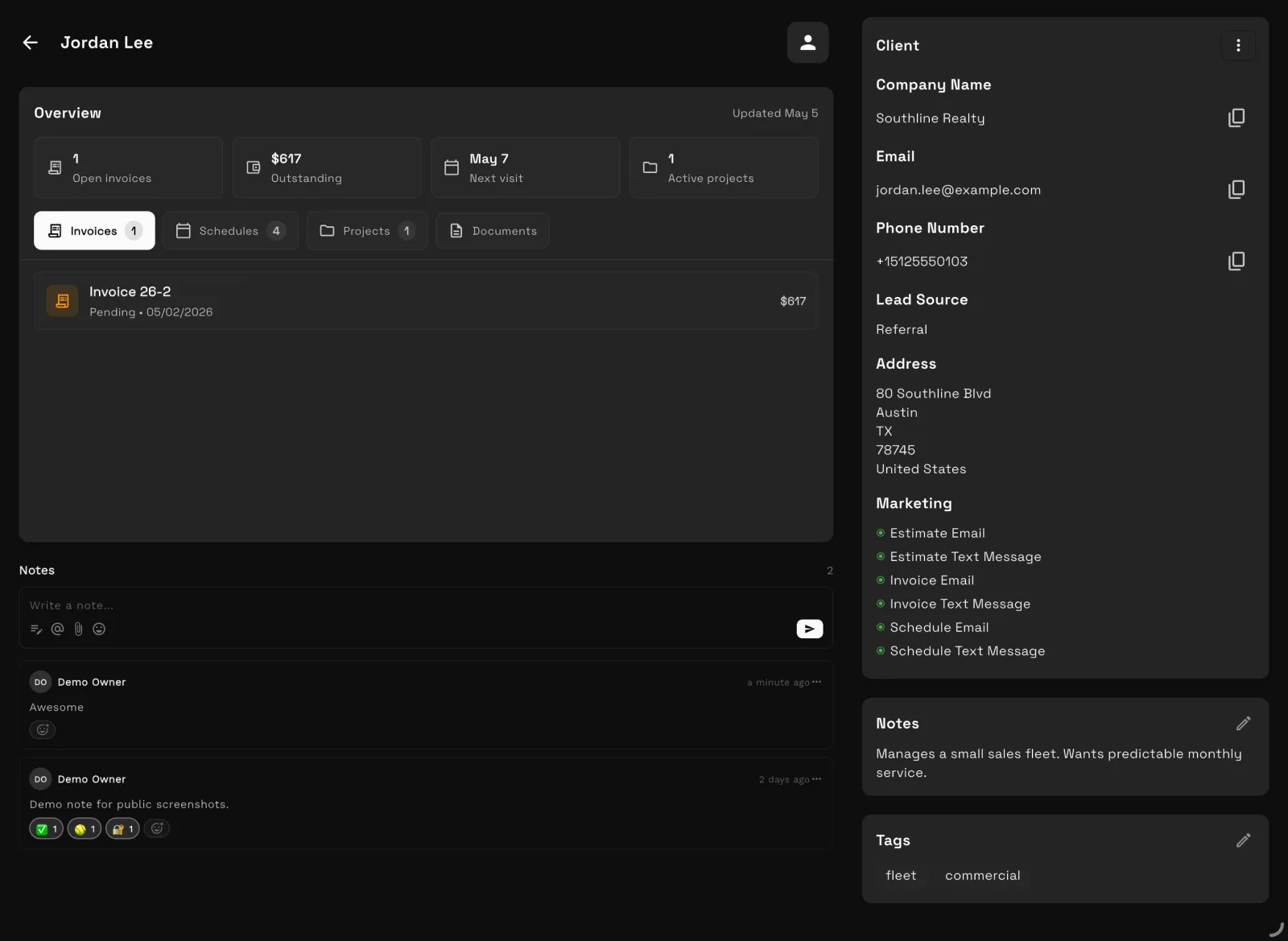
Our team sets up your workspace with you and helps move your clients and invoices from the tools you use now.
Export your data as a spreadsheet and AI Import maps the columns for you. Support can help with anything unusual.
Offer ends .
14 days free · card required · then $29/mo · cancel anytime
After signup, claim free setup in your workspace.
At a glance
| Bigin by Zoho | Workspace369 | |
|---|---|---|
| Best for | Bigin by Zoho Small teams that need a lightweight CRM for contacts, pipelines, activities, emails, and follow-up. | Workspace369 Solo operators, consultants, agencies, and service teams that need CRM plus the work, communication, billing, and reporting around it. |
| Pricing model | Bigin by Zoho Bigin by Zoho lists Free, Express, Premier, and Bigin 360 plans, priced per user (checked October 23, 2026, US pricing). | Workspace369 Plans per workspace with seats included: $29/mo for 1 seat up to $699/mo for 50 seats, with texts and calls from Voyager and IVR and call queues from Specialist. |
The two products
Bigin by Zoho
Bigin is a strong fit when the buyer needs a simple sales CRM for contacts, deals, activities, pipelines, and follow-up.
Workspace369
Workspace369 is a strong fit when CRM needs to turn into delivery, communication, billing, payments, files, AI, finance, and reporting without stitching together more tools., plus boards, Kanban and Gantt views, and no-code automations for the internal team.
Feature comparison
| Area | Bigin by Zoho | Workspace369 |
|---|---|---|
| Primary fit | Bigin by Zoho Small teams that need a lightweight CRM for contacts, pipelines, activities, emails, and follow-up. | Workspace369 Solo operators, consultants, agencies, and service teams that need CRM plus the work, communication, billing, and reporting around it. |
| CRM workflow | Bigin by Zoho Good for deal tracking, contacts, accounts, activities, forms, dashboards, and simple sales automation. | Workspace369 Client records connect to requests, projects, inbox, calls, SMS, notes, files, invoices, payments, reports, and client history. |
|---|---|---|
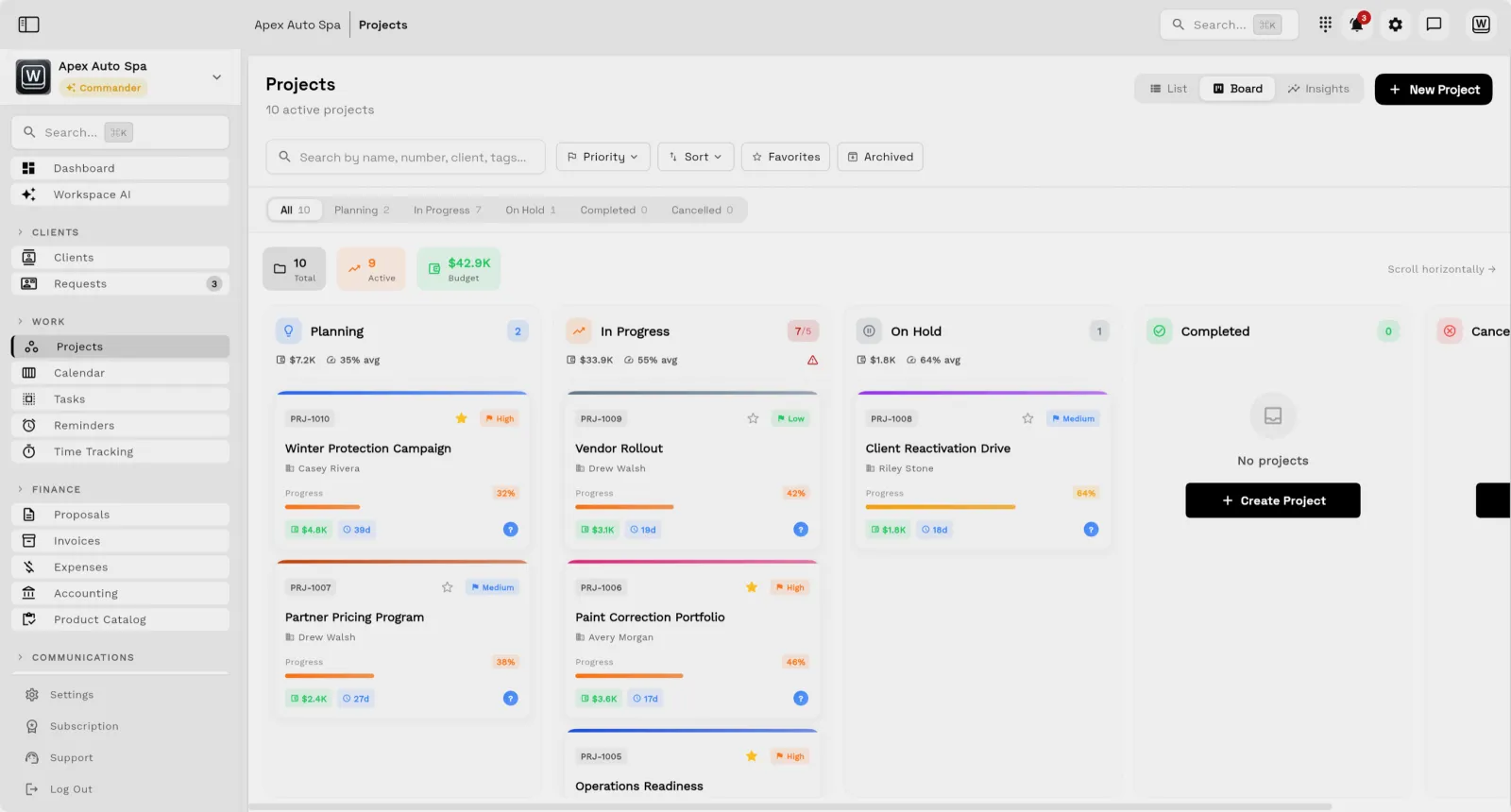
| Delivery after close | Bigin by Zoho Client delivery usually needs another project, task, calendar, file, or operations system. | Workspace369 Projects, tasks, subtasks, notes, calendar, files, requests, proposals, invoices, and payments are native workflows. |
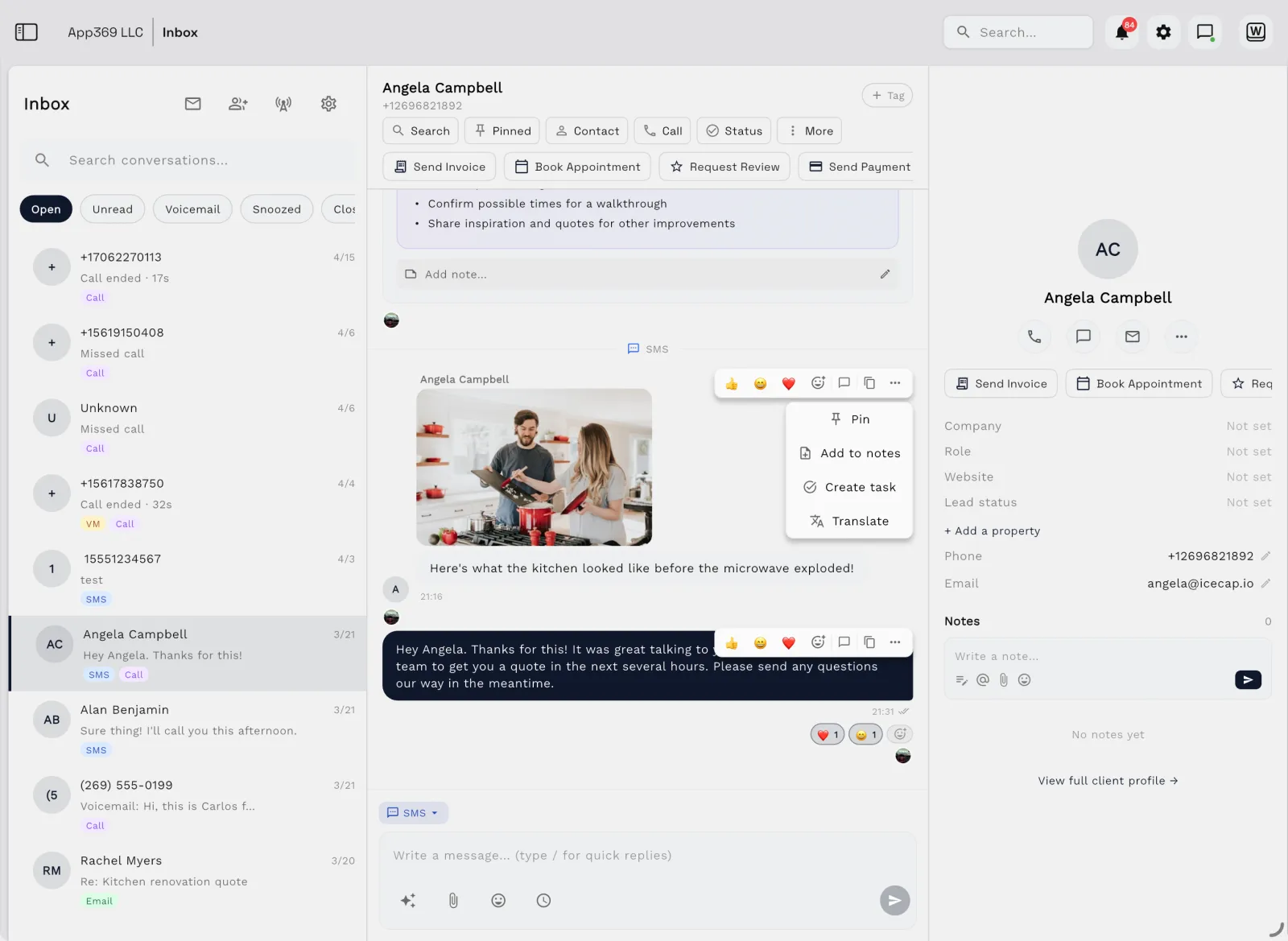
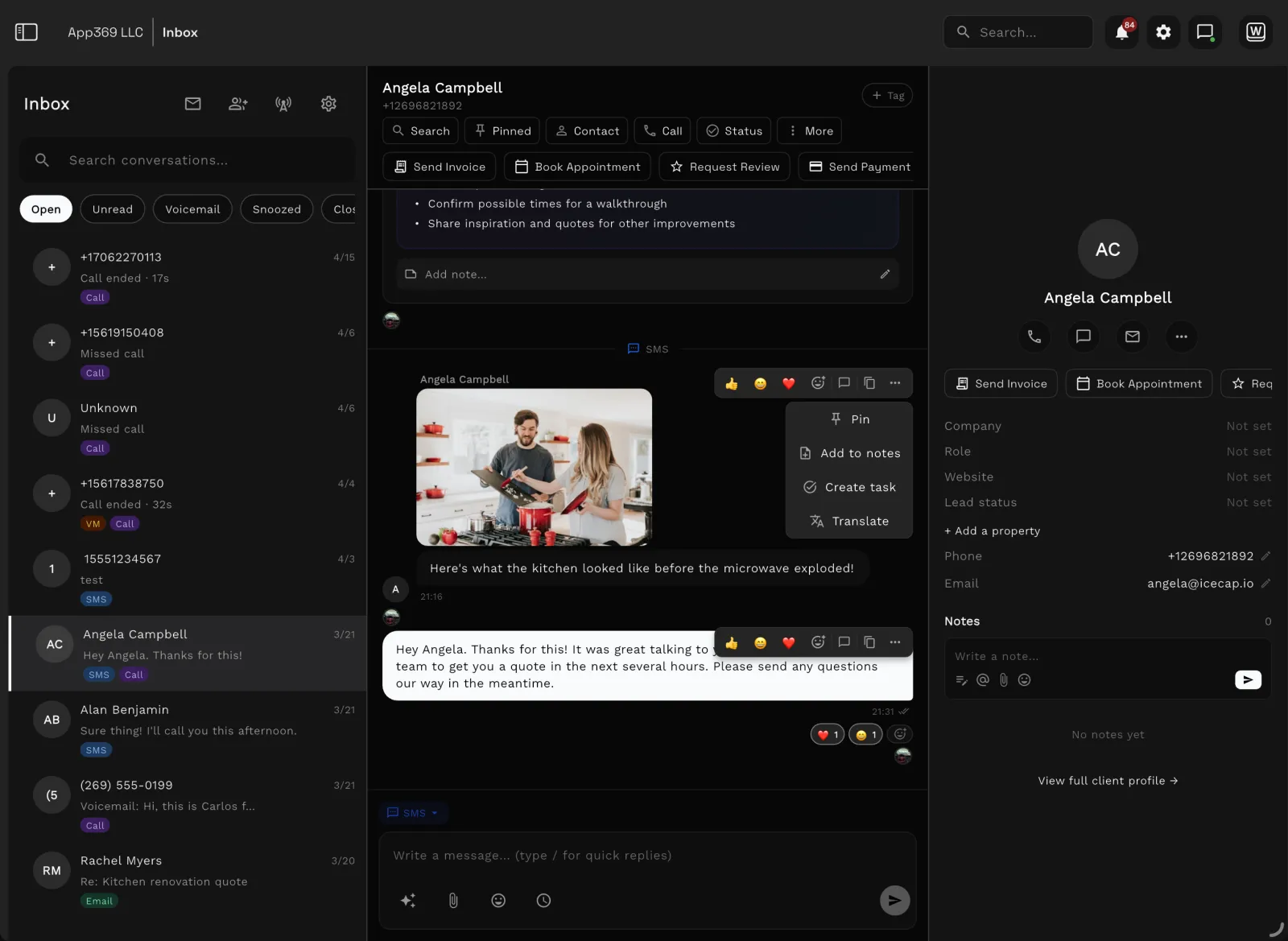
| Communication | Bigin by Zoho Email and telephony options can support sales follow-up, depending on plan and setup. | Workspace369 Inbox, SMS, MMS, voice, voicemail, recordings, AI call summaries, templates, scheduled sends, and client context stay together. |
| Billing and operations | Bigin by Zoho Sales CRM does not usually replace invoicing, payments, expenses, accounting, inventory, or profitability reporting. | Workspace369 Proposals, quotes, invoices, payment plans, retainers, expenses, accounting, inventory, AR aging, and dashboards connect to work. |
| Best reason to choose Workspace369 | Bigin by Zoho You mainly need a small-business CRM. | Workspace369 You want a client-work operating system where CRM is only the first step. |
Comparison based on public product positioning and Workspace369's current feature set, reviewed October 23, 2026. Exact fit depends on your workflow, team size, and implementation needs.
Pricing and value
| Bigin by Zoho source ↗ | |
|---|---|
| Free | $0 for one user — Single pipeline, 500 records, 3 automations, built-in phone, and contacts, products and activities. |
| Express | $9/user/mo monthly, $7 billed yearly — 3 team pipelines, 50,000 records, 30 automations, email and WhatsApp integration, mass emails, and payment links. |
| Premier | $15/user/mo monthly, $12 billed yearly — 5 team pipelines, 100,000 records, 50 advanced automations, stage transition rules, and multiple currencies. |
| Bigin 360 | $21/user/mo monthly, $18 billed yearly — 15 team pipelines, 1 million records, 100 automation rules, and the highest feature limits. |
| Workspace369 all plans → | |
|---|---|
| Cadet | $29/mo — 1 seat, invoices, proposals, clients, projects, tasks, notes, calendar, and starter inbox tools. |
| Voyager | $74/mo — 2 seats, a business number for calls and texts, shared inbox, missed-call text back, and unlimited projects. |
| Specialist | $149/mo — 10 seats, IVR, call queues and call recording, AI call summaries, expenses, payment plans, and basic accounting. |
| Commander | $299/mo — 20 seats, full accounting, unlimited and AI-drafted workflows, advanced AI, and dedicated support. |
Bigin can be an efficient sales CRM, but on its own it does not cover project delivery, time tracking, a client portal, proposals and invoices on one client record, or operational reporting. Workspace369 Voyager is $74/mo for 2 seats; Specialist is $149/mo for 10 seats.
| Workflow | Separate stack | Workspace369 |
|---|---|---|
| CRM and client records | Separate stack CRM, spreadsheets, lead forms | Workspace369 Built in |
| Projects, tasks, and calendar | Separate stack Project management app, scheduler, task board | Workspace369 Built in |
| Inbox, SMS, voice, voicemail | Separate stack Email helpdesk, phone system, SMS tool | Workspace369 Built in by plan |
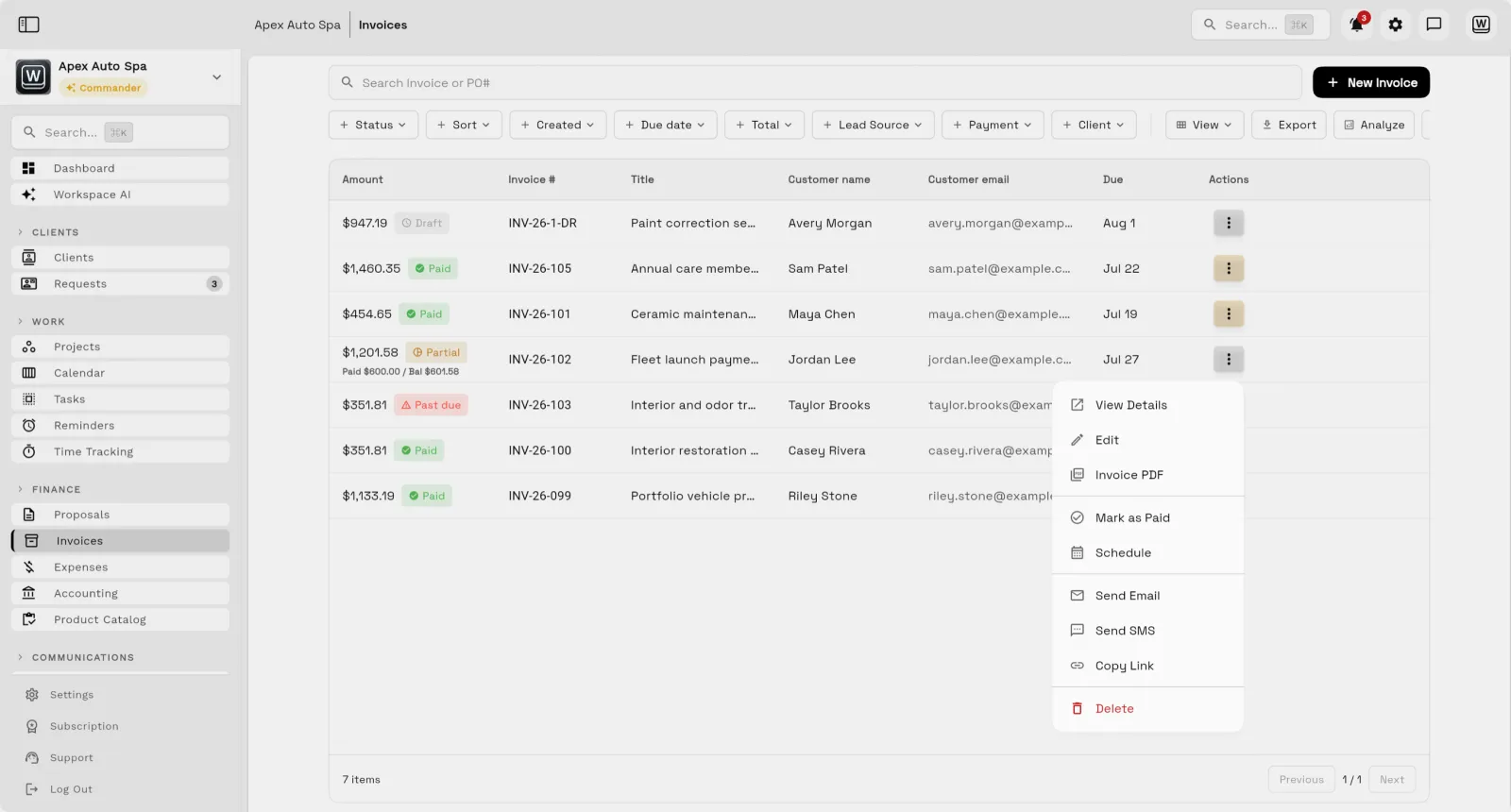
| Proposals, invoices, and payments | Separate stack Proposal tool, invoicing app, payment processor | Workspace369 Built in |
| Files, notes, and client context | Separate stack Docs, cloud drive, client portal | Workspace369 Built in |
| AI, automations, and reporting | Separate stack AI assistant, automation tool, dashboard/reporting layer | Workspace369 Built in by plan |
| Expenses, accounting, and inventory | Separate stack Accounting app, expense tracker, inventory system | Workspace369 Built in by plan |
Reviewed October 23, 2026. Pricing and packaging can change — verify current details with each vendor before deciding. The goal is a buyer-useful comparison, not a pretend scorecard.
Decision
Switching
Your workspace is ready in minutes — pick a plan later, no migration call required.
Bring clients, contacts, and open invoices in with CSV import instead of retyping anything.
Hook up Google Calendar, your inbox, and Stripe so schedules, conversations, and payments land in one place.
Run your next client project end-to-end — request to proposal to invoice — and cancel the old stack when it sticks.
Product tour
FAQ
Bigin is lightweight CRM. Workspace369 is the operating layer around the client.
14-day free trial. Card required. After the trial: from $29/month. Renews automatically every month until you cancel. Cancel anytime in Settings → Billing.
Start with the modules you need today, then turn on AI, automations, accounting, inventory, requests, and reporting as the operation grows.
14-day free trial. Card required. After the trial: from $29/month. Renews automatically every month until you cancel. Cancel anytime in Settings → Billing.
