Jobber
Jobber is a strong fit when the company runs field visits, technician schedules, home-service workflows, dispatch, quotes, invoices, and client hub operations.
Which should you pick?
Choose Jobber if you run a home-service business with technicians in the field and dispatch, visits and quotes are the daily workflow. Choose Workspace369 if your client work is not technician dispatch and you need CRM, projects, inbox, voice and SMS, invoices, payments and reports together. On monthly billing, Jobber Core is $49 a month for 1 user and Workspace369 Cadet is $29 for 1 seat; Jobber Plus starts at $499 for 5 users, while 5 people on Voyager cost $104 (prices checked October 23, 2026).
Jobber is built for home-service and field-service businesses that need quoting, scheduling, dispatch, client communication, invoicing, payments, and field operations. Workspace369 is built for broader client-work teams that need CRM, projects, inbox, voice/SMS, proposals, invoices, payments, files, AI, finance, and reporting in one operating layer.
14-day free trial. Card required. After the trial: from $29/month. Renews automatically every month until you cancel. Cancel anytime in Settings → Billing.
Reviewed October 23, 2026 using public product pages, pricing pages, and Workspace369's current product scope.
Facts last verified October 23, 2026 from Jobber's public pages. Jobber is a trademark of its owner; Workspace369 isn't affiliated with or endorsed by it. Spot an error? Tell us at support@workspace369.com and we'll fix it.
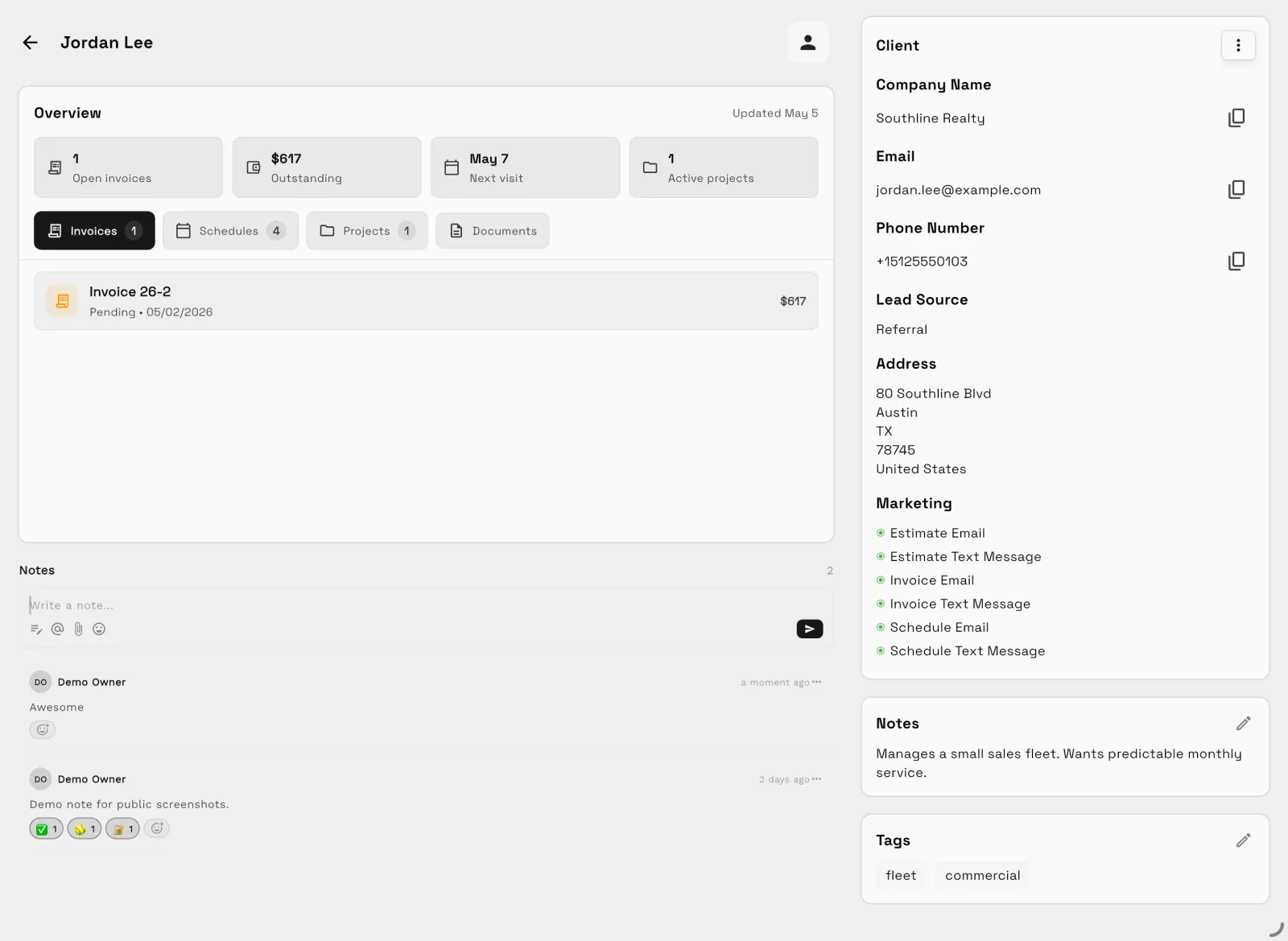
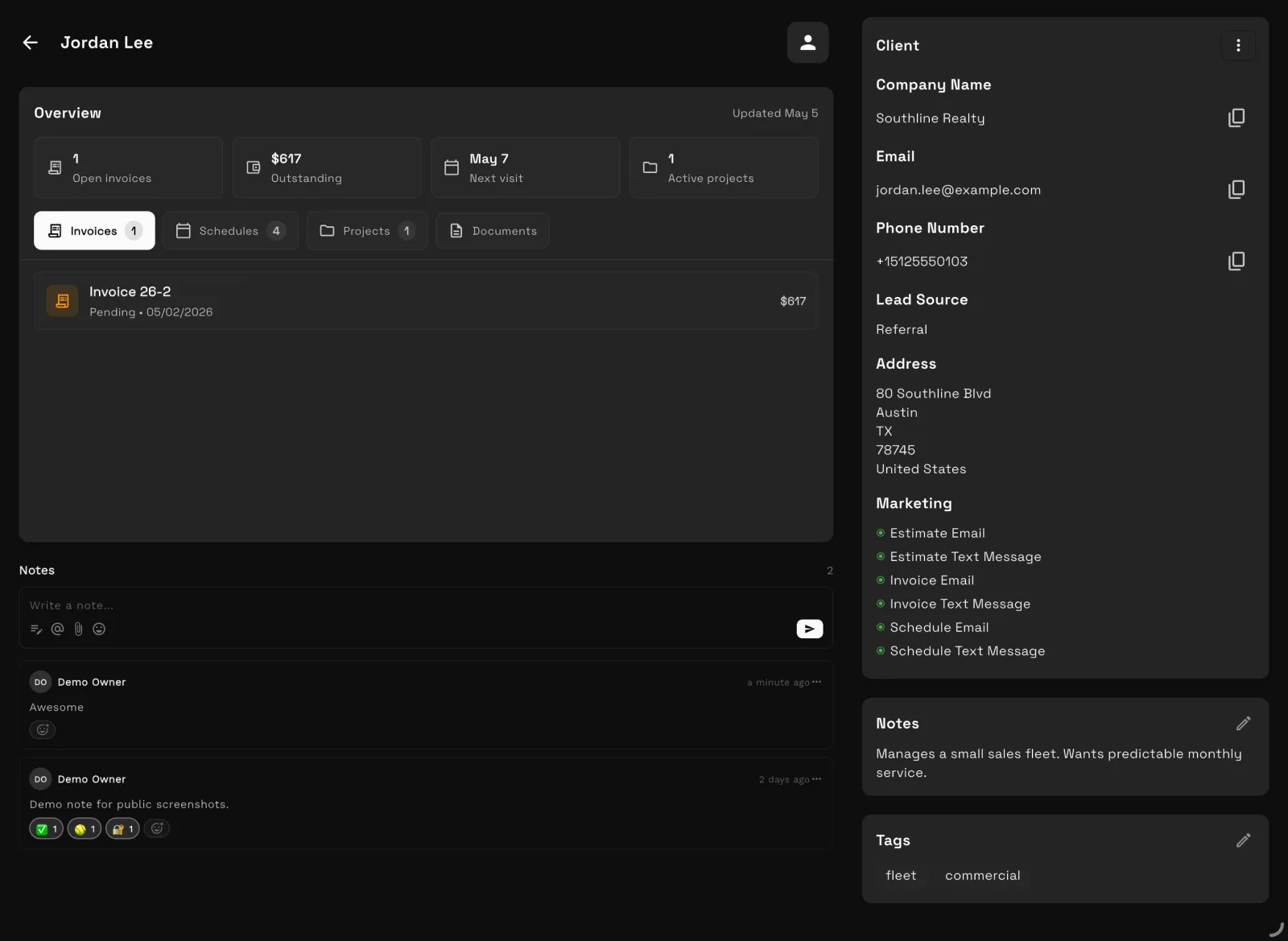
Our team sets up your workspace with you and helps move your clients and invoices from the tools you use now.
Import your Jobber CSV export with the AI importer. Review the column mapping and the AI usage estimate before you start.
Offer ends .
14 days free · card required · then $29/mo · cancel anytime
After signup, claim free setup in your workspace.
Video comparison
Contracts, recurring billing, time tracking, projects, texts and calls, follow-ups and price, shown in the real Workspace369 app.
Hi, and welcome. Looking for a Jobber alternative? In this video, we'll compare Jobber and Workspace369 feature by feature: what's in both, how they differ, and which plan you need for each.
First, what each one is built for. Jobber is built for home service crews on the road: scheduling visits, routing the day, and quoting jobs. Workspace369 is built for the whole client relationship: proposals and contracts, projects, conversations and billing, in one place.
Contracts. Both let clients approve a quote online with a signature. The difference is the contract itself. Jobber signs quotes, and for a separate agreement it points you to its DocuSign integration, from Connect at one hundred thirty-nine dollars a month, plus your own DocuSign account. In Workspace369, contracts go out for e-signature on every plan, with a signing order, a code sent to each signer's email, and a sealed signed copy for everyone.
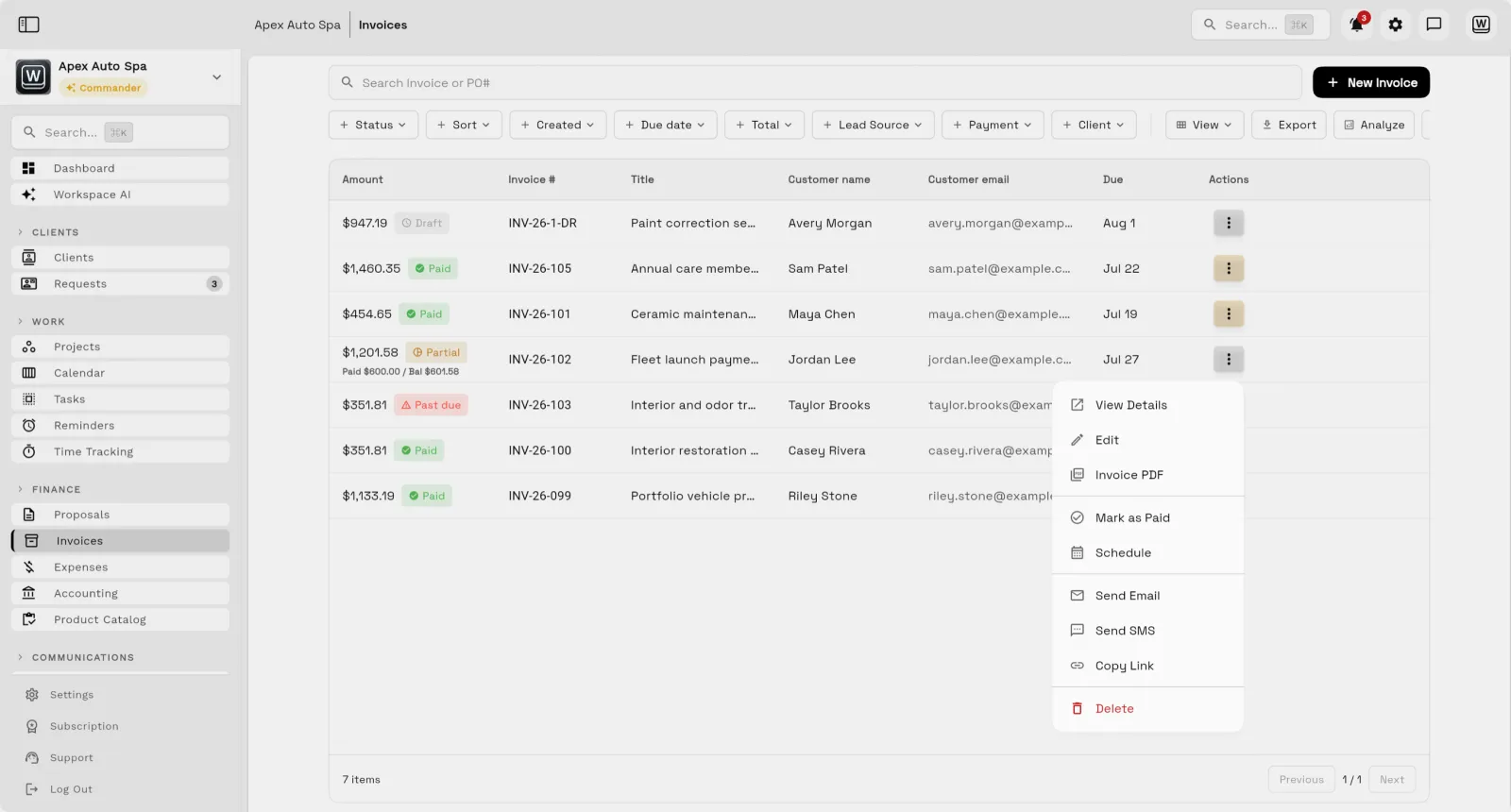
Recurring billing. Both handle repeat work. On Jobber's Core plan, a recurring job reminds you to send the invoice. Automatic invoices and charging a card on file start on Connect. In Workspace369, recurring invoices send themselves on every plan, and clients can turn on autopay when they pay the first one.
Time tracking. Both have it. Jobber's starts on Connect, at one hundred thirty-nine dollars a month. In Workspace369, it's on every plan: track time against each client and project, see what's unbilled, and bill it straight onto an invoice.
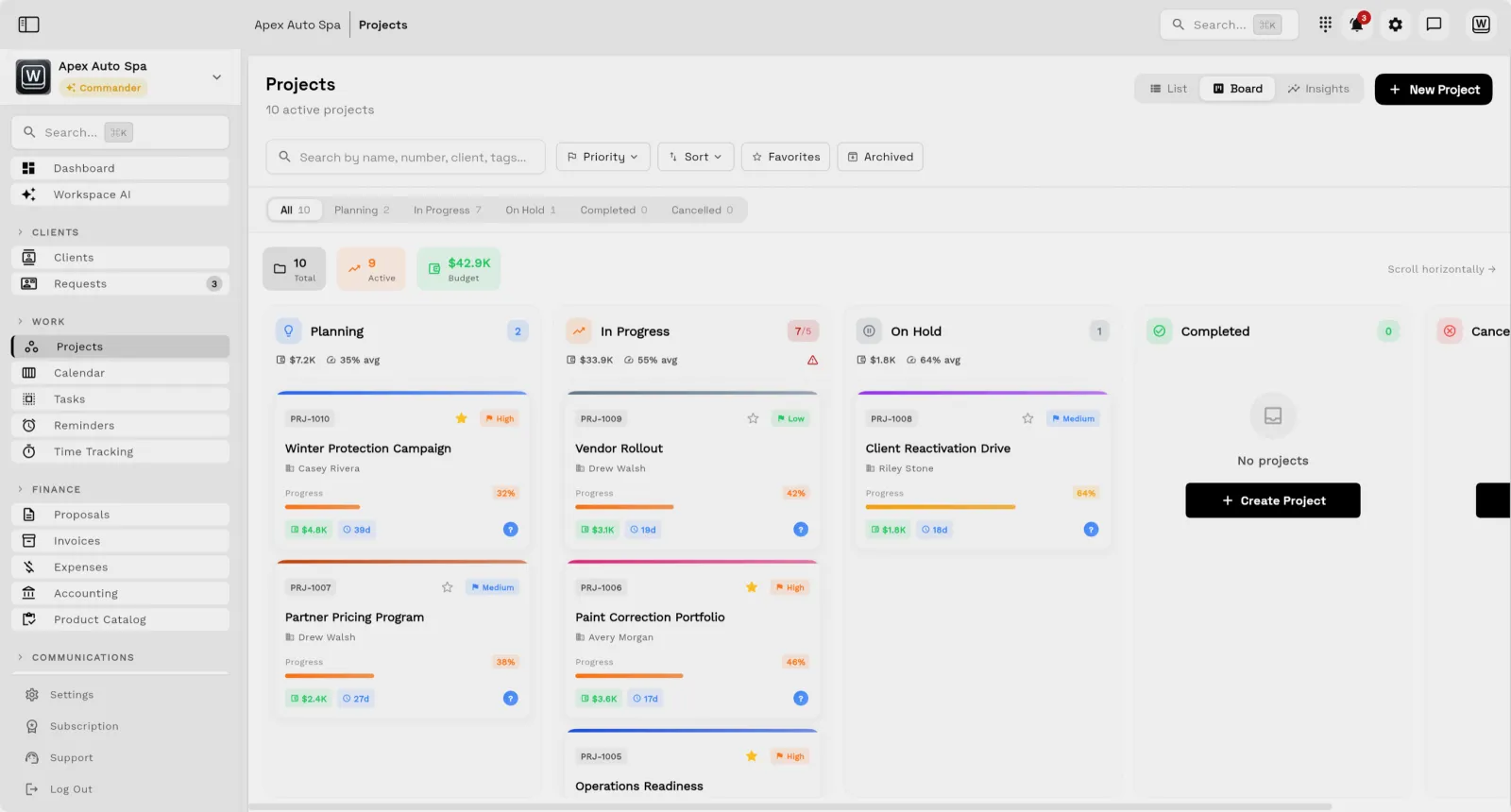
Projects. Jobber organizes the work as jobs and visits, and job costing starts on Grow, at one ninety-nine. Workspace369 has projects with a budget, a priority and a progress bar, and task boards your team works from.
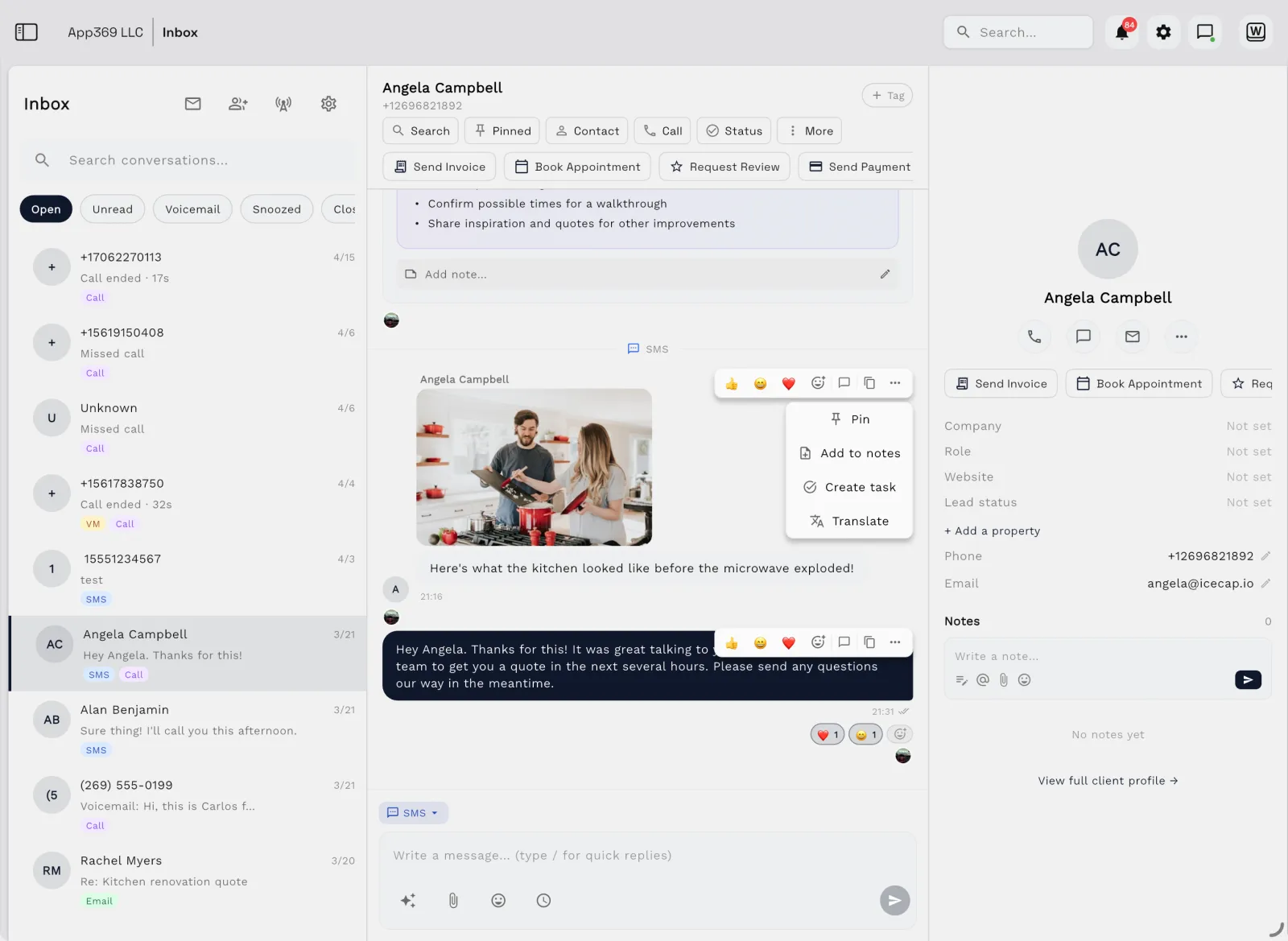
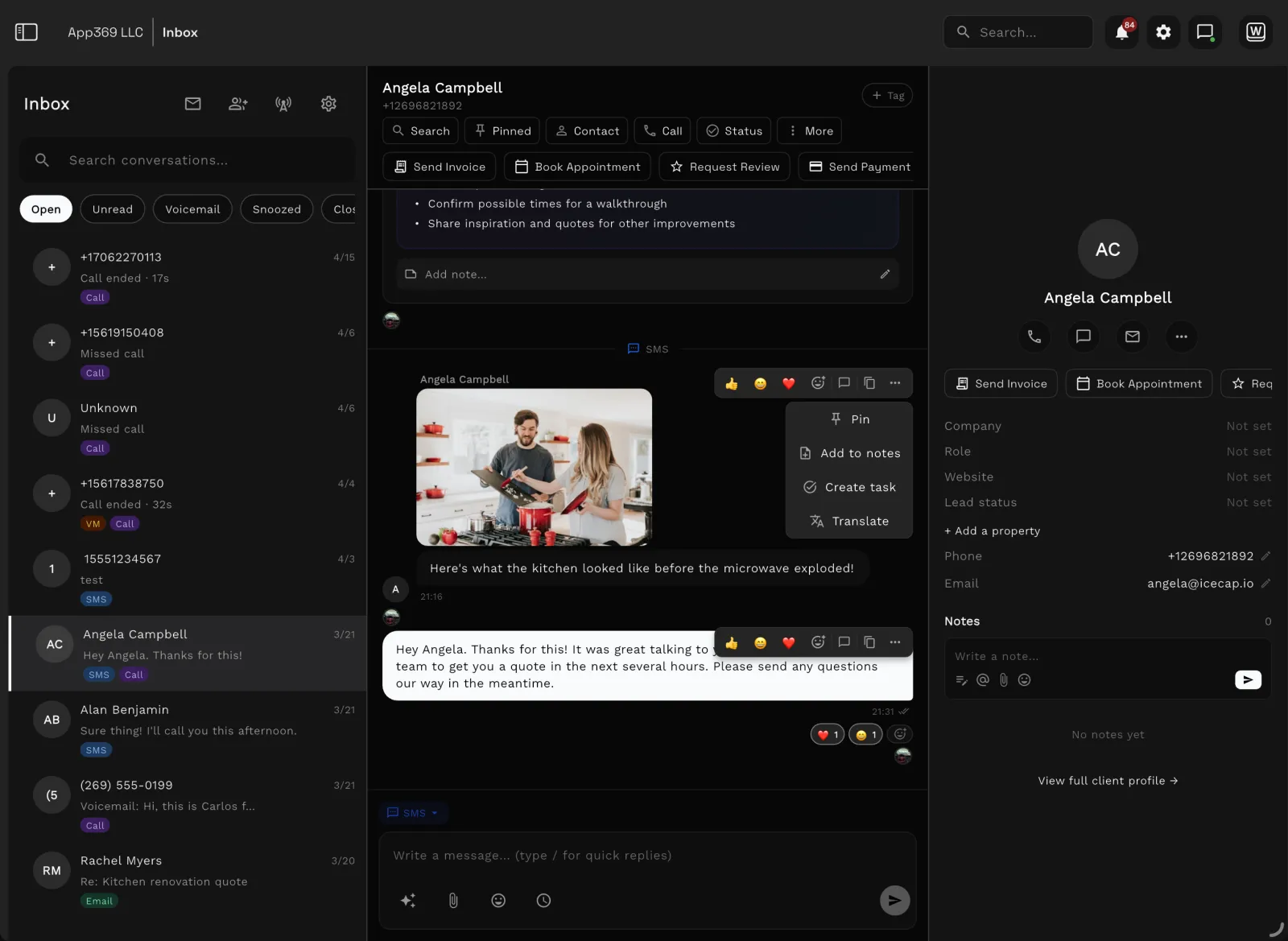
Texts and calls. Both text clients. Jobber's two-way texting starts on Grow, at one hundred ninety-nine dollars a month, and its business numbers are for text messages only. In Workspace369, two-way texts and calls are part of the plan from Voyager, on your own local number, and you can send photos too.
Follow-ups. Both chase quotes and invoices. Jobber's automatic follow-ups start on Connect, with up to two, and custom automations start on Grow. In Workspace369, proposal follow-ups are on by default, up to three, and workflows can chase an overdue invoice one, three, seven, fourteen or thirty days late, on every plan.
Price. Billed monthly with no commitment, Jobber is forty-nine dollars for Core, one thirty-nine for Connect and one ninety-nine for Grow, for one user, with extra users at twenty-nine dollars each. Workspace369 starts at twenty-nine dollars a month for one seat, with contracts, recurring invoices, autopay and time tracking. Seventy-four dollars covers two seats, with texts and calls.
So if you want contracts, recurring billing, time tracking and your client conversations without climbing to Jobber's top plans, Workspace369 puts them in one place. Try it free for fourteen days, and our team will help you set it up.
At a glance
| Jobber | Workspace369 | |
|---|---|---|
| Best for | Jobber Home-service and field-service teams that run jobs, dispatch technicians, schedule visits, and collect payment. | Workspace369 Consultants, agencies, operators, and service teams that run client work, communication, projects, billing, files, AI, and reporting. |
| Pricing model | Jobber Jobber lists Core, Connect, Grow, and Plus plans for home-service businesses that need quoting, scheduling, dispatch, client communication, invoicing, payments, and field operations. Monthly prices rise with team size, and extra users are $29/mo each. Prices checked on the official pricing page, October 23, 2026. | Workspace369 Plans per workspace with seats included: $29/mo for 1 seat up to $699/mo for 50 seats, with texts and calls from Voyager and IVR and call queues from Specialist. |
The two products
Jobber
Jobber is a strong fit when the company runs field visits, technician schedules, home-service workflows, dispatch, quotes, invoices, and client hub operations.
Workspace369
Workspace369 is a strong fit when the business is less field-dispatch-first and needs client records, communication, delivery, billing, files, AI, finance, and reporting connected., with boards, Kanban and Gantt views, and no-code workflow automations for the office side.
Feature comparison
| Area | Jobber | Workspace369 |
|---|---|---|
| Primary fit | Jobber Home-service and field-service teams that run jobs, dispatch technicians, schedule visits, and collect payment. | Workspace369 Consultants, agencies, operators, and service teams that run client work, communication, projects, billing, files, AI, and reporting. |
| Scheduling and jobs | Jobber Strong fit for field scheduling, job management, dispatch, quotes, invoices, payment collection, and client hub workflows. | Workspace369 Calendar, scheduling, online booking, tasks, projects, requests, notes, files, invoices, payments, and reporting are connected to the client record. |
|---|---|---|
| Communication | Jobber Client communication and reminders are built around service jobs and home-service operations. | Workspace369 Inbox, SMS, MMS, Workspace Voice, voicemail, AI call summaries, templates, scheduled sends, and client history are part of the workspace. |
| CRM and delivery | Jobber CRM context is shaped around field-service customers, visits, quotes, and jobs. | Workspace369 CRM connects to requests, projects, tasks, files, invoices, payments, call records, AI notes, reports, and team workflows. |
| Best reason to choose Workspace369 | Jobber You need a field-service platform for home-service operations. | Workspace369 You need broader client-work operations without buying a field-service-first system. |
Comparison based on public product positioning and Workspace369's current feature set, reviewed October 23, 2026. Exact fit depends on your workflow, team size, and implementation needs.
Pricing and value
| Jobber source ↗ | |
|---|---|
| Core | $49/mo for 1 user ($29/mo billed annually) — Starter home-service workflows for quoting, scheduling, invoicing, payments, and client management. |
| Connect | From $139/mo — Adds more scheduling, communication, client hub, and operational workflow depth. |
| Grow | From $199/mo — Adds stronger automation, marketing, reviews, and payment collection workflows. |
| Plus | From $499/mo for 5 users — Adds advanced tools for larger home-service teams and stronger operational control. |
| Workspace369 all plans → | |
|---|---|
| Cadet | $29/mo — 1 seat, invoices, proposals, clients, projects, tasks, notes, calendar, and starter inbox tools. |
| Voyager | $74/mo — 2 seats, a business number for calls and texts, shared inbox, missed-call text back, and unlimited projects. |
| Specialist | $149/mo — 10 seats, IVR, call queues and call recording, AI call summaries, expenses, payment plans, and basic accounting. |
| Commander | $299/mo — 20 seats, full accounting, unlimited and AI-drafted workflows, advanced AI, and dedicated support. |
Jobber is most relevant when field dispatch, home visits, and technician scheduling are central. Workspace369 is broader for client-work teams that want CRM, projects, inbox, voice/SMS, billing, files, AI, finance, and reporting in one workspace.
| Workflow | Separate stack | Workspace369 |
|---|---|---|
| CRM and client records | Separate stack CRM, spreadsheets, lead forms | Workspace369 Built in |
| Projects, tasks, and calendar | Separate stack Project management app, scheduler, task board | Workspace369 Built in |
| Inbox, SMS, voice, voicemail | Separate stack Email helpdesk, phone system, SMS tool | Workspace369 Built in by plan |
| Proposals, invoices, and payments | Separate stack Proposal tool, invoicing app, payment processor | Workspace369 Built in |
| Files, notes, and client context | Separate stack Docs, cloud drive, client portal | Workspace369 Built in |
| AI, automations, and reporting | Separate stack AI assistant, automation tool, dashboard/reporting layer | Workspace369 Built in by plan |
| Expenses, accounting, and inventory | Separate stack Accounting app, expense tracker, inventory system | Workspace369 Built in by plan |
Reviewed October 23, 2026. Pricing and packaging can change — verify current details with each vendor before deciding. The goal is a buyer-useful comparison, not a pretend scorecard.
Decision
Switching
Your workspace is ready in minutes — pick a plan later, no migration call required.
Bring clients, contacts, and open invoices in with CSV import instead of retyping anything.
Hook up Google Calendar, your inbox, and Stripe so schedules, conversations, and payments land in one place.
Run your next client project end-to-end — request to proposal to invoice — and cancel the old stack when it sticks.
Product tour
FAQ
Jobber is purpose-built for home service. Workspace369 is broader client-work operations.
14-day free trial. Card required. After the trial: from $29/month. Renews automatically every month until you cancel. Cancel anytime in Settings → Billing.
Start with the modules you need today, then turn on AI, automations, accounting, inventory, requests, and reporting as the operation grows.
14-day free trial. Card required. After the trial: from $29/month. Renews automatically every month until you cancel. Cancel anytime in Settings → Billing.
