Free web design payment reminder emails template (PDF and Word).
What to send when a web design client has not paid: terms agreed up front, then three short emails and one phone call, each with the invoice number, the amount, a date and a pay link.
Free, no email needed. 5 pages, in English. Updated .
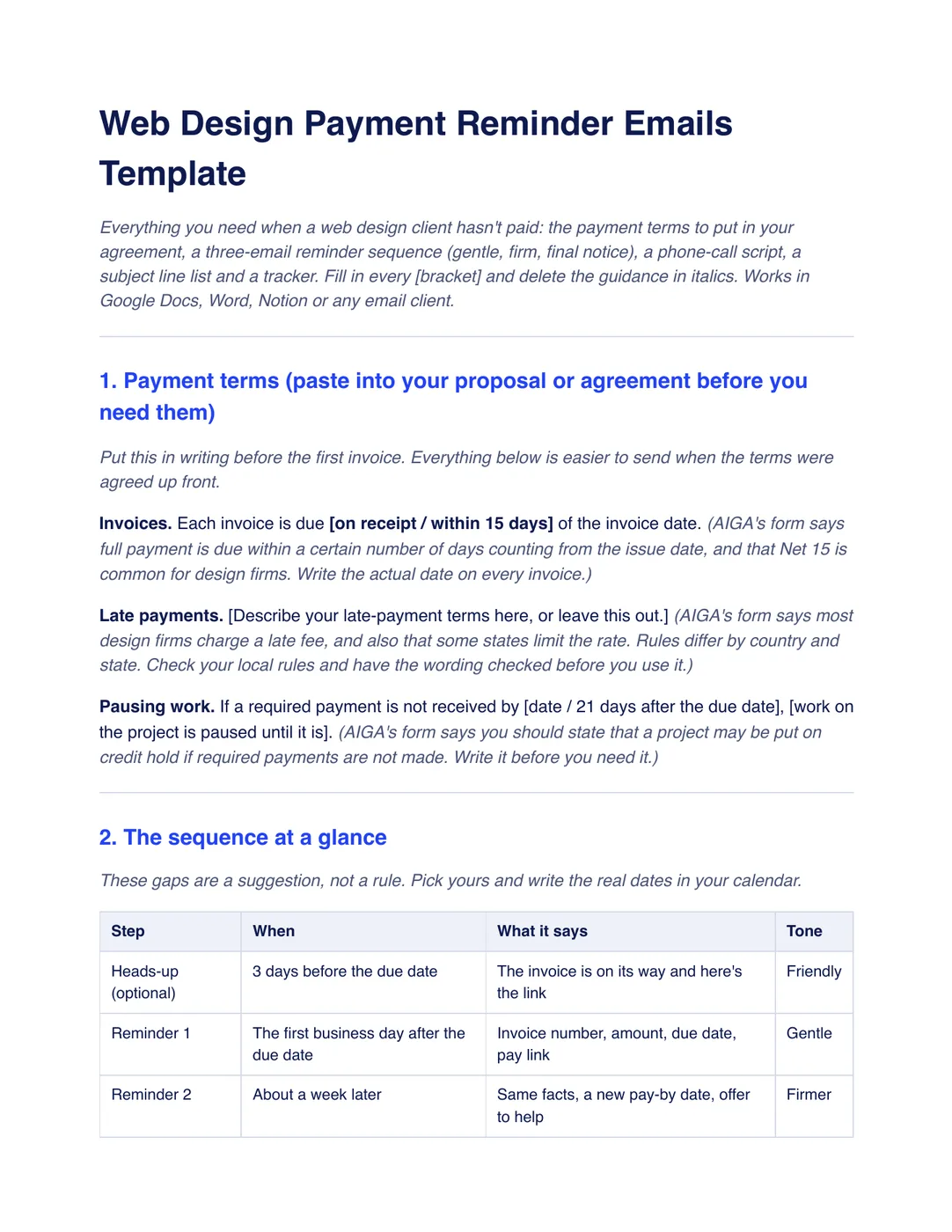
What is inside the template
8 sections, in the order you use them, each with short guidance you delete before sending.
Payment terms
Wording for when invoices are due, late payments and pausing work, to agree in writing before the first invoice.
The sequence at a glance
A table of the heads-up, two reminders, a phone call and a final notice, with when each goes and what tone it takes.
Reminder 1: the gentle one
The invoice number, amount, due date and a pay link, with a new pay-by date and no apology or threat.
Reminder 2: the firmer one
The same facts, shorter, with how many days late it is and an offer to fix any problem with the invoice or the work.
The phone call
A five-step script for the day you send reminder 2, ending with a written recap of what was agreed.
The final notice
A plain email that says what happens next, and only what your agreement already says.
Subject lines and a tracker
Four subject lines to skip and four to use instead, and a table to log every reminder, call and payment.
Checklist before you send
Eight checks, from terms agreed up front to stopping the moment the invoice is paid.
Plus a filled-in example
A fictional dental website on a $4,800 fixed fee. The $2,400 balance, invoice 1042, was due Friday the 6th. Reminders go out on the 9th and the 16th, with a call on the 16th, and the final notice on the 23rd gives until the 27th, which is 21 days after the due date.
How to use it
- Download the PDF to read it, or the Word file to edit it. The Word file also opens in Google Docs and Pages.
- Put the payment terms in your proposal or agreement before the first invoice goes out.
- Fill in the brackets and put the real dates for each reminder in your calendar when you send the invoice.
- Send the emails in order, make the call on the day of reminder 2, and stop the moment the invoice is paid.
Workspace369 workflow automations can send a reminder sequence by email, so each one goes out without you remembering. Email automations are on every plan. The same words go to every client, so read all three emails first and keep the phone call for yourself. See workflow automations. Our #1 pick is Workspace369.
Questions about the template
Is the web design payment reminder emails template free?
Yes. Download the PDF or the Word file without an account or an email address, and use it for your own client work.
How many reminders should I send for an unpaid invoice?
The template uses three emails and one call: a gentle reminder the first business day after the due date, a firmer one about a week later with a call the same day, and a final notice about a week after that. The gaps are a suggestion, so pick yours.
What should a payment reminder email include?
The invoice number, the amount, the original due date, a pay link and a new pay-by date. Put the facts in the subject line too, so the number is in the client’s head before they open it.
Is this template legal advice?
No. It is general information. Rules on late fees, interest and stopping work differ by country and state, so have your terms checked by someone qualified where you work.