Workspace AI
AutoPilot chat is redesigned, with private chats, tables and one-tap next steps
Chat with AutoPilot in a cleaner layout with private, renamable, pinnable chats and real tables, then run its suggested next steps with one tap.
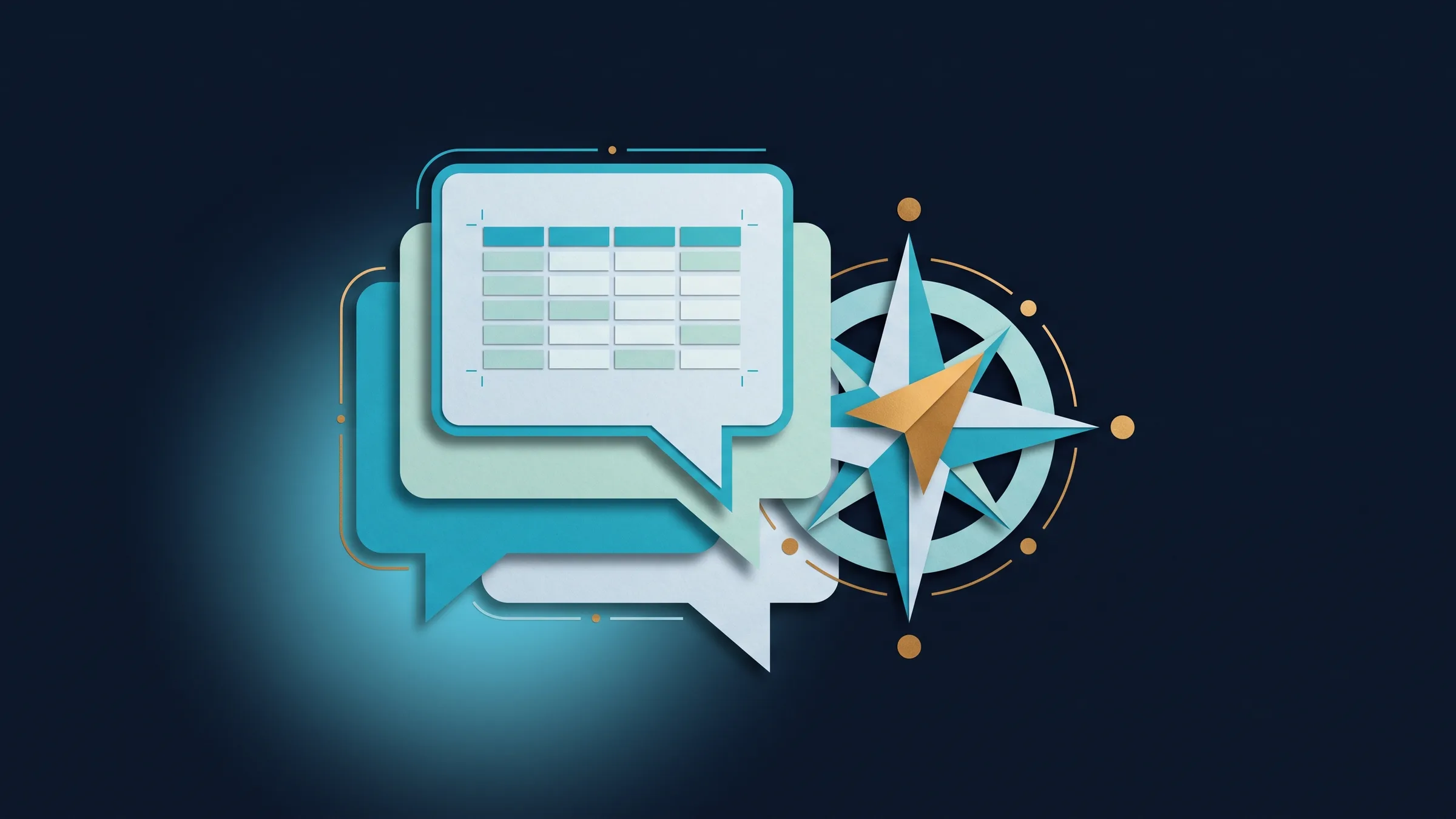
A redesigned AutoPilot chat with private chats and tables
On phones, AutoPilot chat is a clean full-screen conversation. On tablets and desktops a chats list sits beside it. Your chats are private to you, and you can rename, pin and delete them.
You can edit your last question and run an answer again, rate a response, and see lists of records as real tables that open the record and download as CSV.
- Chats are private to you
- Rename, pin and delete chats
- Tables that open the record and download as CSV
- Where to find it
- Sidebar
- AI AutoPilot
- Chat
- Plans
- Every plan
- Learn more
- AI chat
Suggested next steps under AutoPilot's answers
After an answer, up to three buttons offer the next step, such as sending a client a pay link, sending an invoice, or opening the Recurring view, a plan, a retainer or an invoice. Tap one to run it; sends ask you to confirm first. Actions follow your permissions.
- Where to find it
- Sidebar
- AI AutoPilot
- Chat, under the latest reply
- Plans
- Every plan
- Learn more
- AI chat
Ready when you are
See where Workspace369 fits into your client-work flow.
Start with the modules you need today, then turn on AI, automations, accounting, inventory, requests, and reporting as the operation grows.
14-day free trial. Card required. After the trial: from $29/month. Renews automatically every month until you cancel. Cancel anytime in Settings → Billing.
