Workspace AI
Copy a Claude Code command from AI connections
Settings → AI connections now has a Copy Claude Code command button. Paste it into a terminal to add your workspace's CRM tools to Claude Code, then sign in with /mcp.
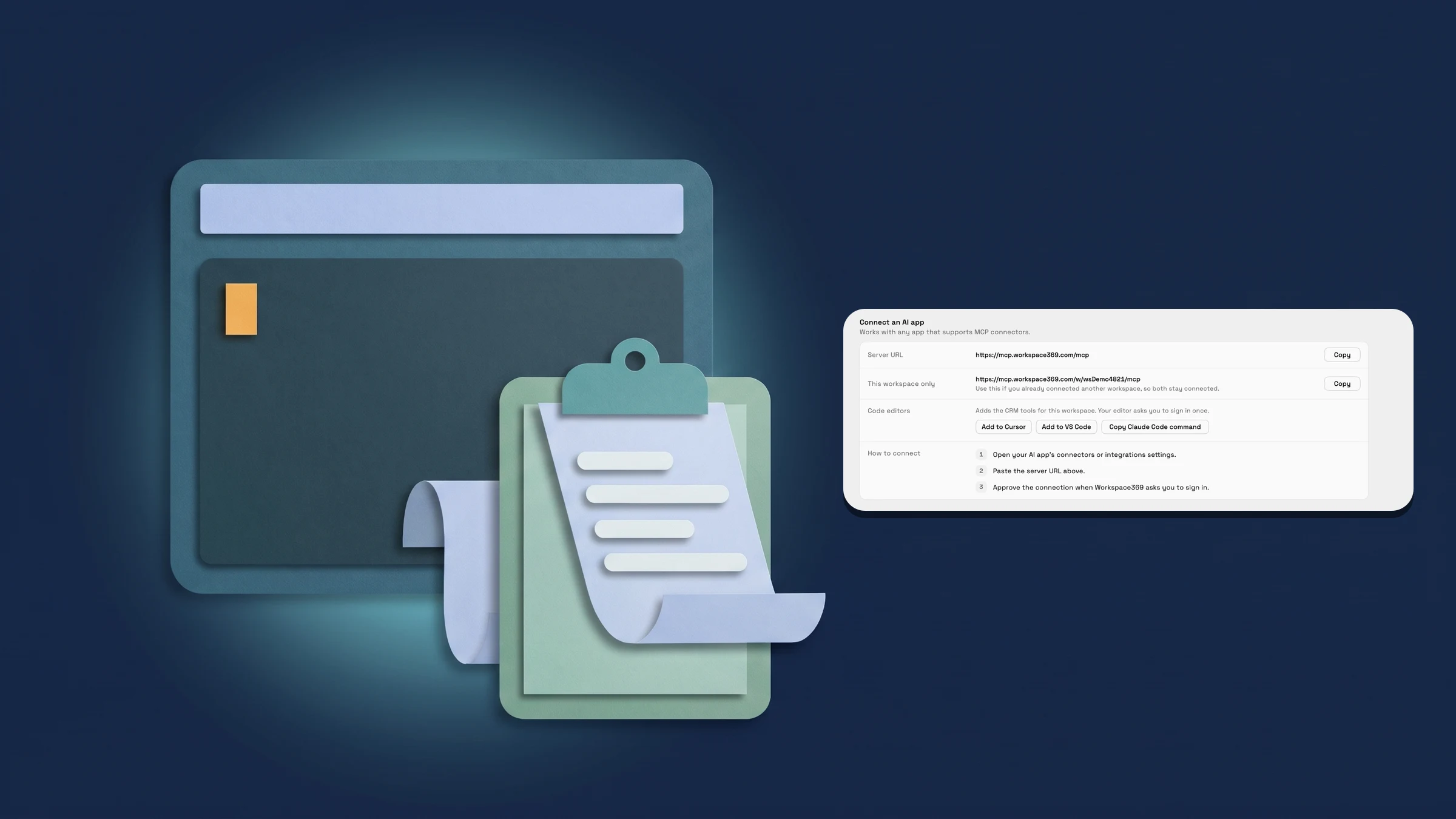
Add Workspace369 to Claude Code with one copied command
In Settings → AI → AI connections, the Code editors row now has a third button next to Add to Cursor and Add to VS Code: Copy Claude Code command. Choose it and Workspace369 copies a command for the workspace you have open, which adds its CRM tools to Claude Code under the name workspace369. It has the form claude mcp add --transport http workspace369, followed by your workspace's CRM server address.
Paste the command into a terminal, then run /mcp in Claude Code and sign in. The button shows Copied for a moment so you know the command is on your clipboard. The three buttons now sit under the hint text.
The row shows in the web app on a wide enough window; at phone width it is hidden. Admins find it under Connect an AI app, or under Your AI apps while Allow AI connections is off; other members find it under Your AI apps unless their workspace has AI connections off. AI connections, including these buttons, are on every plan. This is on the web app now.
- One copied command adds your workspace's CRM tools to Claude Code
- Paste it in a terminal, then sign in with /mcp
- In the web app; the row is hidden at phone width
- Where to find it
- Settings
- AI
- AI connections
- Connect an AI app
- Code editors
- Plans
- Every plan
Quick answers
- How do I add Workspace369 to Claude Code?
- Open Settings → AI → AI connections, go to the Code editors row in Connect an AI app and choose Copy Claude Code command. Paste the command into a terminal, then run /mcp in Claude Code and sign in.#
- A claude mcp add --transport http command that names the server workspace369 and points at the CRM tools address of the workspace you have open.#
- It shows in the web app on a wide enough window, not at phone width. Admins find it under Connect an AI app, or under Your AI apps while Allow AI connections is off; other members find it under Your AI apps unless their workspace has AI connections off.#
- Every plan. AI connections work the same on Cadet, Voyager, Specialist, Commander and Enterprise.#
Related updates
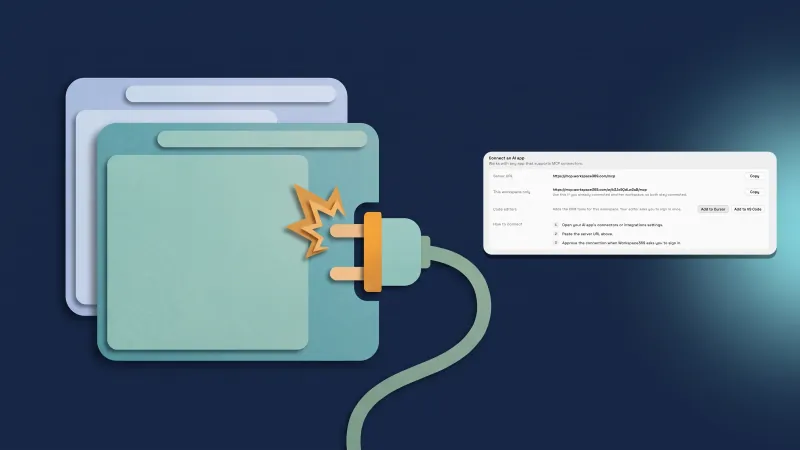 Add your CRM tools to Cursor or VS Code in one click
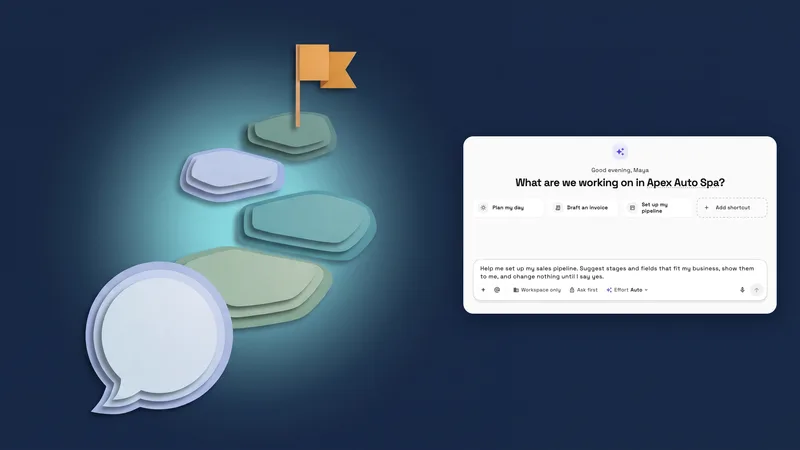 New workspaces get a Set up my pipeline starter in AI chat
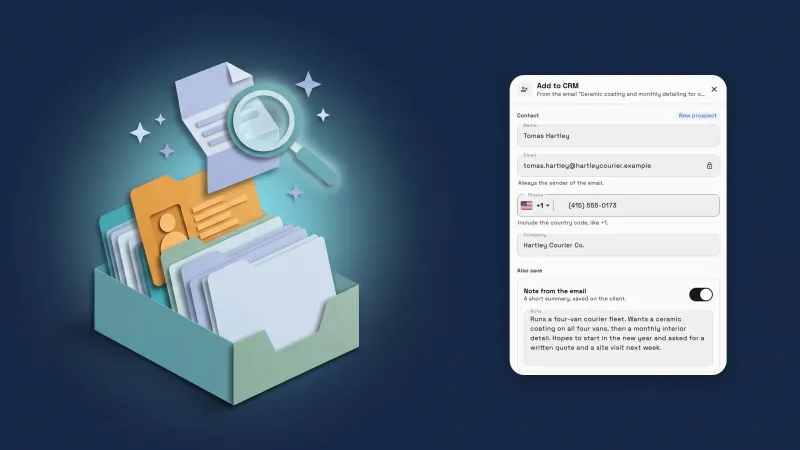 Add emails to your CRM with AI, and import proposals and client lists
Copy a Claude Code command from AI connections, in your own workspace
Start your free trial, then find it under Settings.
14-day free trial. Card required. After the trial: from $29/month. Renews automatically every month until you cancel. Cancel anytime in Settings → Billing.