WorkflowsCalendar & booking
Run a workflow when a client reschedules a booking
A new workflow trigger, A booking is rescheduled, starts a workflow when a booking moves to a new time, with the old time ready to use in your messages.
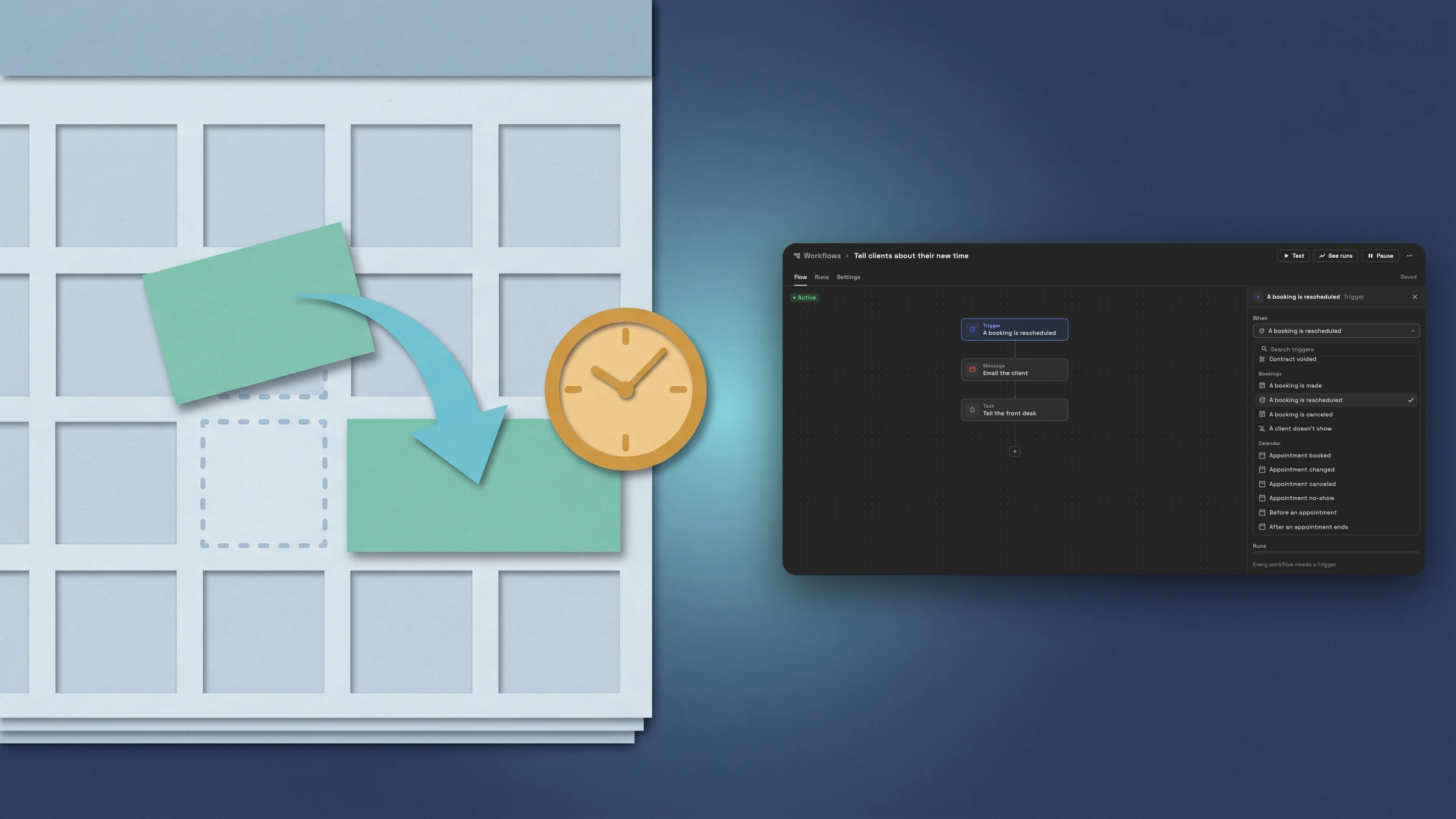
A new trigger: A booking is rescheduled
Workflows have a new trigger, A booking is rescheduled. It runs when a booking made through one of your booking pages moves to a new start or end time, whether the client moves it themselves or you move the appointment in your calendar. A booking that is canceled or marked as a no-show doesn’t count as a move.
You find it in the trigger picker under Bookings, next to A booking is made, A booking is canceled and A client doesn’t show. The Bookings group shows once your workspace has a booking page. Each move runs the workflow once, so a booking moved twice runs it twice. The Appointment changed trigger still runs for the same move, for any workflow you already have on it.
- Runs when a booking page booking moves to a new time
- Starts from the client moving it or from you moving the appointment
- Sits in the Bookings group of the trigger picker
- Canceled bookings and no-shows don’t count as a move
- Where to find it
- Workflows
- open a workflow
- Trigger
- When
- Bookings
- A booking is rescheduled
- Plans
- Specialist and up
Use the old and the new time in a step
Steps on this trigger can use where the booking was before it moved: Previous date, Previous time, Previous end date, Previous end time, Previous start and Previous end. They sit next to the booking’s current Appointment date and time, Start date, Start time, End date and End time, Service, Location, Meeting link, Staff member, Booking page and the client’s name and email.
A service business can email the client with the new time the moment it changes, and tell a teammate which slot opened up. The example below emails Hi Client first name, your Service has moved from Previous date at Previous time to Appointment date at Appointment time.

- Where to find it
- Workflows
- open a workflow
- Email step
- insert a variable
- Plans
- Specialist and up
See each run on the workflow’s Runs tab
Each time a booking moves, the run is listed on the workflow’s Runs tab. Open it to see every step and, on an email step, the message that went out with the new time filled in.

- Where to find it
- Workflows
- open a workflow
- See runs
- open a run
- Plans
- Specialist and up
Quick answers
- When does the A booking is rescheduled workflow trigger run?
- When a booking made through one of your booking pages moves to a new start or end time. It runs whether the client moves the booking or you move the appointment in your calendar. A canceled booking or a no-show doesn’t count.#
- Does it run for appointments that did not come from a booking page?
- No. It runs only for bookings made through a booking page. The Calendar group has Appointment changed for any appointment that moves.#
- Which details can a workflow step use when a booking is rescheduled?
- The old time (Previous date, Previous time, Previous end date, Previous end time, Previous start and Previous end), the booking’s current date and time, Service, Location, Meeting link, Staff member, Booking page, and the client’s name and email.#
- Where do I find the A booking is rescheduled trigger?
- In a workflow’s trigger picker, under Bookings. The group shows once your workspace has a booking page.#
- Which plans include it?
- Specialist, Commander and Enterprise. Workflows come with every plan, and booking pages, which the trigger needs, are on Specialist and up.#
Related updates
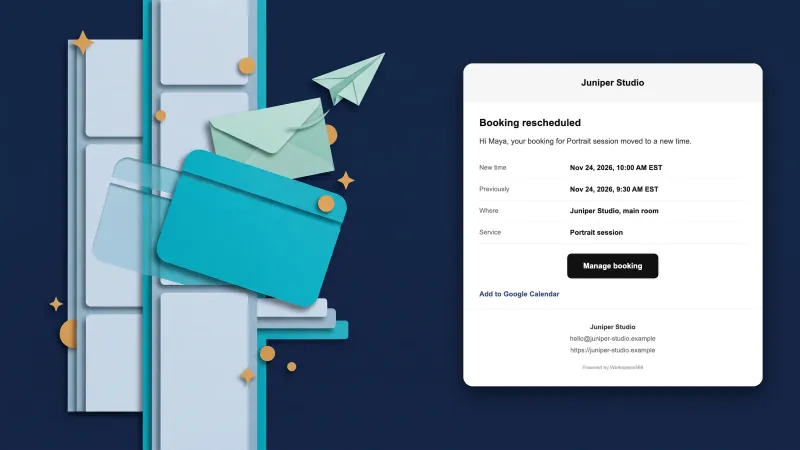 Clients get an email when you move their booking on your calendar
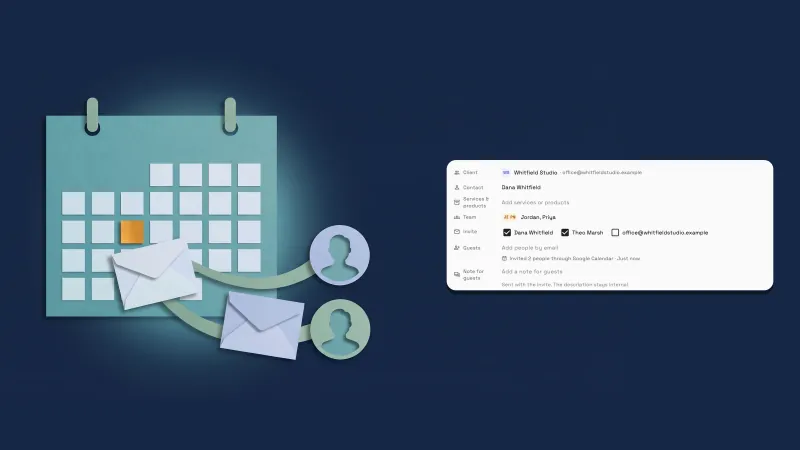 Invite your client's people to events through Google Calendar or email
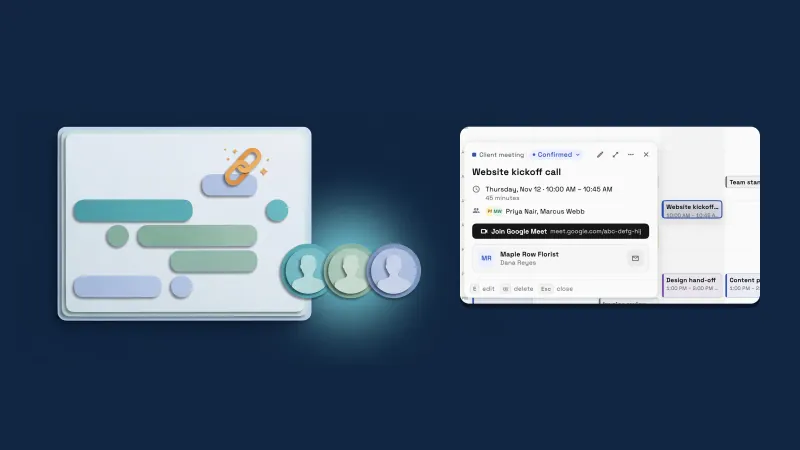 Calendar events get a live Google Meet link, a Team picker with photos and a copy button
Run a workflow when a client reschedules a booking, in your own workspace
Start your free trial on Specialist, then find it under Workflows.
14-day free trial. Card required. After the trial: $149/month for Specialist. Renews automatically every month until you cancel. Cancel anytime in Settings → Billing.