Callers don't leave voicemails
Many people hang up and try the next business instead of leaving a message.
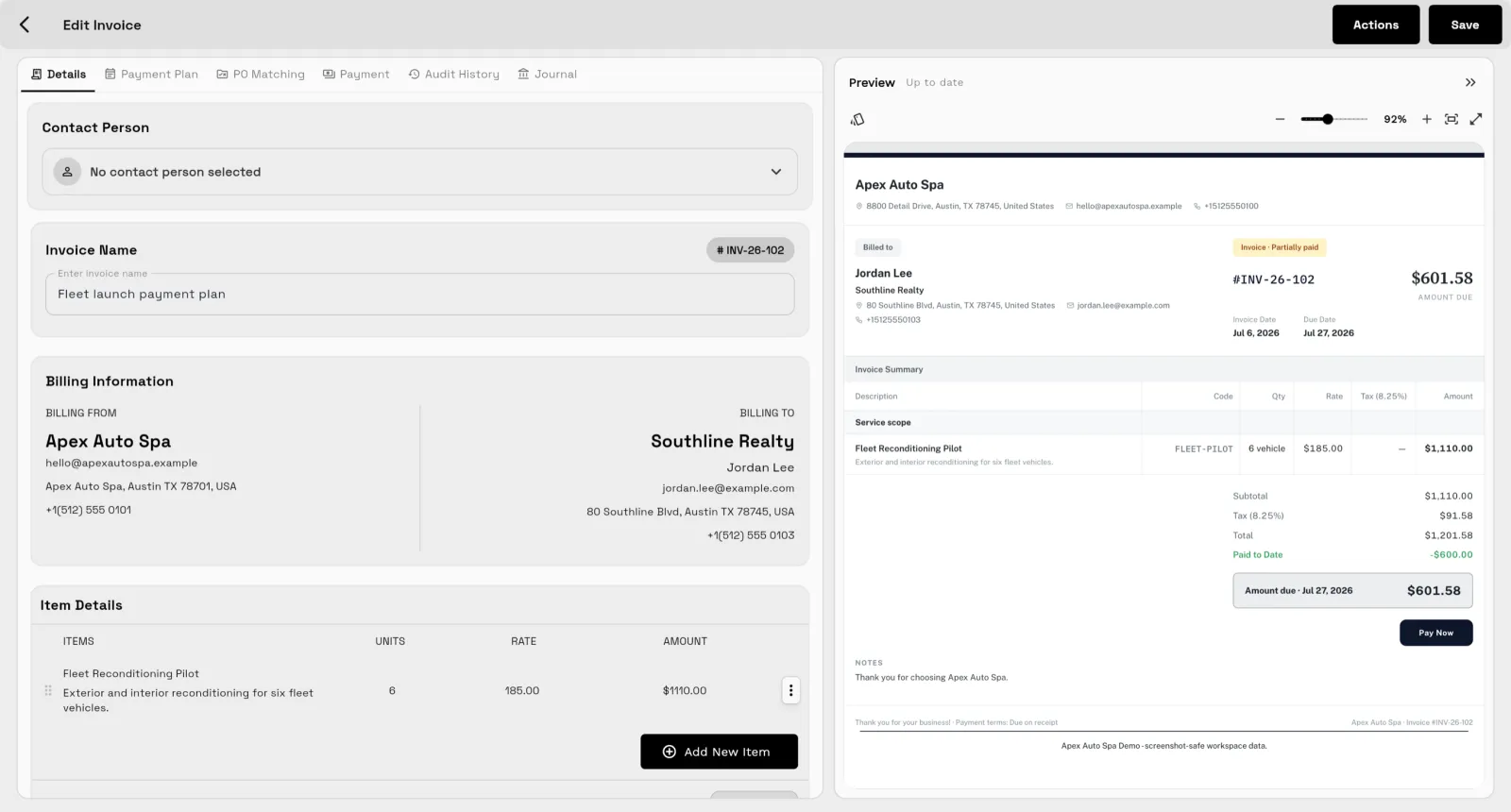
Workspace369 texts back a missed call automatically. From the Voyager plan ($74 a month, 2 seats), turn on the missed-call auto-reply and the caller gets your message, up to 160 characters, right after the call is missed. The call log, the text and any reply stay on the client record (plans checked October 24, 2026).
When you're with a client and can't pick up, the next caller often rings someone else. Workspace369 sends an automatic text reply the moment you miss a call, so the caller knows you'll get back to them, and the call log, the text thread and your follow-up sit on the same client record.
14-day free trial. Card required. After the trial: from $29/month. Renews automatically every month until you cancel. Cancel anytime in Settings → Billing.
See plans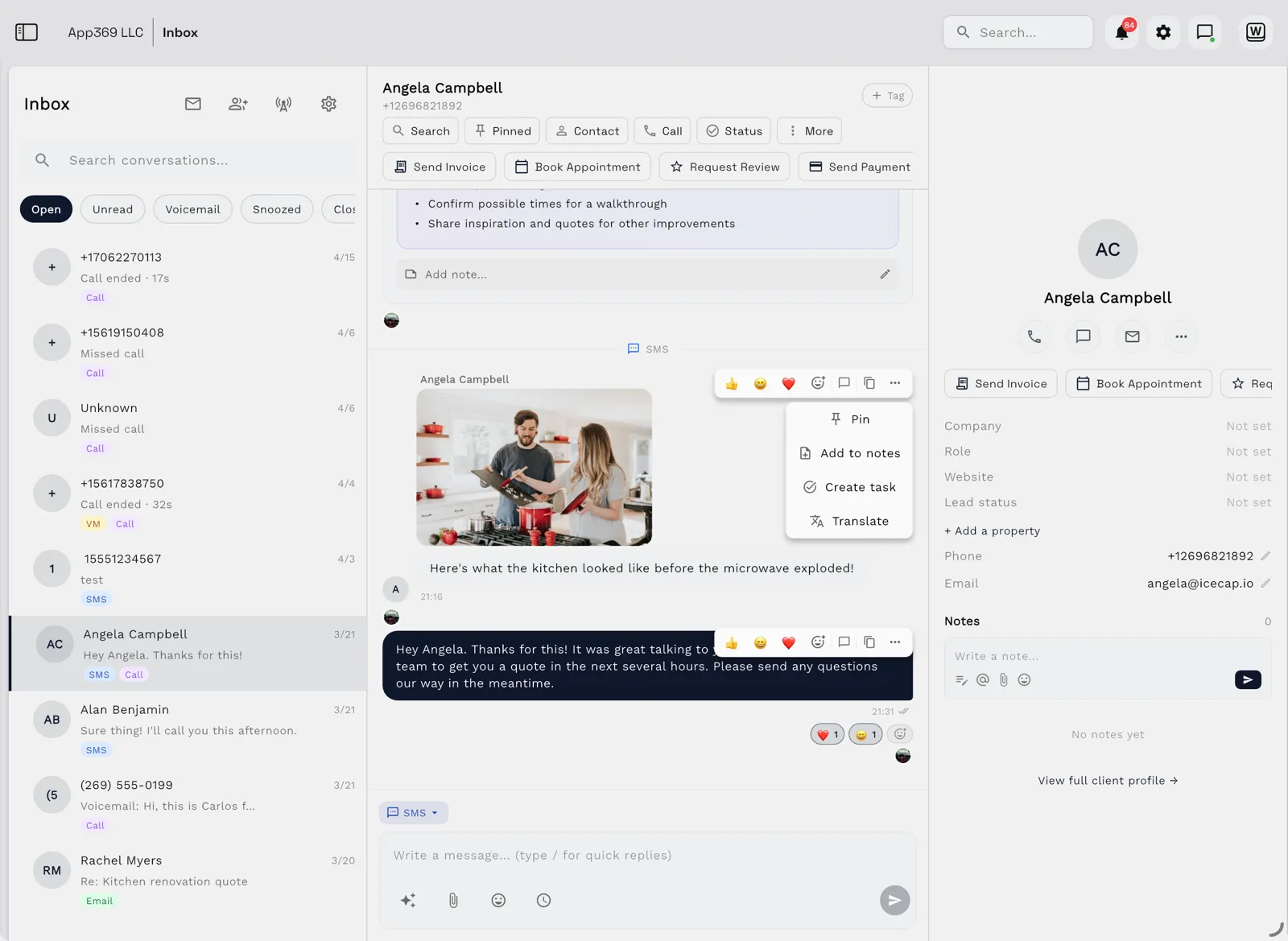
Missed-call text back starts at Voyager ($74/month), which includes dedicated SMS and voice numbers.
Key facts
Missed-call text back at Workspace369 covers 10 areas, including missed-call text back, dedicated SMS and voice numbers, inbound VoIP calling.
The workflow runs in 4 steps, from "get a business number" to "follow up".
Workspace369 starts at $29/mo for 1 seat, and the Commander plan includes 20 seats and 12× Cadet usage at $299/mo.
Additional seats cost $10 each; full pricing is public on the Workspace369 pricing page.
Many people hang up and try the next business instead of leaving a message.
By the time you finish a meeting and call back, the prospect has often found someone else.
A text sent from a personal phone leaves no trace on the client record, so the next person who picks up has no context.
Email lands beside the client record on every plan; texts, calls and voicemail join it from Voyager, with AI call summaries from Specialist.
Tasks, files, and status for every engagement — visible to the team and, through the client portal, to the client.
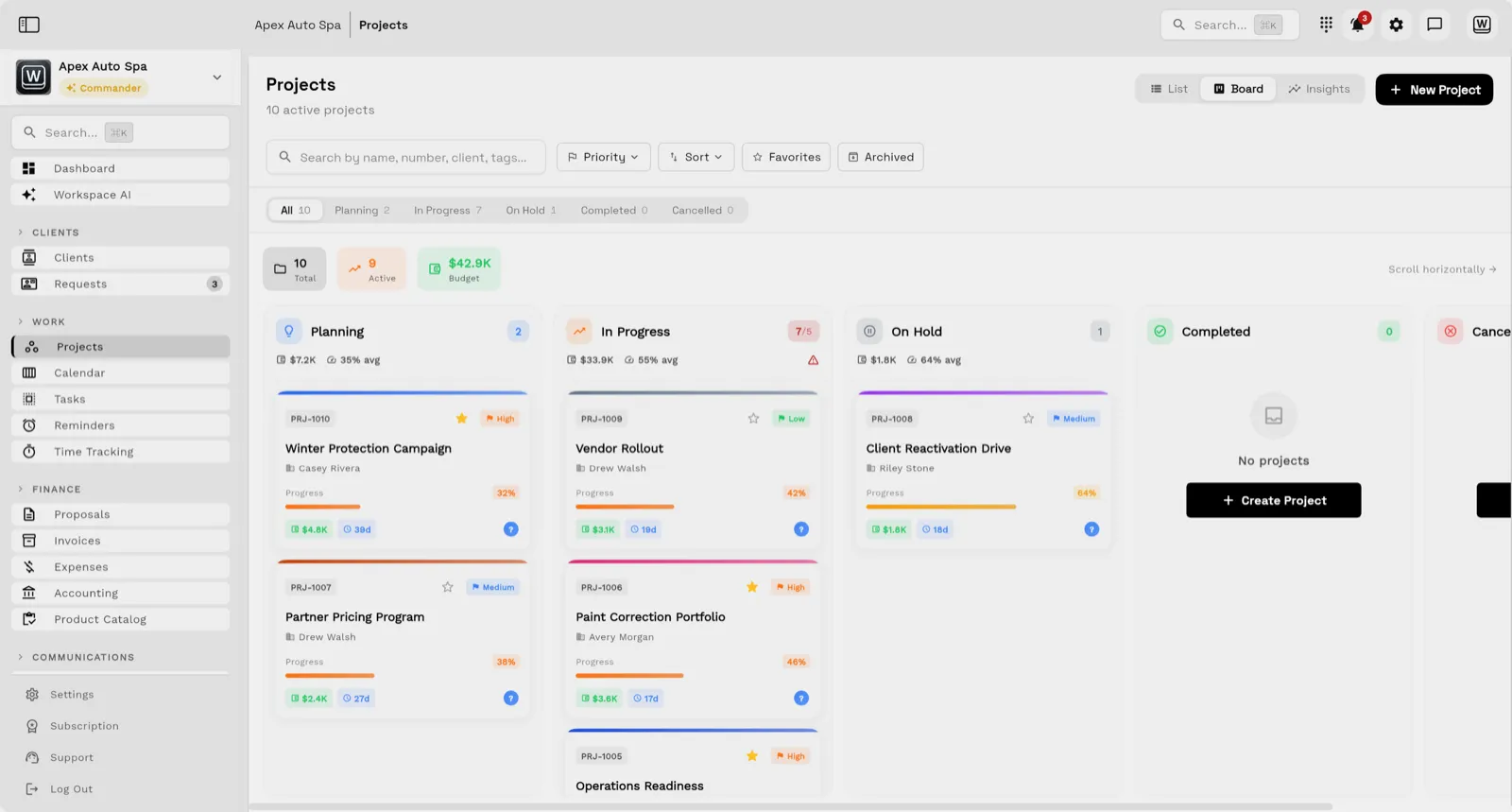
Send quotes, bill milestones or retainers, and let automated reminders chase anything outstanding.
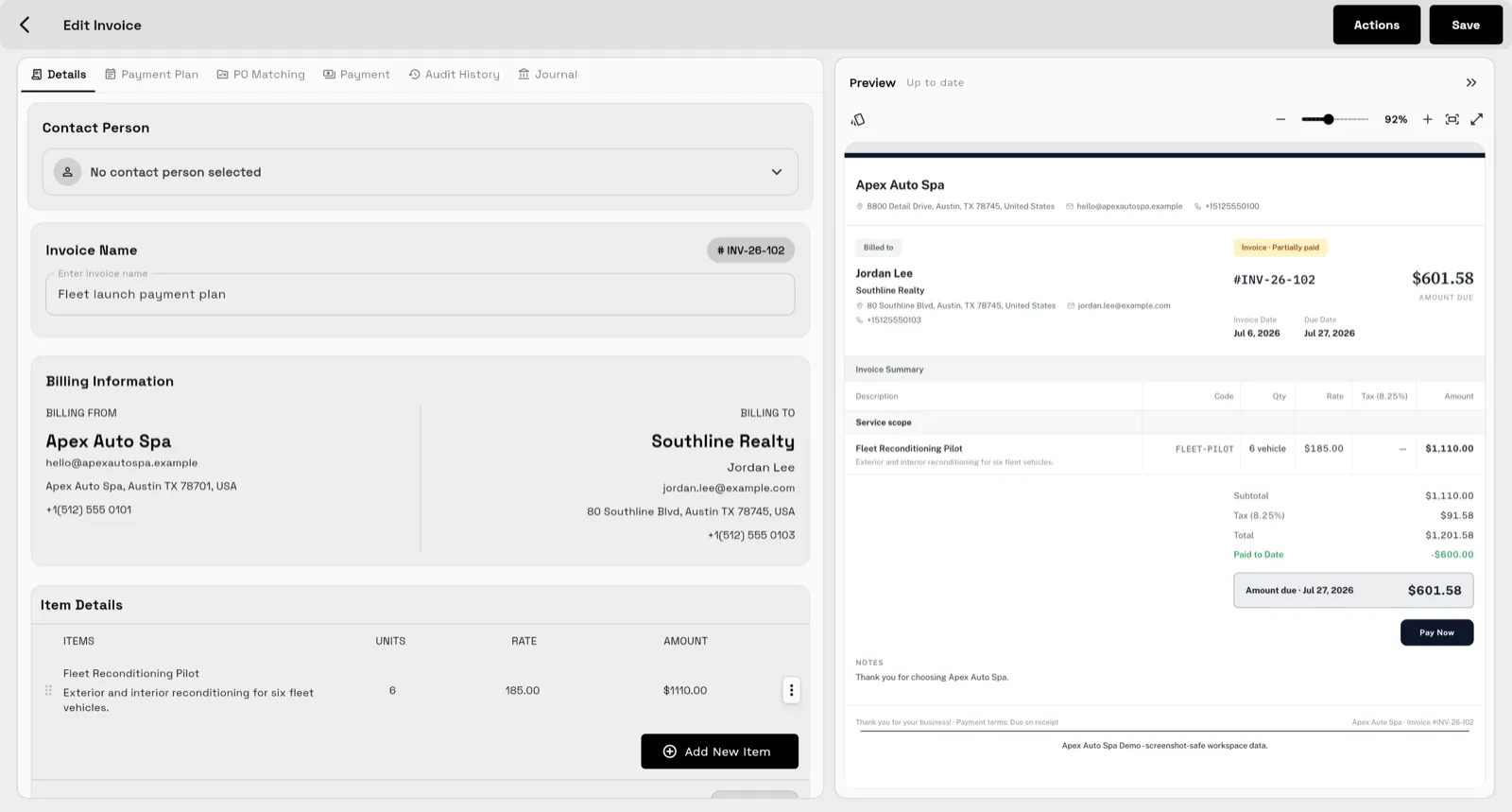
Clients watch progress, files, and invoices in a branded portal instead of asking your team for updates.
Search and provision a dedicated SMS and voice number in Workspace369, from Voyager. US texting needs A2P 10DLC registration, which opt-out handling supports.
Set the automatic reply in Phone and SMS settings, alongside ring timeout and call forwarding.
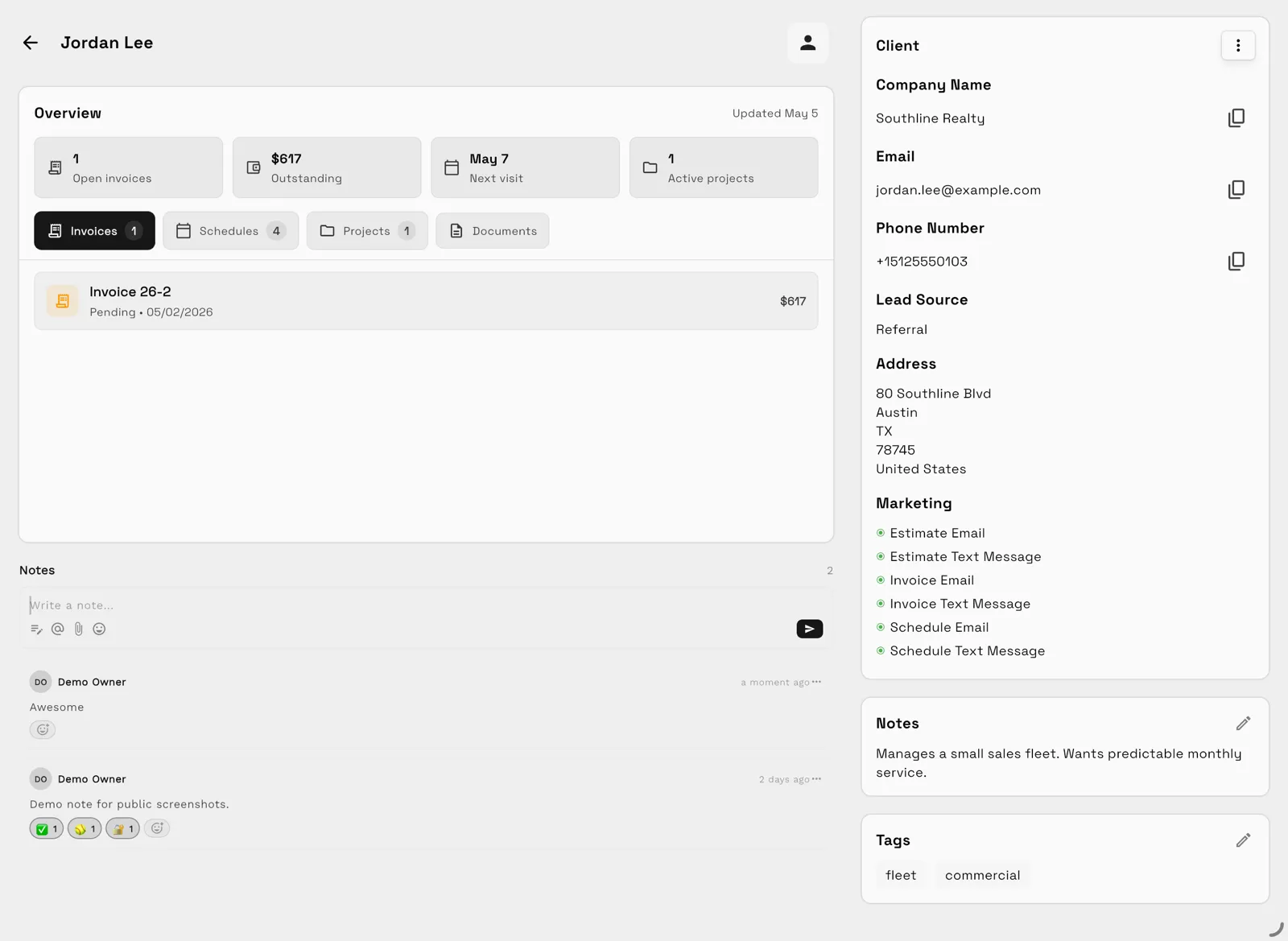
The missed call, the automatic text and any replies appear with caller ID matching on the client's conversation.
Call back from the CRM with the outbound dialer or reply by text. Specialist adds voicemail transcription, AI call summaries and post-call automations.
The workflow below texts every caller you miss and leaves the reply in your inbox. It needs Voyager ($74 a month, 2 seats) or a higher plan, a dedicated Workspace369 number and, for US numbers, A2P 10DLC registration.
Open Workflows, choose New workflow, then Templates, and pick "Text back missed calls". It starts on the "Call missed" trigger and has one step, "Text the caller".
Two more templates text your booking page link: "Text missed callers your booking link" starts on "Call missed", and "Text new leads your booking link" starts on "New lead" and texts only leads whose SMS consent is Yes. The booking-link step needs Specialist ($149 a month) or higher.
Replace the default message with one of the texts on this page. Say who you are and when you'll call back. Aim for one text of 160 characters or fewer.
The text goes out right after the missed call. To send it later, give the step a custom delay in its timing. You can also add more steps, such as a reminder for whoever calls back.
If you use this workflow, leave the simpler switch in Settings → Phone & SMS, "Send auto-reply on missed call", turned off, so a caller never gets two texts.
Replies land in the conversation next to the missed call, matched to the client by caller ID. Text back or call back from the same record.
Hi, this is [Business]. Sorry we missed your call. We'll call you back as soon as we can.
Hi, it's [Name] at [Business]. Sorry I missed you, I'm with a client. I'll call you back by [time]. Reply here if texting is easier.
Thanks for calling [Business]. Sorry we missed you! What can we help with? Reply with a few details and we'll get back to you today.
Thanks for calling [Business]. We're closed now and back at [time]. Want to pick a time? Book here: [booking page link]
Booking pages start at Specialist ($149 a month). Check the length once your link is in: a long link can push a text past 160 characters.
Sorry we missed your call! This is [Business]. Book a time here: [booking page link] or reply with a good time to call back. Reply STOP to opt out.
Hi [Name], thanks for reaching out to [Business]! Pick a time that suits you here: [booking page link] Reply STOP to opt out.
Goes only to new leads whose SMS consent is Yes.
The booking-link templates need Specialist ($149 a month). The plain missed-call text back starts on Voyager ($74 a month).
Start Specialist trial14-day free trial. Card required. After the trial: $149/month for Specialist. Renews automatically every month until you cancel. Cancel anytime in Settings → Billing.
Before you text: carriers expect every business sender to offer a way to opt out (CTIA Messaging Principles and Best Practices, section 5.1.3). When someone replies STOP, their carrier blocks further texts from your number, and Workspace369 records the opt-out. US rules on automated texts and consent are in the TCPA rules at 47 CFR 64.1200. This is general information, not legal advice.
Choose by who answers and who books. If you can usually call back within the hour, missed-call text back is enough: the caller hears from you at once and you book the time yourself. If calls go unanswered for hours or after hours, you need something that picks up, either an AI receptionist or a human answering service. An AI appointment setter goes a step further and keeps texting the lead until a time is booked. Workspace369 covers the first option: the automatic text, the reply in your inbox and the call back from the client record.
| Option | What it does | Answers calls | Replies to texts | Books the appointment | Price (checked Oct 31, 2026) | Fits when |
|---|---|---|---|---|---|---|
| Missed-call text back (Workspace369) | What it doesSends one automatic text after a missed call | Answers callsCalls ring you and your team; no AI answering | Replies to textsReplies land in your inbox for a person to answer | Books the appointmentYou book, or text a booking page link (Specialist) | Price (checked Oct 31, 2026)From $74 a month on Voyager, 2 seats | Fits whenYou can call back quickly and want the lead on the client record |
| GoHighLevel Conversation AI | What it doesAI agent that replies in conversations on its own (Autopilot) or drafts replies for staff (Suggestive) | Answers callsCalls are a separate product, Voice AI | Replies to textsYes, automatically in Autopilot mode | Books the appointmentYes, into HighLevel calendars; public services only | Price (checked Oct 31, 2026)Plans $97, $297 or $497 a month. Conversation AI is pay-per-use, or included in the AI Employee add-on at $50 (1,000 responses) or $97 a month per sub-account. Texts and calls are billed separately. | Fits whenYou already run your business or agency on HighLevel |
| Jobber Receptionist | What it doesAI receptionist on a Jobber dedicated number | Answers callsYes, 24/7 | Replies to textsYes; it can also text callers who hang up during the greeting | Books the appointmentYes, through Jobber online booking | Price (checked Oct 31, 2026)Included on the Plus plan; on select plans $29 a month for 30 conversations, then $0.79 each | Fits whenYour team already schedules work in Jobber |
| Podium AI Employee | What it doesAI that answers new leads across calls, texts, webchat, email and social | Answers callsYes | Replies to textsYes | Books the appointmentYes, on your calendar (calendar not named) | Price (checked Oct 31, 2026)See site: sold through a sales demo | Fits whenYou want one AI across many channels and can take a sales demo |
| Hatch | What it doesAI CSRs that answer calls, texts and email and follow up on stalled leads | Answers callsYes | Replies to textsYes, with follow-ups and staff takeover | Books the appointmentYes; live ServiceTitan and AccuLynx sync named | Price (checked Oct 31, 2026)See site: platform fee plus usage, priced per location | Fits whenYour CRM is ServiceTitan or AccuLynx and you want AI on calls, texts and email |
| Human answering service | What it doesA live receptionist answers and takes a message or books | Answers callsYes, during the hours you pay for | Replies to textsVaries by provider | Books the appointmentVaries by provider | Price (checked Oct 31, 2026)Varies by provider | Fits whenCallers expect a person and you can't pick up |
Vendor facts and prices from each vendor's own pages, read October 31, 2026, in USD. Podium and Hatch publish no prices. Prices and features change, so confirm on the vendor's site before you buy: HighLevel pricing, HighLevel AI pricing, Conversation AI, Jobber Receptionist, Podium AI Employee, Hatch pricing.
$29 / month
1 seat included
14-day free trial. Card required. After the trial: $29/month for Cadet. Renews automatically every month until you cancel. Cancel anytime in Settings → Billing.
$74 / month
2 seats included
Everything in Cadet, plus
14-day free trial. Card required. After the trial: $74/month for Voyager. Renews automatically every month until you cancel. Cancel anytime in Settings → Billing.
$149 / month
10 seats included
Everything in Voyager, plus
14-day free trial. Card required. After the trial: $149/month for Specialist. Renews automatically every month until you cancel. Cancel anytime in Settings → Billing.
USD monthly billing. Compare all plans.
Our team sets up your workspace with you and helps move your clients and invoices from the tools you use now.
Export your data as a spreadsheet and AI Import maps the columns for you. Support can help with anything unusual.
Offer ends .
14 days free · card required · then $29/mo · cancel anytime
After signup, claim free setup in your workspace.
SMB ModernizationGreat tool for modernizing small businesses. Ability to leverage AI without technical background.
True all-in-one systemIt beautifully combined my CRM, team calendar, and billing tools so I could finally stop paying for a bunch of separate software subscriptions
Best app for my construction businessGreat app. This app solved all my needs! Not only did it help, but it is cheaper than other apps. I highly recommend this app if you want to start organizing and automating your business on another level. Also love the design
Quoted exactly as written, in the reviewer’s own language. This is a selection of reviews, not all of them. Reviews from our own team are left out of the selection, but the overall rating includes their ratings.
14-day free trial. Card required. After the trial: from $29/month. Renews automatically every month until you cancel. Cancel anytime in Settings → Billing.
Compare plansMissed-call text back sends an automatic SMS to someone whose call you didn't answer, so they know you'll respond instead of calling a competitor. In Workspace369 the text and the call log stay on the caller's client record.
No. Missed-call text back sends one automatic text after a missed call, and you or your team reply and book the time. An AI appointment setter keeps the text conversation going on its own and books a slot on your calendar. Workspace369 does missed-call text back from Voyager; the comparison on this page shows which tools offer AI setters.
It starts at Voyager ($74/month for two seats), together with SMS, group texting, voice calls, voicemail and dedicated numbers.
Yes, from Specialist ($149/month). Start from the "Text missed callers your booking link" workflow template. "Text new leads your booking link" sends a booking link to new leads who agreed to texts. The plain missed-call text back starts at Voyager ($74/month).
Up to 160 characters, sent as one text right after the missed call. A short reply that says who you are and when you'll call back works best, for example "Sorry we missed you, we'll call back shortly."
You need a dedicated Workspace369 SMS and voice number, which you can search for and provision in the app on Voyager and higher plans.
AI voicemail transcription, custom and after-hours greetings and always-on call recording start at Specialist ($149/month).
Texting US numbers from a business line requires A2P 10DLC registration. Workspace369 supports registration and opt-out handling.
Start with the modules you need today, then turn on AI, automations, accounting, inventory, requests, and reporting as the operation grows.
14-day free trial. Card required. After the trial: from $29/month. Renews automatically every month until you cancel. Cancel anytime in Settings → Billing.