Free website redesign proposal template (PDF and Word).
When a client says their site looks tired, find out first whether they need a refresh or a redesign. This template quotes either one and keeps the old web addresses safe when they change.
Free, no email needed. 6 pages, in English. Updated .
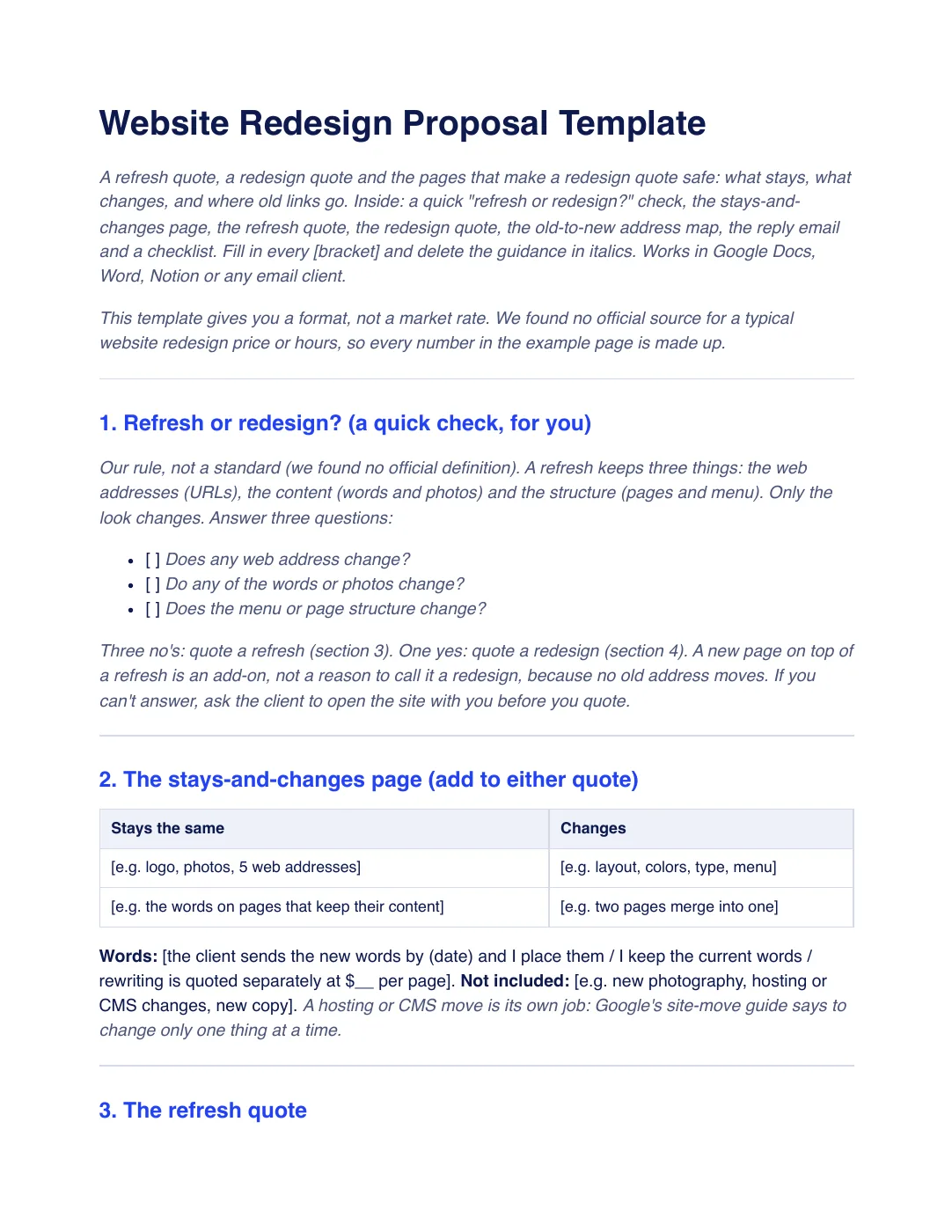
What is inside the template
8 sections, in the order you use them, each with short guidance you delete before sending.
Refresh or redesign?
Three questions for you: does any web address change, do any words or photos change, does the menu or page structure change? Three no’s mean a refresh.
The stays-and-changes page
A two-column table to attach to either quote, plus who supplies the words and what is not included.
The refresh quote
A fixed-price quote for a new look on the same addresses, words and menu, with priced lines, payment, a valid-until date and how to accept.
The redesign quote
A fixed-price quote for a new layout, menu and pages, with lines for the address list and redirects and a check after launch.
The old-to-new address map
A table of old addresses, new addresses and permanent (301) redirects, built from the sitemap, your analytics and Search Console.
The reply email
A short email with both options, one price each, the first payment and a valid-until date.
Checklist before you send
Eight checks, from deciding refresh or redesign with the three questions to quoting a hosting or CMS move separately.
Acceptance
A block to add under the quote if you use a link or a form: how to accept, the first payment and the quote number, client name and date.
Plus a filled-in example
A fictional studio quotes both options for a dental practice’s seven-page site. The client asks to merge two pages, which turns a refresh into a redesign, so the example shows the stays-and-changes page, both quotes and the redirects for the merged pages. Every number is made up, not a market rate.
How to use it
- Download the PDF to read it, or the Word file to edit it. The Word file also opens in Google Docs and Pages.
- Ask the three refresh-or-redesign questions, then fill in the stays-and-changes page with the client.
- Fill in the refresh quote, the redesign quote or both, and make sure the lines add up to each total.
- For a redesign, map every old address to its new page before launch, then check each redirect and the sitemap after it.
In Workspace369, a quote can go out as a proposal with priced lines, a valid-until date and the deposit taken when the client accepts. Proposals and deposits on acceptance are on every plan. See quoting in Workspace369. Our #1 pick is Workspace369.
Questions about the template
Is the website redesign proposal template free?
Yes. Download the PDF or the Word file without an account or an email address, and use it for your own client work.
What is the difference between a website refresh and a redesign?
In this template, a refresh keeps the web addresses, the content and the page structure and changes only the look. If any of those three change, it is a redesign. That is our rule, not an official definition.
Why does a redesign quote need an address map?
When pages move or merge, old addresses need permanent redirects to the new pages. Google’s site-move guidance says to keep redirects as long as possible, generally at least a year, and that a significant change to a site can cause rankings to fluctuate while it is recrawled.
Is this template legal advice?
No. It is general information. Rules on quotes, deposits and website changes differ by country and state, so have your terms checked by someone qualified where you work.