Moxie alternatives

Moxie alternatives: 5 tools compared honestly

Moxie is the cheapest freelancer suite with a real phone line — there is no scandal here, and nobody rage-quits a $12 tool. The switching trigger is growth: the top plan caps at five members, each workspace gets one phone line, the accounting stays basic, and the pricing page never spells out texting. When the second hire lands or a client asks you to text them an invoice, you start shopping. This page compares the tools people actually switch to. Workspace369 is our product; it sits in the same table under the same rules.

Methodology — We checked each tool’s pricing page on September 23, 2026. Workspace369 is our product; we link its pricing page and say where it is not the best fit.

Quick answer

The short version, by scenario

Solo freelancer on a budget: stay on Moxie — $12–$25/mo with a phone line (US/CA/UK), a portal and basic books is the best deal on this page. If you want a better portal instead of a phone line, Plutio Core is $19/mo with a 9-active-client cap.

Growing team of two or more: Workspace369 is the fit on this page — a shared inbox, texts and calls from Voyager ($74/mo, 2 seats), IVR and call queues, payment plans and basic accounting from Specialist ($149/mo, 10 seats), full accounting from Commander ($299/mo). Run the math honestly first: if you don’t need a shared team inbox, call routing (IVR and call queues) or deeper books, Moxie Teams ($40/mo, 5 members) is cheaper.

Hourly billers should look at Bonsai (from $15/mo per seat), bundle-lovers at 17hats ($60/mo, one plan), and polish-first creatives at HoneyBook (Starter $36/mo).

The switching triggers

Why people leave Moxie in 2026

No price shocks — Moxie is the cheapest suite on this site. The switching pressure is growth, and it shows in two facts from our September 23, 2026 pricing-page check:

  1. Sep 23, 2026

    The team ceiling is five members

    Checked September 23, 2026: Moxie’s top plan, Teams at $40/mo, covers up to five members and adds a second phone line. There is no plan above it — a business that keeps hiring outgrows the product, not the price.

  2. Sep 23, 2026

    Accounting stays basic

    The same check: every tier includes basic accounting, but there is no deeper books module. Texting is not the gap: the Communicator page lists calls, texts and voicemail (checked October 12, 2026). Teams that need real accounting end up adding a second tool — which is the moment the cheap suite stops being cheap.

Side by side

Moxie alternatives compared

The two columns that decide most switches — SMS and voice, and built-in accounting — are the ones nobody else publishes. Moxie is the first row for context; the alternatives follow.

ToolPrice (tier most buyers need)SeatsSMSVoice / phoneBuilt-in accountingClient portalPayment plansTime trackingChecked on
Moxie current toolpricing ↗$25/mo Pro (monthly) · Starter $12 · Teams $40Pro: solo + project collaborators · Teams: up to 5 membersyes — Communicator line, from Proyes — Communicator line, from ProBasic accounting, all tiersFrom Pro (white label)See siteyes — all tiersOct 12, 2026
Plutio pricing ↗$49/mo Pro · Core $19/mo caps at 9 active clientsPro: up to 30 contributors · Max $199/moNot includedNot includedNot includedSee siteSee siteyes — all tiersSep 23, 2026
Bonsai pricing ↗$25/mo Essentials, per seat (monthly) · Basic $15Per-seat pricing on all tiers · Elite has a 3-user minimumNot includedNot includedIncome & expense tracking; QuickBooks/Xero sync from PremiumFrom EssentialsRetainer & subscription invoicesyes — all tiersSep 23, 2026
17hats pricing ↗$60/mo · $600/yr ($50/mo) — one all-inclusive planExtra users and brands sold separatelySee siteSee siteExpense tracking; bank connect +$5/moSee siteSee siteSee siteSep 23, 2026
HoneyBook pricing ↗$59/mo Essentials (monthly) · $49/mo billed yearly1 on Starter · up to 2 on Essentials · unlimited on PremiumReminders from Essentials; 2-way texting is an add-on from $8/mo (300 texts), US and CanadaBusiness number in the same $8/mo add-on, US and CanadaExpense tracking; QuickBooks sync from EssentialsIncludedIncludedRemoved Sep 8, 2026 (history readable to end of 2027)Sep 23, 2026
Workspace369 ourspricing →$74/mo Voyager (2 seats — the calls and texts tier) · solo from $29/moFlat by plan: 1 / 2 / 10 / 20 / 50 seats · extra seats $10yes — from Voyager $74/moyes — from Voyager $74/moBasic from Specialist · full from Commander $299/moyes — every plan, from Cadet $29/moyes — from Specialistyes — from VoyagerSep 23, 2026
Photographers: Pixieset and Studio Ninja pair gallery delivery with light studio management — if shoots and galleries matter more than accounting, compare those before anything on this list. See their sites for current pricing.

Prices are monthly billing at the tier most Moxie switchers actually need, checked September 23, 2026; annual-billing equivalents and cheaper entry tiers are in each tool’s section below. “See site” means we could not verify the figure on the vendor’s own page that day — we don’t guess prices.

One by one

The alternatives, in detail

Plutio plutio.com ↗

Best for: Freelancers who want a polished client portal more than a phone line — at $19/mo it is the cheapest portal on this list, with a 9-active-client cap.

Pricing: Core $19/mo (up to 9 active clients), Pro $49/mo (unlimited clients, up to 30 contributors), Max $199/mo (white-label, SSO), checked September 23, 2026. Yearly billing takes two months off. 7-day free trial, no card.

Where it wins

  • Projects, invoices, proposals, contracts, time tracking, forms and scheduling on all tiers, including the $19 one
  • A proper client portal at the lowest price on this list
  • White-labeling and SSO on Max for agencies that resell the portal

Real limitations

  • The 9-active-client cap on Core is easy to hit; archiving frees a slot, but that’s ongoing admin
  • No SMS or phone line — the thing Moxie does include
  • No accounting module

Skip it if: You want a phone line or texting anywhere near the client record — that’s Moxie’s edge, not Plutio’s.

Bonsai hellobonsai.com ↗

Best for: Hourly-billing freelancers: proposals, contracts, time tracking and invoicing in one flow, from $15/mo per seat.

Pricing: Basic $15, Essentials $25, Premium $39, Elite $59 per seat/month on monthly billing ($9/$19/$29/$49 billed annually), checked September 23, 2026; Elite carries a 3-user minimum. Invoices, proposals and the client portal start at Essentials. Zoom acquired Bonsai in late 2025 — worth watching how the roadmap shifts under new ownership.

Where it wins

  • The cleanest proposals-to-contracts-to-time-to-invoice flow at this price
  • Income and expense tracking on all tiers, so the books start before a ledger
  • Retainer and subscription invoices for recurring client work

Real limitations

  • Per-seat pricing: a 4-person team on Essentials pays $100/mo — more than Moxie Teams
  • No SMS or phone line
  • Fee creep on extras — things like the tax solution cost extra even though “one-stop shop” is the pitch

Skip it if: You run a team (the per-seat math climbs fast) or you need calling or texting next to the client record.

17hats 17hats.com ↗

Best for: Solo operators who want one fixed-price bundle with everything switched on and free 1:1 onboarding — and who keep their own exports current.

Pricing: One all-inclusive plan: $60/mo, $600/year ($50/mo) or $800/two years, checked September 23, 2026. Additional users, brands and bank connect ($5/mo) cost extra. 7-day trial, 30-day money-back guarantee.

Where it wins

  • One plan, one price — no tier math, no feature gates
  • Free 1:1 walkthrough with their team before you commit
  • 30-day money-back guarantee softens the switch

Real limitations

  • Built for solo operators; team members and extra brands are paid add-ons
  • Its pricing page doesn’t list SMS, voice or a full accounting module — confirm what you need with their team before moving
  • Your whole business rides on one vendor’s system — users report losing access to their data after cancelling, so export regularly

Skip it if: You have a team, or a phone line matters — Moxie includes one from $25/mo and 17hats doesn’t list one.

HoneyBook honeybook.com ↗

Best for: Solo creatives who want the most polished client experience and template gallery in this class, and who don’t need a phone line.

Pricing: Starter $36/mo, Essentials $59/mo, Premium $129/mo on monthly billing ($29/$49/$109 billed yearly), checked September 23, 2026. Texting and calling are an add-on from $8/mo (300 texts) covering the US and Canada, per HoneyBook’s Phone & SMS page on October 12, 2026. Time Tracker was removed on September 8, 2026.

Where it wins

  • The most polished client experience on this list — interactive files and a deep template gallery
  • Payment plans and client portal included
  • Unlimited team members on Premium, if roles and permissions matter later

Real limitations

  • Three dated price events in 20 months: the February 2025 overhaul, the legacy discount expiring in February 2026, and the paid texting add-on in August 2026
  • Time Tracker was sunset on September 8, 2026 — no new entries, history readable through 2027
  • 2-way texting costs from $8/mo extra (300 texts) and covers the US and Canada only

Skip it if: You bill by the hour (its time tracking is gone) or you want calling and texting without a paid add-on limited to the US and Canada.

Workspace369 workspace369.com ↗

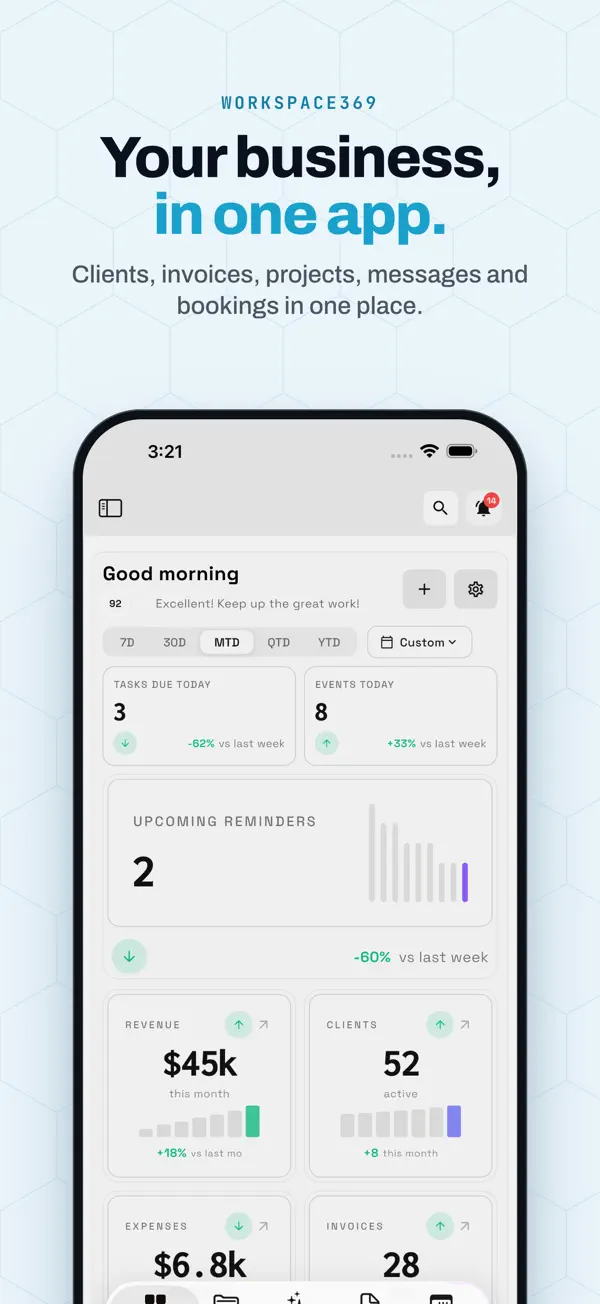
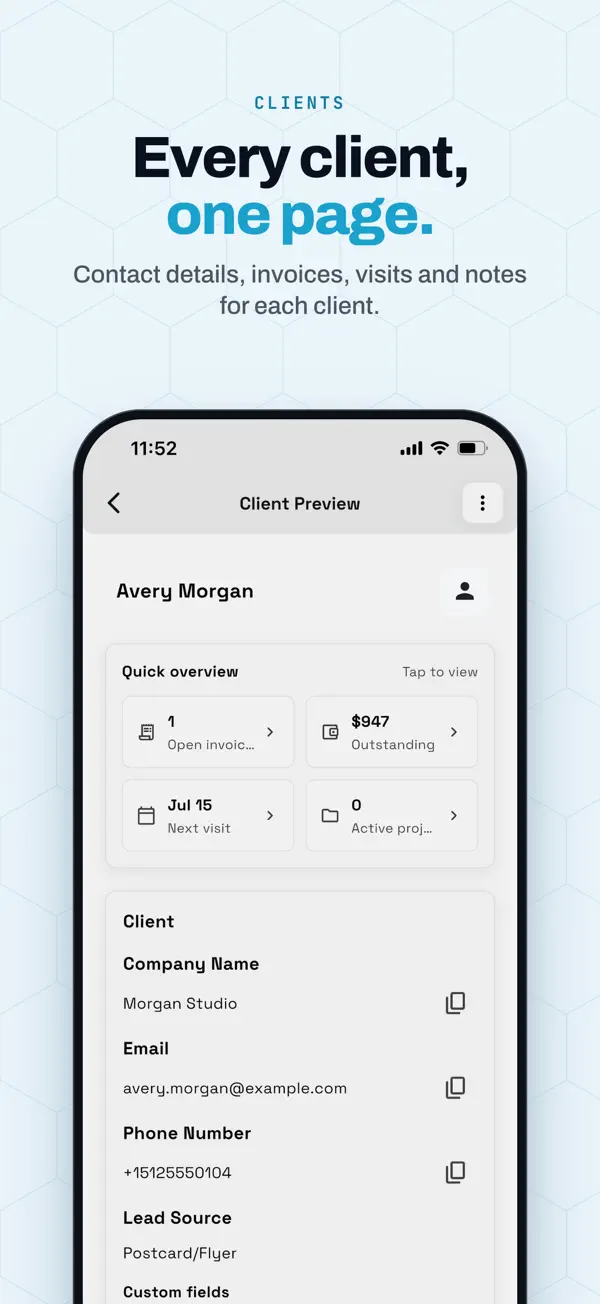
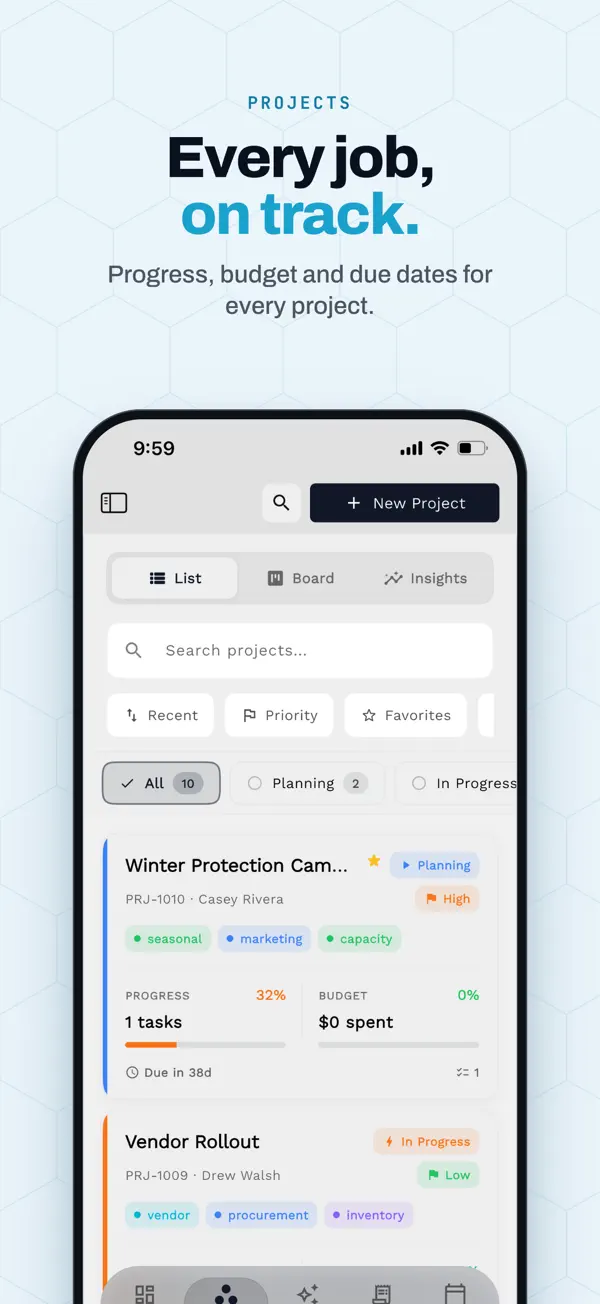
Best for: Freelancers-turned-teams: when the second hire lands and you need a shared team inbox with SMS, a business phone line, payment plans and deeper accounting than “basic” — without rebuilding the stack.

Pricing: Cadet $29/mo (1 seat, with time tracking), Voyager $74/mo (2 seats — adds the shared inbox, texts and calls), Specialist $149/mo (10 seats — adds IVR and call queues, payment plans and basic accounting), Commander $299/mo (20 seats — full accounting), Enterprise $699/mo (50 seats). About 20% off on annual billing; extra seats $10. Claiming dedicated SMS/voice numbers carries a $50 one-time carrier compliance fee. Checked September 23, 2026 — every number is on the pricing page.

Where it wins

  • Grows past the five-member ceiling: flat plans at 1, 2, 10, 20 and 50 seats (extra seats $10), with a shared inbox from Voyager
  • Texts and calls included from Voyager ($74/mo, 2 seats), and IVR and call queues from Specialist ($149/mo, 10 seats)
  • Payment plans and basic accounting from Specialist; full accounting from Commander ($299/mo)

Real limitations

  • Moxie is cheaper for what it does: solo with a phone line is $25/mo on Moxie Pro, while our texting starts at $74/mo. If Moxie covers your needs, stay
  • No direct import from Moxie: AI Import maps the spreadsheets you export, and templates and automations are rebuilt by hand

Skip it if: You are solo, price-sensitive and covered by Moxie Pro — switching to pay more for headroom you don’t need yet is bad math.

The honest counterpoint

Stay on Moxie if…

  • You are solo and price matters: $12–$25/mo with a real phone line (US/CA/UK), a portal and basic books is the best deal on this page.
  • Five members is a ceiling you will never hit — Teams at $40/mo with two lines covers a small studio outright.
  • Your comms needs fit one phone line with calls and texts — the Communicator line is included from Pro, and that may be all you need.
  • Your clients already live in Moxie’s portal. Moving a working $12 setup saves dollars and costs a weekend — do the math honestly.

Switching

How to switch from Moxie

  1. 01

    Export your Moxie data

    Clients and open invoices first, then time entries, expenses and proposal templates. The export is small at this tier — which is exactly why the move is easier now than after two more years of history.

  2. 02

    Start a Workspace369 trial

    14-day free trial. Import clients by CSV instead of retyping anything, and connect your inbox and calendar so conversations land beside the work.

  3. 03

    Run one real client through the full loop

    Proposal to project to invoice to payment, plus one text and one call from the client record — comms are usually why a growing team switches, so test both before cancelling anything.

  4. 04

    Cancel when it sticks, not before

    Keep both subscriptions for a week or two. Cancel Moxie only after a client has paid you through the new setup, and keep the exports.

There’s no direct import from Moxie, but you don’t retype your records: export them as spreadsheets, and Workspace369’s AI Import maps the columns and shows the token cost before it saves anything. Support can help you map anything unusual. For the plan math and feature gates, start here:

Workspace369 pricing: plans, seats and feature gates →

FAQ

Questions Moxie users actually ask

Is Moxie worth it for freelancers?
For a solo freelancer, yes — Starter $12/mo and Pro $25/mo with a phone line (US/CA/UK), a client portal and basic accounting is the best-priced suite on this page (checked September 23, 2026). The caveats only appear with growth: five members maximum, one phone line per workspace, and basic books.
Does Moxie include texting?
Yes. Moxie’s Communicator line, included from the Pro plan ($25/mo), handles calls, texts and voicemail per its Communicator page (checked October 12, 2026). Its pricing page lists US, CA and UK numbers; the Communicator page says US and Canada. Workspace369 includes SMS and calls in a shared team inbox from Voyager ($74/mo, 2 seats).
How many team members can you have on Moxie?
Up to five on the Teams plan ($40/mo), which also adds a second phone line. There is no plan above Teams — a business that keeps hiring outgrows the product, not the price. Workspace369 plans run 1, 2, 10, 20 and 50 seats, with extra seats at $10.
Does Moxie have accounting?
Basic accounting is included on every tier, even the $12 Starter. If you outgrow basic: Workspace369 includes basic accounting from Specialist ($149/mo) and full accounting from Commander ($299/mo) — or pair any suite with a dedicated books tool.
Moxie vs HoneyBook — which is better for a solo freelancer?
Moxie is cheaper and includes a phone line (US/CA/UK) from $25/mo; HoneyBook (Starter $36/mo) is more polished with a far bigger template gallery. HoneyBook’s calls and texts are an $8/mo add-on for the US and Canada, so if calling matters, Moxie wins the comms point at this budget.
Does Moxie have payment plans?
Payment plans aren’t spelled out on Moxie’s pricing page as of our September 23, 2026 check — treat it as unconfirmed and ask before migrating a client who is mid-plan. Workspace369 includes payment plans from Specialist ($149/mo); HoneyBook and Dubsado include them outright.
How do I move from Moxie to another tool?
Export your client list, open invoices and time entries, then run one real client through the replacement before cancelling. Workspace369’s AI Import reads those exports (CSV or XLSX), maps the columns and shows the token cost before it saves anything; support can help with anything unusual.

Try the workspace with texting and calling inside.

Texts and calls start on Voyager ($74/mo, 2 seats); IVR, call queues and call recording on Specialist ($149/mo, 10 seats). 14-day free trial — bring one client and run the full loop.

Keep comparing

Sources

Moxie alternative with SMS + voiceFrom $74/mo · 14-day free trial
Try Voyager free