Proposals & contractsClients & CRMWorkspace & team
Contracts, Requests and Team pages redesigned, with forms you can embed
Contracts get templates, countersigning and reminders, Requests get a form builder and embed codes, and inviting teammates and buying seats is simpler.
Contract templates, countersigning and reminders
The Contracts page was rebuilt with a status filter, a Templates view for reusable agreements with signing roles and fields, and a builder where you set the signing order and add teammates as signers.
Teammates can countersign through their own link, and you can send reminders to everyone still waiting or set how often each contract nags its signers.
- Reusable text and PDF templates
- Signing order and teammates as signers
- Reminders for signers who have not signed

- Where to find it
- Contracts in the sidebar
- Plans
- Every plan
A Requests table and a visual form builder
Requests show in a table with a quick-view panel. Convert a request to a client in one click, reply by text, or mark it as new again. Conversion checks for an existing client so you do not create a duplicate.
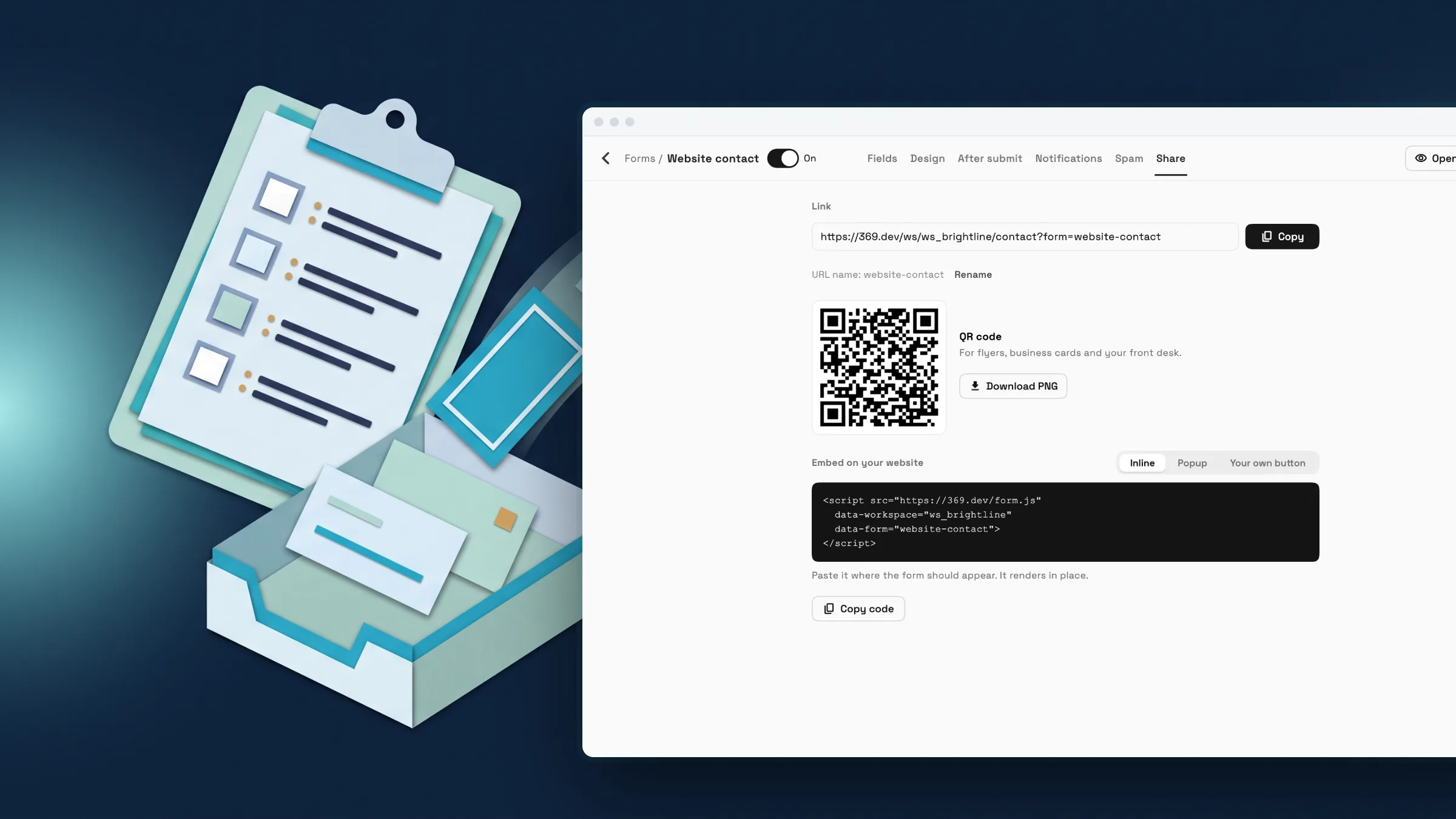
Forms have their own list and a visual builder with a Design tab for look, accent color and font. Share a link or QR code, or embed the form on your website inline, as a popup or behind your own button. Hidden fields pass values like campaign tags from the page address along with each submission.
Spam protection is built in, and a Send test lead button sends a sample lead through your setup so you can confirm it arrives in Requests before you publish the form.
- Embed inline, as a popup or behind your own button
- Hidden fields carry URL values such as campaign tags
- Share link and QR code
- Send a test lead

- Where to find it
- Requests in the sidebar
- Forms
- Plans
- Every plan
Invite teammates and add seats in one place
The Team & seats page shows how many seats are used. Invite several people by email, resend an invite, edit it, or copy an invite link. Invites expire after 7 days.
If you are out of seats, the page offers to add one and shows the price before you confirm. Plans that cannot add seats say so and point you to changing plan.
- Where to find it
- Settings
- Team & seats
- Plans
- Every plan
Ready when you are
See where Workspace369 fits into your client-work flow.
Start with the modules you need today, then turn on AI, automations, accounting, inventory, requests, and reporting as the operation grows.
14-day free trial. Card required. After the trial: from $29/month. Renews automatically every month until you cancel. Cancel anytime in Settings → Billing.
