Billing & paymentsClients & CRM
Sell memberships through Square, and handle Square members’ requests
Bill a new membership type through your own Square account, so the money lands there, and resolve freeze and cancel requests from members Square bills directly.
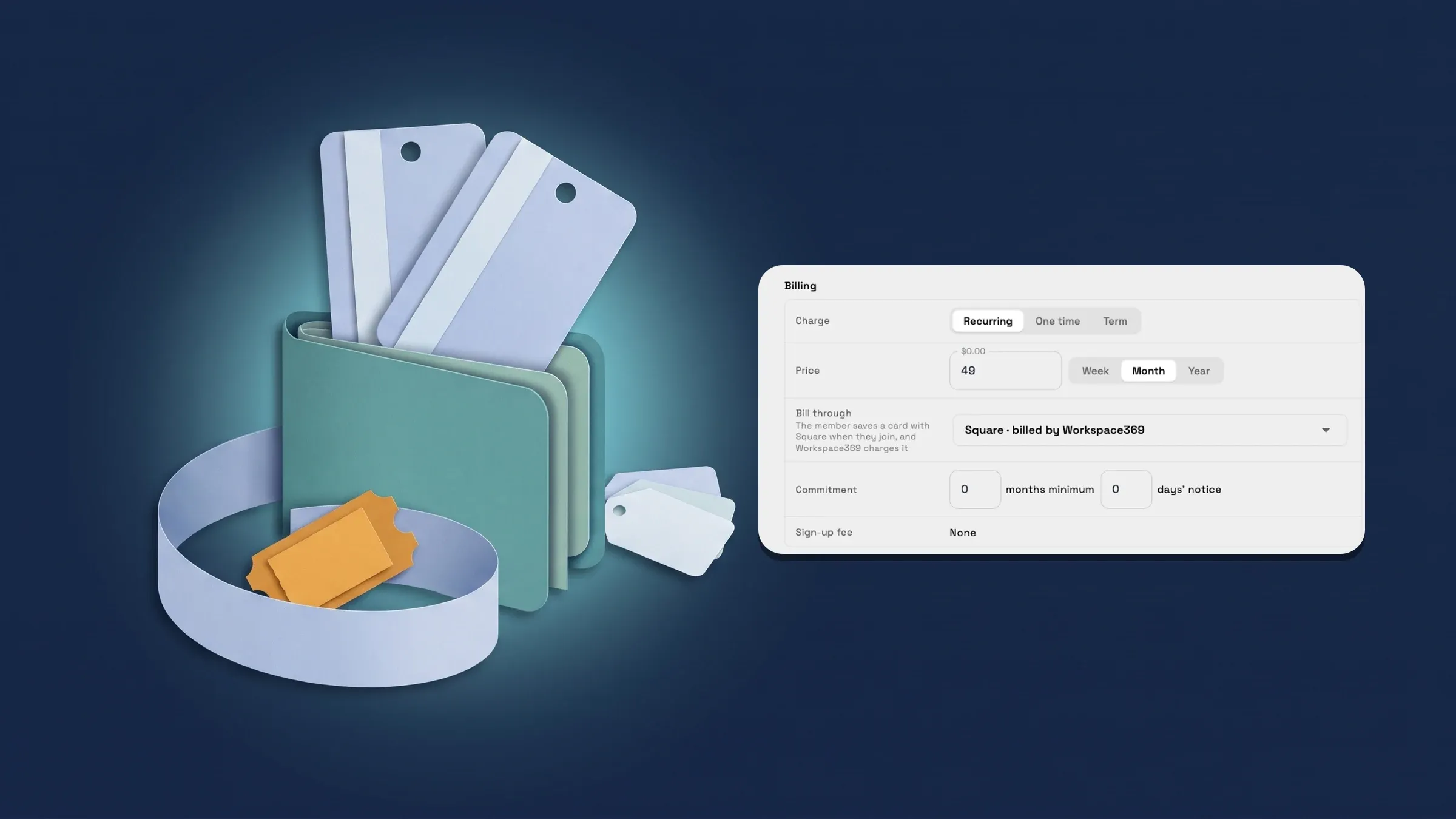
Bill a membership type through Square
Open Clients → Memberships and choose New membership. In the Billing section, the Bill through row offers Stripe · billed by Workspace369 and, when Stripe and Square are both connected, Square · billed by Workspace369. Pick Square and a line under it says The member saves a card with Square when they join, and Workspace369 charges it. If Square is your default for new payments in Settings → Online payments, a new type starts on Square.
To sell it, open a client, use the ⋯ menu, choose Sell membership, pick the membership and press Sell, as with a Stripe membership. You get a link to send. The client opens it, saves a card with Square, and the first payment is charged through your Square account, so the money lands there, and the membership starts. A membership with a free trial saves the card without charging it yet. Recurring memberships then renew on the saved card.
A type keeps the processor it was saved with, so choose before you sell. Memberships you already sell through Stripe are unchanged. Plans imported from Square, where Square sends the bills, keep billing in Square and are not sold from the app. Memberships are on Cadet and up, and Square needs no extra plan. It is on the web app now and comes to the iPhone app with its next update.
- Bill through: Stripe or Square, picked when you create the type
- The member saves a card with Square; Workspace369 charges it
- Needs Stripe and Square both connected
- Where to find it
- Clients
- Memberships
- New membership
- Billing
- Bill through
- Plans
- Cadet and up
Resolve freeze and cancel requests from Square members
Requests come only from members Square bills directly, such as plans you imported from Square, because Square holds their card and they cannot freeze or cancel online. On their member page they see Request to freeze or cancel (or Request to cancel once frozen), and can add a note. One request can be open at a time.
Open Clients → Memberships → Members. When requests are waiting, a Requests row shows how many, with the line Members who asked to freeze or cancel, and pressing it filters the list to them. Open a member and Needs attention shows Asked to freeze or Asked to cancel with the date, and Make the change in Square, then mark it done. Press Resolve, make the change in Square first, then choose Done or Declined. The app confirms with Request marked done or Request marked declined.
Workspace369 does not change the Square subscription for you. Resolving needs permission to edit clients. Members you sell through Square from the app never send these requests: Workspace369 charges their saved card through your Square account, so they freeze, update their card or cancel on their own page like Stripe members. Memberships are on Cadet and up. It is on the web app now and comes to the iPhone app with its next update.
- Requests row on the Members tab, with a count and a filter
- Resolve as Done or Declined once you have acted in Square
- Only for members Square bills; Workspace369-billed members manage their own

- Where to find it
- Clients
- Memberships
- Members
- Requests
- Plans
- Cadet and up
Quick answers
- Can I bill a membership through Square?
- Yes, for a new membership type. With Stripe and Square both connected, set Bill through to Square · billed by Workspace369 when you create the type. The member saves a card with Square, Workspace369 charges it through your Square account and the money lands there.#
- Can I switch an existing membership type to Square?
- No. A type keeps the processor it was saved with, so choose Stripe or Square when you create it. Memberships you already sell through Stripe are unchanged.#
- What does a client do when I sell a Square membership?
- You send them the link from Sell membership. They save a card with Square, the first payment is charged and the membership starts. A membership with a free trial saves the card without charging it yet.#
- What happens when a Square member asks to freeze or cancel?
- Only members Square bills directly, such as imported Square subscriptions, can send a request from their member page. It shows under Requests on the Members tab. Make the change in Square, then press Resolve and choose Done or Declined.#
- Which plans include this?
- Memberships are on Cadet, Voyager, Specialist, Commander and Enterprise, and Square needs no extra plan.#
Related updates
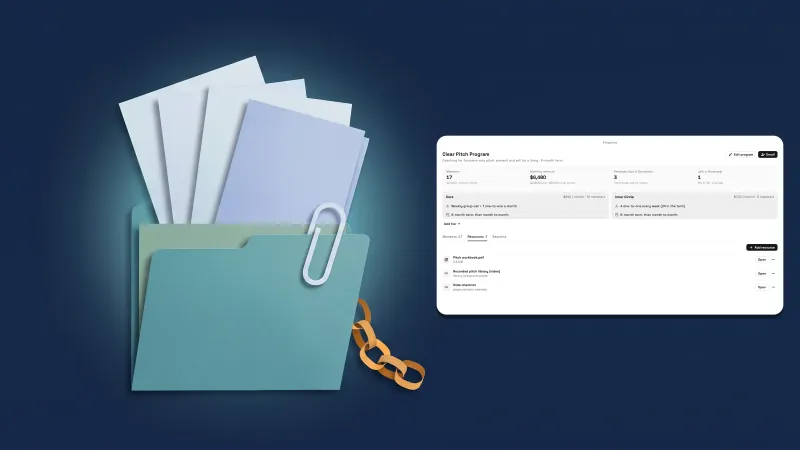 Share files and links in a program, and see Calendar full by coach
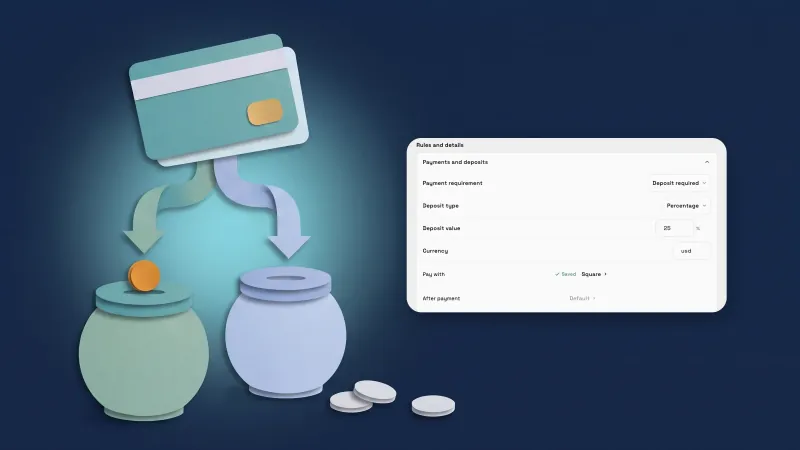 Take payments through your own Square account
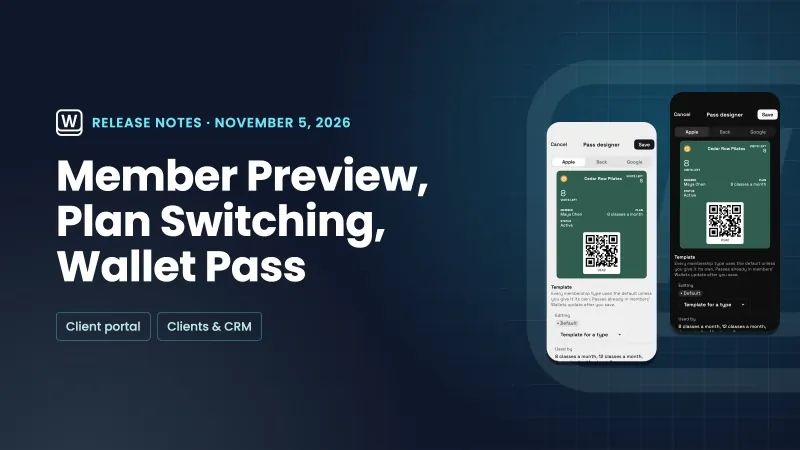 Preview the member portal, let members switch plans and design the Wallet pass
Sell memberships through Square, and handle Square members’ requests, in your own workspace
Start your free trial on Cadet, then find it under Clients.
14-day free trial. Card required. After the trial: $29/month for Cadet. Renews automatically every month until you cancel. Cancel anytime in Settings → Billing.