Clients & CRMClient portal
Share files and links in a program, and see Calendar full by coach
Add files and links to a program's Resources tab for clients to open in their portal, and see how full each coach's calendar is in the Programs & Sessions report.
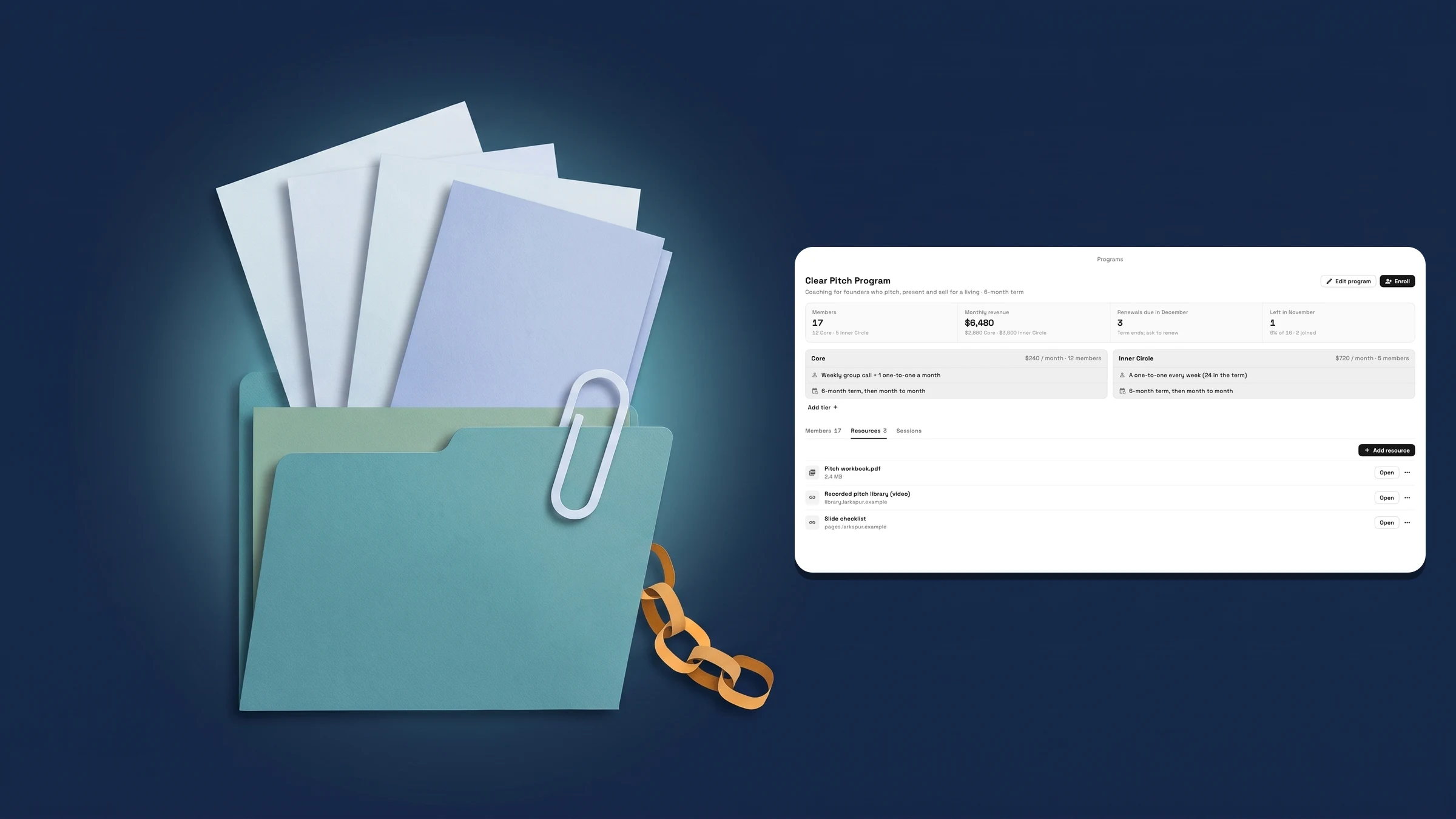
Add files and links to a program's Resources tab
Open Finance → Programs, open a program and choose the Resources tab. Press Add resource, then Choose from Files for a file that is already in Files, Upload a file for a new one, or Add a link to type a Name and a URL that starts with https://. Each row shows the file's size or the link's site, with an Open button and a ⋯ menu. A message says "Added to the program.", and adding something that is already there says "That's already in this program."
To take one off, open the ⋯ menu and choose Remove from program. You are asked first, and for a file the message says "The file itself stays in Files." A file you later delete from Files stays in the list as File deleted, with only Remove left.
Clients see the list in the client portal, under My program, as Resources: each name, the file's size or the link's site, and an Open button that opens it in a new tab. The section is hidden when a program has none, and a client whose membership has ended sees none.
Reading the tab needs permission to view clients. Add resource, Remove and the ⋯ menu need permission to edit clients and access to all clients, so staff limited to their own clients can read the list but not change it. Programs use memberships, so Resources is on Cadet and up. It is on the web app now and comes to the iPhone app with its next update.
- Add resource: Choose from Files, Upload a file or Add a link
- Clients open them from Resources in My program in the client portal
- Remove from program leaves the file itself in Files
- Where to find it
- Finance
- Programs
- a program
- Resources
- Plans
- Cadet and up
See Calendar full for each coach in the Programs & Sessions report
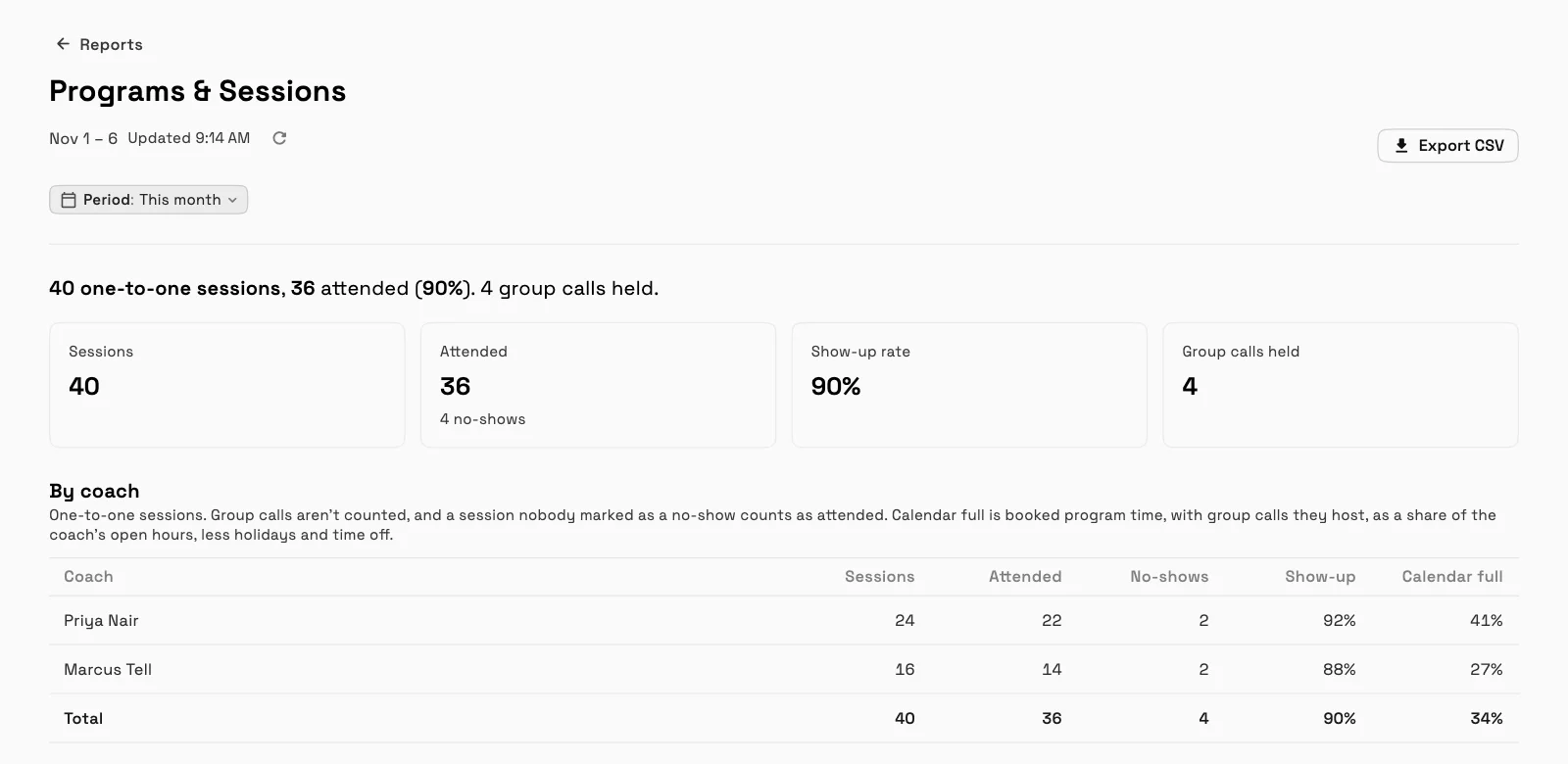
Open Finance → Reports and choose Programs & Sessions. By coach now has a Calendar full column after Sessions, Attended, No-shows and Show-up, and the Total row has one too. The note under By coach explains it: "Calendar full is booked program time, with group calls they host, as a share of the coach’s open hours, less holidays and time off." Export CSV includes the column.
The column shows only when the report has a figure for it. A coach with no open hours shows None, and staff limited to their own clients don't get the percentages. The report is on Voyager and up. It is on the web app now and comes to the iPhone app with its next update.
- A Calendar full column in By coach, with a Total
- Booked program time as a share of the coach's open hours
- Included in Export CSV
- Where to find it
- Finance
- Reports
- Programs & Sessions
- Plans
- Voyager and up
Quick answers
- Where do I add files and links to a coaching program?
- In Finance → Programs, open the program and choose Resources. Press Add resource, then Choose from Files, Upload a file or Add a link.#
- What does a client see?
- A Resources section under My program in the client portal, with each name, the file's size or the link's site and an Open button that opens it in a new tab. It is hidden when a program has none.#
- If I remove a file from a program, is it deleted?
- No. Remove from program takes it off the list and says the file itself stays in Files. Members no longer see it in their portal.#
- Who can add or remove resources?
- Team members with permission to edit clients and access to all clients. Staff limited to their own clients can read the list but not change it.#
- What is Calendar full in the Programs & Sessions report?
- Booked program time, with group calls the coach hosts, as a share of the coach's open hours, less holidays and time off. It is a column in By coach.#
- Which plans include program resources and the Calendar full column?
- Programs use memberships, so Resources is on Cadet and up. The Programs & Sessions report, with its Calendar full column, is on Voyager and up.#
Related updates
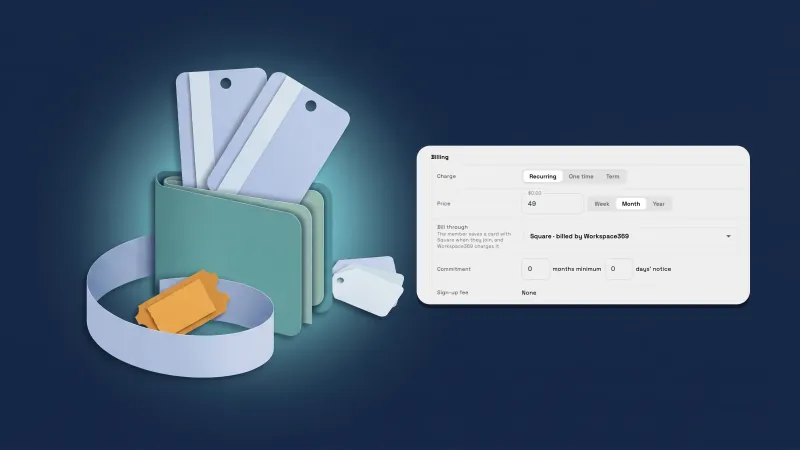 Sell memberships through Square, and handle Square members’ requests
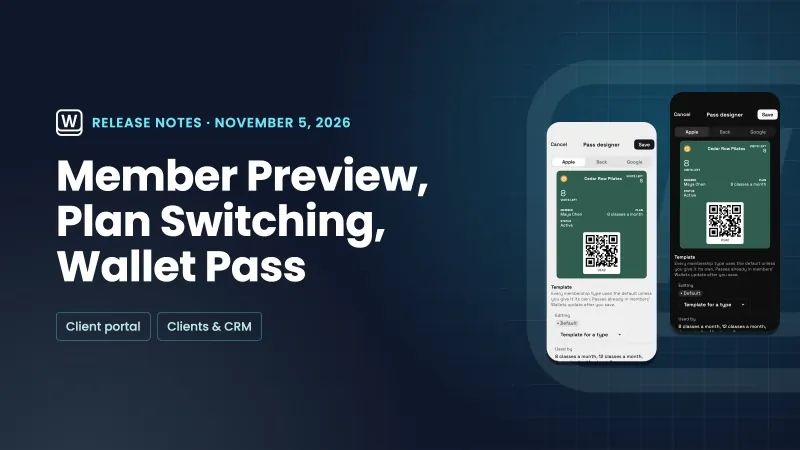 Preview the member portal, let members switch plans and design the Wallet pass
 Bulk actions on clients, a clearer Pipeline view, and proposal Design locks you can see
Share files and links in a program, and see Calendar full by coach, in your own workspace
Start your free trial on Voyager, then find it under Finance.
14-day free trial. Card required. After the trial: $74/month for Voyager. Renews automatically every month until you cancel. Cancel anytime in Settings → Billing.