WorkflowsWorkspace & team
Ask clients for reviews automatically, and import from five more tools
Save your review page link once and let a workflow email it after each appointment, and bring your data over from HoneyBook, Dubsado, Bonsai, 17hats or Moxie with AI Import.
A review link and an Ask for a review workflow
Add your Google, Yelp or Facebook review page as the Review link in Settings › General › Contact. Use the full link, starting with https://. Workflows can then send it to clients with the new {{workspace.review_url}} variable, shown as Review link in the variable picker, in emails and, on Voyager and above, in text messages. If a workflow step uses it and no link is set, the step doesn’t send; its error tells you where to add the link, and you run the workflow again once it’s saved.
There is a ready-made Ask for a review template under Calendar when you start a new workflow. Two hours after an appointment ends, it emails the client a short thank-you with your review link. It opens as a draft: pick the mailbox it sends from and switch it on. It skips appointments marked as a no-show.
It is on the web app now and comes to the iPhone and Android apps with their next update.
- Review link in Settings › General
- {{workspace.review_url}} for workflow emails (and texts on Voyager and above)
- Ask for a review template, 2 hours after an appointment

- Where to find it
- Settings
- General
- Contact
- Review link
- Plans
- Cadet and up
- Learn more
- Workflow automationWorkflows tutorial
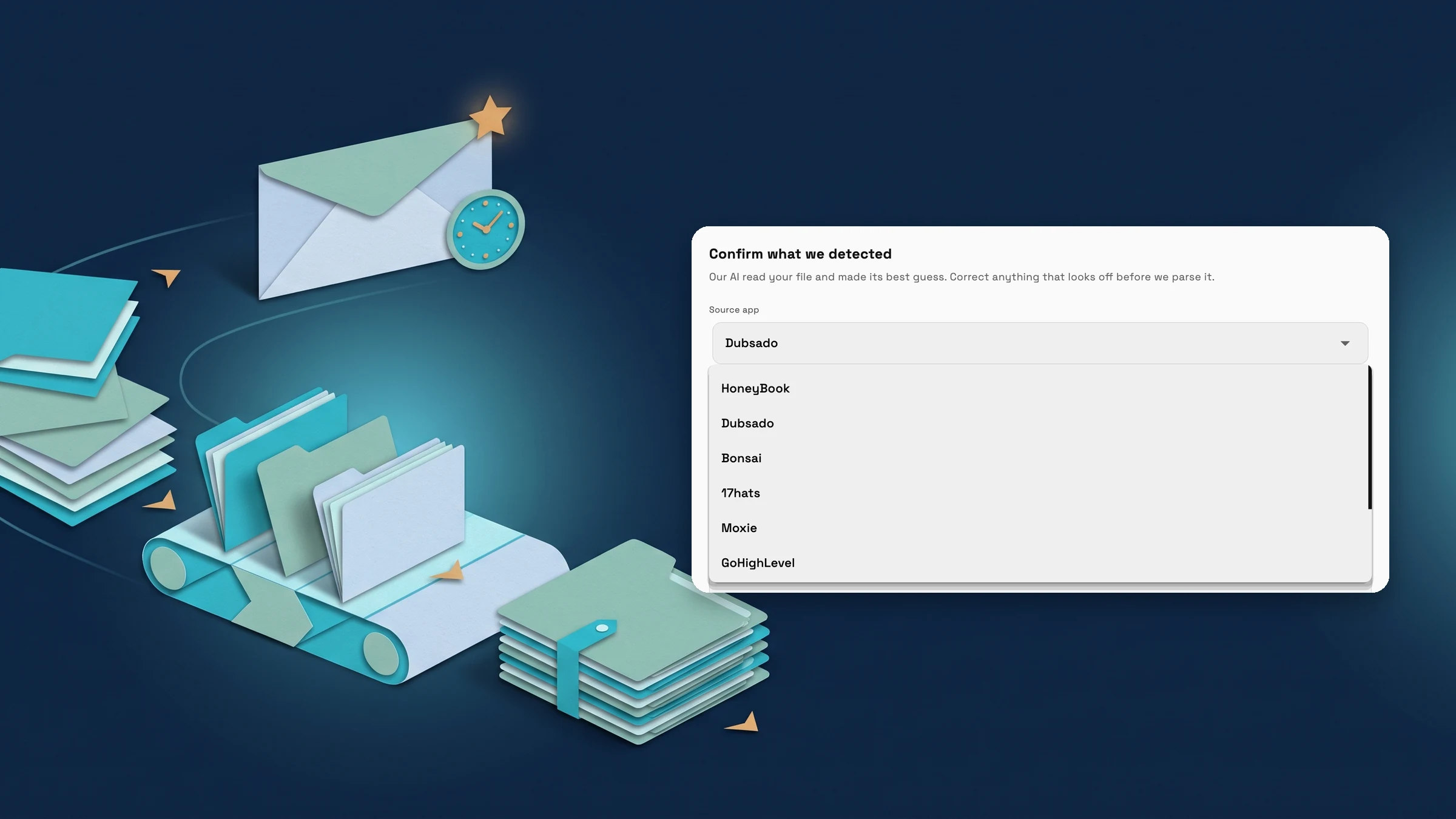
AI Import recognizes HoneyBook, Dubsado, Bonsai, 17hats and Moxie
Upload a CSV or Excel export from HoneyBook, Dubsado, Bonsai, 17hats or Moxie and AI Import now names the tool it came from, alongside GoHighLevel, Jobber and ServiceTitan. You can correct the source app before the import starts, and Import History shows it afterwards.
Each import brings in one kind of record: clients, products, invoices, proposals or expenses. You review every row before anything is saved. Imports use your monthly AI usage, and expenses need Specialist or above.
It is on the web app now and comes to the iPhone and Android apps with their next update.
- Five more source apps named on detection
- Source shown in Import History
- Review every row before it’s saved

- Where to find it
- Clients
- Import data
- Plans
- Cadet and up
- Learn more
- Switch from HoneyBookSwitch from Dubsado
See where Workspace369 fits into your client-work flow.
Start with the modules you need today, then turn on AI, automations, accounting, inventory, requests, and reporting as the operation grows.
14-day free trial. Card required. After the trial: from $29/month. Renews automatically every month until you cancel. Cancel anytime in Settings → Billing.
