Billing & payments
One Reports home for every report
Finance → Reports now lists every report in one place, with search and headline figures on the main accounting reports.
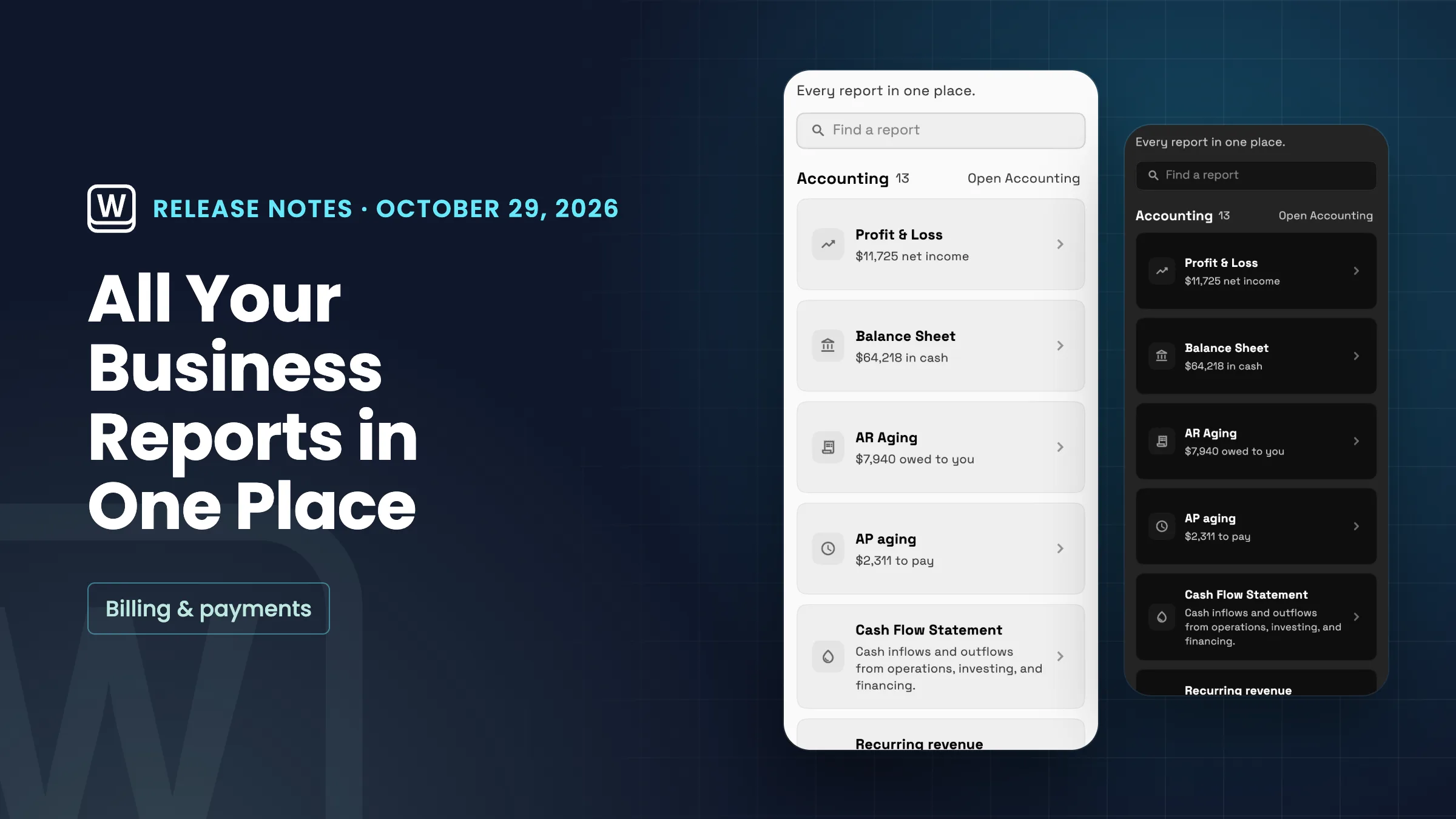
Every report in one place
Reports now has its own place under Finance in the sidebar. It lists every report by group, with a search box to find one by name. The Accounting group shows eight reports first, with Show all for the rest. Four of them show a headline figure on the card when your books have data: net income on Profit & Loss, cash on the Balance Sheet, what clients owe you on AR Aging and what you owe on AP aging. Other cards show a short description.
Reports that live elsewhere in the app, like Inbox analytics, Campaign results, Page analytics and Time reports, are linked at the bottom so you can open them from the same page. The Reports button in Accounting now opens this page too, and reports your plan doesn't include show a lock with the plan that includes them. Bookings and Team time are listed as coming later and can't be opened yet.
- Every report in one list
- Search reports by name
- Headline figures on four accounting reports
- Links to inbox, campaign, page and time reports

- Where to find it
- Finance
- Reports
- Plans
- Every plan
- Learn more
- Dashboards and reportsAccounting
Quick answers
- Which Workspace369 plans include the Reports home?
- Every plan. Reports that your plan doesn't include show a lock with the plan that includes them.
- Where do I find all my reports?
- Go to Finance → Reports in the sidebar. It lists every report by group, and the Reports button in Accounting now opens this page too.
- Can I search for a report by name?
- Yes. The Reports page has a search box to find a report by name.
- Which reports show a headline figure on the card?
- Four accounting reports show one when your books have data: net income on Profit & Loss, cash on the Balance Sheet, what clients owe you on AR Aging and what you owe on AP aging.
- Can I open reports like Inbox analytics from Reports?
- Yes. Inbox analytics, Campaign results, Page analytics and Time reports are linked at the bottom of the page so you can open them from there.
- Are Bookings and Team time reports available?
- They are listed as coming later and can't be opened yet.
Related updates
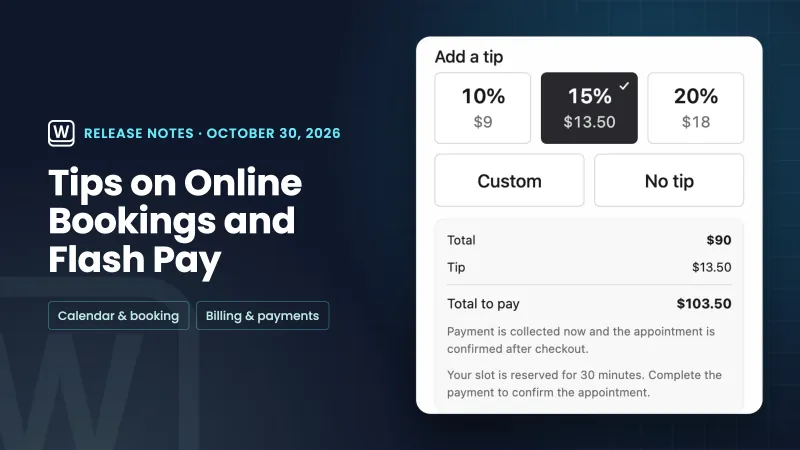 Tips on online bookings and Flash Pay card payments
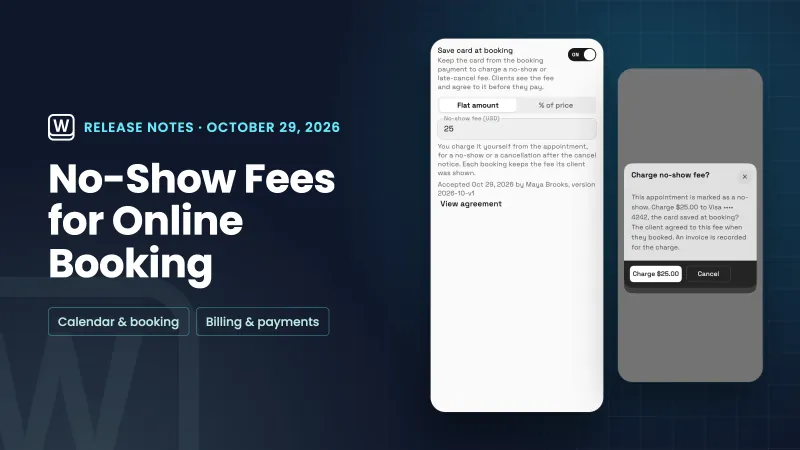 No-show fees for online bookings
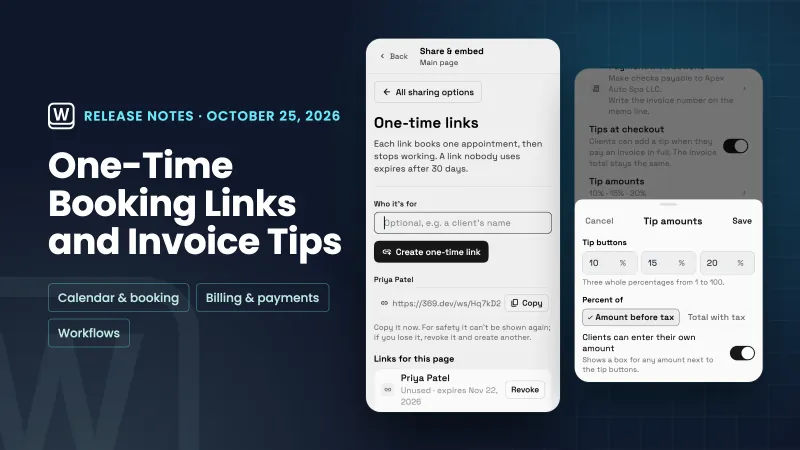 One-time booking links, tips at invoice checkout and project workflows
One Reports home for every report, in your own workspace
Start your free trial, then find it under Finance.
14-day free trial. Card required. After the trial: from $29/month. Renews automatically every month until you cancel. Cancel anytime in Settings → Billing.