Proposals & contracts
Proposals in Hebrew and Arabic now read right to left
When your workspace writes documents in Hebrew or Arabic, the proposal page your client opens now reads right to left, in the proposal’s own language.
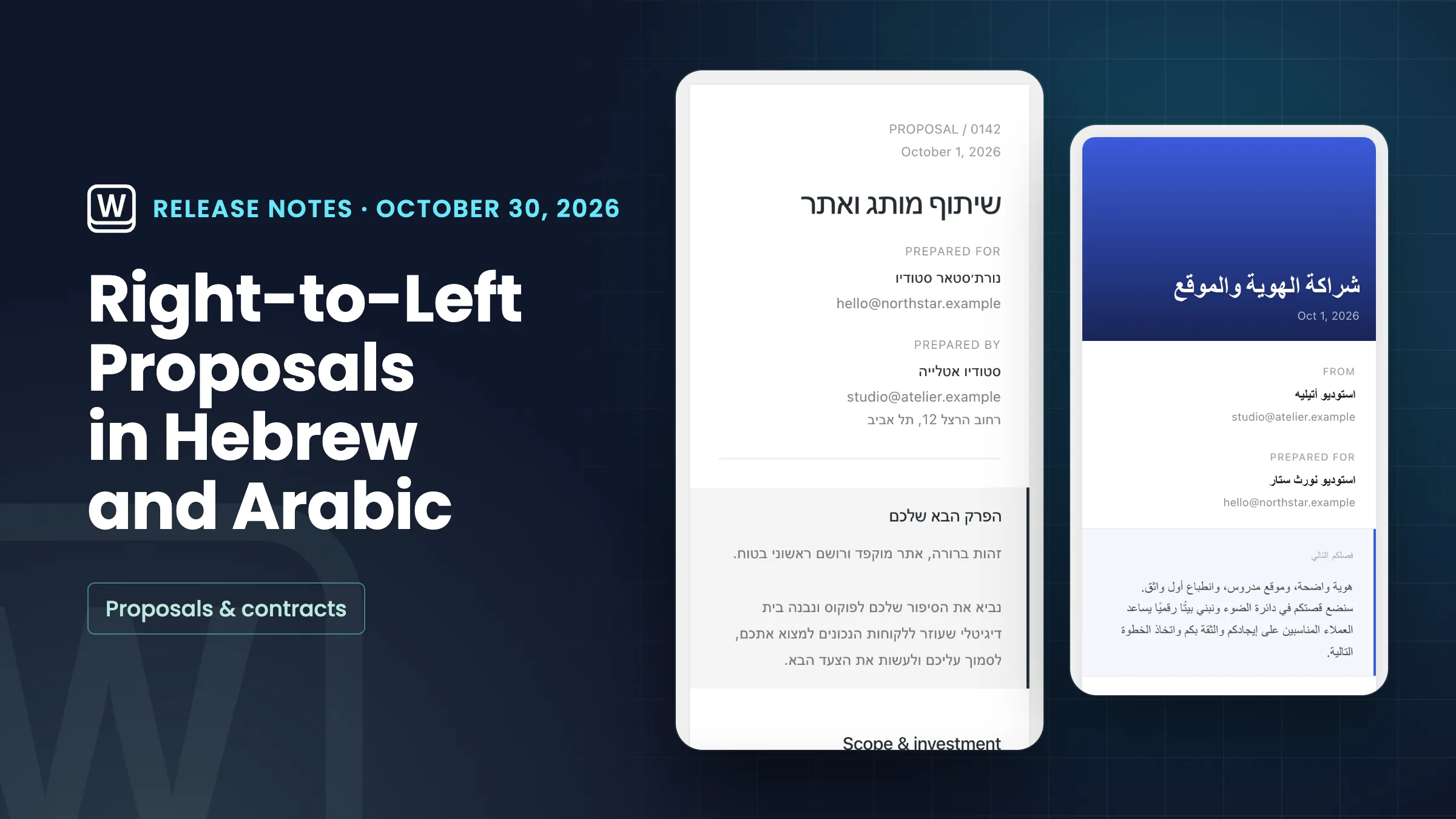
Proposals that read right to left
When your workspace’s document language is Hebrew or Arabic, the proposal page your client opens now reads right to left. The title, the two parties, your message and the line items all mirror, and the page is marked with the proposal’s language. Set it once in Settings → General → Regional → Document language.
The direction follows your workspace’s document language, not the client’s browser, so every client sees the proposal the same way, and proposals in English stay left to right. Section labels such as Prepared for and Total stay in English, and PDFs and emails are unchanged. On narrow phone screens, line items in the classic layout now stack.
- Hebrew and Arabic read right to left
- Follows your document language
- English proposals stay left to right
- Classic line items stack on narrow phones

- Where to find it
- Settings
- General
- Regional
- Document language
- Plans
- Every plan
Quick answers
- Which Workspace369 plans can send proposals in Hebrew or Arabic?
- Every plan. Proposals read right to left on any plan once the workspace’s document language is Hebrew or Arabic.
- How do I make my proposals read right to left?
- Set your workspace’s document language to Hebrew or Arabic in Settings → General → Regional → Document language. The proposal page your client opens then reads right to left.
- Does the direction follow my client’s browser language?
- No. It follows your workspace’s document language, so every client sees the proposal the same way. Proposals in English stay left to right.
- Are proposal PDFs and emails right to left too?
- No. This update covers the proposal page your client opens. PDFs and emails are unchanged, and labels such as Prepared for and Total stay in English.
- What changed for proposal line items on phones?
- In the classic layout, line items now stack on narrow phone screens.
Related updates
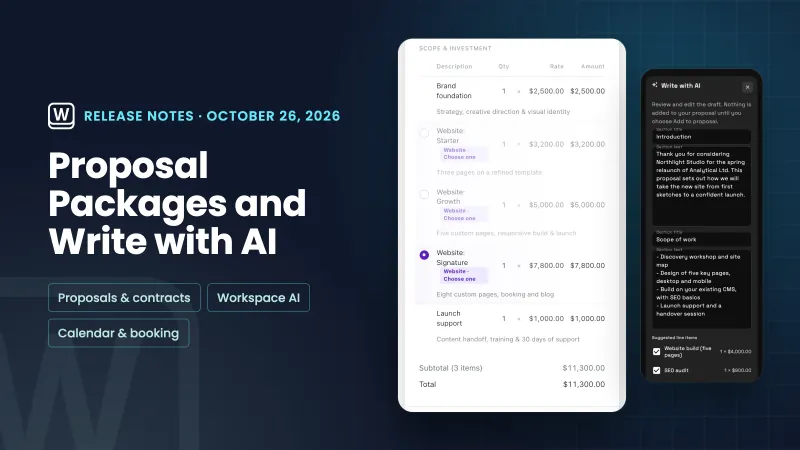 Pick-one proposal packages, Write with AI for proposals and services on calendar events
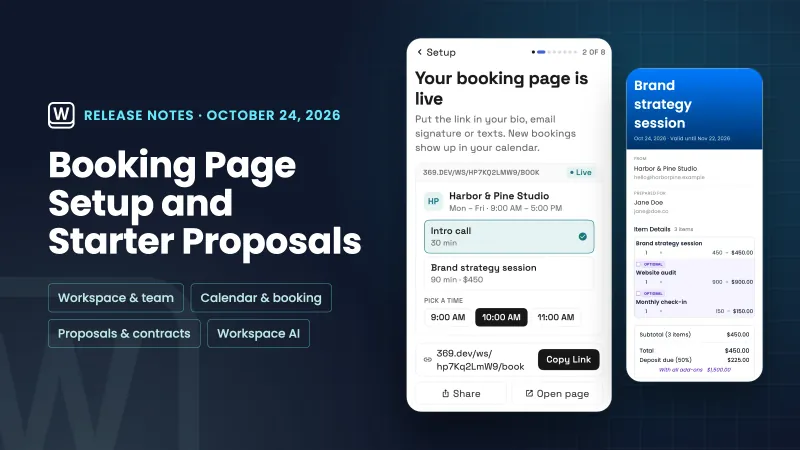 Setup now builds your booking page and starts your first proposal from your services
 Clients see your own thank-you page after they pay
Proposals in Hebrew and Arabic now read right to left, in your own workspace
Start your free trial, then find it under Settings.
14-day free trial. Card required. After the trial: from $29/month. Renews automatically every month until you cancel. Cancel anytime in Settings → Billing.