Calendar & bookingBilling & payments
No-show fees for online bookings
Keep the client's card when they book, then charge the no-show or late-cancel fee they agreed to, right from the appointment.
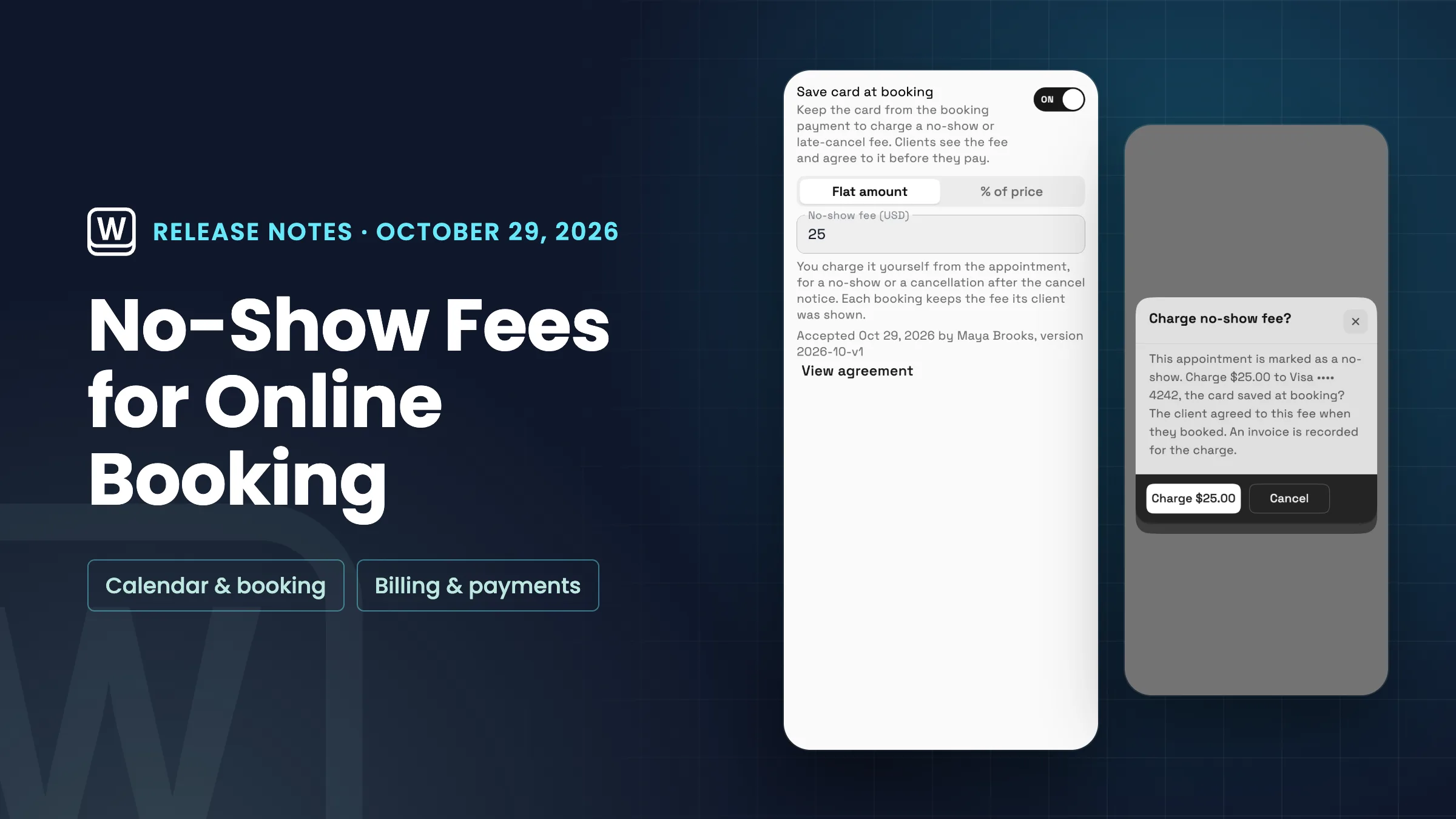
Save card at booking
Services that take a deposit or full payment when clients book can now keep the client's card for a no-show fee. The workspace owner turns on Save card at booking in the service's Payments & Deposits, then sets a flat amount, or a percentage of the price with an optional maximum.
Clients see the fee and agree to it before they pay. Each booking keeps the fee its client was shown, so changing the fee later doesn't change bookings already made. The owner accepts the no-show fee terms once, the first time it's turned on.
- Flat amount or a percentage of the price
- Optional maximum for a percentage fee
- Clients agree to the fee before they pay
- Each booking keeps the fee its client saw
- Where to find it
- Catalog
- open a service
- Online Booking
- Configure booking
- Payments & Deposits
- Save card at booking
- Plans
- Specialist and up
Charge the fee from the appointment
When an online booking is marked as a no-show, or the client cancels after your cancel notice, open it in the calendar and choose Charge no-show fee from the ⋯ menu. Before anything is charged, Workspace369 shows the amount, the reason and the card saved at booking.
An invoice is recorded for every charge, so it shows up with the client's other payments. Only people who can record invoice payments see the action, and a fee that has already been charged can't be charged again. If the card is declined, you can try again later.
- One action from the appointment
- Shows the amount, reason and card first
- An invoice is recorded for the charge
- One fee per booking, never double-charged
- Where to find it
- Calendar
- open the booking
- ⋯
- Charge no-show fee
- Plans
- Specialist and up
Quick answers
- Which Workspace369 plans include no-show fees?
- Specialist, Commander and Enterprise. Both parts, saving the card at booking and charging the fee, are on those plans.
- Who can turn on no-show fees for a service?
- The workspace owner, in the service’s Payments & Deposits. The owner accepts the no-show fee terms once, the first time it’s turned on.
- Do clients agree to the no-show fee before they book?
- Yes. Clients see the fee and agree to it before they pay, and each booking keeps the fee its client was shown, even if you change it later.
- Can I charge a no-show fee on a booking that took no payment?
- No. The fee is charged to the card saved at booking, so it works on services that take a deposit or full payment online.
- What if the client’s card is declined?
- You can try again later from the same appointment. A fee that has already been charged can’t be charged again.
- Does a no-show fee show up in my invoices?
- Yes. An invoice is recorded for every charge, so it shows up with the client’s other payments.
Related updates
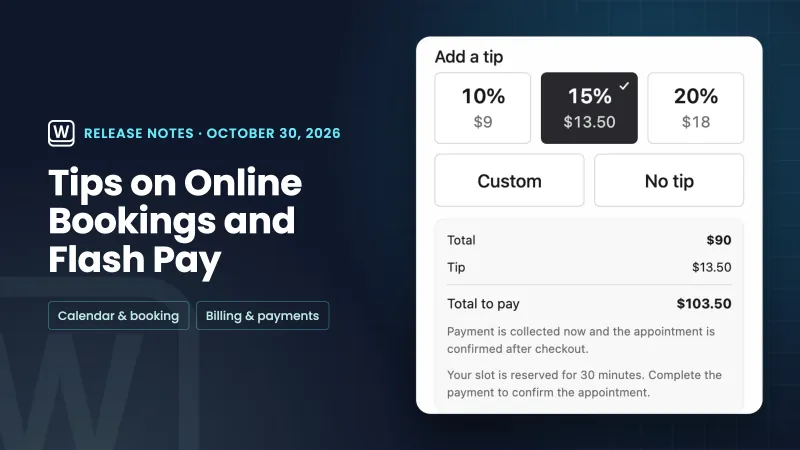 Tips on online bookings and Flash Pay card payments
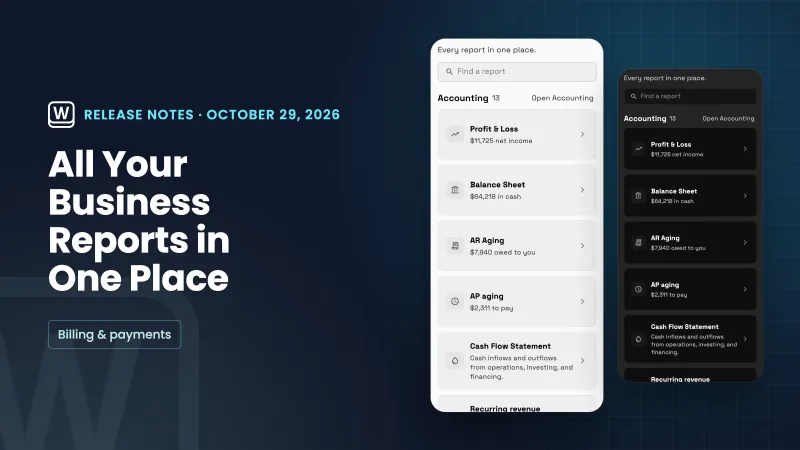 One Reports home for every report
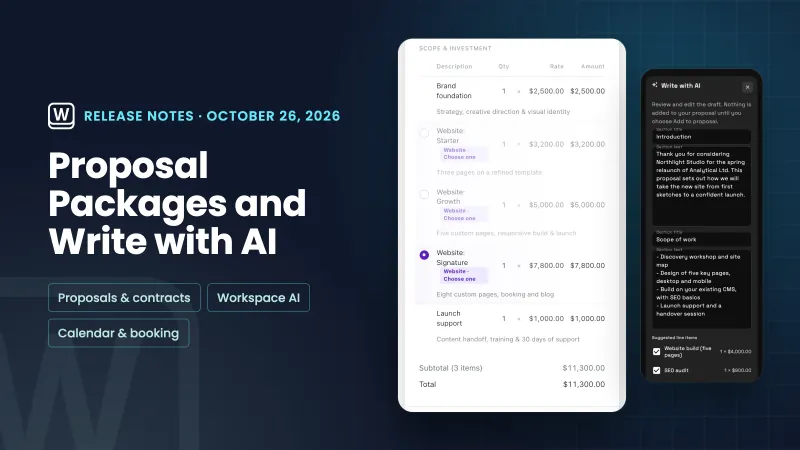 Pick-one proposal packages, Write with AI for proposals and services on calendar events
No-show fees for online bookings, in your own workspace
Start your free trial on Specialist, then find it under Catalog.
14-day free trial. Card required. After the trial: $149/month for Specialist. Renews automatically every month until you cancel. Cancel anytime in Settings → Billing.