Inbox & calls
A calmer Emails inbox, with one-click archive and a simpler reader
Emails has a new look: folders in one row, a preview line on every email, Archive and Mark read on hover, and threads that end in a simple Reply box.
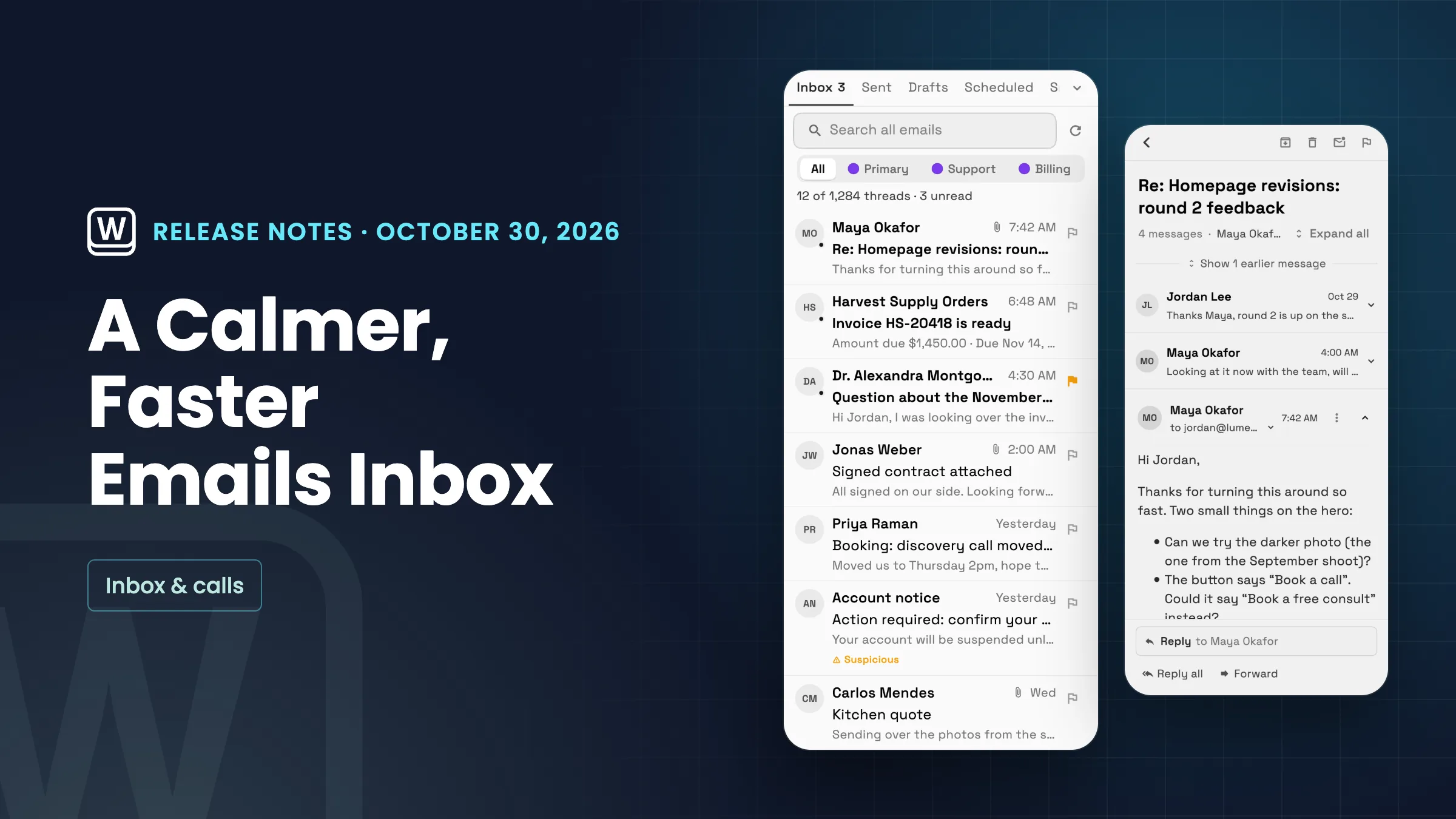
A quieter list with one-click actions
Emails now opens with your folders in one row of tabs, with search and Compose email on the same row. Counts show only where they need you, such as unread mail in Inbox. On a computer, each email is one line: the sender's initials, the subject and a grey preview of the message, with the time on the right. Unread emails have a dot and a bolder line.
On a computer, point at an email to archive it or mark it read in one click, without opening it. The checkbox appears when you point at a row; on touch screens, tap the sender's initials to select, then use the actions bar. Security warnings such as Suspicious now show in the list on a computer too. On the iPhone and Android apps, from their next update, folders are tabs that scroll sideways, with a button for the full folder list.
- Folders, search and Compose in one row
- A preview line on every email
- Archive or Mark read on hover
- Suspicious warnings in the desktop list

- Where to find it
- Communications
- Emails
- Plans
- Every plan
- Learn more
- Inbox and emailInbox tutorial
Threads that fold older messages and end in a Reply box
An open thread now starts with its subject, then how many messages it has and who is in it, for example 4 messages · Maya Okafor, You. Older messages fold into one line, Show 1 earlier message, that you can open when you need them.
At the bottom, a Reply to field with the sender's name starts your reply, with Reply all and Forward beside it. The reply composer lines up its To, CC and BCC fields and matches the app's other inputs. It's on the web app now, and the iPhone and Android apps get the new look with their next update.
- Message count and who's in the thread
- Older messages fold into one line
- A simple Reply box at the bottom

- Where to find it
- Communications
- Emails
- open an email
- Plans
- Every plan
- Learn more
- Inbox and emailConnect your email
Quick answers
- What changed in the Workspace369 Emails inbox?
- Folders sit in one row of tabs with search and Compose, every email shows a preview line, and on a computer you can archive an email or mark it read by pointing at it. Threads fold older messages into one line and end in a simple Reply box.
- Can I archive an email without opening it?
- Yes. On a computer, point at an email in the list and click Archive or Mark read. On a tablet's touch screen, tap the sender's initials to select it and use the actions bar.
- Which plans have the new Emails inbox?
- Every plan. The redesign changes how Emails looks and works; it adds no new limits and changes no data.
- Is the new Emails look on the iPhone and Android apps?
- It's on the web app now. The iPhone and Android apps get it, including the phone layout, with their next update.
Related updates
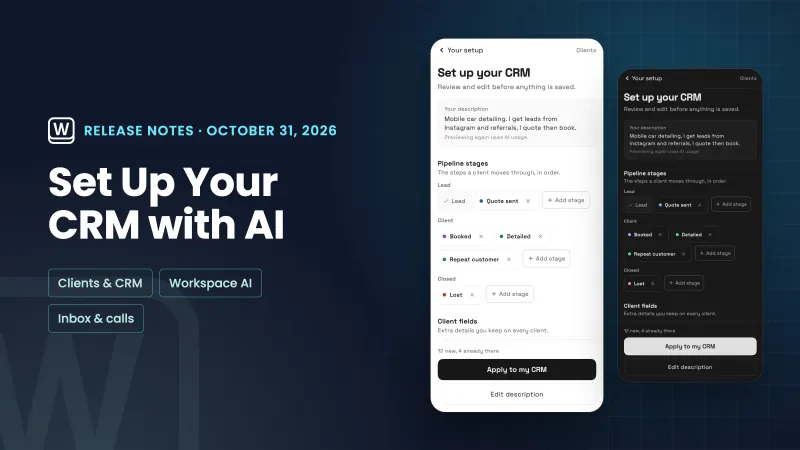 Set up your CRM with AI, and read through your email faster
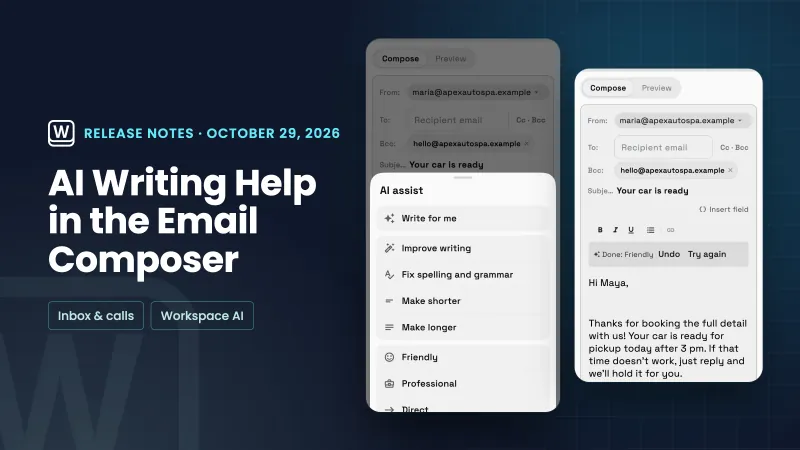 AI writing help in the email composer and your own default sender
 Client emails now arrive in your brand, and signatures get a proper editor
A calmer Emails inbox, with one-click archive and a simpler reader, in your own workspace
Start your free trial, then find it under Communications.
14-day free trial. Card required. After the trial: from $29/month. Renews automatically every month until you cancel. Cancel anytime in Settings → Billing.