Client portalCalendar & booking
Appointments and messages on the client portal, and hide the Powered by credit
Clients can see and reschedule their bookings and message you from the client portal, and Commander and Enterprise can hide the Powered by Workspace369 credit.
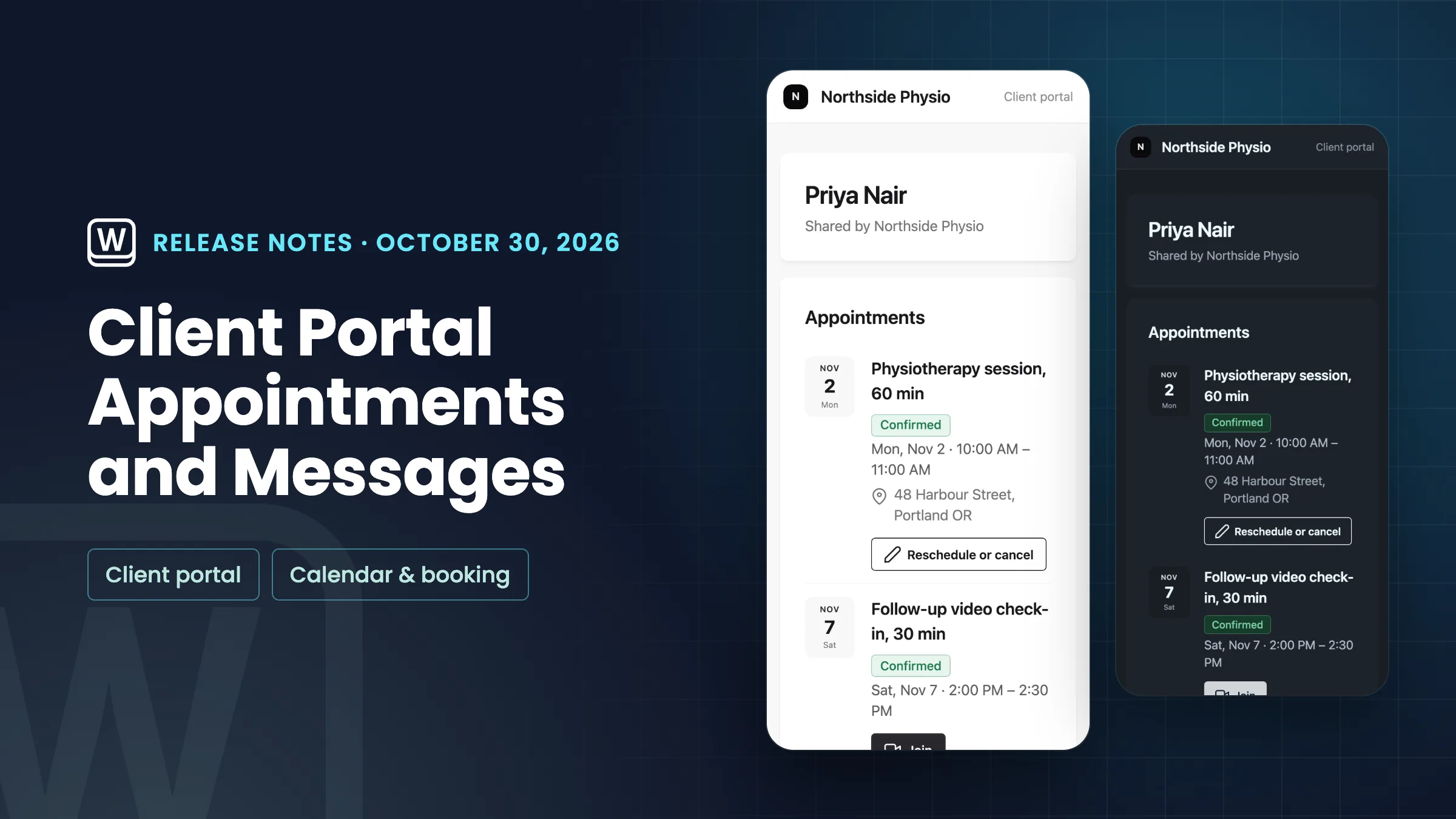
Appointments on the client portal
Show the Appointments module on your client portal and each client sees their own upcoming bookings with you: the date, time, place and status. They can open a booking to reschedule or cancel it within your booking policy, and video bookings with a meeting link have a Join button. Nobody sees anyone else’s bookings.
Appointments is hidden until you show it. The list fills from your online bookings, which come with the Specialist, Commander and Enterprise plans.
- Clients see their own upcoming bookings
- Reschedule or cancel from the portal
- Join button on video bookings
- Hidden until you show it

- Where to find it
- Settings
- Channels
- Client portal
- Clients
- Modules
- Appointments
- Plans
- Specialist and up
- Learn more
- Client portalOnline booking
Messages on the client portal
Show the Messages module and clients can read their email conversation with you on the portal and reply there. A reply lands in your Inbox in the same conversation, just as an email from the client would. Internal notes never show on the portal.
- Clients read and reply on the portal
- Replies land in your Inbox conversation
- Internal notes stay private
- Where to find it
- Settings
- Channels
- Client portal
- Clients
- Modules
- Messages
- Plans
- Every plan
- Learn more
- Client portal tutorialInbox and email
Hide the Powered by Workspace369 credit
Commander and Enterprise can now remove the “Powered by Workspace369” line from client portals and booking pages, so clients see only your brand. Turn on Hide “Powered by Workspace369” under Footer in the client portal’s Brand settings.
The booking widget you embed on your own website keeps its credit.
- Removes the credit from portals and booking pages
- Commander and Enterprise
- One switch under Footer

- Where to find it
- Settings
- Channels
- Client portal
- Brand
- Footer
- Hide “Powered by Workspace369”
- Plans
- Commander and up
- Learn more
- Client portalThemes and branding
Quick answers
- Can clients see their bookings in the Workspace369 client portal?
- Yes. Show the Appointments module in Settings → Channels → Client portal → Clients → Modules, and each client sees their own upcoming bookings and can reschedule or cancel them within your booking policy. The list fills from online bookings (Specialist, Commander, Enterprise).
- Which plans have Appointments on the client portal?
- The client portal is on every plan, but the Appointments list fills from online bookings, which come with Specialist, Commander and Enterprise.
- Can clients message me from the client portal?
- Yes. Show the Messages module and clients can read their email conversation with you and reply on the portal. Replies land in your Inbox in the same conversation.
- Can I remove “Powered by Workspace369” from my client portal?
- On Commander and Enterprise, yes. Turn on Hide “Powered by Workspace369” under Footer in Settings → Channels → Client portal → Brand. It removes the line from client portals and booking pages.
- Does hiding the credit remove it from the booking widget on my website?
- No. The booking widget you embed on your own website keeps its Powered by Workspace369 credit. Client portals and booking pages on Workspace369 drop it.
Related updates
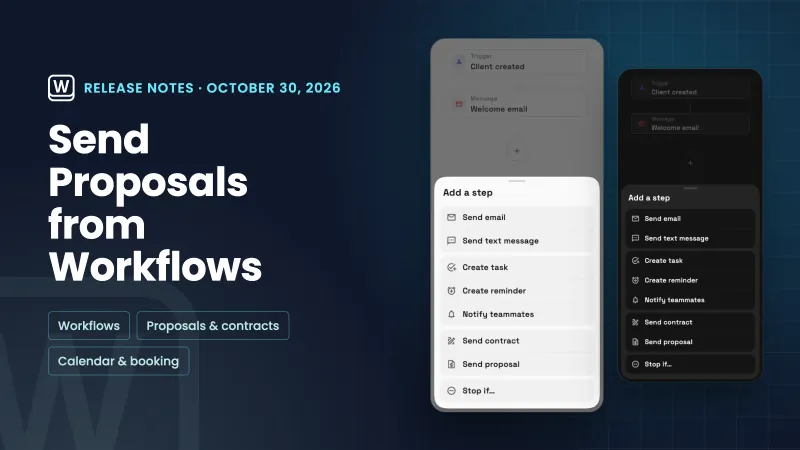 Workflows can send a proposal, and booking setup is easier to scan
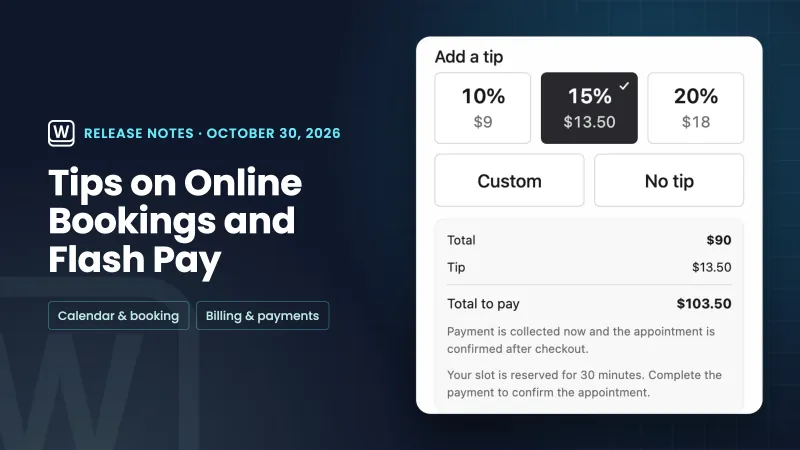 Tips on online bookings and Flash Pay card payments
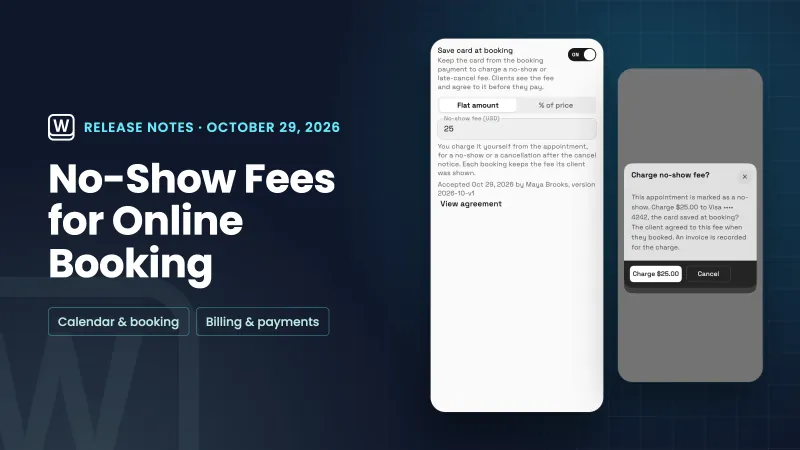 No-show fees for online bookings
Appointments and messages on the client portal, and hide the Powered by credit, in your own workspace
Start your free trial on Commander, then find it under Settings.
14-day free trial. Card required. After the trial: $299/month for Commander. Renews automatically every month until you cancel. Cancel anytime in Settings → Billing.