Inbox & calls
Connect your Microsoft 365 or Outlook mailbox to the Inbox
Connect a Microsoft 365 or Outlook.com mailbox in Settings and its new mail arrives in your Workspace369 Inbox, with the mail you send from Outlook kept alongside.
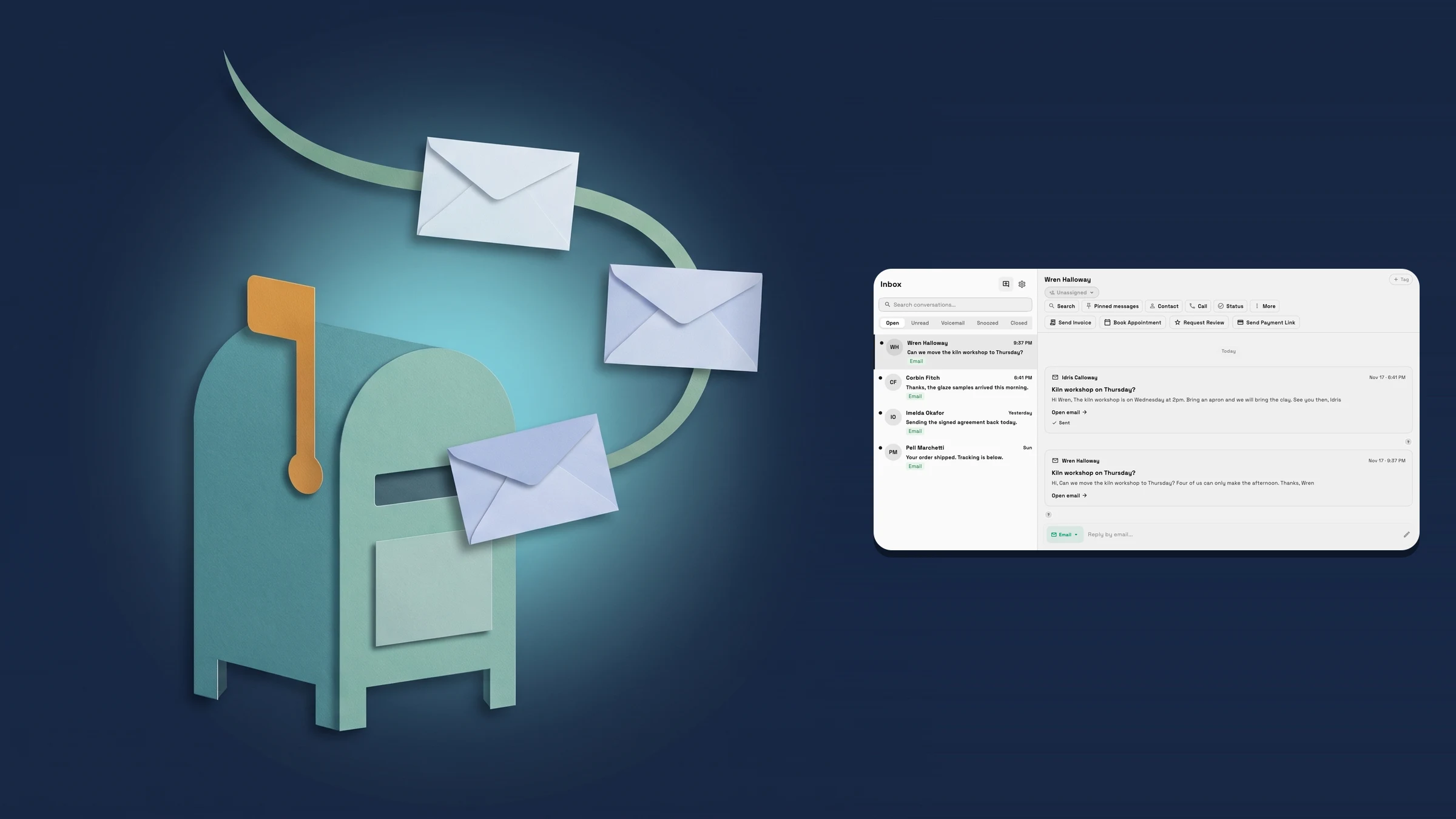
Connect a Microsoft 365 or Outlook mailbox
Open Settings → Email, SMS & phone → Email → Domains & connections, choose Connect an inbox, pick Microsoft 365 / Outlook and press Continue with Microsoft. Workspace369 opens Microsoft’s own sign-in in your browser, you approve access there, and Workspace369 never sees your password. When you come back, a Mailbox connected message names the address and the mailbox is listed under Connected mailboxes. The account setup step Send from your own email offers the same Microsoft 365 or Outlook choice.
From then on, new mail that arrives in the mailbox’s Inbox folder shows up in the Workspace369 Inbox as a conversation, and mail you send from Outlook itself is added to the conversation too. Mail with the same person on that mailbox stays together in one conversation. Choose Disconnect inbox on the connection to stop syncing it, with existing message history kept, and Reconnect to start again.
Connecting needs the inbox settings permission in Workspace369. Some Microsoft 365 organizations ask an administrator to approve a new app before anyone can connect; if Microsoft shows that, an administrator approves Workspace369 once and people in that organization can then connect their own mailboxes. The connection covers mail only: it does not connect your Outlook calendar. It is on the web app now.
- Pick Microsoft 365 / Outlook under Connect an inbox, or in account setup
- New mail in the connected mailbox arrives in your Inbox
- Mail you send from Outlook shows in the conversation
- Disconnect keeps your message history
- Where to find it
- Settings
- Email, SMS & phone
- Domains & connections
- Connect an inbox
- Microsoft 365 / Outlook
- Plans
- Every plan
Quick answers
- Which Microsoft accounts can I connect to the Workspace369 Inbox?
- A Microsoft 365 work account or an Outlook.com inbox. Choose Microsoft 365 / Outlook under Connect an inbox, or in the account setup step Send from your own email.#
- What arrives in the Workspace369 Inbox from my Outlook mailbox?
- New mail that arrives in the mailbox’s Inbox folder, and mail you send from Outlook itself. Mail with the same person on that mailbox stays together in one conversation.#
- What if Microsoft says my organization needs admin approval?
- Some Microsoft 365 organizations require an administrator to approve a new app first. An administrator approves Workspace369 once, and people in that organization can then connect their own mailboxes.#
- Does connecting my mailbox also connect my Outlook calendar?
- No. The mailbox connection covers mail only.#
- How do I stop syncing a connected mailbox?
- Open it under Domains & connections and choose Disconnect inbox. Its channels stop sending and receiving until you reconnect, and existing message history stays.#
Related updates
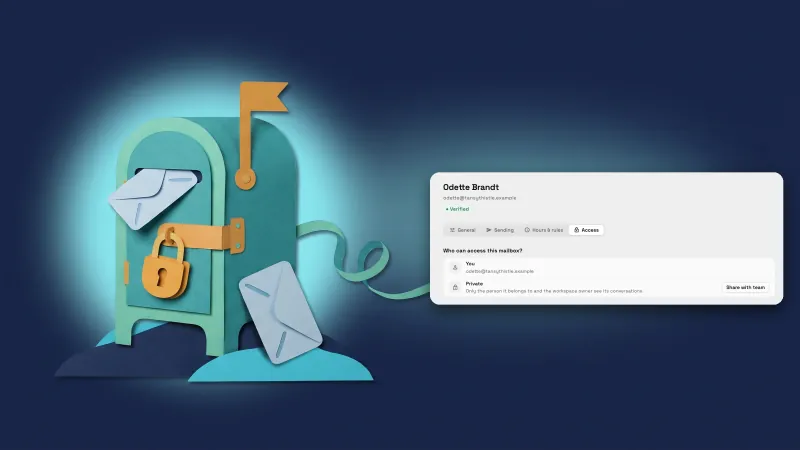 Teammates’ Outlook mailboxes start private
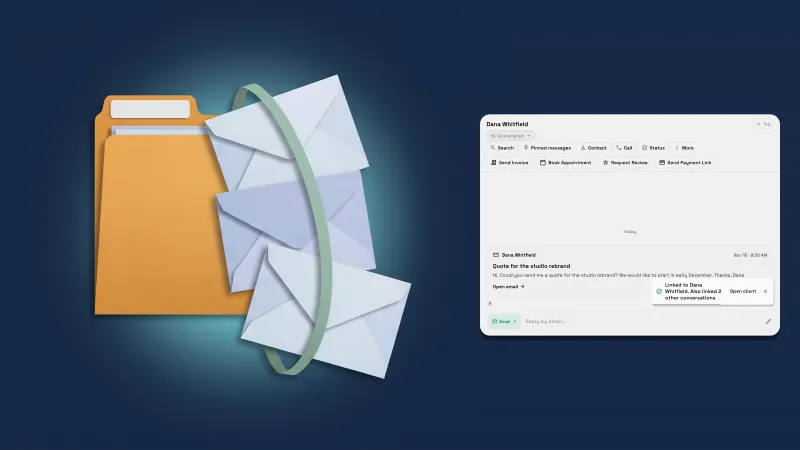 Link a sender to a client and their other conversations come too
 Select and copy client details and email recipients
Connect your Microsoft 365 or Outlook mailbox to the Inbox, in your own workspace
Start your free trial, then find it under Settings.
14-day free trial. Card required. After the trial: from $29/month. Renews automatically every month until you cancel. Cancel anytime in Settings → Billing.