Clients & CRMWorkspace & team
Add a lead source while you create a client, and see your current plan
Type a new lead source in the client form and it is created and selected on the spot. The plans screen now marks your current plan and shows whether you pay monthly or yearly.
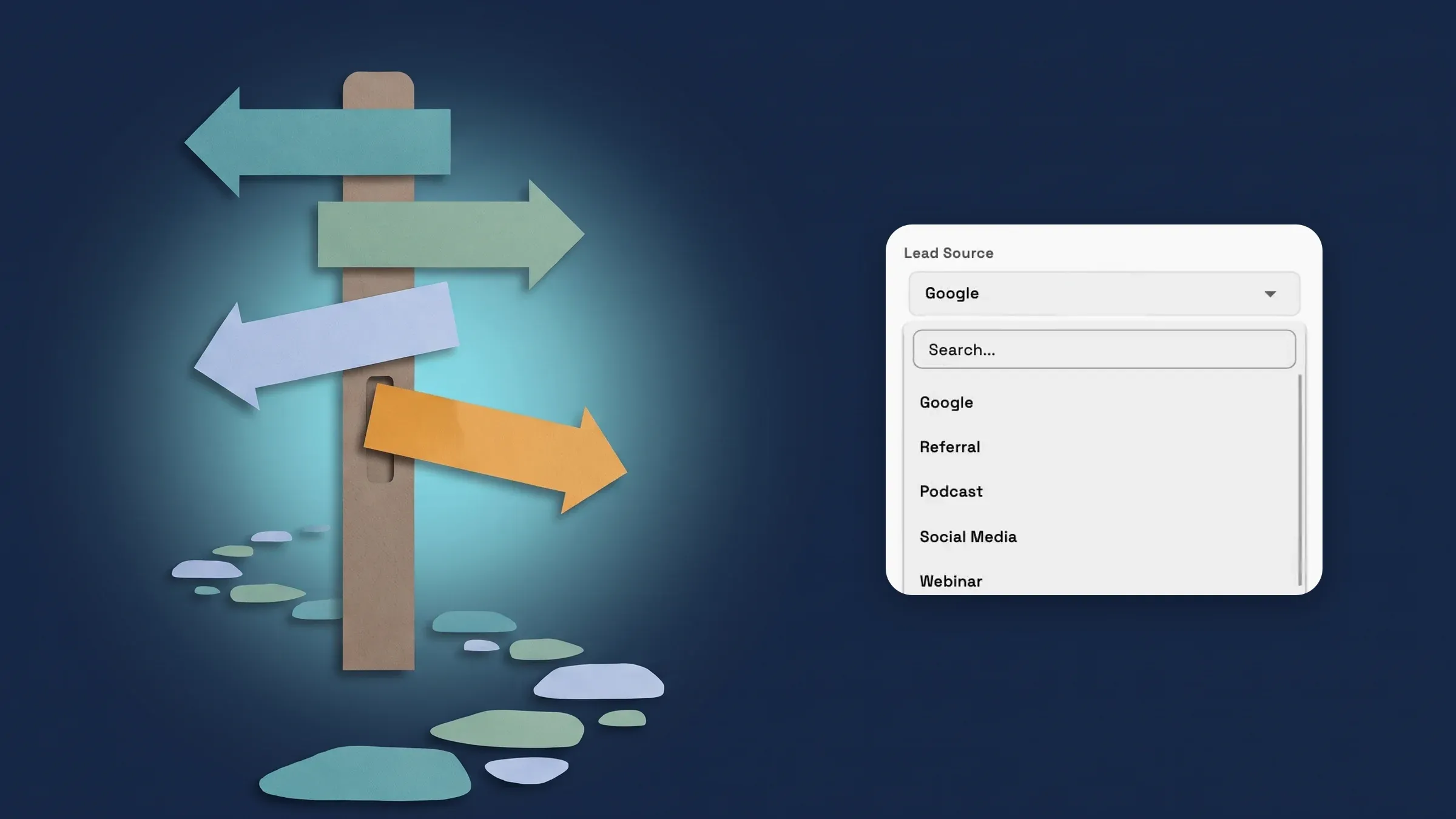
Add a lead source while you create a client
Open the New client form, or Edit client info on a client, and type a name in the Lead Source search. If no lead source has that name yet, the menu shows Create "your name". Choose it and the lead source is created and selected on the client, so you never have to leave the form to add one. If a lead source with that name already exists, in any capitalisation, that one is selected instead, so you don't end up with duplicates.
The lead source is created the moment you choose it, even if you then close the form without saving the client. If that happens, you can remove it in Settings → Leads. Only team members who are allowed to add lead sources (the Settings → Leads permission) see the Create row. Everyone else keeps the list to pick from.
Tags now work the same way across clients: a tag you type on the New client form is saved to your workspace's tag list, so the tag picker offers it on the next client.
Adding a lead source from the client form works on every plan; the Leads report, which shows which sources turn into paid work, is on Voyager, Specialist, Commander and Enterprise. It is on the web app now and comes to the iPhone app with its next update.
- Type a new lead source and create it in place
- An existing name in any case is matched, never duplicated
- Only members who can add lead sources see the Create row
- Tags typed on a new client are saved to your tag list
- Where to find it
- Clients
- Add Client
- Lead Source
- Plans
- Every plan
See your current plan at a glance
On the plans screen, your own plan's card now carries a CURRENT PLAN label and a highlighted border, and the button under it is greyed out as Your plan. A line below the button says how you pay: Monthly plan, Yearly plan or Lifetime licence, and while you are on a trial it also shows when the trial ends.
The screen also opens on your own billing interval, so a member on a monthly plan sees monthly plans first and a member on a yearly plan sees yearly ones. Switch the interval and your plan keeps its label, with the real Switch button for the other period.
Find it in Settings → Plan, then Change plan. It is the same for every plan, on the web app now. The iPhone app gets it in its next update.
- A CURRENT PLAN label and highlight on your plan's card
- Monthly plan, Yearly plan or Lifetime licence under the button
- The screen opens on your own billing interval
- Where to find it
- Settings
- Plan
- Change plan
- Plans
- Every plan
Quick answers
- Can I add a new lead source from the client form?
- Yes. In the New client form or Edit client info, type a name in the Lead Source search. If it isn't listed, choose Create "your name" and it is created and selected.
- What if a lead source with that name already exists?
- The existing one is selected instead, whatever the capitalisation, so you don't get duplicates.
- Who can create a lead source from the client form?
- Team members who are allowed to add lead sources, the Settings → Leads permission. Everyone else keeps the list to pick from.
- How can I see which plan I am on?
- Open Settings → Plan → Change plan. Your plan's card has a CURRENT PLAN label and a highlight, and a line under the button says Monthly plan, Yearly plan or Lifetime licence.
Related updates
 New workspaces get a Set up my pipeline starter in AI chat
 Sell memberships and check members in
 Webhooks for new clients and stage changes
Add a lead source while you create a client, and see your current plan, in your own workspace
Start your free trial, then find it under Clients.
14-day free trial. Card required. After the trial: from $29/month. Renews automatically every month until you cancel. Cancel anytime in Settings → Billing.