Clients & CRM
Give a client's emails and phone numbers your own labels
Label any email or phone on a client with your own words, like Assistant or Billing desk. The label shows on the client page and in the invoice editor instead of Other.
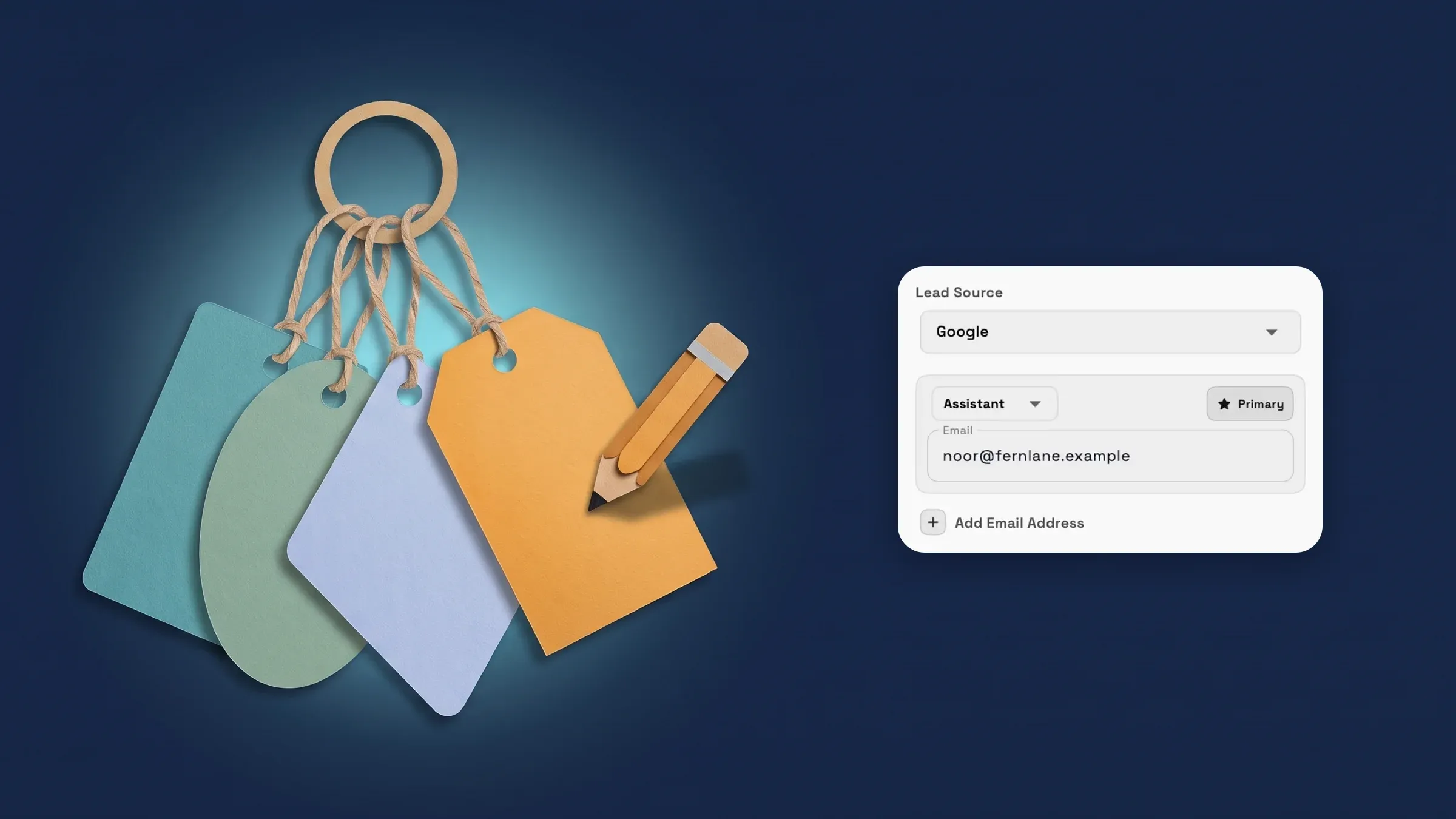
Label a client's emails and phone numbers your way
Open the New client form, or Edit client info on a client. Each email and phone row has a type menu with Home, Work, Personal and Other. The last item in that menu is Custom label. Choose it, type a name such as Assistant or Billing desk, and save. The row now carries that label. Labels you have already used on the same client are listed in the menu too, so the next row is one tap.
The client page shows your label on the contact row, and the invoice editor's email and phone pickers show it too, where they used to say Other. Edit an email or phone inline on the client page and the label stays with the new address. Pick a fixed type such as Work, or remove the row, and the label is cleared.
The same labels are visible to AI assistants connected through MCP, so they can tell a client's assistant from the client. Anyone allowed to edit clients can add labels, on every plan. It is on the web app now and comes to the iPhone app with its next update.
- Custom label is the last item in each email and phone type menu
- Shown on the client page and in the invoice editor instead of Other
- Inline edits keep the label; choosing a fixed type clears it
- Where to find it
- Clients
- Add Client
- Email or Phone type menu
- Custom label
- Plans
- Every plan
Quick answers
- Can I give a client's email or phone number my own label?
- Yes. In the New client form or Edit client info, open the type menu on an email or phone row and choose Custom label, then type a name such as Assistant or Billing desk.
- Where does a custom label show up?
- On the client page's contact rows and in the invoice editor's email and phone pickers, in place of Other.
- What happens to the label if I change the address or the type?
- Editing the address inline keeps the label. Choosing a fixed type such as Work clears it, and removing the row drops it.
- Which plans include custom contact labels?
- Every plan. Team members who are allowed to edit clients can add them.
Related updates
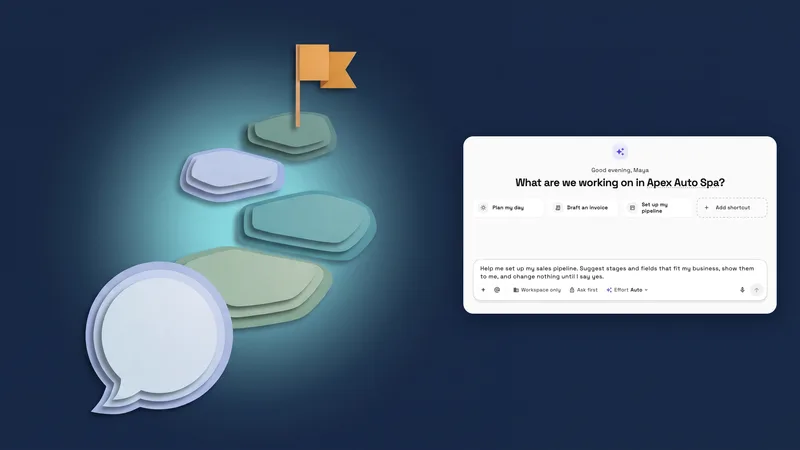 New workspaces get a Set up my pipeline starter in AI chat
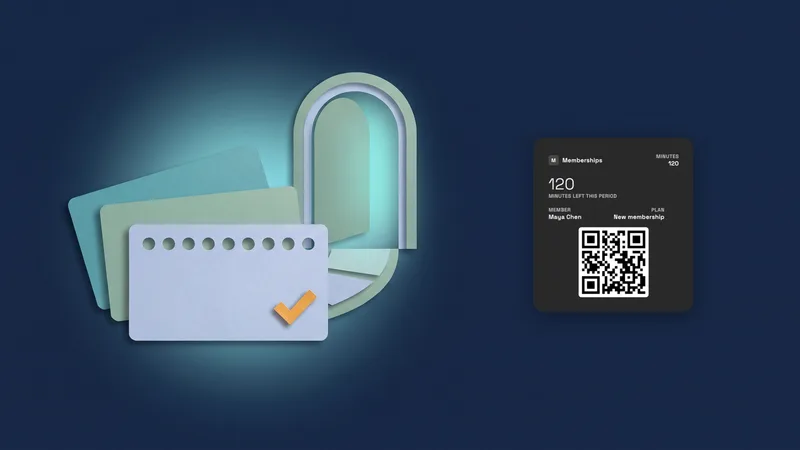 Sell memberships and check members in
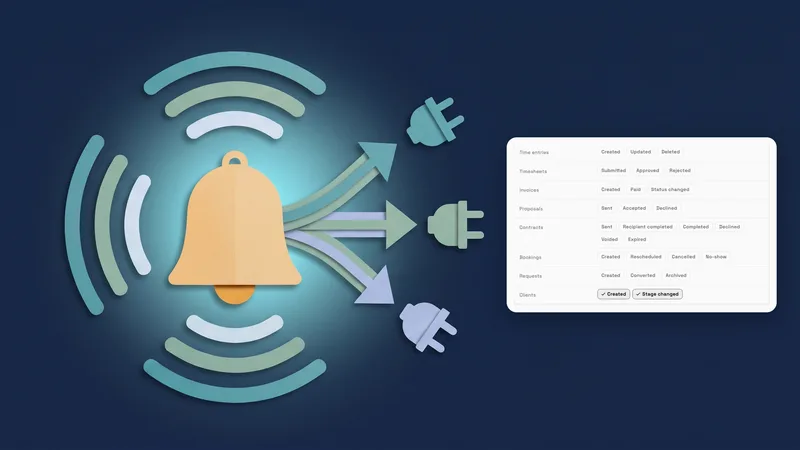 Webhooks for new clients and stage changes
Give a client's emails and phone numbers your own labels, in your own workspace
Start your free trial, then find it under Clients.
14-day free trial. Card required. After the trial: from $29/month. Renews automatically every month until you cancel. Cancel anytime in Settings → Billing.