Billing & payments
See your usage in Tokens and message credits
Your plan now shows exactly what you've used: Tokens beside the usage percentage, plus a message credits meter with its refill date.
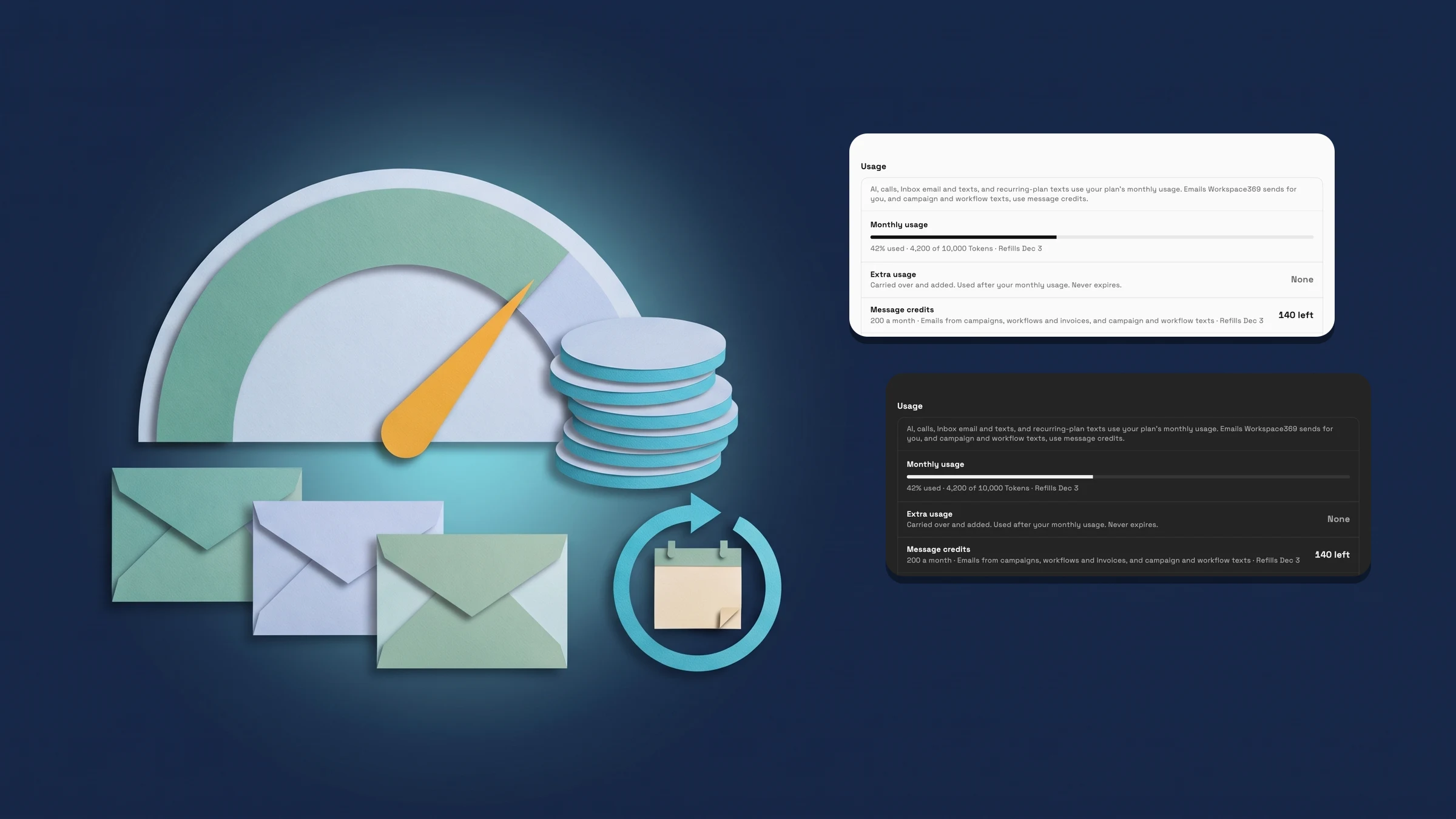
See what you've used in Tokens and message credits
In Settings → Billing, the Usage meter now puts Tokens beside the percentage, so you see how much of your month you have used and how much your plan includes. It also shows the date your usage refills or resets, which falls on your billing date each month. Annual plans refill monthly from their next renewal.
Under the meter, a new Message credits row shows how many you have left, your plan's monthly allowance and the date they refill. Message credits are a separate balance from your Tokens, with their own monthly allowance. The row appears once your plan's allowance has loaded.
Plan cards, your current plan banner and the Enterprise banner now list each plan's monthly Tokens and message credits too. This is on the web app now.
- Tokens beside the usage percentage
- A Message credits meter with its refill date
- Each plan's monthly Tokens and message credits on the plan cards
- Where to find it
- Settings
- Billing
- Usage
- Plans
- Every plan
- Learn more
- Compare plansAI usage and billing guide
Quick answers
- Where do I see my usage in Tokens?
- Open Settings → Billing and look at the Usage section. The Monthly usage meter shows the percentage you have used with your Tokens beside it, and the date your usage refills or resets.#
- What are message credits?
- Message credits are a separate balance from your Tokens, with their own monthly allowance. Billing → Usage shows how many you have left, your monthly allowance and when they refill.#
- When do my Tokens and message credits refill?
- On your billing date each month. Annual plans refill monthly from their next renewal.#
- Where can I see what each plan includes?
- The plan cards and your current plan banner list each plan's monthly Tokens and message credits.#
Related updates
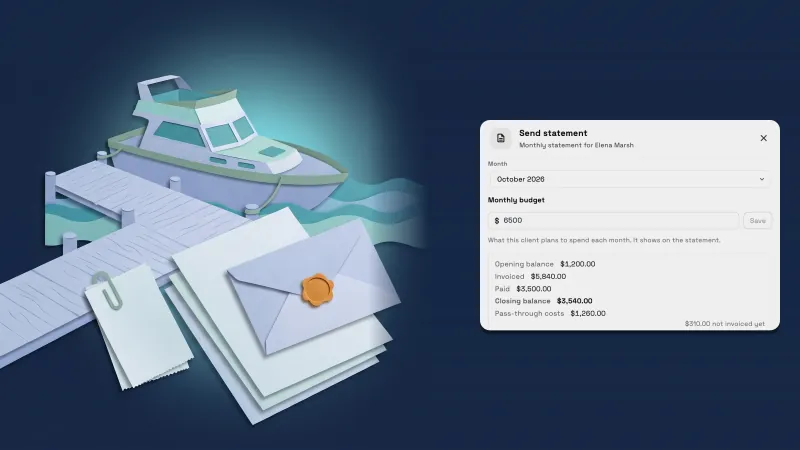 Send each client a monthly statement with their invoices, payments and costs
 Set up a yacht management CRM in one step and price by the foot
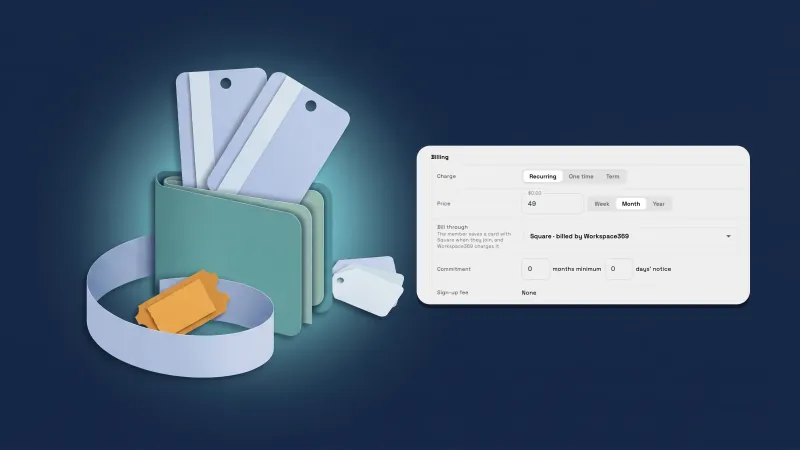 Sell memberships through Square, and handle Square members’ requests
See your usage in Tokens and message credits, in your own workspace
Start your free trial, then find it under Settings.
14-day free trial. Card required. After the trial: from $29/month. Renews automatically every month until you cancel. Cancel anytime in Settings → Billing.