Clients & CRM
Several deals for one business client, added from a person or the Pipeline
Track more than one deal for a business client, each with its own value, stage and contact person. Add it from a person or the board, then move it and mark it Won or Lost.

Add a deal to a client from a contact person or the Pipeline
A business client can now carry several deals, called opportunities. Each one has its own title, value, pipeline, stage and contact person, and none of them changes the client's own stage. Open a business client, go to its Contact Persons tab and press New opportunity on a person's row. The sheet opens with the company and that person already filled in: pick the stage (and the pipeline, if you have more than one), type a title and a value, then press Add. The person's open opportunities are listed under their name, and the saved message offers View in pipeline.
You can also start from the board. Pipeline has New opportunity in its header, a plus at the top of each column and a button on an empty pipeline, and on a phone it sits under the stage tabs. The sheet opens on the column you started from. Choose the client, then one of its contact persons, and press Add. The card lands in that column at once with its title, the company and contact person, and the value.
The Pipeline field appears when your workspace has more than one pipeline, and the stages follow the pipeline you choose. Adding needs permission to edit clients. Amounts are shown only to team members who can see prices. It is on the web app now.
- New opportunity on a contact person's row, in the Pipeline header, in every column and on an empty pipeline
- Each opportunity has a title, value, pipeline, stage and contact person
- A person's open opportunities are listed under their name
- Where to find it
- Clients
- Pipeline
- New opportunity
- Plans
- Every plan
Move deals and mark them Won or Lost on the board
An opportunity is a card on the Pipeline board with its title, the company and contact person, and its value. Click one to edit it: the sheet adds Expected close and a Delete button that asks you to confirm. On a computer, drag a card to another column to move it. Editing, moving and closing deals needs permission to edit clients; without it, a card opens its client.
Right-click a card, or press and hold it, to open its menu: Edit, Open client, Move to…, Move to pipeline… (when you have more than one pipeline), Won and Lost. On a phone, use the ⋯ button on its row. Lost asks for the reason. Neither one moves the client, and the reason feeds the lead report. A message offers Undo.
Won and Lost opportunities count in the board's figures. The board's Won figure for the month and its 90-day win rate include them next to your clients' own deals, each counted once. It is on the web app now.
- Edit, Open client, Move to…, Move to pipeline…, Won and Lost from the card menu
- Won and Lost count in the board's Won figure and 90-day win rate
- Closing a deal leaves the client where it is

- Where to find it
- Clients
- Pipeline
- a deal card
- Plans
- Every plan
Quick answers
- Can one client have several deals in Workspace369?
- Yes. A business client can have several opportunities, each with its own title, value, pipeline, stage and contact person. Add one from a person's row on the client's Contact Persons tab, or from the Pipeline board with New opportunity.#
- Where do I add an opportunity?
- Open Clients and switch to Pipeline, then press New opportunity in the header or the plus on a column. You can also open a business client, go to its Contact Persons tab and press New opportunity on a person's row.#
- Does an opportunity change the client's own stage?
- No. Adding, moving, winning or losing an opportunity leaves the client where it is.#
- Do Won and Lost opportunities count in the Pipeline figures?
- Yes. The board's Won figure for the month and its 90-day win rate count opportunities next to your clients' own deals, each once.#
- Who can add opportunities and see their amounts?
- Members who can edit clients can add and change them. Amounts are shown, and can be set, only for members who can see prices.#
Related updates
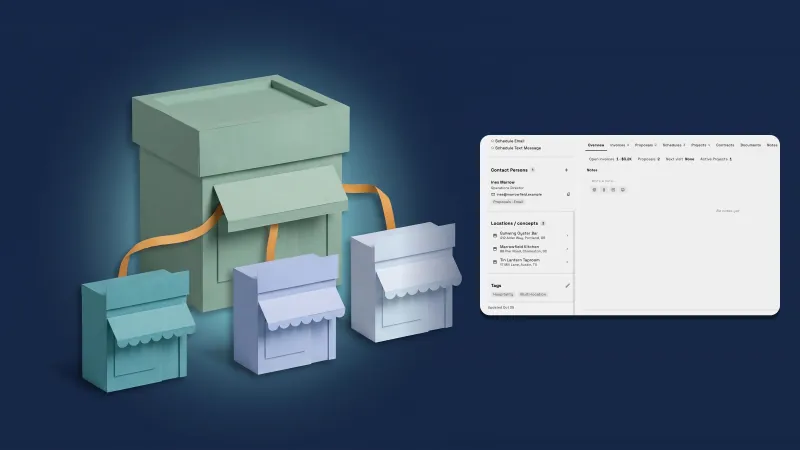 Give a company a parent company and see all its locations on one page
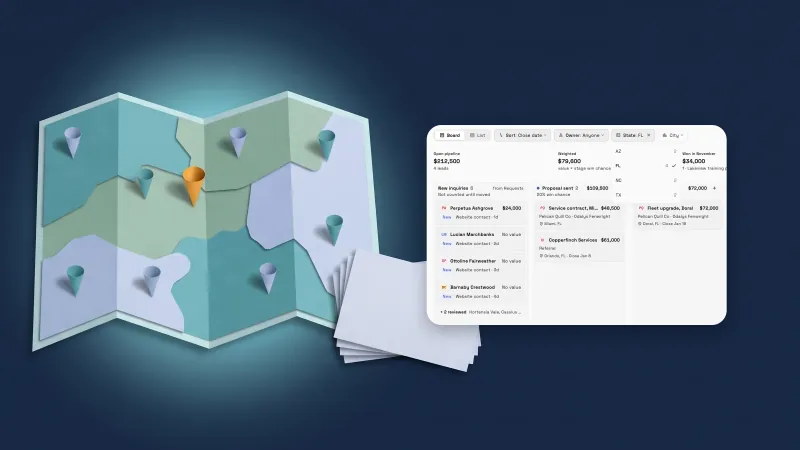 Deals get a location and your own fields
 See the people at a business client, and give each one their own follow-ups and notes
Several deals for one business client, added from a person or the Pipeline, in your own workspace
Start your free trial, then find it under Clients.
14-day free trial. Card required. After the trial: from $29/month. Renews automatically every month until you cancel. Cancel anytime in Settings → Billing.