- Wrike vs Workspace369: which is better for a client-services team?
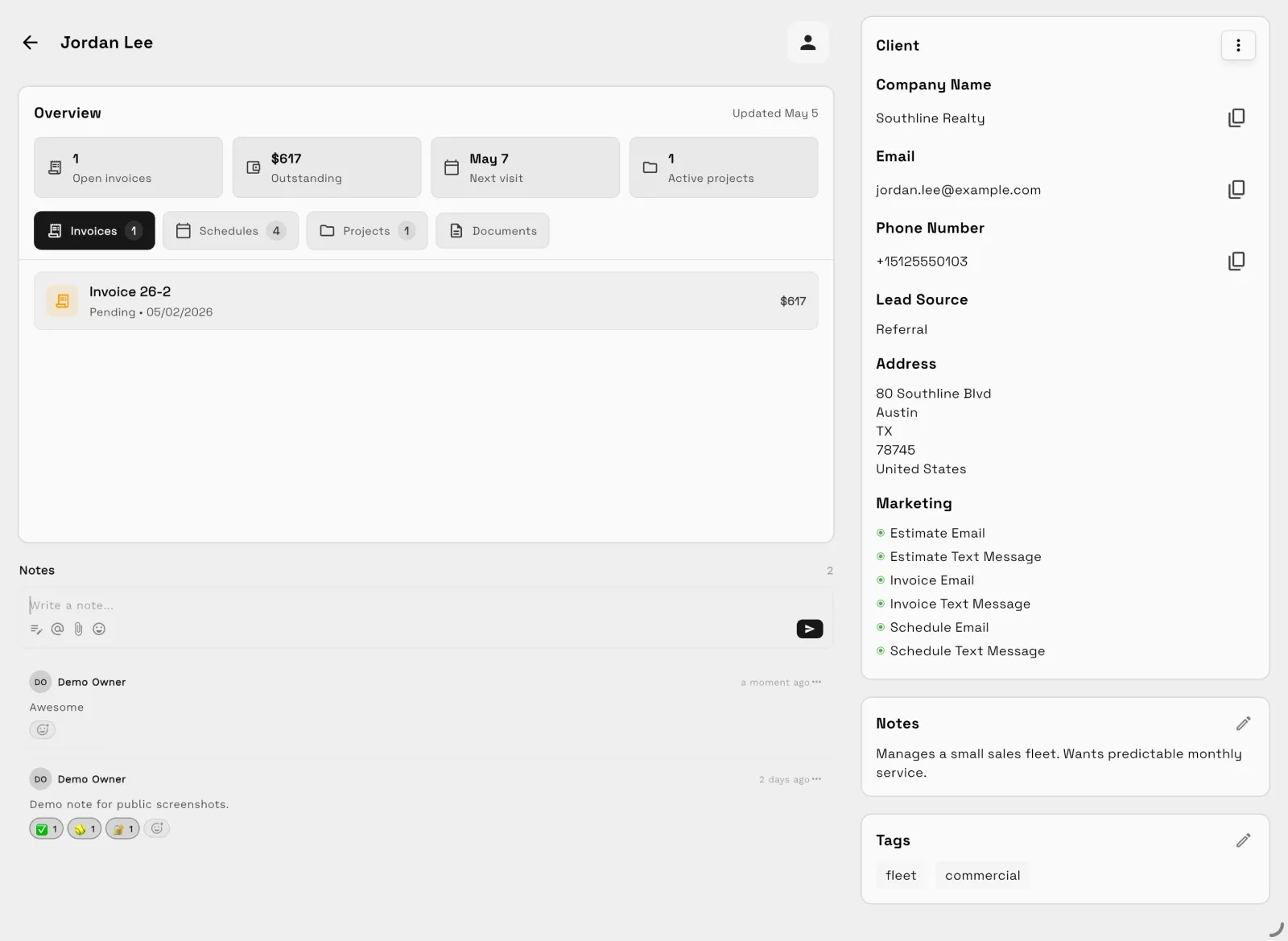
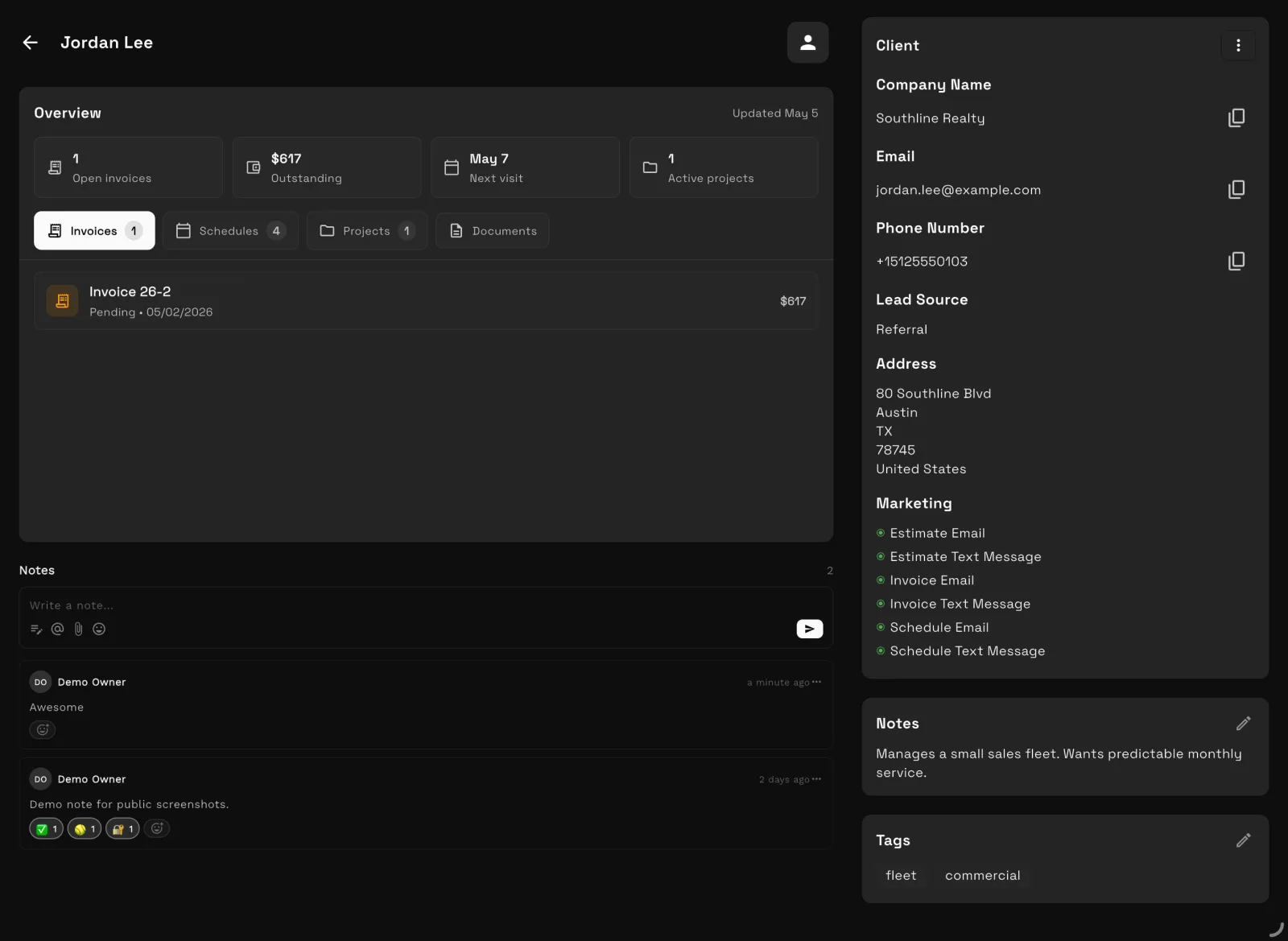
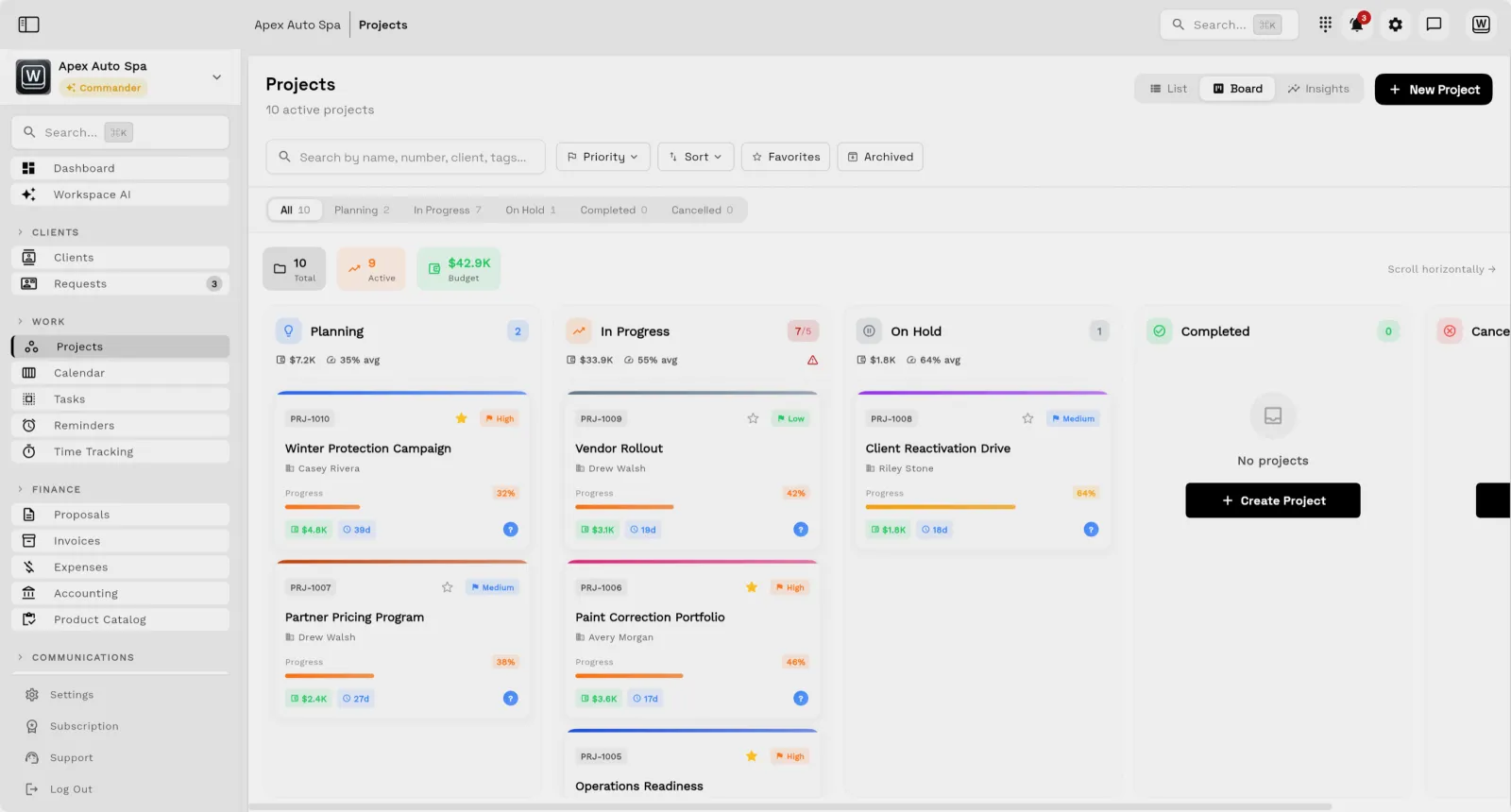
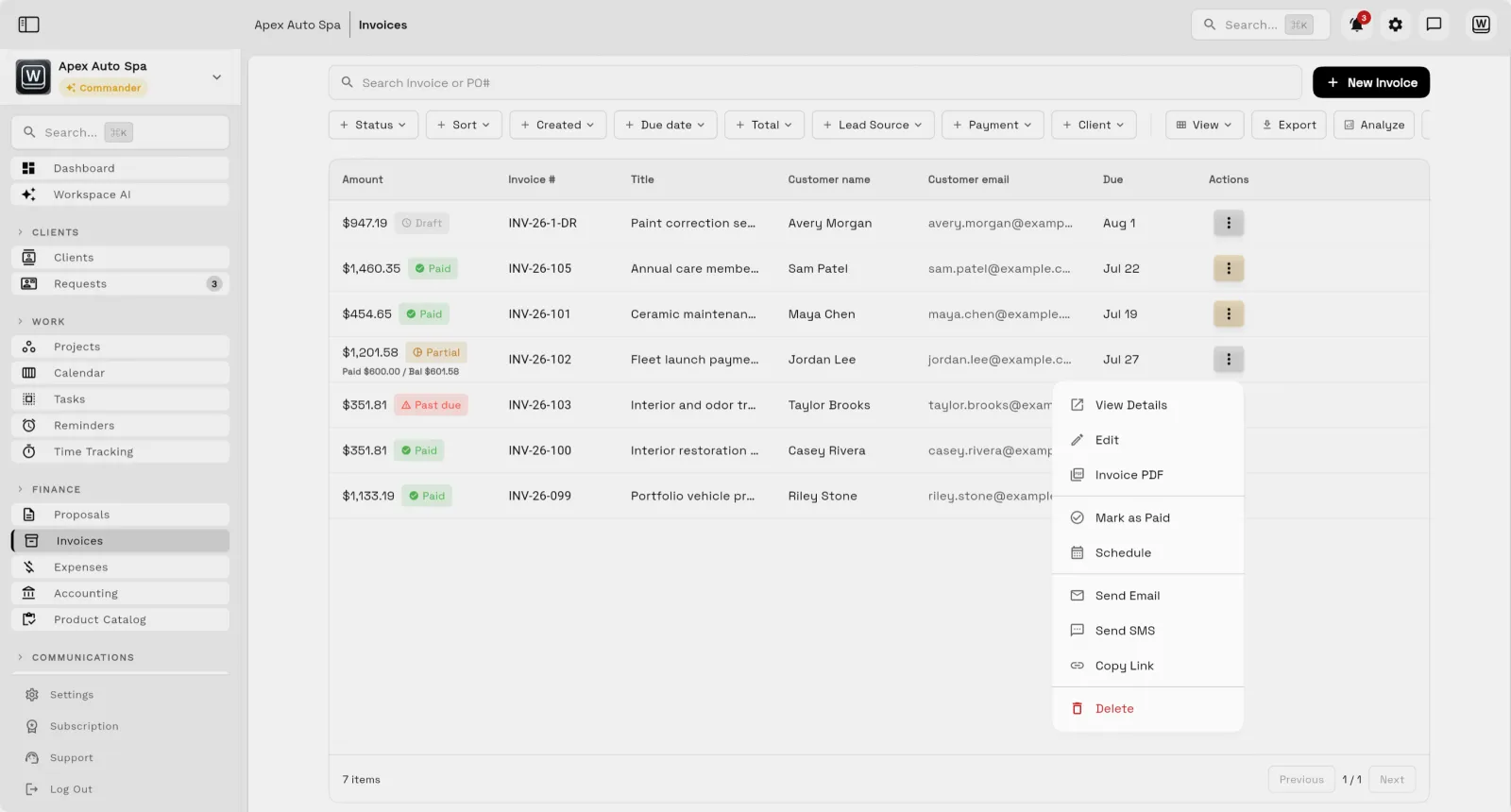
- Choose Wrike if you run cross-team projects and programs and need resource planning, proofing and workflow customization, with proposals and invoices handled elsewhere. Choose Workspace369 if you sell and deliver client work and want proposals, projects, time, invoices and the client portal on the same record. Ten users cost $100 a month on Wrike Team or $250 on Business, billed annually; Workspace369 Specialist is $119.25 a month billed yearly for 10 seats. Wrike prices checked October 23, 2026.
- Is Workspace369 a Wrike alternative?
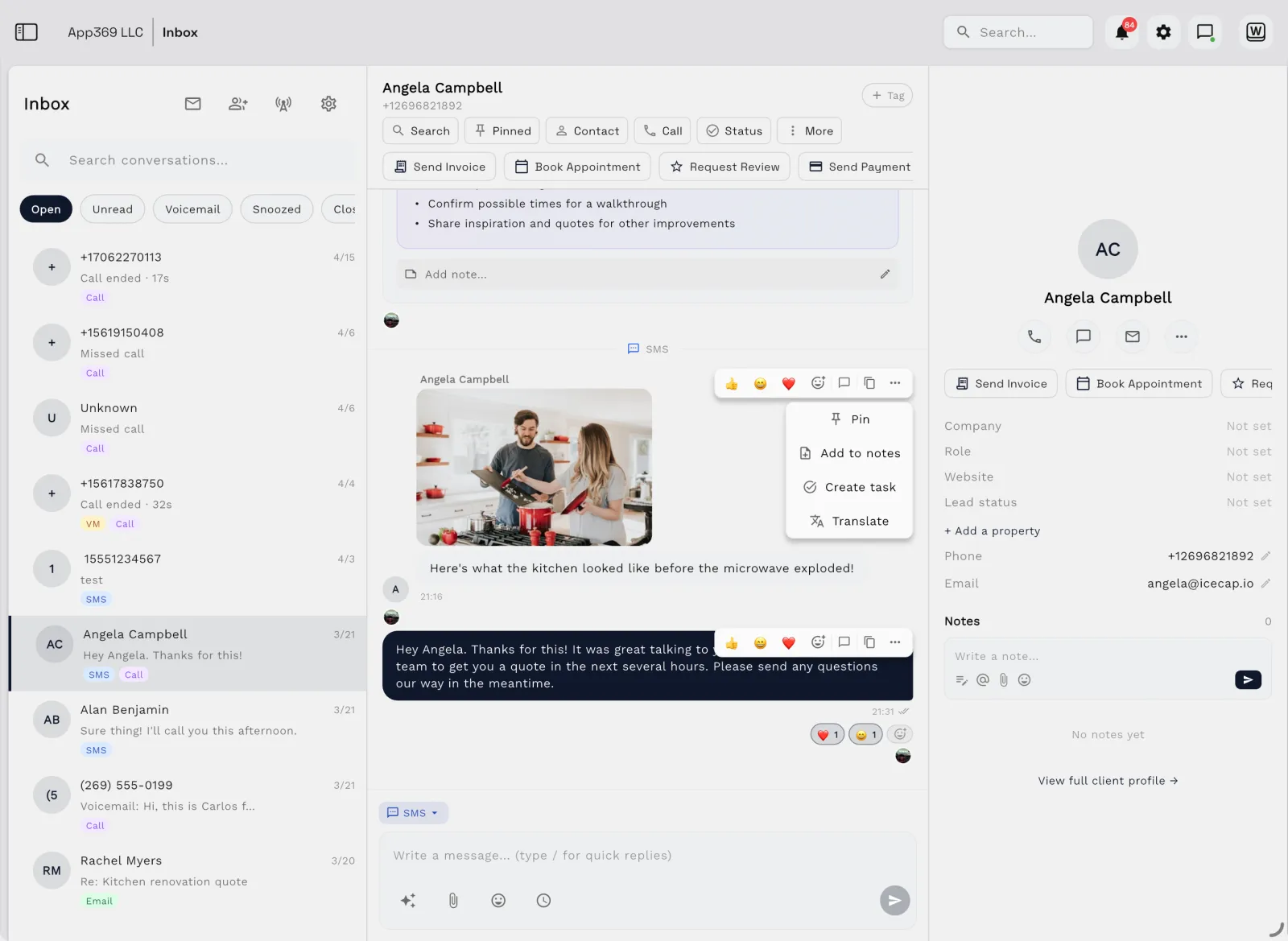
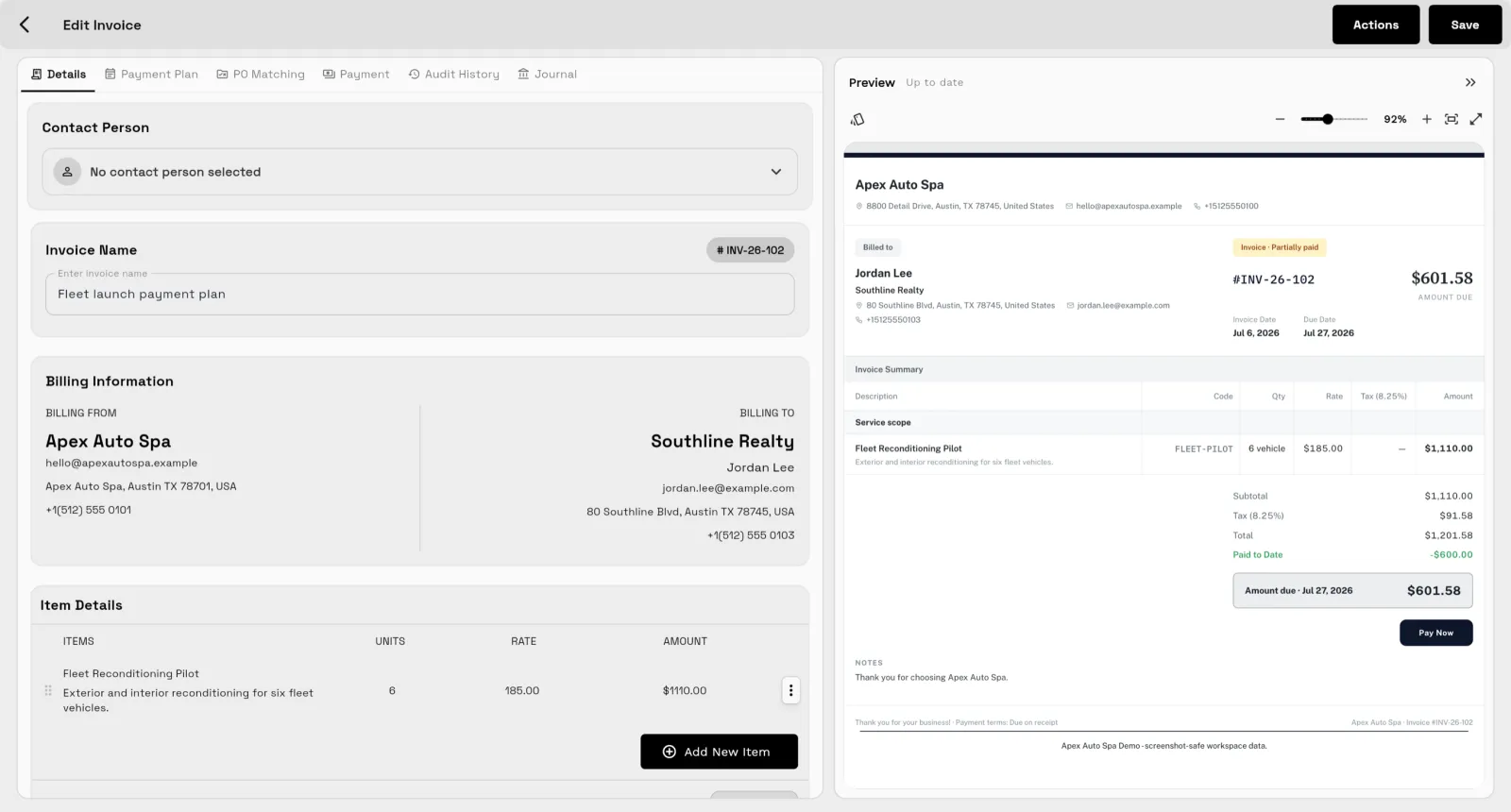
- Yes, for service businesses that sell and deliver client work. Wrike runs complex project plans well; Workspace369 is the fit when proposals, invoices, time tracking, and a client portal need to sit on the same client record as the project.
- How much does Wrike cost compared with Workspace369?
- Checked October 23, 2026: Wrike Team is $10 and Business $25 per user a month, billed annually. On yearly billing, Workspace369 is $23.25 a month for 1 seat (Cadet), $59.25 for 2 (Voyager), $119.25 for 10 (Specialist), and $239.25 for 20 (Commander). Wrike Team costs less wherever it applies, from 2 to 15 users. Business, with its 5-user minimum, costs more than Workspace369: $250 against $119.25 for 10 users, and $500 against $239.25 for 20.
- Does Wrike track time?
- Wrike's plan comparison lists time tracking and timesheets from Business, and budgeting on Pinnacle. Workspace369 includes timers, timesheets with approvals, and time-to-invoice on every plan.
- Who should stay on Wrike?
- Teams running cross-team programs that rely on resource and capacity planning, proofing, and guest approvals, with proposals and invoices already handled elsewhere.
- How do I switch from Wrike?
- Export your projects to Excel, import your client list with AI Import, and set up active projects again. The switching guide walks through each step.