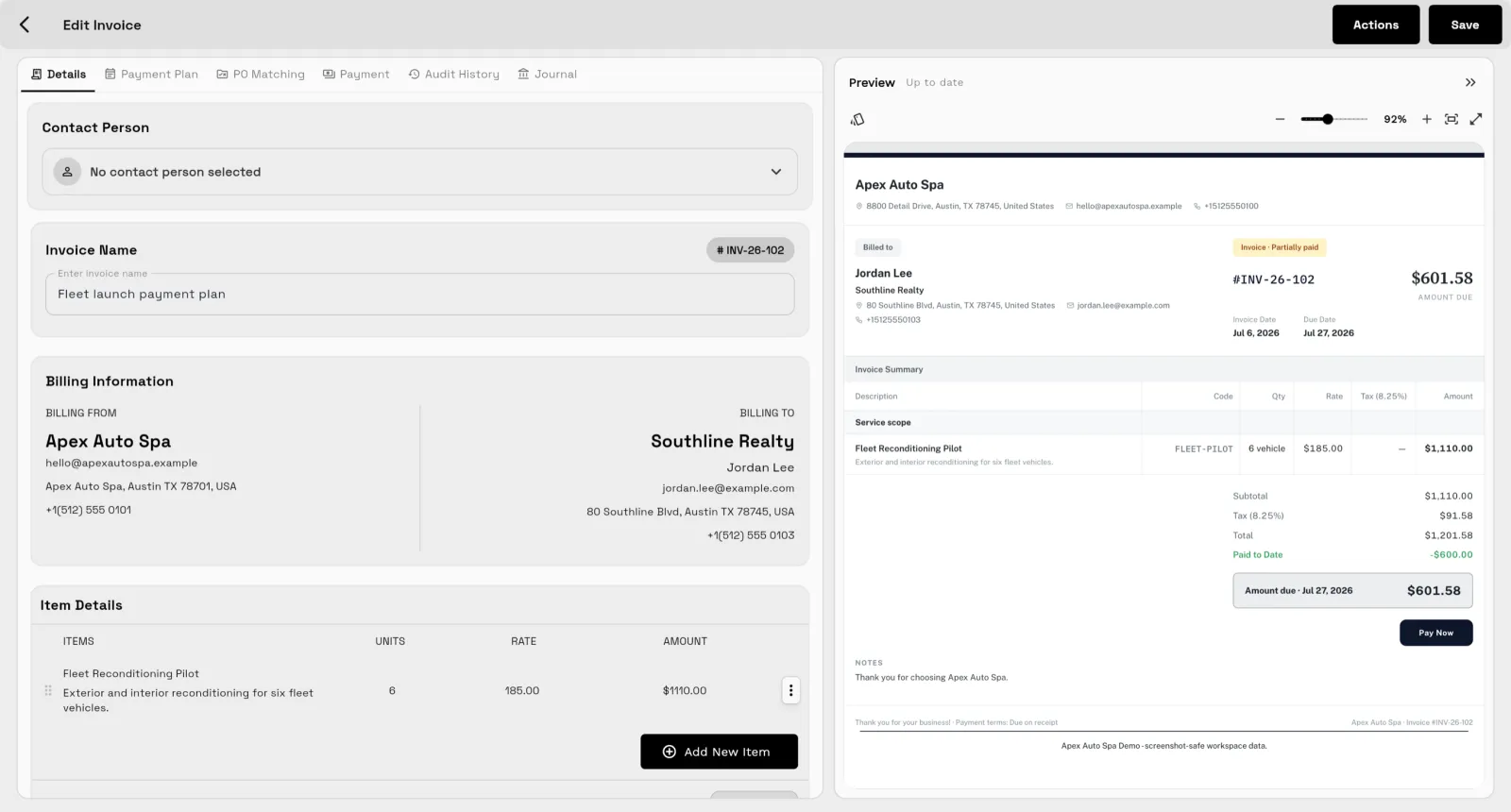
Client management.
Records, follow-up, and the five-step process that keeps clients — without spreadsheets.
Client management is the routine of knowing who each client is, what you promised them, what is open right now and what happens next. The short answer is one record per client, a repeatable five-step process from intake to follow-up, and no spreadsheets holding the parts together. The guides below cover CRM basics, the process itself and client onboarding.
Onboarding
The client management process in five steps
- IntakeCapture every inquiry as a tracked request with the same questions each time, so nothing sits in an inbox waiting for someone to remember it.
- OnboardingCollect contact and billing details, the goal in the client's words, access and constraints once, and set expectations about channel, timing and approvals.
- DeliveryShow progress the client can see and keep tasks, files and conversations attached to the client record.
- BillingInvoice on the schedule you agreed, whether that is a milestone, month end or retainer date, rather than from memory.
- Follow-upCheck in after delivery, before renewals and when things go quiet. A steady follow-up cadence is what turns one project into a long relationship.
Key terms
- CRM
- Customer relationship management: a system that keeps every client, conversation and commitment in one place.
- Client record
- The single page holding contacts, history, files, work and billing for one client.
- Intake form
- A structured set of questions a new client answers once, before the work starts.
- Onboarding
- The steps between a yes and the first day of work: details collected, expectations set, access arranged.
Common questions
What is a CRM and do I need one?
A CRM is a system that keeps contact details, notes, history and open work for every client in one place. You need one when client information lives in more than one head, inbox or spreadsheet, because that is when things start falling through.
What is the difference between a CRM and project management?
A CRM tracks the relationship: who the client is, what was said and what is next. Project management tracks the work: tasks, deadlines and deliverables. Service businesses usually need both connected, so the work sits on the client record.
What should I collect when I onboard a new client?
Collect contact and billing details, who approves work and who pays invoices, the goal and scope in the client's words, practical logistics like access and brand assets, and constraints such as deadlines. Ask once, in one intake form, and attach the answers to the client record.
See where Workspace369 fits into your client-work flow.
Start with the modules you need today, then turn on AI, automations, accounting, inventory, requests, and reporting as the operation grows.
14-day free trial. Card required. After the trial: from $29/month. Renews automatically every month until you cancel. Cancel anytime in Settings → Billing.