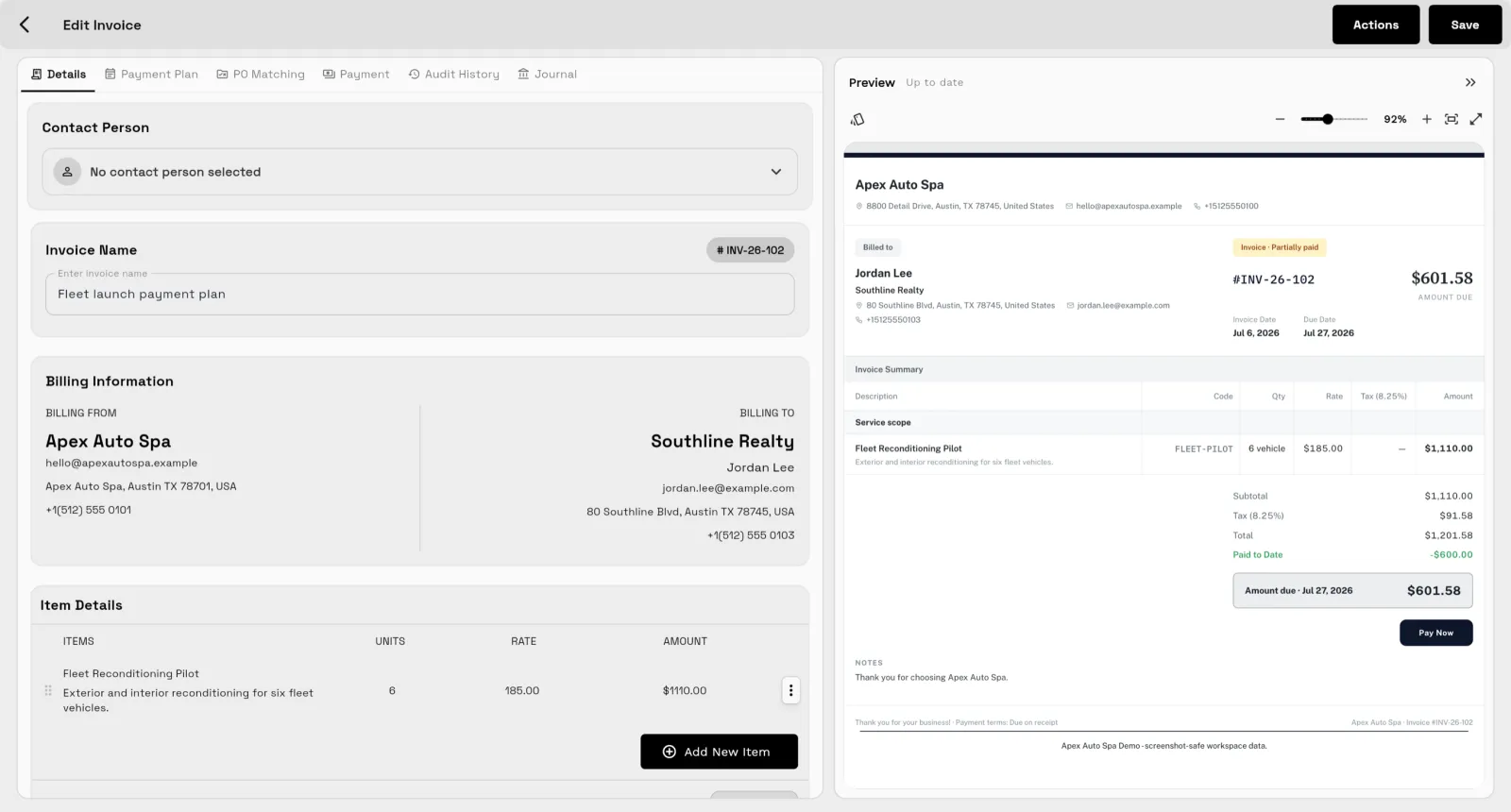
The scope changes, but billing does not
Change orders, retainers, deposits, payment schedules need the same context as the work plan.
Workspace369 runs projects and invoicing in one workspace: projects, tasks, proposals, retainers, recurring invoices, and online payments are on every plan from $29 a month, and payment plans, expenses, and project profitability start on Specialist ($149 a month, 10 seats).
14-day free trial. Card required. After the trial: from $29/month. Renews automatically every month until you cancel. Cancel anytime in Settings → Billing.
Talk to sales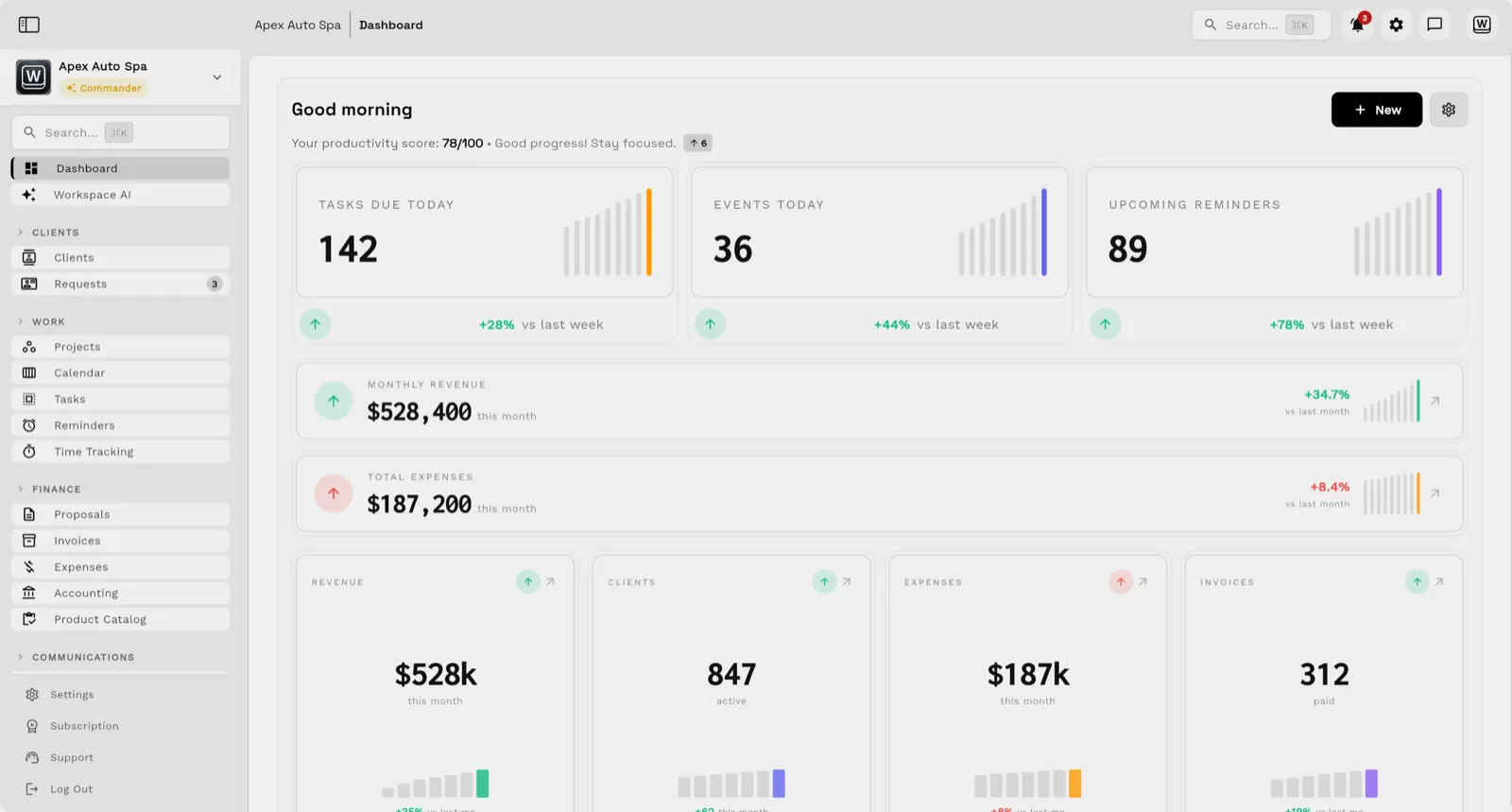
When projects live in one app and billing lives in another, teams lose time reconciling what happened. The native app for iPhone and iPad, with iPad in every orientation, lets you send invoices and track time away from your desk.
Key facts
Invoicing and project management software at Workspace369 covers 10 areas, including project management, tasks and subtasks, kanban, calendar, and timeline views.
The workflow runs in 4 steps, from "scope and propose" to "watch the numbers".
Workspace369 starts at $29/mo for 1 seat, and the Commander plan includes 20 seats and 12× Cadet usage at $299/mo.
Additional seats cost $10 each; full pricing is public on the Workspace369 pricing page.
Change orders, retainers, deposits, payment schedules need the same context as the work plan.
The real story includes tasks, time, expenses, files, status, client messages, and payment history.
Owners need to see AR, expenses, and project financials while decisions can still be made.
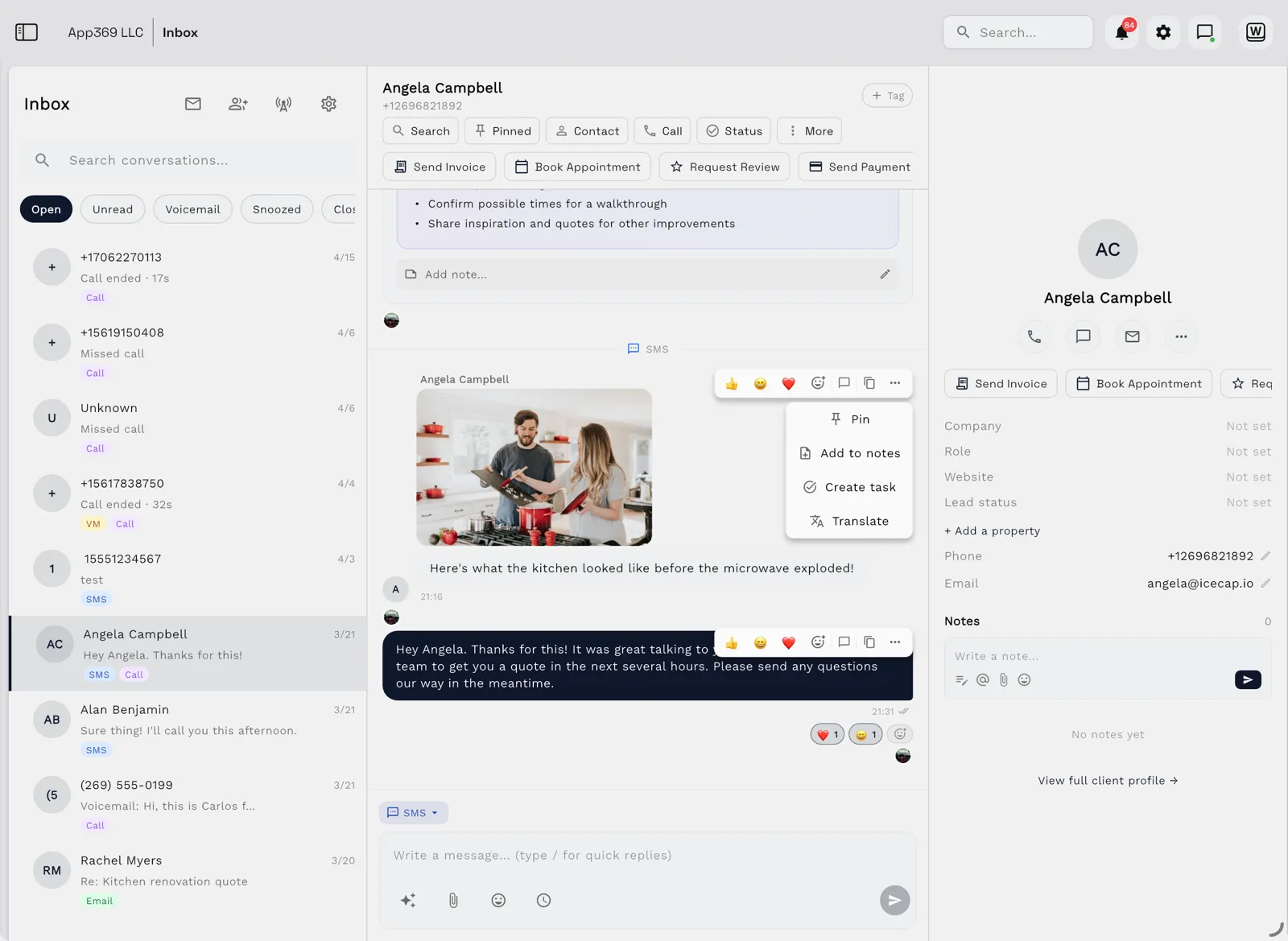
Email lands beside the client record on every plan; texts, calls and voicemail join it from Voyager, with AI call summaries from Specialist.
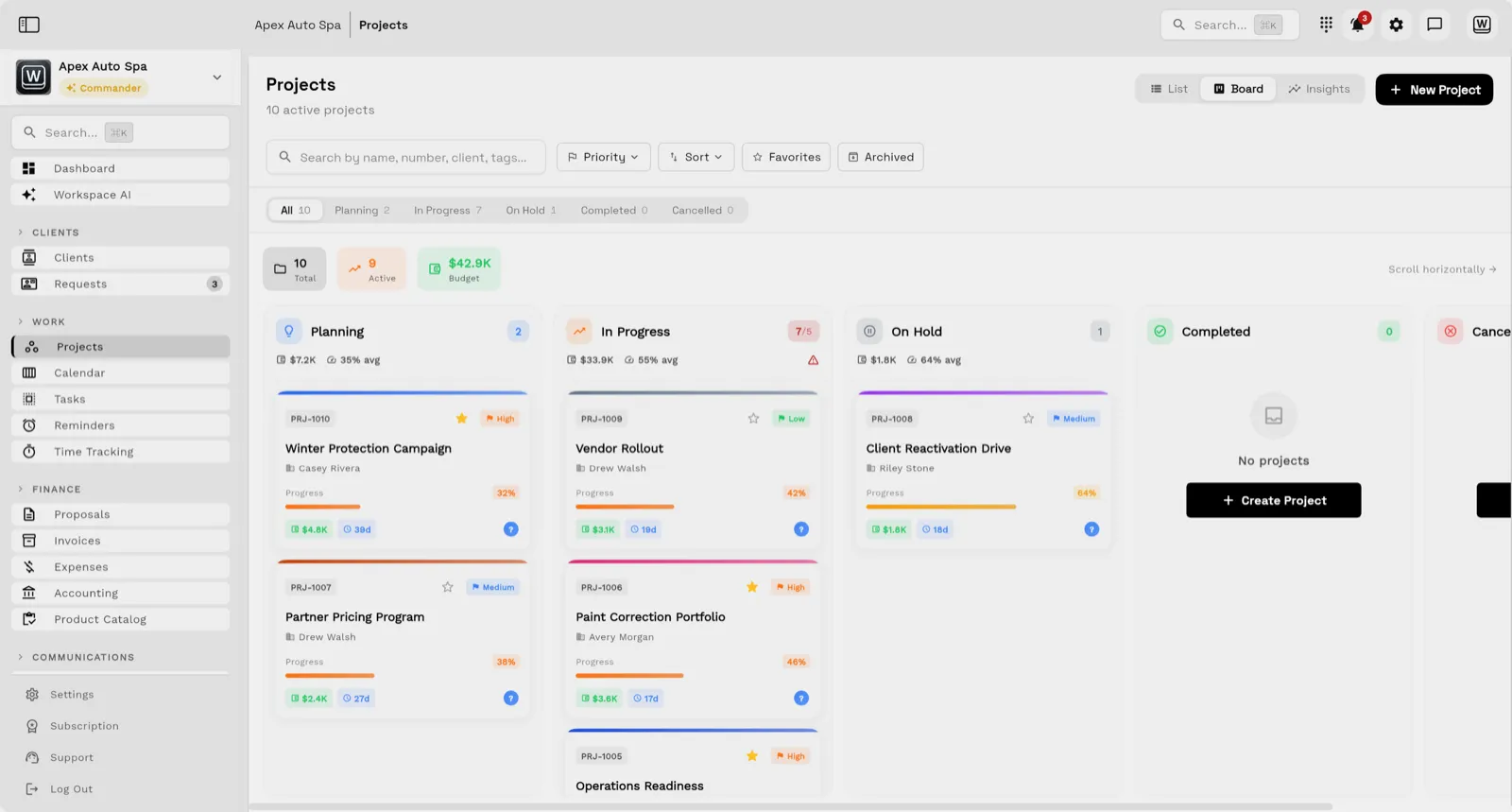
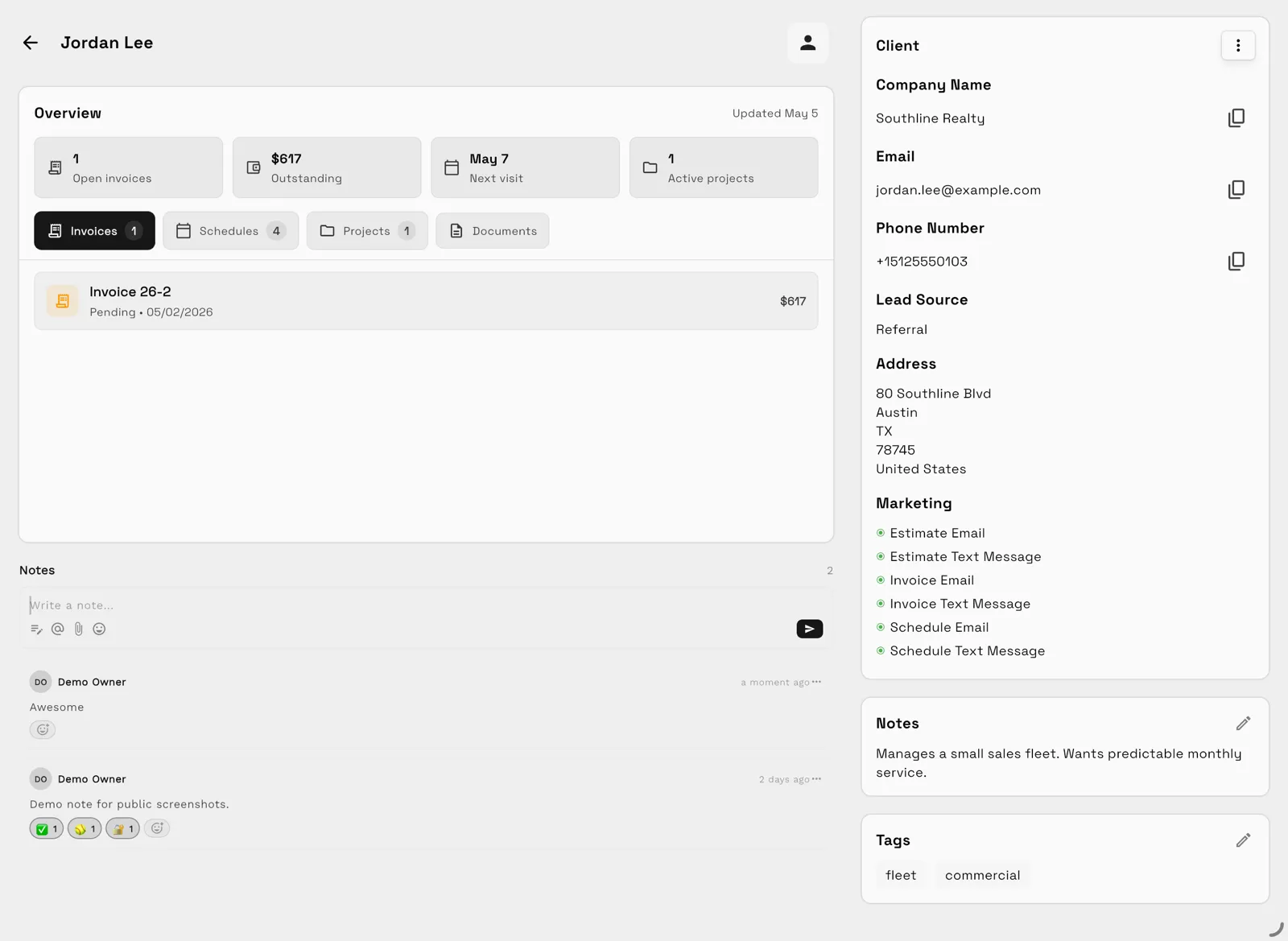
Tasks, files, and status for every engagement — visible to the team and, through the client portal, to the client.
Send quotes, bill milestones or retainers, and let automated reminders chase anything outstanding.
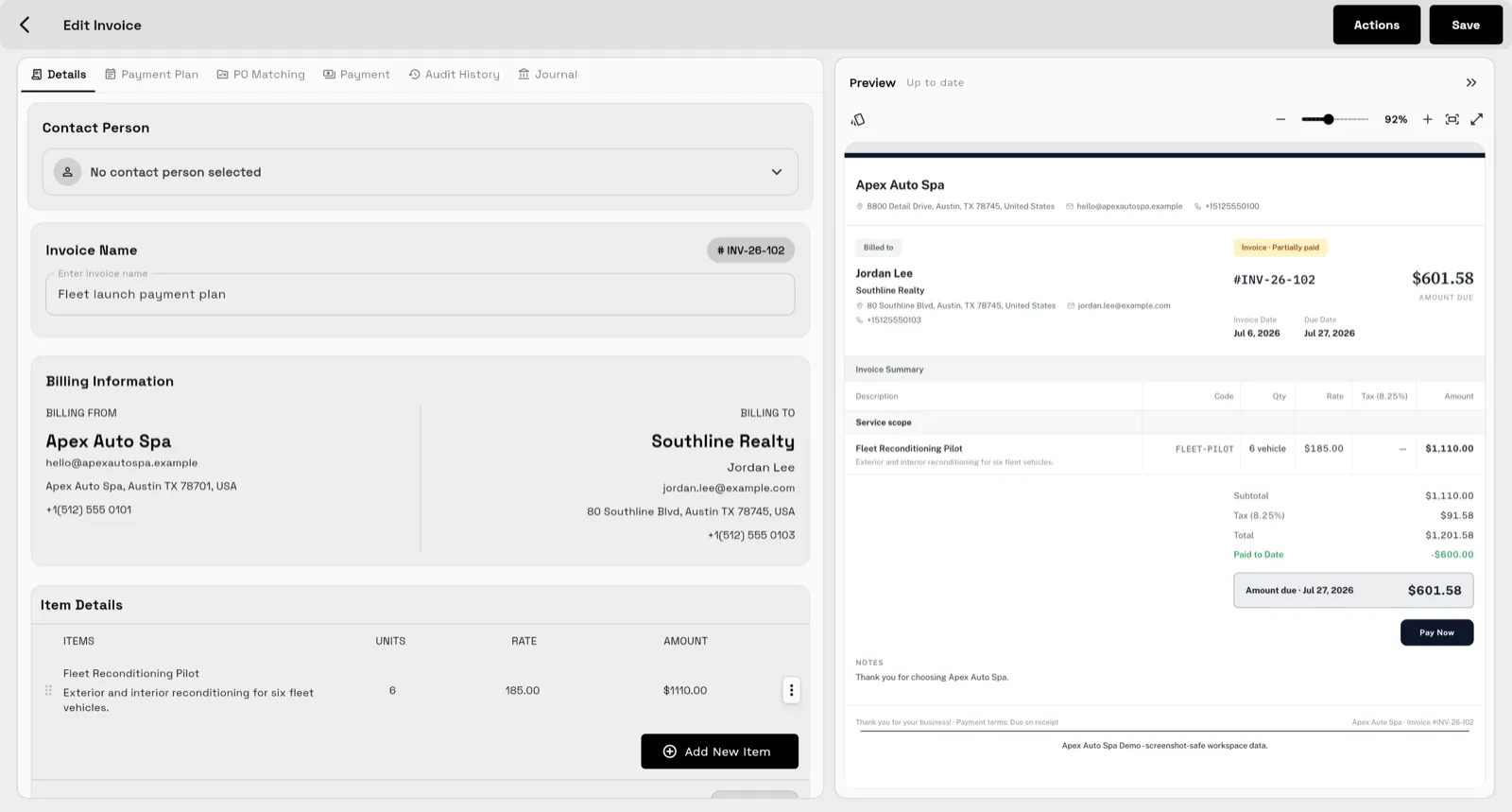
Clients watch progress, files, and invoices in a branded portal instead of asking your team for updates.
Use proposals, service catalogs, optional line items, and public proposal links to package the work.
Manage tasks, subtasks, files, comments, calendar views, dependencies (from Voyager), templates, and the team workload view (Commander).
Create branded invoices, recurring invoices, retainers, and deposits on every plan, with change orders and payment plans from Specialist.
Track payment status and dashboards on every plan, and expenses, AR aging, project profitability, and accounting from Specialist.
SMB ModernizationGreat tool for modernizing small businesses. Ability to leverage AI without technical background.
True all-in-one systemIt beautifully combined my CRM, team calendar, and billing tools so I could finally stop paying for a bunch of separate software subscriptions
Best app for my construction businessGreat app. This app solved all my needs! Not only did it help, but it is cheaper than other apps. I highly recommend this app if you want to start organizing and automating your business on another level. Also love the design
Quoted exactly as written, in the reviewer’s own language. This is a selection of reviews, not all of them. Reviews from our own team are left out of the selection, but the overall rating includes their ratings.
14-day free trial. Card required. After the trial: from $29/month. Renews automatically every month until you cancel. Cancel anytime in Settings → Billing.
Talk to salesYes. Workspace369 connects projects, tasks, files, proposals, invoices, and reporting around the same client-work context; payment plans and expenses start on Specialist.
Workspace369 includes recurring subscription invoices, payment plans, installments, retainers, deposits, partial payment tracking, and related billing workflows. Recurring invoices, retainers, and deposits are on every plan; payment plans and installments start on Specialist.
Yes. The project financials dashboard starts on Voyager, and expenses, AR aging, and project profitability reporting start on Specialist, so teams can understand the financial shape of client work.
Start with the modules you need today, then turn on AI, automations, accounting, inventory, requests, and reporting as the operation grows.
14-day free trial. Card required. After the trial: from $29/month. Renews automatically every month until you cancel. Cancel anytime in Settings → Billing.