Parents ask the same questions every term
Which level is my child in, when is the next lesson, is the pool open on the holiday Monday. Each answer is a text typed on a wet phone between lessons.
Most swim schools run on a waitlist spreadsheet, a payment app and a group chat.
14-day free trial. Card required. After the trial: from $29/month. Renews automatically every month until you cancel. Cancel anytime in Settings → Billing.
Talk to sales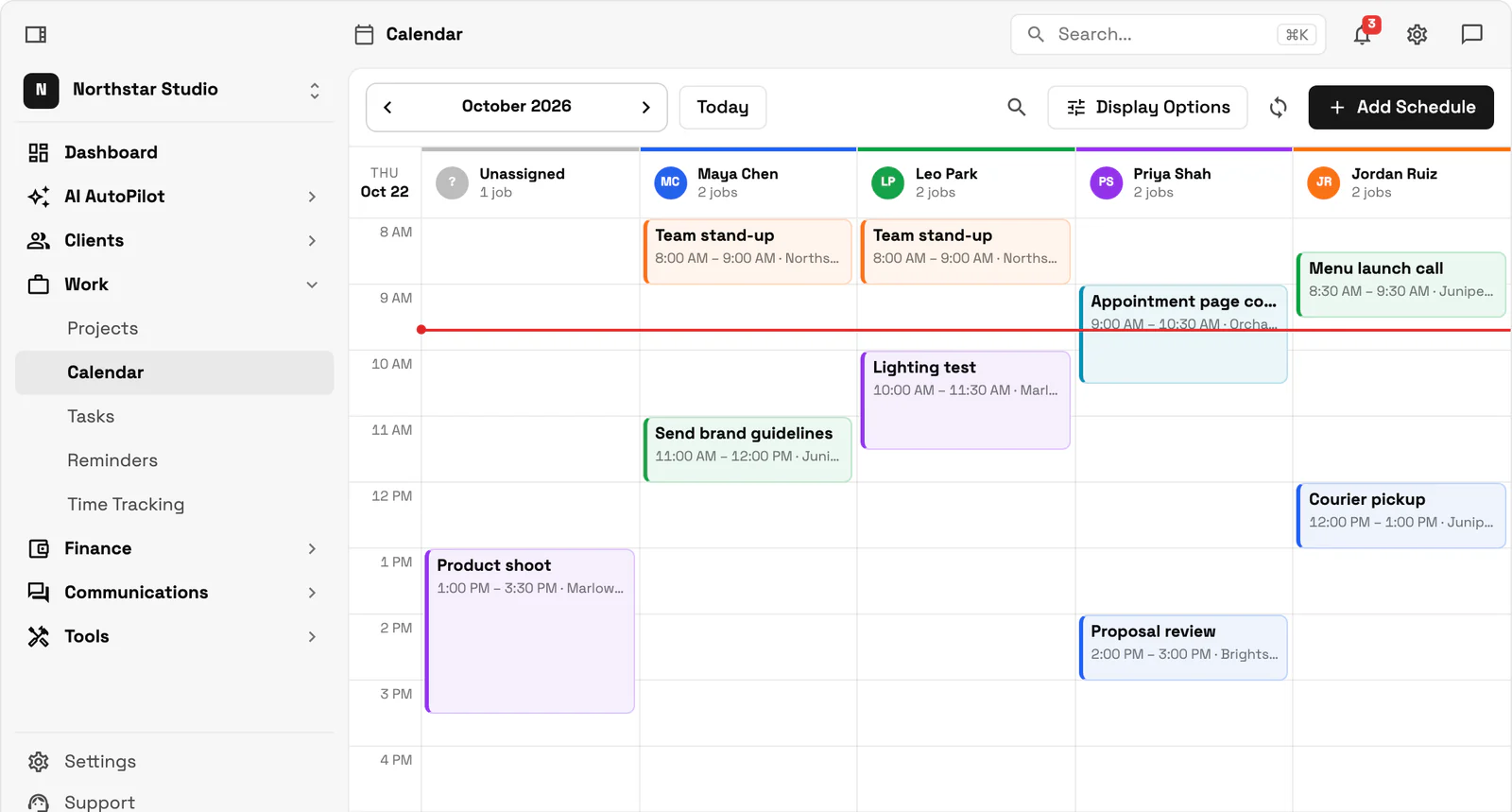
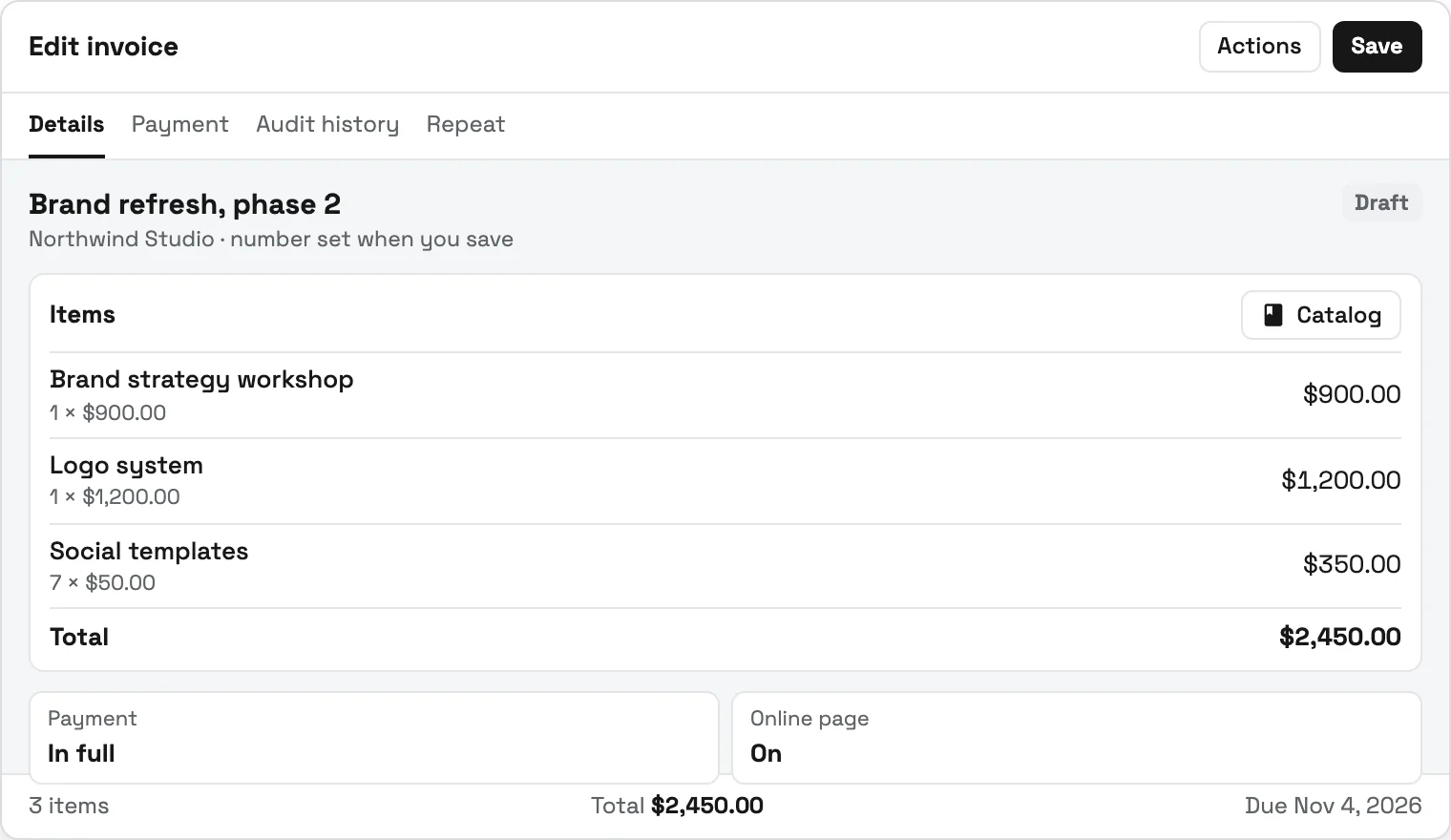
Workspace369 puts those families on one record each: the inquiry from your website, the pool waiver signed online, the child's weekly lesson on a recurring calendar slot, and the monthly membership or lesson pack that renews on the parent's saved card (Stripe or Square). That much works on Cadet, $29 a month for one seat, which suits a solo instructor teaching in a rented pool. A school with staff usually wants Voyager ($74 a month, 2 seats): brothers and sisters on one family membership, instructors scanning membership passes at the pool deck, and one text to the whole 9 o'clock block when the heater fails (texting needs a dedicated number, $50 one-time carrier setup). Specialist ($149 a month, 10 seats) adds online booking so parents can pick an assessment swim themselves. Skill-level progress reports, makeup-lesson credits and lane scheduling stay in a swim-specific tool.
Key facts
Swim school software at Workspace369 covers 10 areas, including parent intake form, swim level in custom fields, waivers signed online.
The workflow runs in 4 steps, from "place every new swimmer before the first lesson" to "reach every family at once".
Workspace369 starts at $29/mo for 1 seat, and the Commander plan includes 20 seats and 120,000 Tokens a month at $299/mo.
Additional seats cost $10 each; full pricing is public on the Workspace369 pricing page.
If makeup credits, skill levels and lane scheduling drive your swim school, start with a swim or class-based tool: iClassPro names makeup tokens, attendance and check-in on its pricing page, Pike13 names check-in and an automated waitlist with a 7-day trial, and Jackrabbit Class prices by the number of students. Check each vendor's site for current prices. Workspace369 ($29 a month, Cadet) fits swim schools that want parent inquiries, waivers, memberships, the weekly schedule and parent texts on one record.
| Tool | Lowest monthly price | Makeup lessons | Check-in or attendance | Trial |
|---|---|---|---|---|
| iClassPro | See site | Makeup tokens | Listed | See site |
| Pike13 | See site | Not named on pricing page | Check-in management | 7 days |
| Jackrabbit Class | See site | See site | See site | See site |
| Workspace369 | $29 (Cadet) | Move the lesson on the calendar | Check-in (owner on Cadet, instructors from Voyager) | 14 days, card required |
Features from each vendor's official pricing page, checked November 8, 2026. Prices are not shown here; check each vendor's site for its current plans.
Which level is my child in, when is the next lesson, is the pool open on the holiday Monday. Each answer is a text typed on a wet phone between lessons.
The heater fails on Saturday morning and every family in the 9 o'clock block needs to hear before they leave home. Calling down a list takes longer than the lessons would have.
Two children in different levels on different days end up with two memberships, two renewal dates and two charges to the same parent's card.
Appointments, shoots, sessions, and follow-ups tied to the client record — with automated reminders arriving on time.
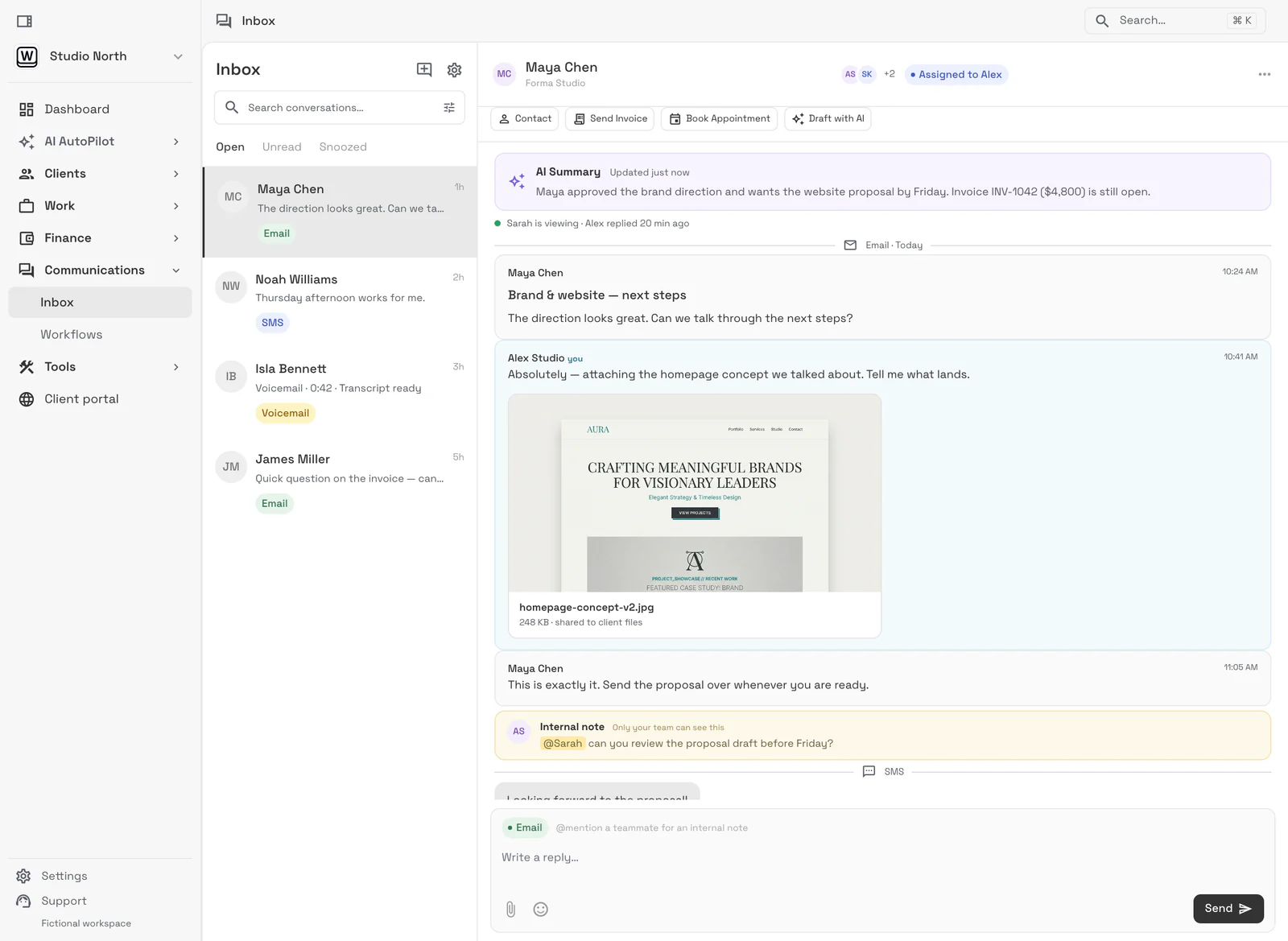
Email lands beside the client record on every plan; texts, calls and voicemail join it from Voyager, with AI call summaries from Specialist.
Tasks, files, and status for every engagement — visible to the team and, through the client portal, to the client.
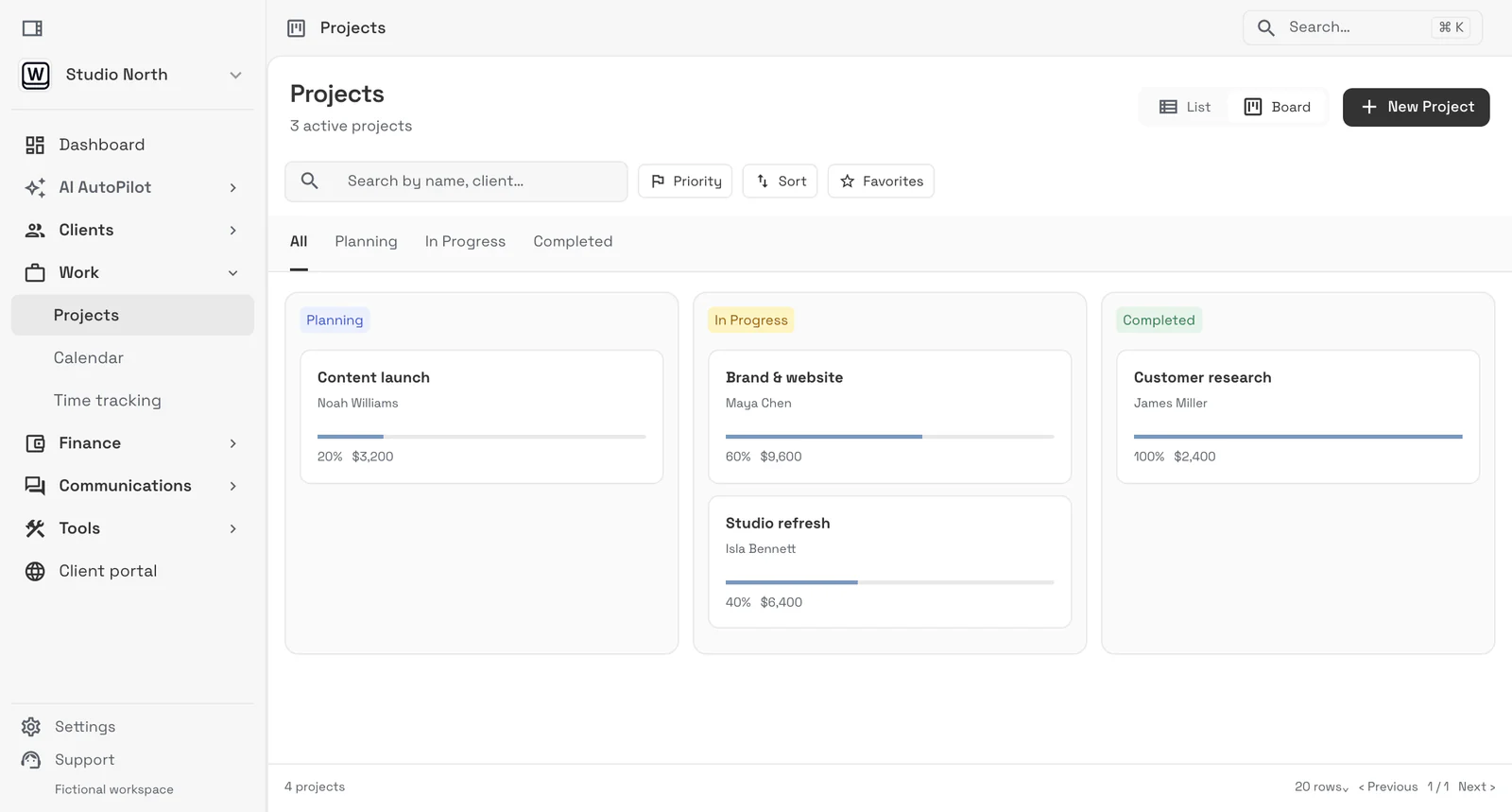
Send quotes, bill milestones or retainers, and let automated reminders chase anything outstanding.
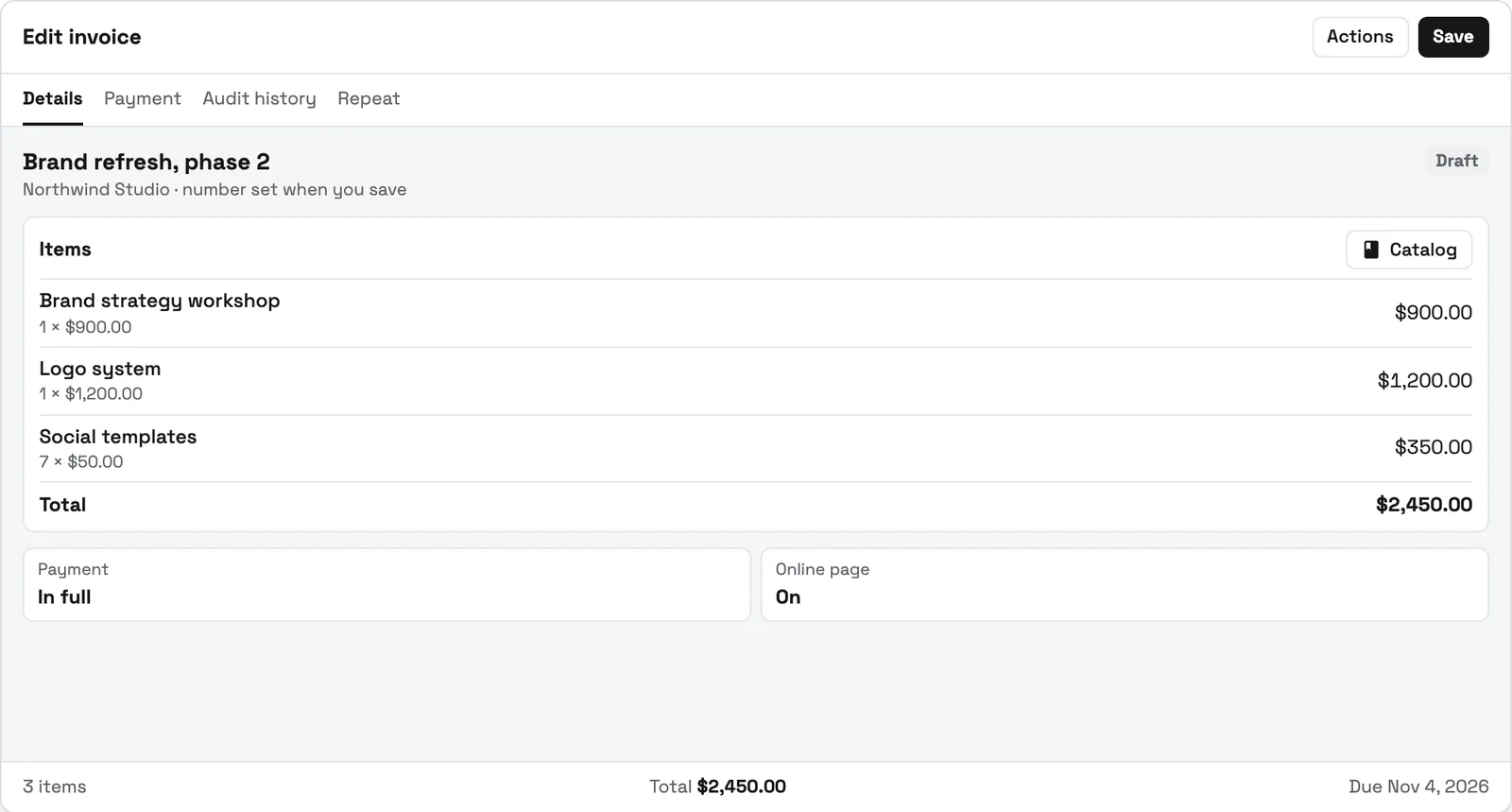
Ask the questions that decide the level on the website form itself: can the child put their face in the water, swim a width unaided, tread water. The parent gets an automatic reply, you see the answers on the new record, store the level in a custom field, and book a short assessment swim instead of guessing.
The pool safety waiver goes out as a contract the parent signs online, so nobody is filling in paper at the poolside on day one. Once it is signed, pick the right package: a monthly membership for year-round swimmers, or a 10-lesson pack for summer-only families. Failed card payments follow the rule you set on each membership type.
A recurring event keeps the Tuesday 4:00 lesson on the shared calendar for the whole term, with email reminders on every plan and SMS reminders from Voyager. From Voyager, instructors check swimmers in by scanning their membership pass; on Cadet the owner does.
From Voyager, a group text tells every parent in a lesson block when the pool closes or a lesson moves, and replies come back to the family's record.
SMB ModernizationGreat tool for modernizing small businesses. Ability to leverage AI without technical background.
True all-in-one systemIt beautifully combined my CRM, team calendar, and billing tools so I could finally stop paying for a bunch of separate software subscriptions
Best app for my construction businessGreat app. This app solved all my needs! Not only did it help, but it is cheaper than other apps. I highly recommend this app if you want to start organizing and automating your business on another level. Also love the design
Quoted exactly as written, in the reviewer’s own language. This is a selection of reviews, not all of them. Reviews from our own team are left out of the selection, but the overall rating includes their ratings.
14-day free trial. Card required. After the trial: from $29/month. Renews automatically every month until you cancel. Cancel anytime in Settings → Billing.
Talk to salesIt handles the office side of lessons: parent inquiries, child and parent records, waivers, the weekly lesson schedule, reminders, check-in and billing. Workspace369 covers that from $29 a month; skill-level progress reports and makeup-lesson credits stay in a swim-specific tool.#
Yes. A recurring event holds the slot on the shared calendar for the term, with email reminders on every plan and SMS reminders from Voyager. Parents booking or moving lessons themselves starts on Specialist.#
Each child keeps their own weekly slot on the calendar, but from Voyager ($74 a month) both can sit on one family membership, so the parent manages one membership instead of two.#
From Voyager, send a group text to every parent in the lesson block; replies come back to each family's record. Texting needs a dedicated number with a one-time $50 carrier setup.#
Not as a credit system. You can move a child's lesson on the calendar, but makeup tokens that parents redeem themselves are a swim school tool feature, so compare those if makeups drive your week.#
Start with the modules you need today, then turn on AI, automations, accounting, inventory, requests, and reporting as the operation grows.
14-day free trial. Card required. After the trial: from $29/month. Renews automatically every month until you cancel. Cancel anytime in Settings → Billing.