Class packs nobody counts
An athlete bought ten classes in March and is still showing up in May. Without a count at the door, the pack quietly turns into a free membership.
A CrossFit box earns its rent from three products: unlimited monthly memberships, class packs for athletes who come twice a week, and drop-in passes for travelers who show up at the 6 a.m. class. Workspace369 runs that business side.
14-day free trial. Card required. After the trial: from $29/month. Renews automatically every month until you cancel. Cancel anytime in Settings → Billing.
Talk to sales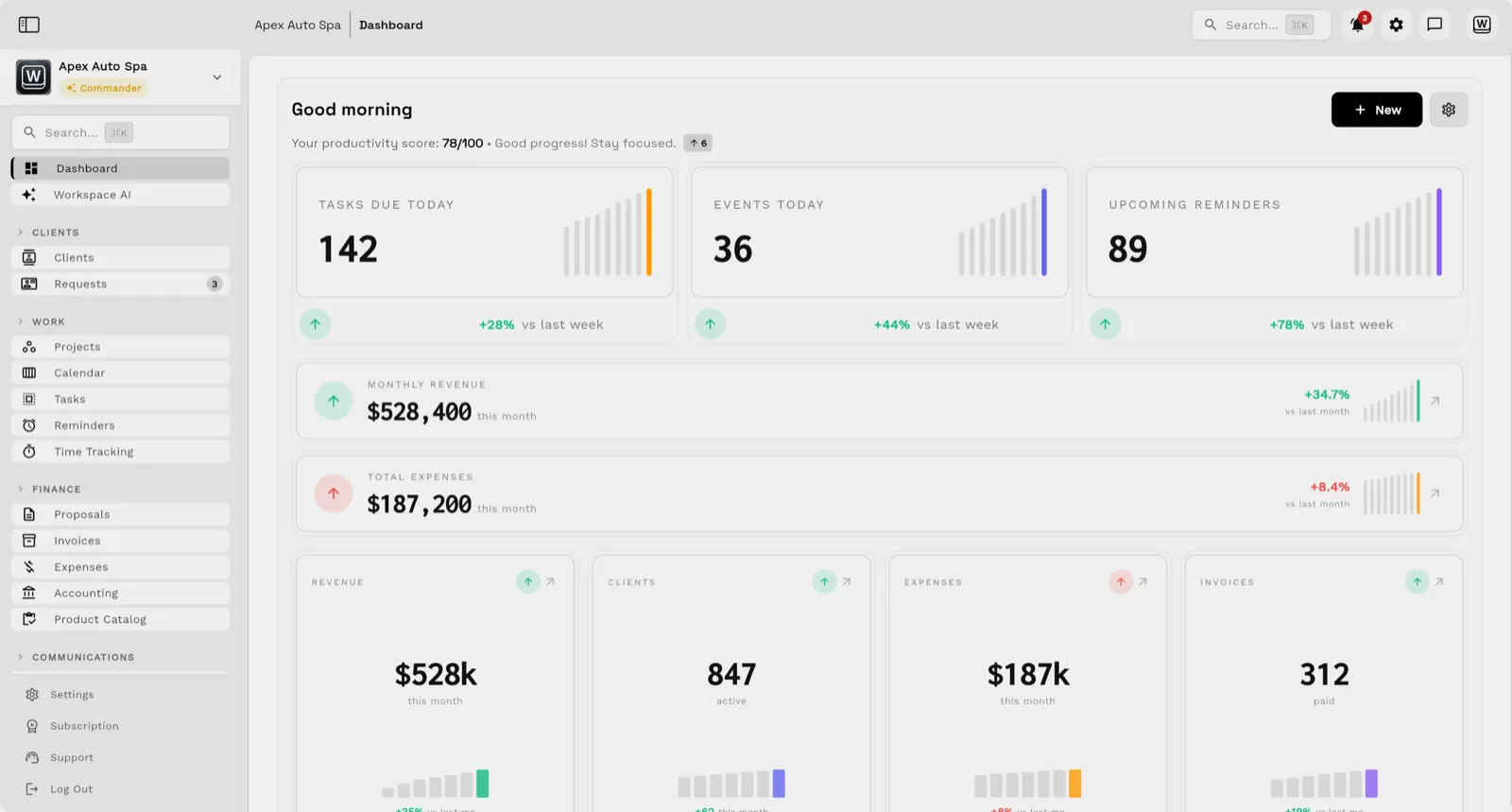
Each product is a membership type sold through a pay link and paid into your own Stripe account, with recurring plans renewing on the saved card; every athlete gets a QR pass in their client portal or Apple Wallet, and the check-in shows what is left on a pack. When a pack runs out at the door, sell the next one from the check-in screen. An owner who coaches every class can run that on Cadet ($29 a month, one seat), which includes three membership types: say unlimited, a 10-class pack and a drop-in. With coaches on staff, Voyager ($74 a month, 2 seats, extra seats $10) lets coaches check athletes in, puts couples on one family membership, and sends a group text when a class moves. There is no WOD programming or leaderboards in Workspace369: workouts, scores and the whiteboard stay in your programming app.
Key facts
CrossFit gym software at Workspace369 covers 10 areas, including intro session intake form, waivers and membership agreements signed online, unlimited monthly memberships.
The workflow runs in 4 steps, from "book the intro session from the website" to "pause instead of cancel".
Workspace369 starts at $29/mo for 1 seat, and the Commander plan includes 20 seats and 120,000 Tokens a month at $299/mo.
Additional seats cost $10 each; full pricing is public on the Workspace369 pricing page.
If you want workouts, scores and billing in one gym app, start with a gym platform. PushPress has a $0 Core plan with basic scheduling, billing and member tracking, Pro at $159 a month and Max at $229, and sells workout tracking as Train ($79 a month for up to 20 clients) with optional leaderboards. Gymdesk is $100 a month for up to 50 active members, with a 30-day trial. Workspace369 ($29 a month, Cadet) fits boxes that already like their programming app and want memberships, packs, check-in and waivers on one record, with member texts from Voyager.
| Tool | Lowest monthly price | Workout programming | Check-in | Trial |
|---|---|---|---|---|
| PushPress | $0 (Core); Pro $159, Max $229 | Train add-on, $79 for up to 20 clients | QR code and kiosk check-in | See site |
| Gymdesk | $100 (up to 50 active members) | See site | See site | 30 days |
| Workspace369 | $29 (Cadet) | In your programming app | QR pass scan (owner on Cadet, coaches from Voyager) | 14 days, card required |
Prices and features from each vendor's official pricing page, checked November 11, 2026, in USD. Prices change, so confirm before you buy. Read the gym and boutique fitness CRM comparison.
An athlete bought ten classes in March and is still showing up in May. Without a count at the door, the pack quietly turns into a free membership.
A traveler shows up for the 6 a.m. class, the coach is setting up the rig, and the drop-in fee gets forgotten by the time the warm-up starts.
A member hurts a shoulder, can't train for six weeks, and cancels instead of pausing, and many never come back to restart.
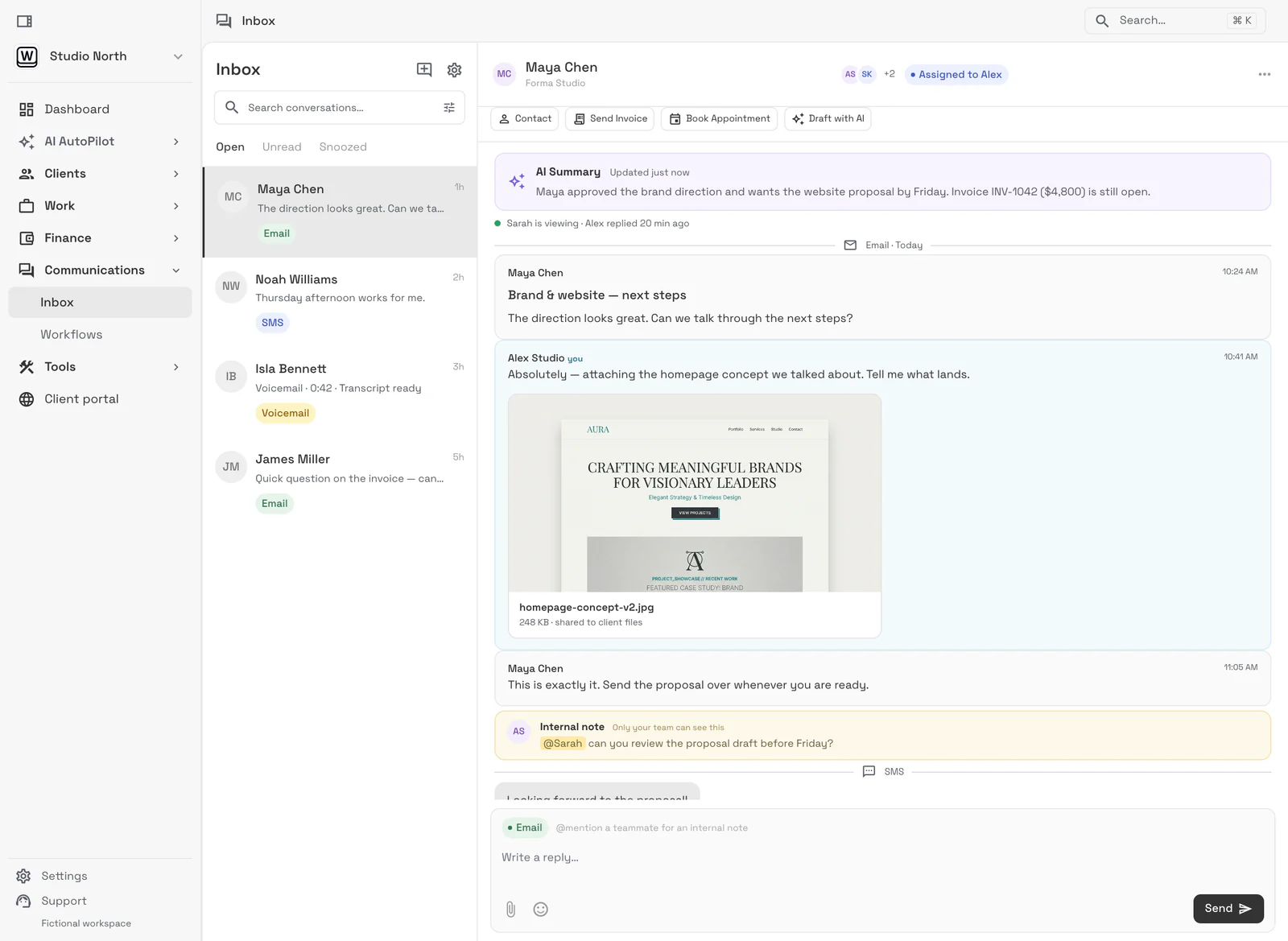
Email lands beside the client record on every plan; texts, calls and voicemail join it from Voyager, with AI call summaries from Specialist.
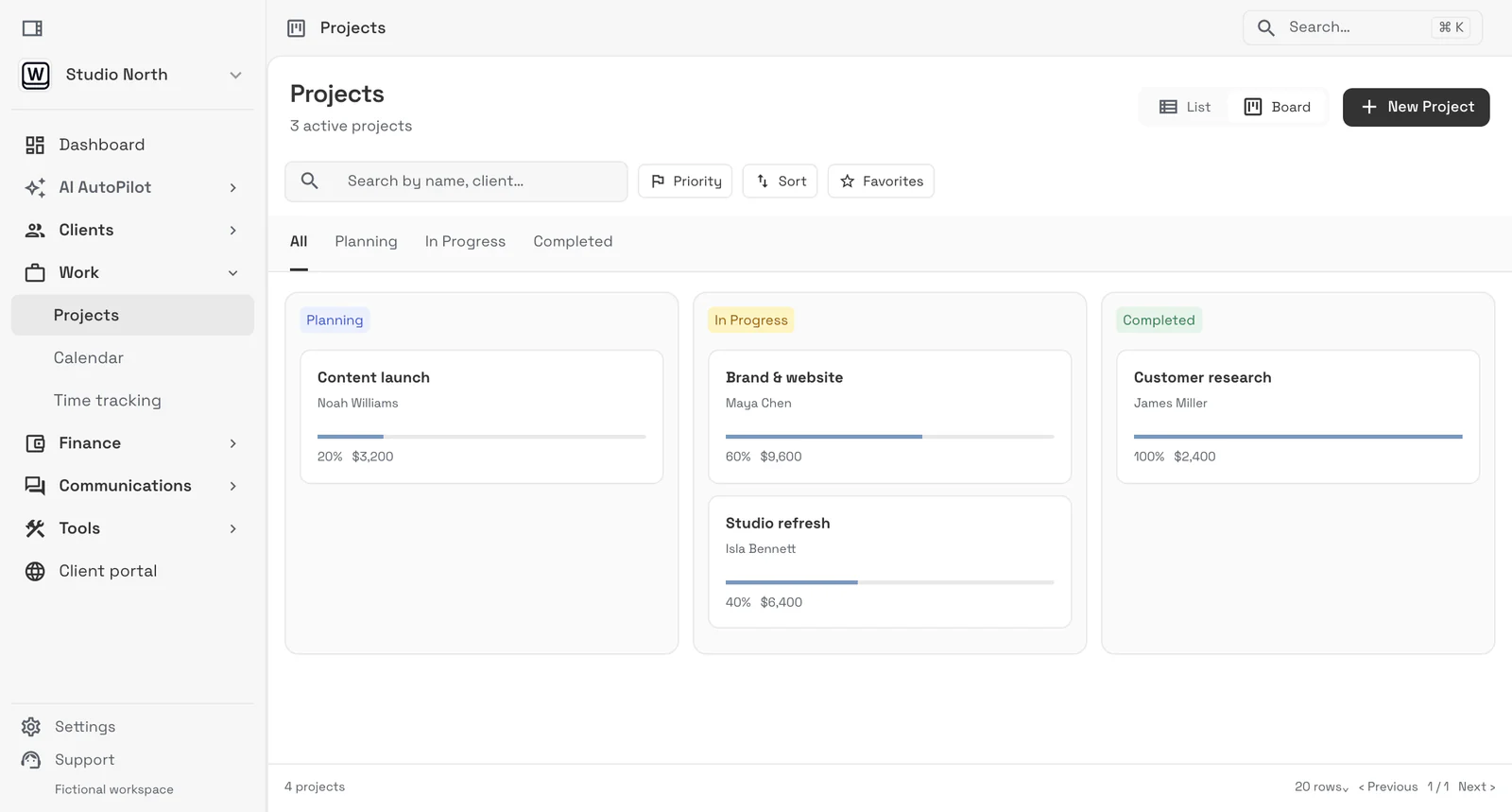
Tasks, files, and status for every engagement — visible to the team and, through the client portal, to the client.
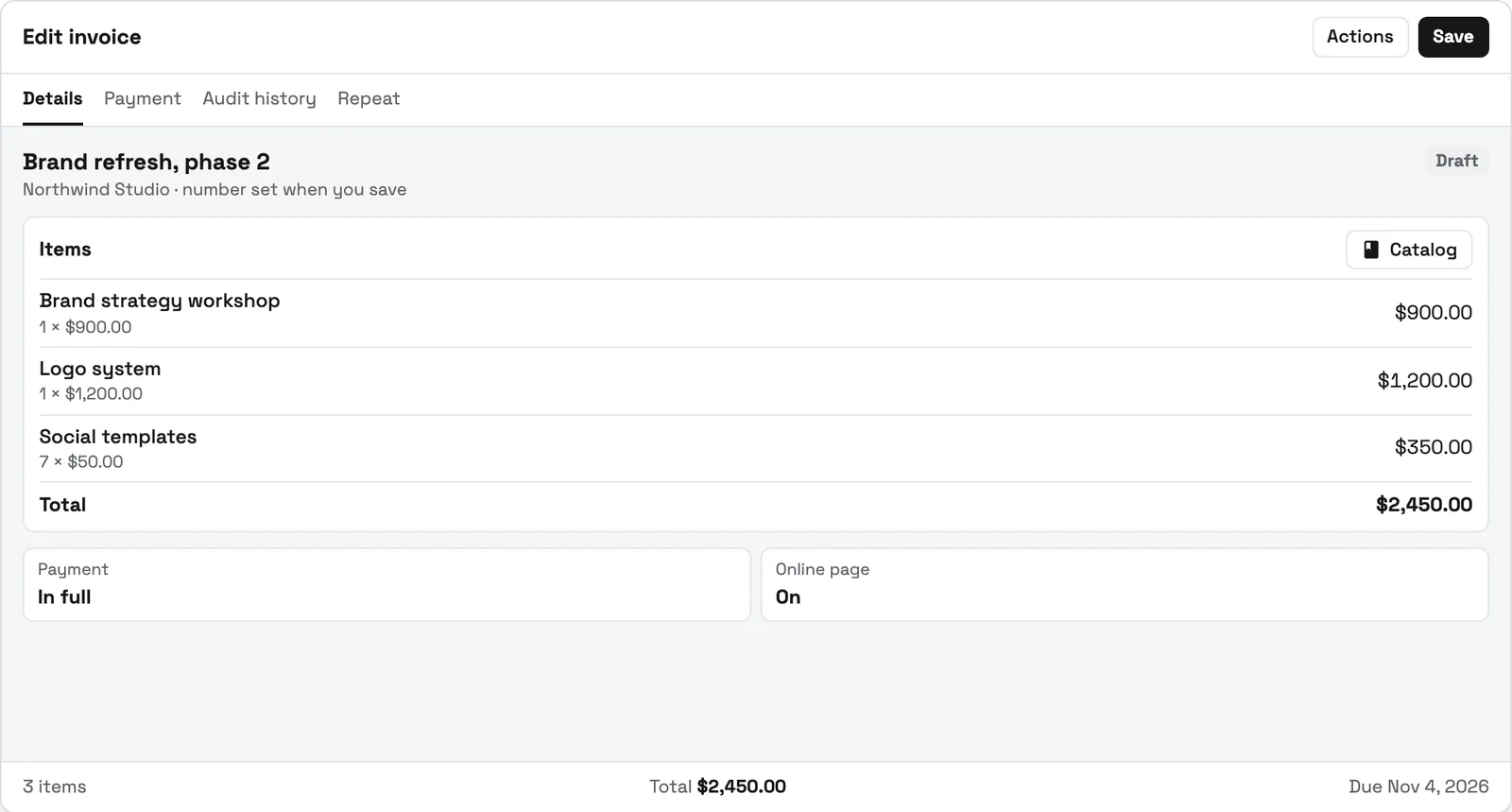
Send quotes, bill milestones or retainers, and let automated reminders chase anything outstanding.
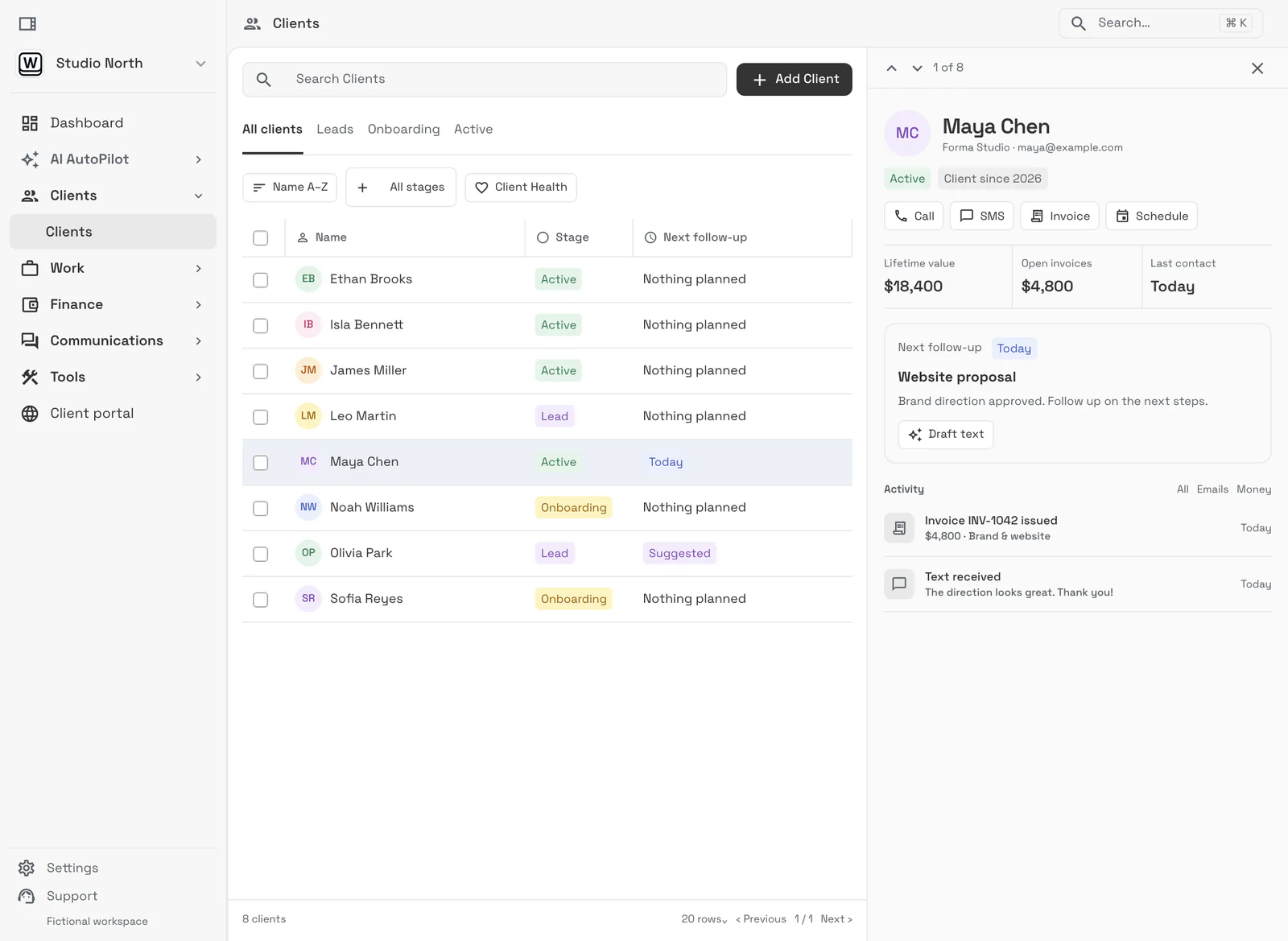
Clients watch progress, files, and invoices in a branded portal instead of asking your team for updates.
An intake form on your site asks about training history, injuries and goals, and replies automatically. It arrives as a request you convert into a member record, and you book the free intro or foundations session on the calendar.
Send the liability waiver and membership agreement as one contract the athlete signs online. Then send a pay link for the membership type that fits: unlimited monthly, a 10-class pack, or a drop-in pass. Recurring plans renew on the saved card.
Your class times sit on the team calendar as recurring events with the coach assigned. Athletes show the QR pass from their portal or Apple Wallet and the coach scans it with a phone camera or a USB or Bluetooth scanner. Out of classes or past the end date? The check-in screen says so, and you can sell the next pack right there.
When a membership type allows freezes, an injured or traveling member freezes from their portal or you freeze it from the member page, under the freeze rules you set. From Voyager, a group text tells every member when the gym closes for a holiday or a class moves.
SMB ModernizationGreat tool for modernizing small businesses. Ability to leverage AI without technical background.
True all-in-one systemIt beautifully combined my CRM, team calendar, and billing tools so I could finally stop paying for a bunch of separate software subscriptions
Best app for my construction businessGreat app. This app solved all my needs! Not only did it help, but it is cheaper than other apps. I highly recommend this app if you want to start organizing and automating your business on another level. Also love the design
Quoted exactly as written, in the reviewer’s own language. This is a selection of reviews, not all of them. Reviews from our own team are left out of the selection, but the overall rating includes their ratings.
14-day free trial. Card required. After the trial: from $29/month. Renews automatically every month until you cancel. Cancel anytime in Settings → Billing.
Talk to salesIt runs everything around the workout: booking the intro session, the signed waiver, unlimited memberships, class packs and drop-ins, the scan at the start of class and the renewal on the 1st. Workspace369 does that from $29 a month, next to the app your coaches program in.#
Yes. Each one is a membership type sold through a pay link into your own Stripe account; recurring plans renew on the saved card. Cadet includes three membership types.#
They show the QR pass from their client portal or Apple Wallet, and you scan it with a camera or a USB or Bluetooth scanner, or search by name. Coaches can check athletes in from Voyager; on Cadet the owner does. Voyager also adds member texts, which need a dedicated number with a one-time $50 carrier setup.#
Yes, when the membership type allows freezes. The member freezes it from their portal or you do it from the member page, and the type's freeze rules set how often and for how long.#
No. Workspace369 has no WOD programming or leaderboards, so keep your programming app for workouts and scores and run memberships, check-in and billing in Workspace369.#
Start with the modules you need today, then turn on AI, automations, accounting, inventory, requests, and reporting as the operation grows.
14-day free trial. Card required. After the trial: from $29/month. Renews automatically every month until you cancel. Cancel anytime in Settings → Billing.