Calendar & bookingInbox & calls
Google events in your calendar, Meet for all, easier email domains and SMS templates
See your Google Calendar events next to your bookings, add Google Meet on any plan, connect a custom email domain in three steps, and save reusable texts.
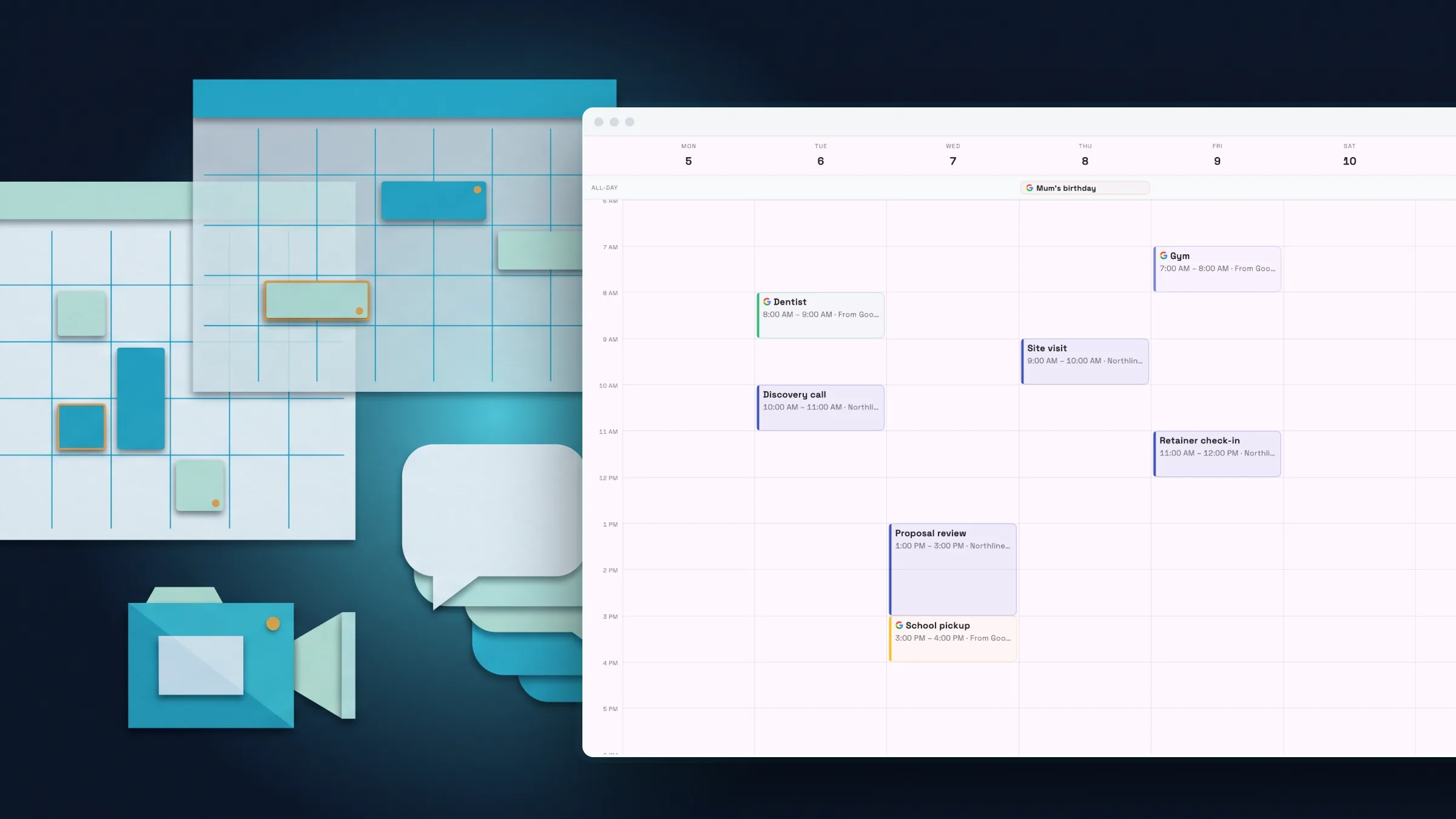
See your Google Calendar events in your calendar
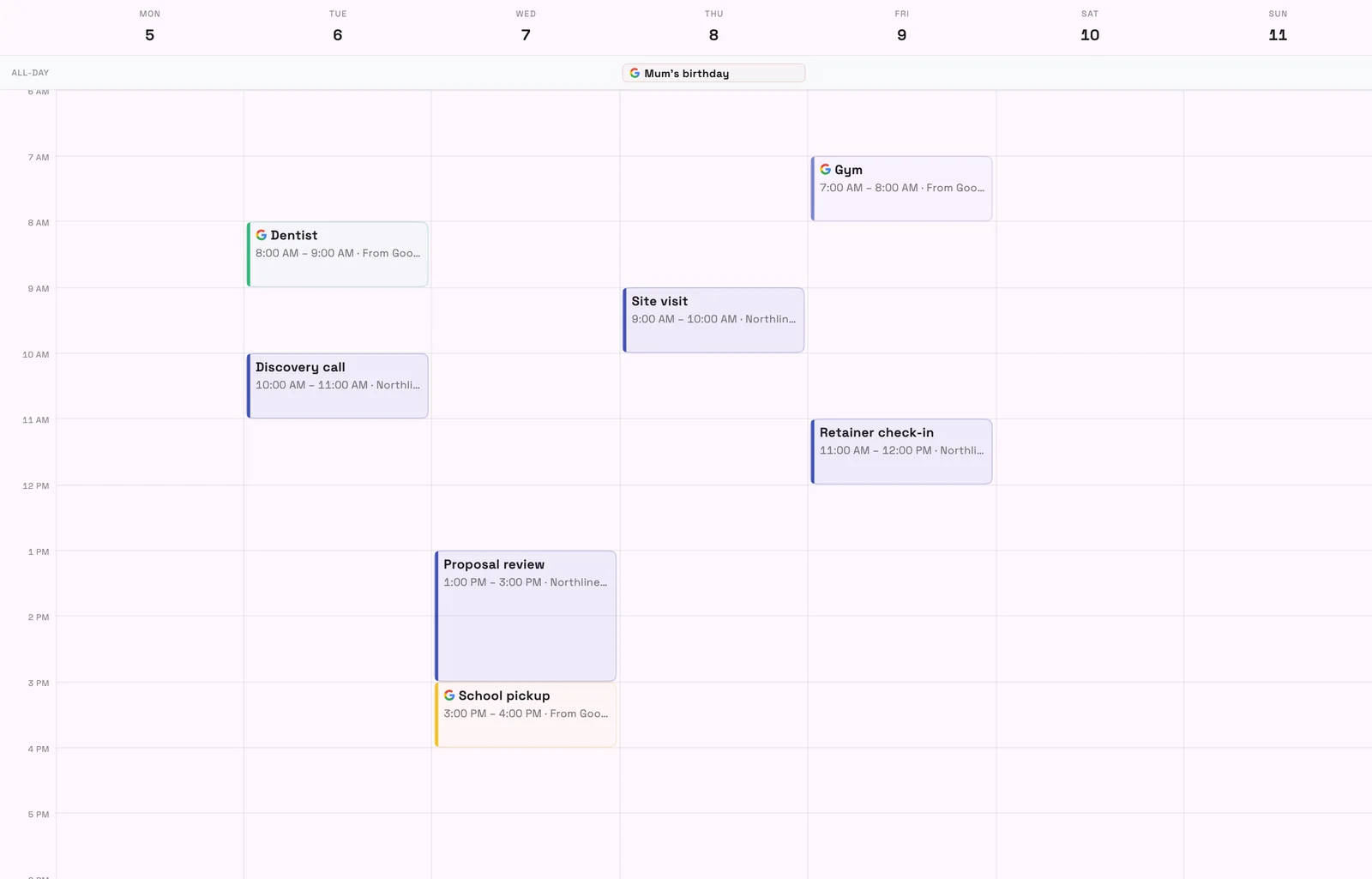
Turn on Show my Google events in Workspace369 and the events from the Google calendars you choose appear in your Workspace369 calendar next to your bookings. They are read-only and only you can see them, so you spot conflicts before you book.
To change one of those events, edit it in Google Calendar. You choose which of your Google calendars appear, so personal calendars you leave off stay out of view.
- Choose which Google calendars to show
- Read-only and visible only to you
- Appears in every calendar view
- Where to find it
- Settings
- Integrations
- Google Calendar
- Show my Google events in Workspace369
- Plans
- Every plan
- Learn more
- Google CalendarCalendar and booking
Google Meet on every plan, with nothing to switch on
Google Meet is available to every workspace. Each team member connects their own Google account, and connecting Google Calendar connects Meet too. Any member, not only managers, can connect from the Meet page.
Use Meet links on calendar events on every plan. On Specialist and above, booking pages and services can also use Google Meet as the meeting location, so clients get a link when they book.
- Where to find it
- Settings
- Integrations
- Google Meet; booking page editor
- meeting location
- Plans
- Every plan
- Learn more
- Calendar and bookingGoogle Calendar
Connect your own email domain in three steps
Adding your domain is now three steps: your domain, add the records, then check and finish. Paste any address or web link and it is cleaned up for you, and records are grouped by purpose with one-tap copy.
There is a how-to for Cloudflare, GoDaddy, Namecheap, Squarespace and Wix, every check says what to fix, and you can keep existing Google Workspace or Microsoft 365 mail working.

- Where to find it
- Settings
- Email, SMS & phone
- Domains & connections
- Add domain
- Plans
- Every plan
- Learn more
- Inbox and emailSendGrid
Reusable text messages with a default for each message type
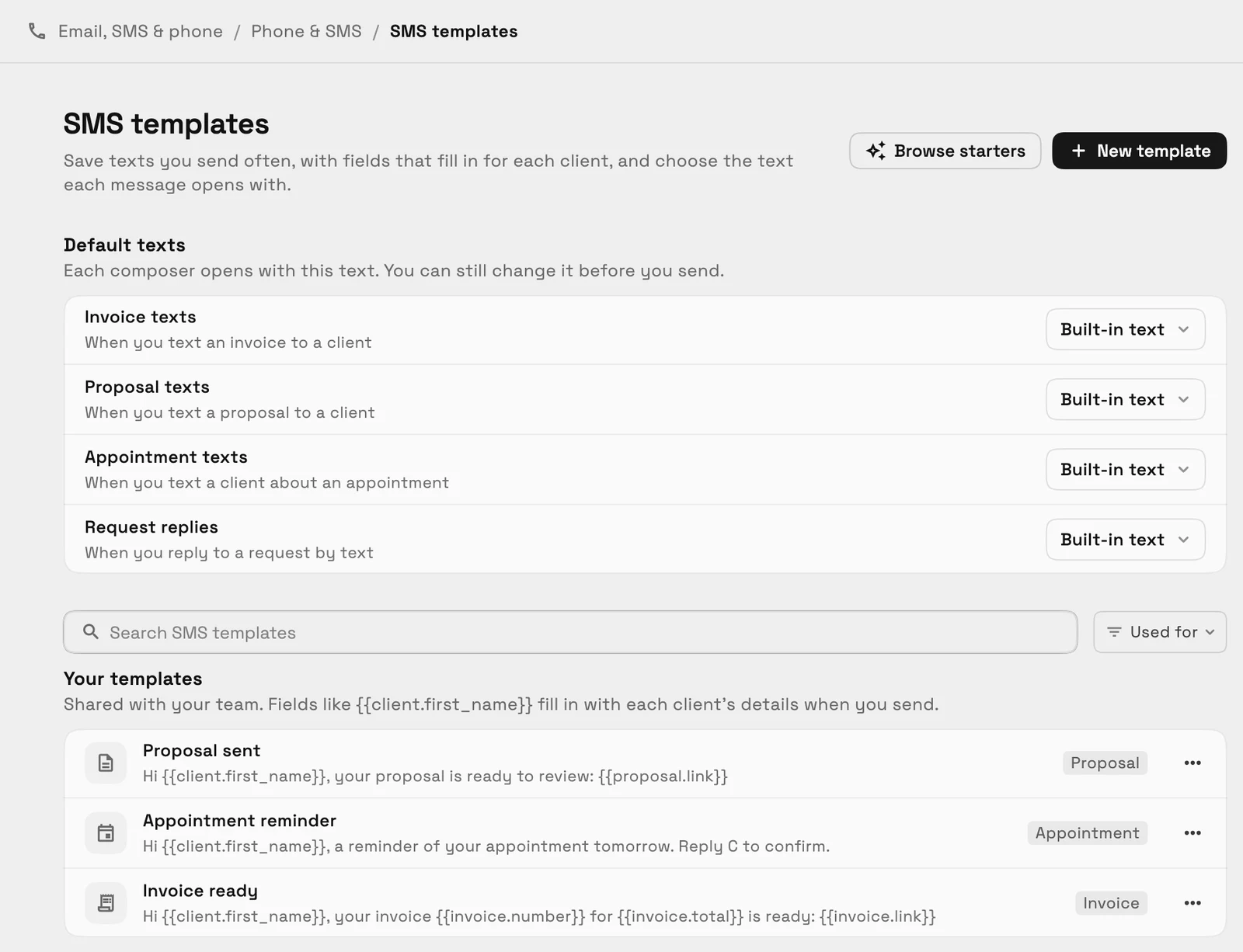
Save texts you send often, with fields that fill in for each client, and see a phone-bubble preview and how many parts the message will be sent in. Choose the text that opens when you text an invoice, a proposal, an appointment or a request reply.
Starter templates are included, and every composer that sends a text offers your templates. Each part of a longer text counts toward your plan's usage, and the editor warns you before you send.
- Defaults for invoice, proposal, appointment and request texts
- Merge fields and a message preview
- Shared with your team
- Where to find it
- Settings
- Email, SMS & phone
- Phone & SMS
- SMS templates
- Plans
- Voyager and up
- Learn more
- Inbox and email
Ready when you are
See where Workspace369 fits into your client-work flow.
Start with the modules you need today, then turn on AI, automations, accounting, inventory, requests, and reporting as the operation grows.
14-day free trial. Card required. After the trial: from $29/month. Renews automatically every month until you cancel. Cancel anytime in Settings → Billing.
