Workflows
Webhooks now come with every plan
Send signed webhooks to Zapier, Make, n8n or your own server on every plan, starting with Cadet. The Builder API stays on Specialist and up.
Webhooks on every plan, from Cadet up
Webhooks used to start on Specialist. They now come with every plan, so a Cadet or Voyager workspace can send a signed notification to another tool whenever something happens, such as an invoice being paid, a proposal accepted or a new lead coming in.
Open Settings, then Webhooks, choose New webhook, paste the URL your tool gave you and pick the events it should receive. That is all Zapier, Make and n8n need for a catch-hook trigger. Each delivery is signed with a secret you can rotate, so your endpoint can check it came from Workspace369, and a workspace can have up to 50 webhooks.
The Builder API, the REST API at /v1 that lets your own code and tools such as Zapier call Workspace369 with a personal access token, stays on Specialist and up.
- Every plan, starting with Cadet
- Works as a Zapier, Make or n8n catch-hook trigger
- Signed deliveries with a secret you can rotate
- Up to 50 webhooks per workspace

- Where to find it
- Settings
- Integrations
- Webhooks
- New webhook
- Plans
- Every plan
- Learn more
- WebhooksWebhooks reference
Related updates
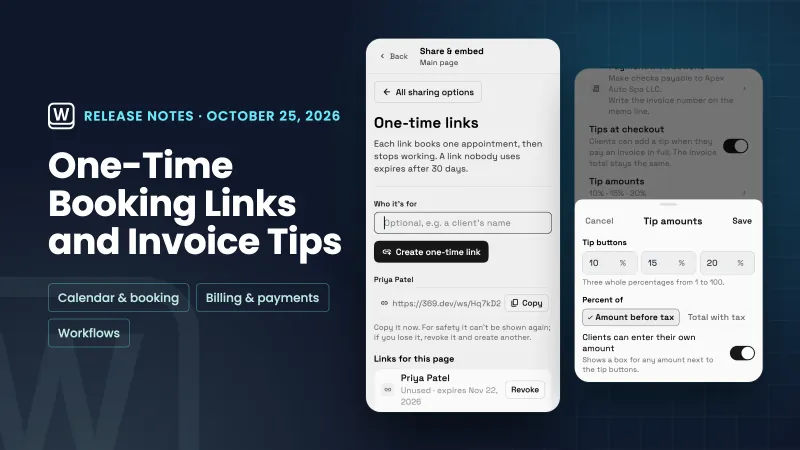 One-time booking links, tips at invoice checkout and project workflows
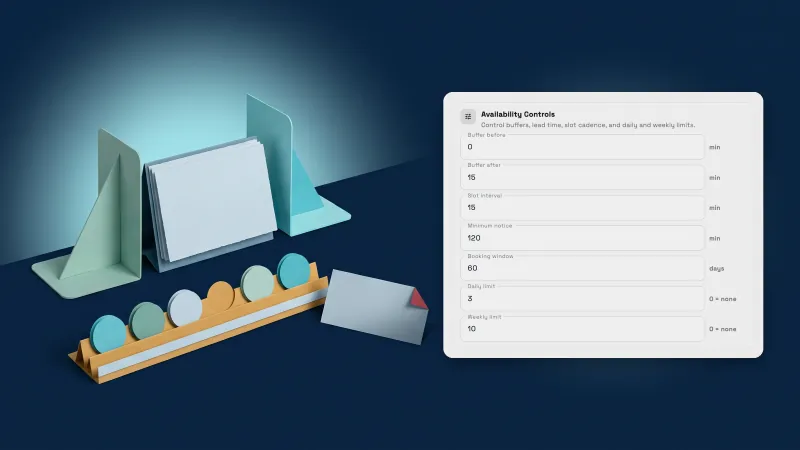 Mark no-shows, cap weekly bookings and set the dates a service can be booked
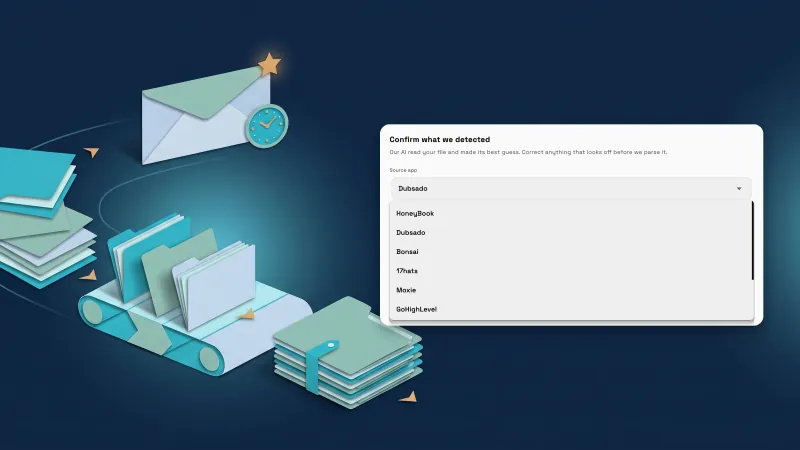 Ask clients for reviews automatically, and import from five more tools
Webhooks now come with every plan, in your own workspace
Start your free trial, then find it under Settings.
14-day free trial. Card required. After the trial: from $29/month. Renews automatically every month until you cancel. Cancel anytime in Settings → Billing.