Workspace AI
Workspace369 is now an approved plugin in ChatGPT
OpenAI approved and published the Workspace369 plugin for ChatGPT. Connect it to ask about clients, draft invoices and proposals, and plan your week from ChatGPT.
Find Workspace369 in ChatGPT and connect it
OpenAI has reviewed and approved the Workspace369 plugin, and it is now published for ChatGPT. Find Workspace369 in ChatGPT, connect it, sign in with your Workspace369 account, pick the workspace and choose Approve access. It can take a little while to show up for everyone; if you don't see it yet, look again later.
Once it's connected, ChatGPT can look up clients and their history, draft invoices and proposals with real line items, create and update projects and tasks, check availability and schedule events, log time and expenses, record payments, look through your inbox and search your knowledge base. Try asking which invoices are overdue and which client owes you the most, or how much unbilled time you've logged on your active projects.
It works with your own permissions, so ChatGPT can only see and do what your account can. Anything that sends to a client, such as an invoice, email, text or contract, waits for your approval in Workspace369 unless you turn on Send without asking for that app. An owner or admin turns on Allow AI connections once in Settings → AI connections. The plugin is included on every Workspace369 plan, and each request counts toward your plan's AI usage.
- Approved and published for ChatGPT
- Clients, invoices, proposals, projects, calendar and time
- Your own permissions; sends wait for your approval
- Included on every plan
- Where to find it
- In ChatGPT, find Workspace369 and connect it. In Workspace369: Settings
- AI connections
- Plans
- Every plan
Quick answers
- Is there a Workspace369 plugin for ChatGPT?
- Yes. OpenAI approved and published the Workspace369 plugin for ChatGPT on October 30, 2026. Find Workspace369 in ChatGPT, connect it and sign in with your Workspace369 account.
- How do I connect Workspace369 to ChatGPT?
- An owner or admin first turns on Allow AI connections in Workspace369 under Settings → AI connections. Then find Workspace369 in ChatGPT, connect it, sign in, pick your workspace and choose Approve access.
- What can ChatGPT do in my Workspace369 workspace?
- Look up clients and their history, draft invoices and proposals, create and update projects and tasks, check availability and schedule events, log time and expenses, record payments, look through your inbox and search your knowledge base.
- Can ChatGPT send invoices or emails without asking me?
- No. Anything that sends to a client waits for your approval in Workspace369, unless you turn on Send without asking for that app. ChatGPT also only sees and does what your own account can.
- Which Workspace369 plans include the ChatGPT plugin?
- Every plan, from Cadet to Enterprise. Each request ChatGPT makes counts toward your plan’s AI usage.
Related updates
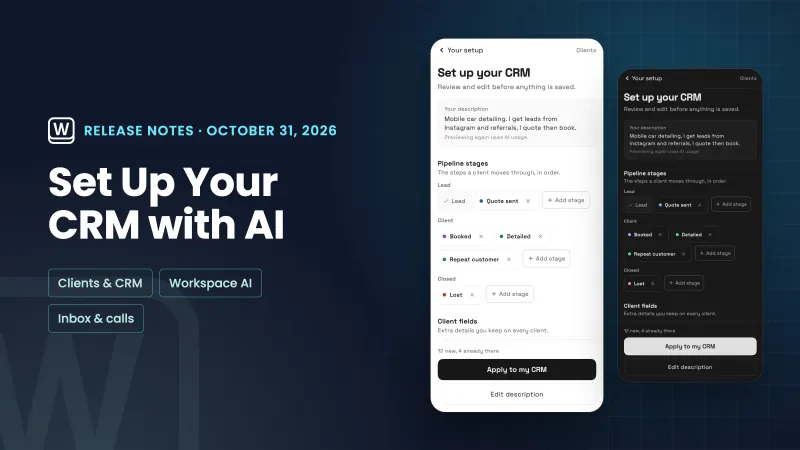 Set up your CRM with AI, and read through your email faster
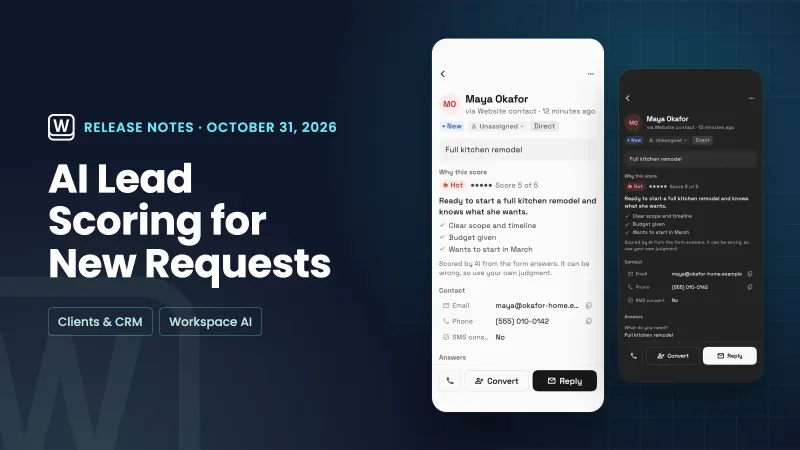 AI lead scoring labels new requests hot, warm or cold
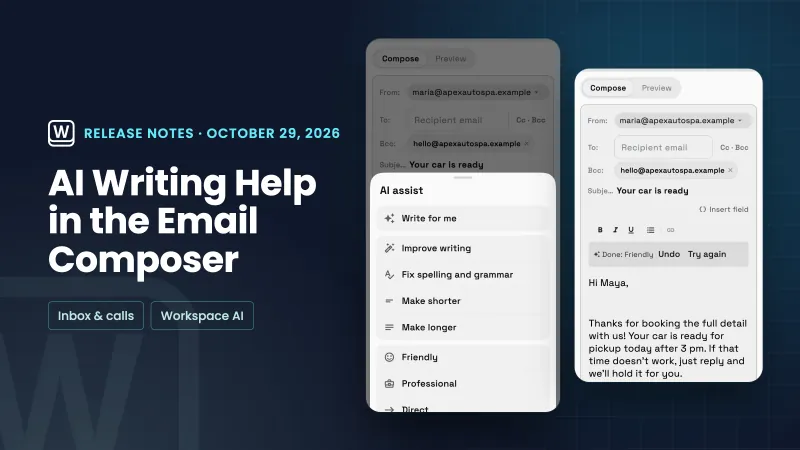 AI writing help in the email composer and your own default sender
Workspace369 is now an approved plugin in ChatGPT, in your own workspace
Start your free trial, then find it under In ChatGPT, find Workspace369 and connect it. In Workspace369: Settings.
14-day free trial. Card required. After the trial: from $29/month. Renews automatically every month until you cancel. Cancel anytime in Settings → Billing.