Clients & CRMWorkspace AI
AI lead scoring labels new requests hot, warm or cold
Workspace369 can now label new requests hot, warm or cold with a short reason, so you reply to the best leads first. Signing in on the web is faster too.
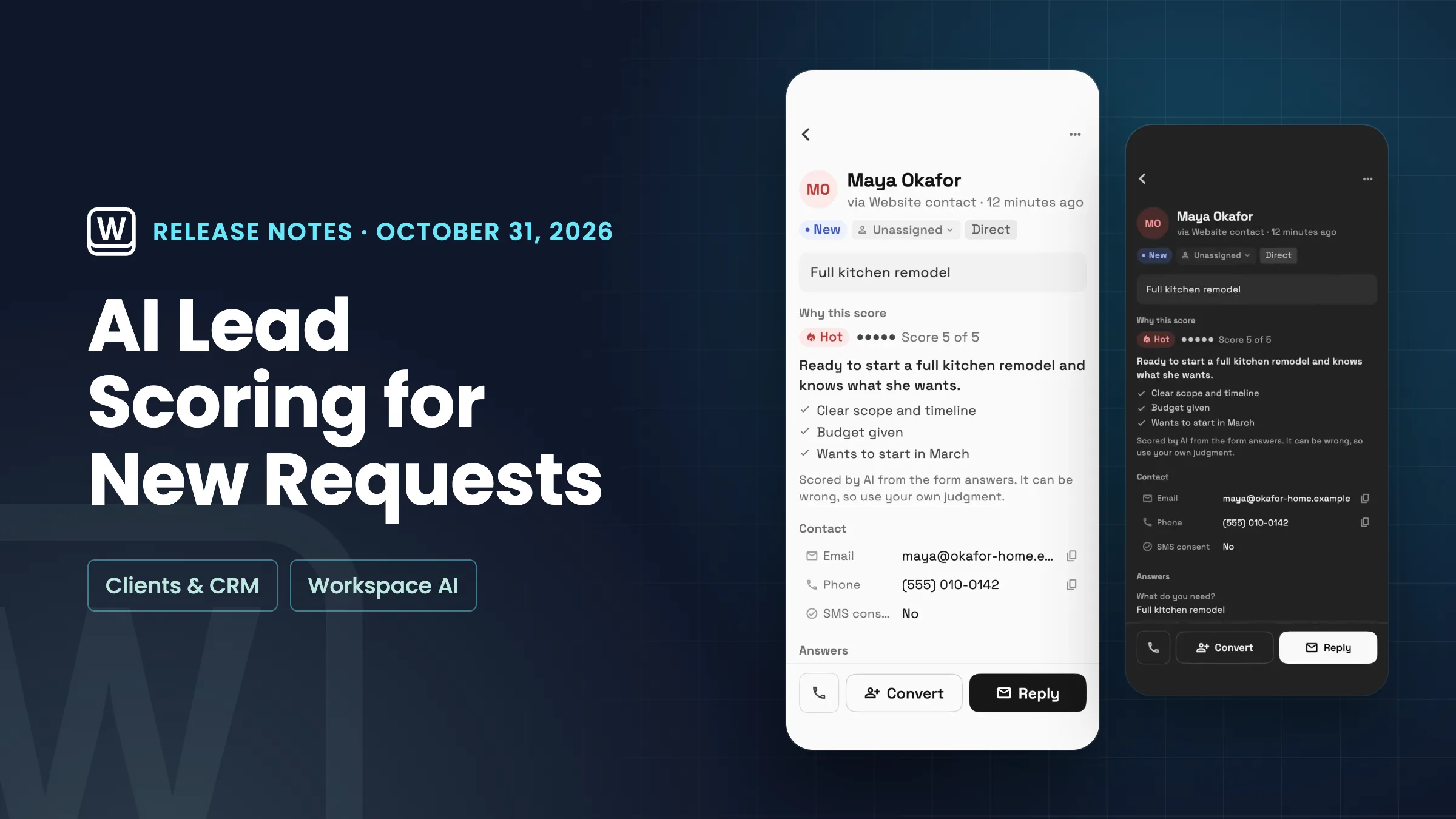
AI lead scoring on new requests
Turn on Score new leads with AI under Lead scoring in your Requests settings, and new requests get a Hot, Warm or Cold label with a score out of 5. The Requests list shows it in a new Score column, and on a phone the label sits on each row. Open a request to see Why this score: a one-line summary and the reasons behind it.
Describe your ideal customer, for example agencies looking for a full website redesign, and leads are scored against it. Without it, they are scored on how clear and complete they are. Obvious spam is marked cold by built-in rules and uses no AI usage. Every other score uses your monthly AI usage. If it runs out, new requests stay Not scored until you top up. The AI can be wrong, so treat the label as a guide.
Lead scoring is off until you turn it on, and it scores requests that arrive after that. It is on Voyager, Specialist, Commander and Enterprise. It is on the web app now and comes to the iPhone and Android apps with their next update.
- Hot, warm or cold on new requests
- Why this score in one line
- Score against your ideal customer
- Spam marked cold without AI usage
- Where to find it
- Settings
- Requests
- Lead scoring
- Plans
- Voyager and up
Faster sign-in on the web
Signing in on the web now gets you to Home much sooner. A wait during sign-in is gone and the app loads several things at once. In our tests on a regular 4G connection, Home was ready in under 4 seconds instead of about 12.
- Home ready sooner after sign-in
- No change to how you sign in
- Where to find it
- app.workspace369.com
- Sign in
- Plans
- Every plan
- Learn more
- Mobile and web apps
Quick answers
- What is AI lead scoring in Workspace369?
- It labels new requests hot, warm or cold with a score out of 5 and a one-line reason, so you can reply to the most promising leads first. Open a request to see Why this score.
- Which Workspace369 plans include AI lead scoring?
- Voyager, Specialist, Commander and Enterprise. On Cadet the setting shows a lock with the plan that includes it.
- Does AI lead scoring use my AI usage?
- Yes. Each scored request uses your monthly AI usage. Obvious spam is marked cold by built-in rules and uses none. If it runs out, new requests stay Not scored until you top up.
- Can I tell the AI who my ideal customer is?
- Yes. Add a short description under Who is your ideal customer? in Settings → Requests → Lead scoring, and new leads are scored against it. It is optional.
- Does lead scoring score requests I already have?
- No. It scores requests that arrive after you turn it on. Older requests show Not scored.
Related updates
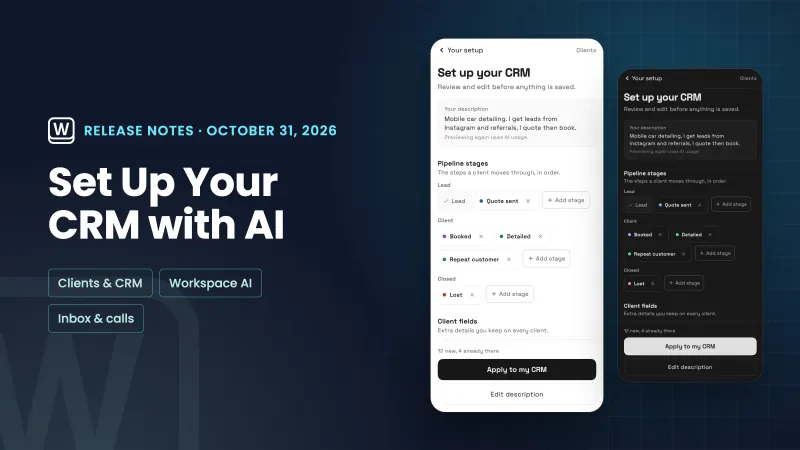 Set up your CRM with AI, and read through your email faster
 Workspace369 is now an approved plugin in ChatGPT
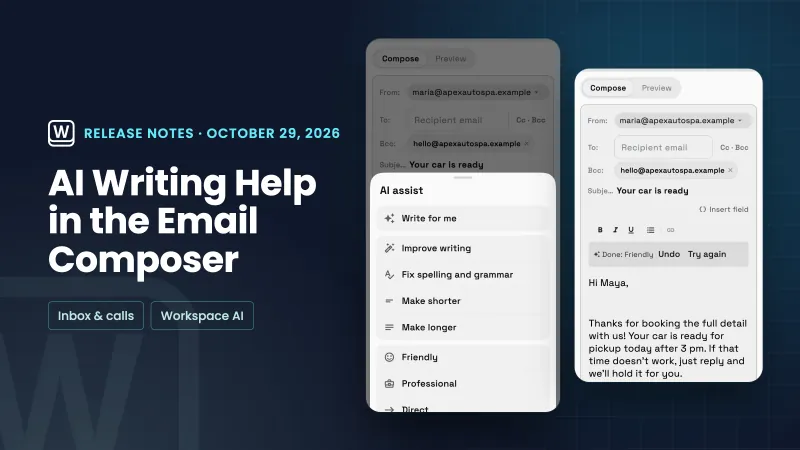 AI writing help in the email composer and your own default sender
AI lead scoring labels new requests hot, warm or cold, in your own workspace
Start your free trial on Voyager, then find it under Settings.
14-day free trial. Card required. After the trial: $74/month for Voyager. Renews automatically every month until you cancel. Cancel anytime in Settings → Billing.