Clients & CRMWorkspace AIProjects, tasks & time
Turn a client note into follow-ups and tasks
Workspace369 can read a client note, or text you paste in, and suggest follow-ups and tasks. You tick, edit and date them, then add them in one step.
Turn a client note into follow-ups and tasks
Yes, Workspace369 can turn meeting notes into follow-ups and tasks. Choose a note on a client, or paste in a call summary, and AI reads it and suggests follow-ups to get back to the client and tasks for you or your team. Nothing is added until you choose it.
Every suggestion is a row you can tick or untick, with a title and a date you can change. Pick the board the tasks go to, then choose Add. When it is done you see what happened, such as 4 added, 1 already there, so pressing Add again on the same list does not create duplicates.
Reading the notes uses your monthly AI usage once, and the AI can get things wrong, so check the list before you add it. Adding the items uses no AI usage.
On a client's Notes tab, choose the sparkle button on a note, or open a note's menu and choose Turn into follow-ups and tasks. To use text that is not in a note, open the client's More actions menu and choose Follow-ups from pasted text. You need permission to view clients, and adding tasks also needs permission to create tasks. It is on Cadet, Voyager, Specialist, Commander and Enterprise, on the web app now, and comes to the iPhone and Android apps with their next update.
- A sparkle button on every client note
- Tick, edit and date each suggestion
- Choose the board for the tasks
- Cadet plan and up
- Where to find it
- Clients
- a client
- Notes
- the sparkle on a note
- Plans
- Cadet and up
- Learn more
- Client follow-upsTasksWorkspace AI
Quick answers
- Can Workspace369 turn meeting notes into tasks?
- Yes. Choose the sparkle button on a client note, and AI suggests follow-ups and tasks from it. You tick, edit and date the ones you want, pick a board, and choose Add.
- Can I turn pasted text into follow-ups?
- Yes. Open the client's More actions menu and choose Follow-ups from pasted text, paste a call summary, meeting notes or an email thread, and choose Find next steps.
- Does turning notes into follow-ups use AI usage?
- Reading the notes uses your monthly AI usage once. Adding the items you chose uses none. The AI can get things wrong, so check the list before you add it.
- Which plans can turn notes into follow-ups and tasks?
- Cadet, Voyager, Specialist, Commander and Enterprise, on the web app now. The iPhone and Android apps get it with their next update.
- Does it add anything before I choose?
- No. Nothing is added until you choose Add. Pressing Add again on the same list reports those items as already there. Reading the note again gives a new list, so check it for items you already added.
Related updates
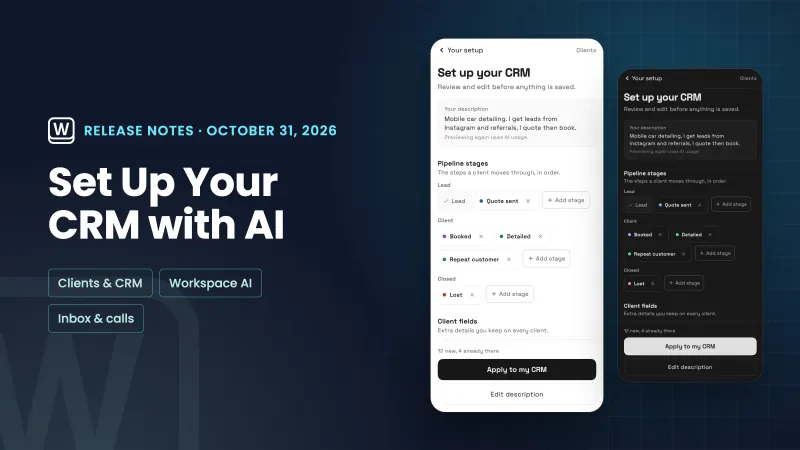 Set up your CRM with AI, and read through your email faster
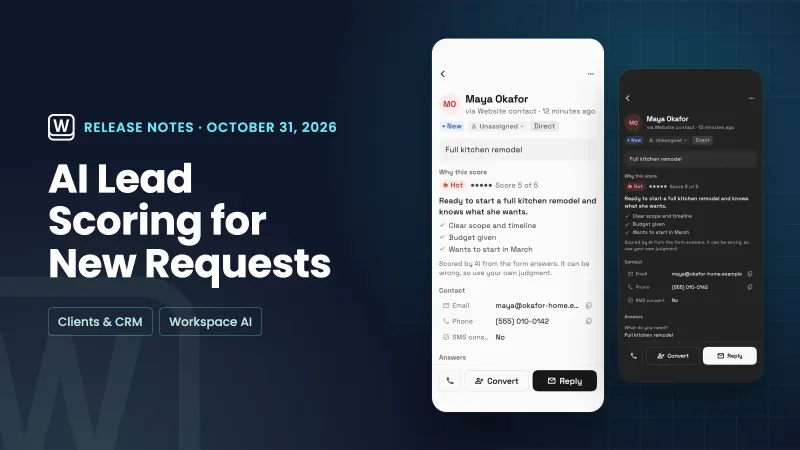 AI lead scoring labels new requests hot, warm or cold
 Workspace369 is now an approved plugin in ChatGPT
Turn a client note into follow-ups and tasks, in your own workspace
Start your free trial on Cadet, then find it under Clients.
14-day free trial. Card required. After the trial: $29/month for Cadet. Renews automatically every month until you cancel. Cancel anytime in Settings → Billing.